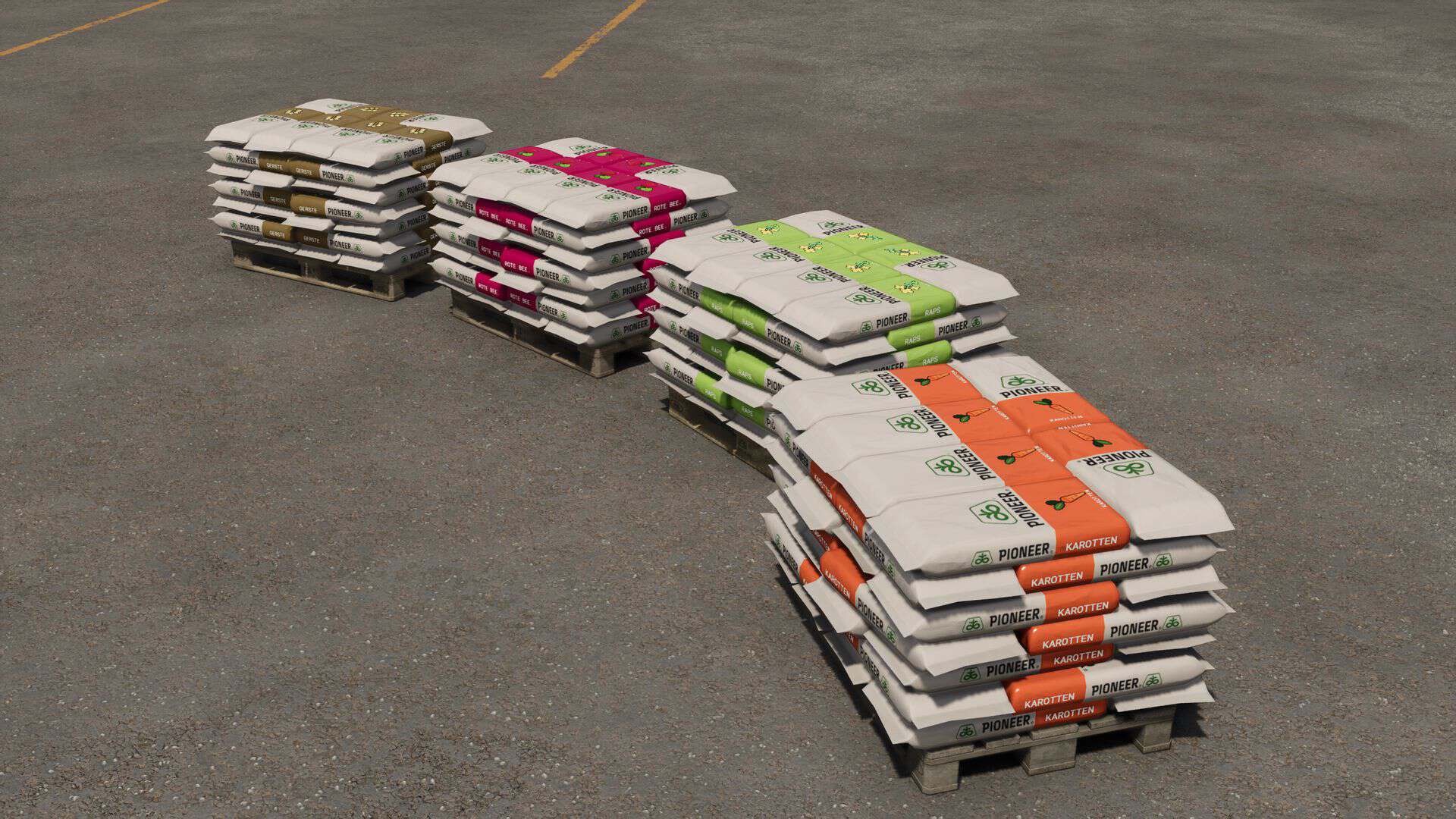
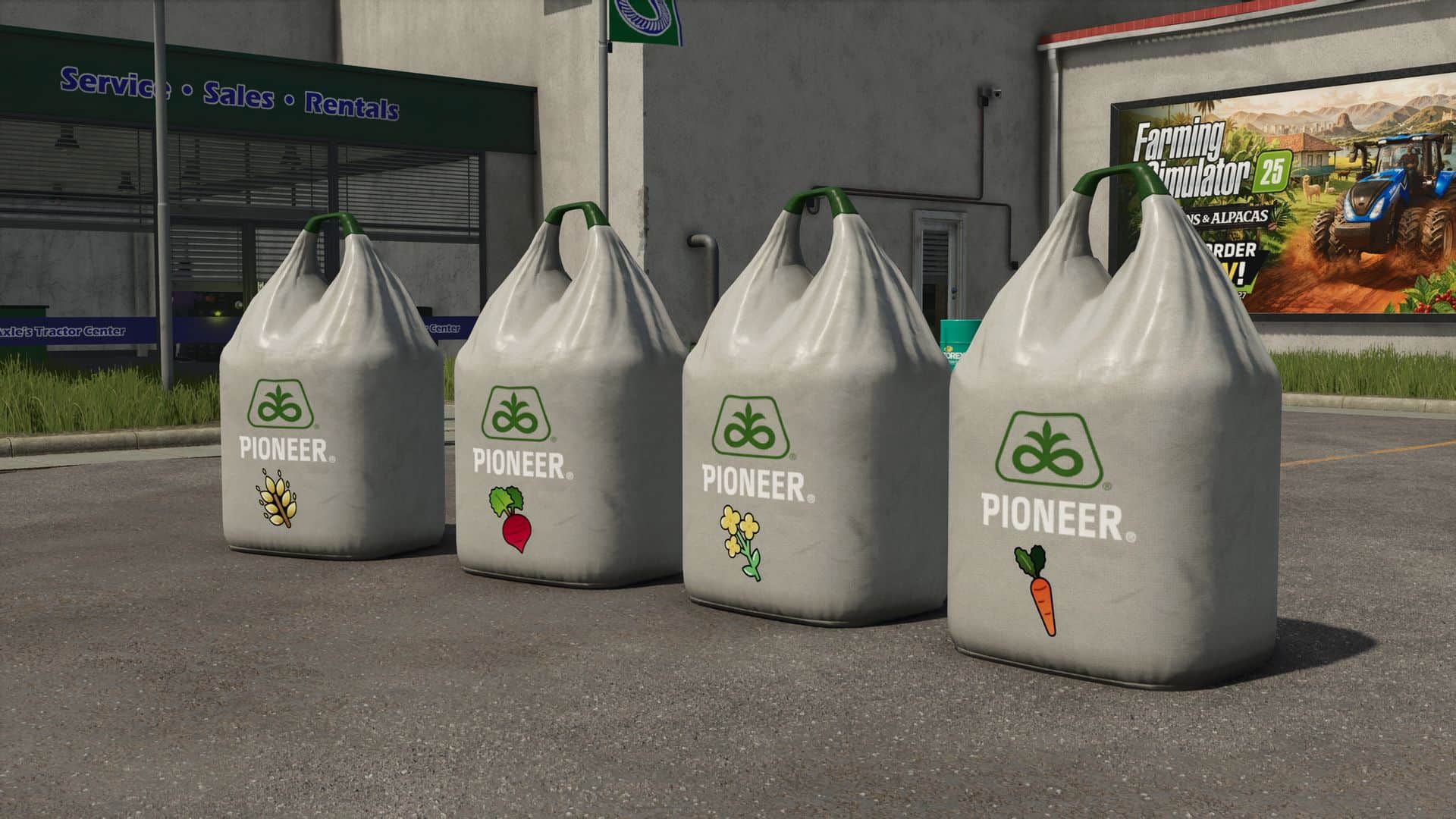
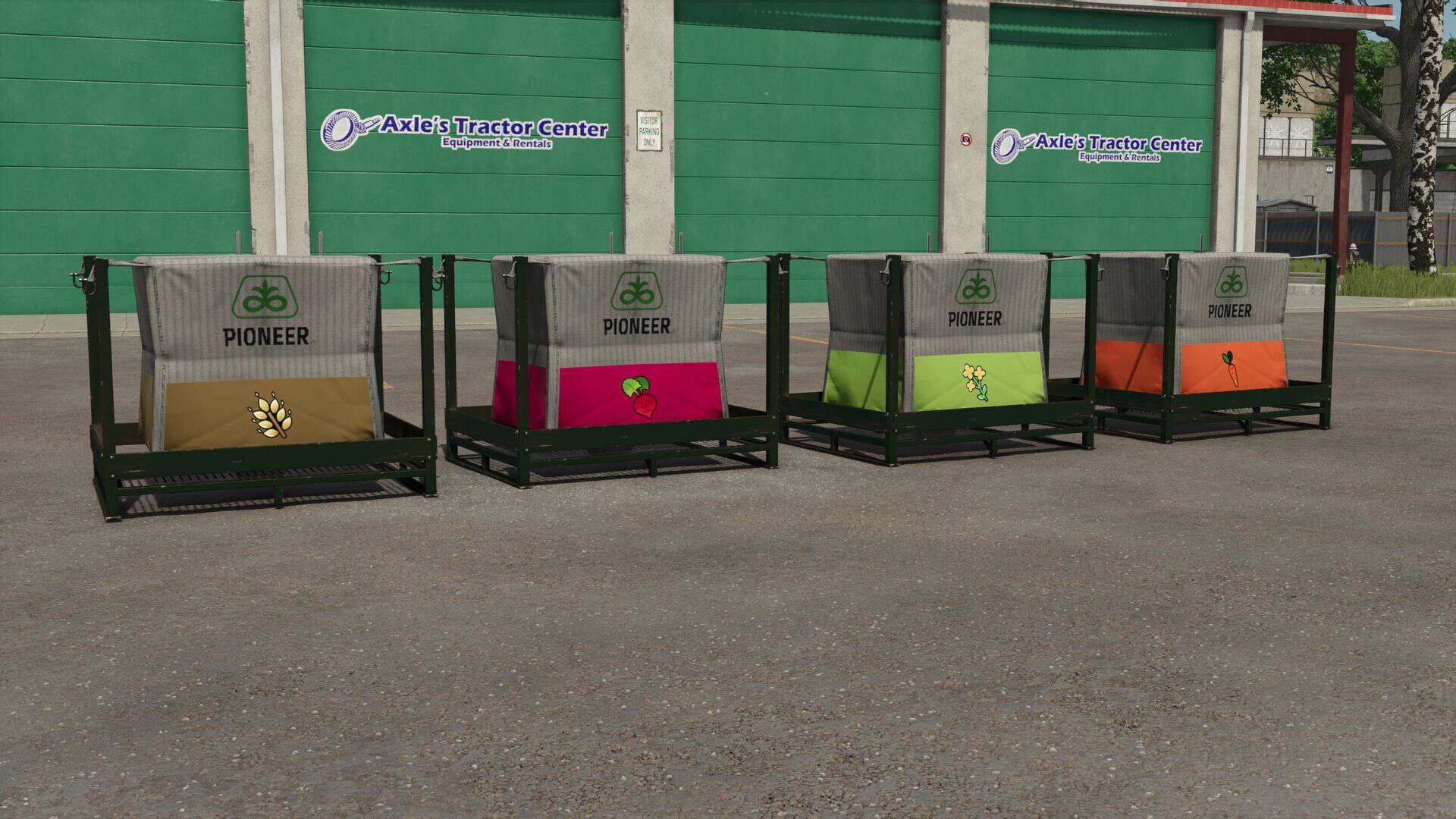
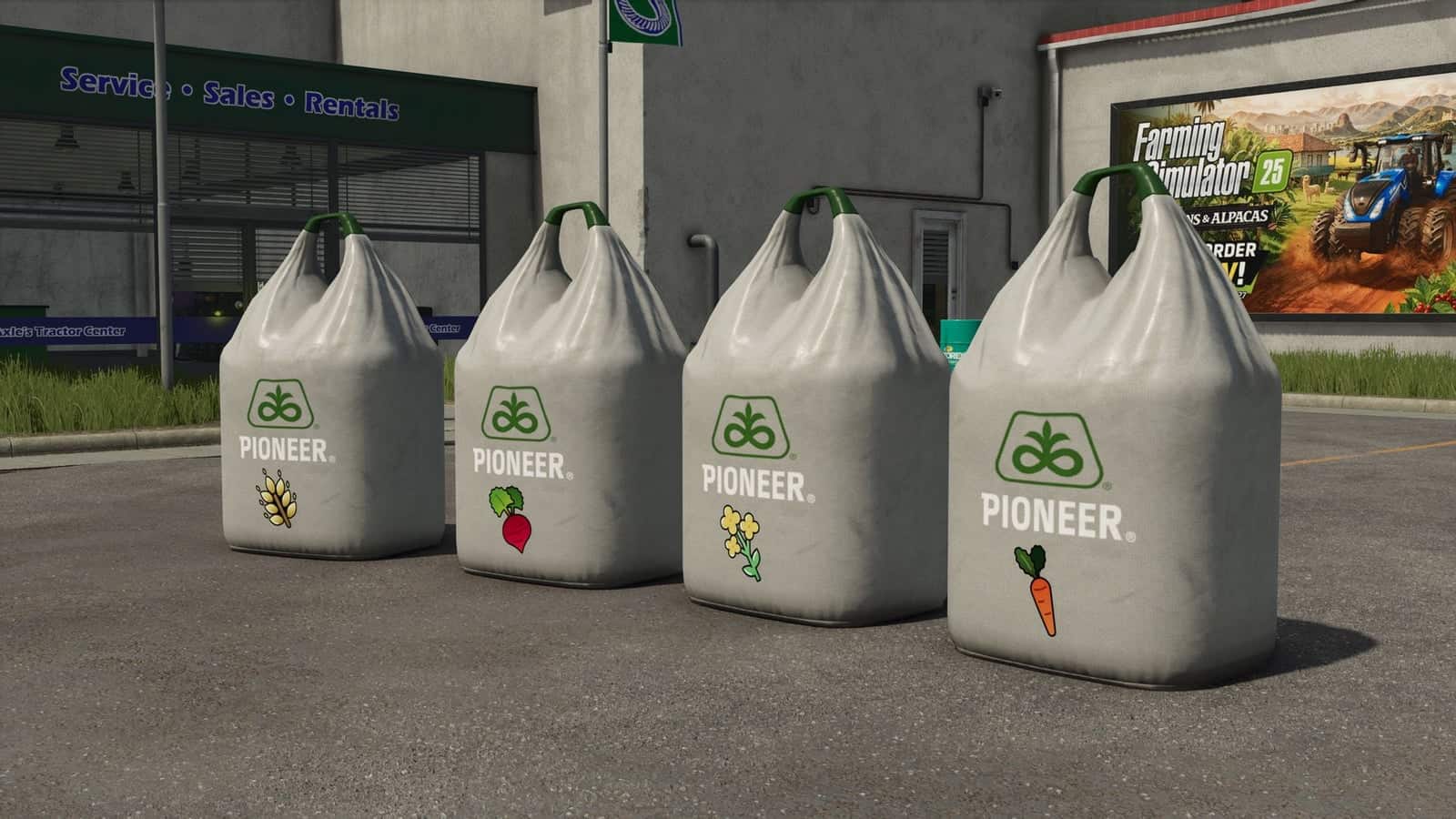
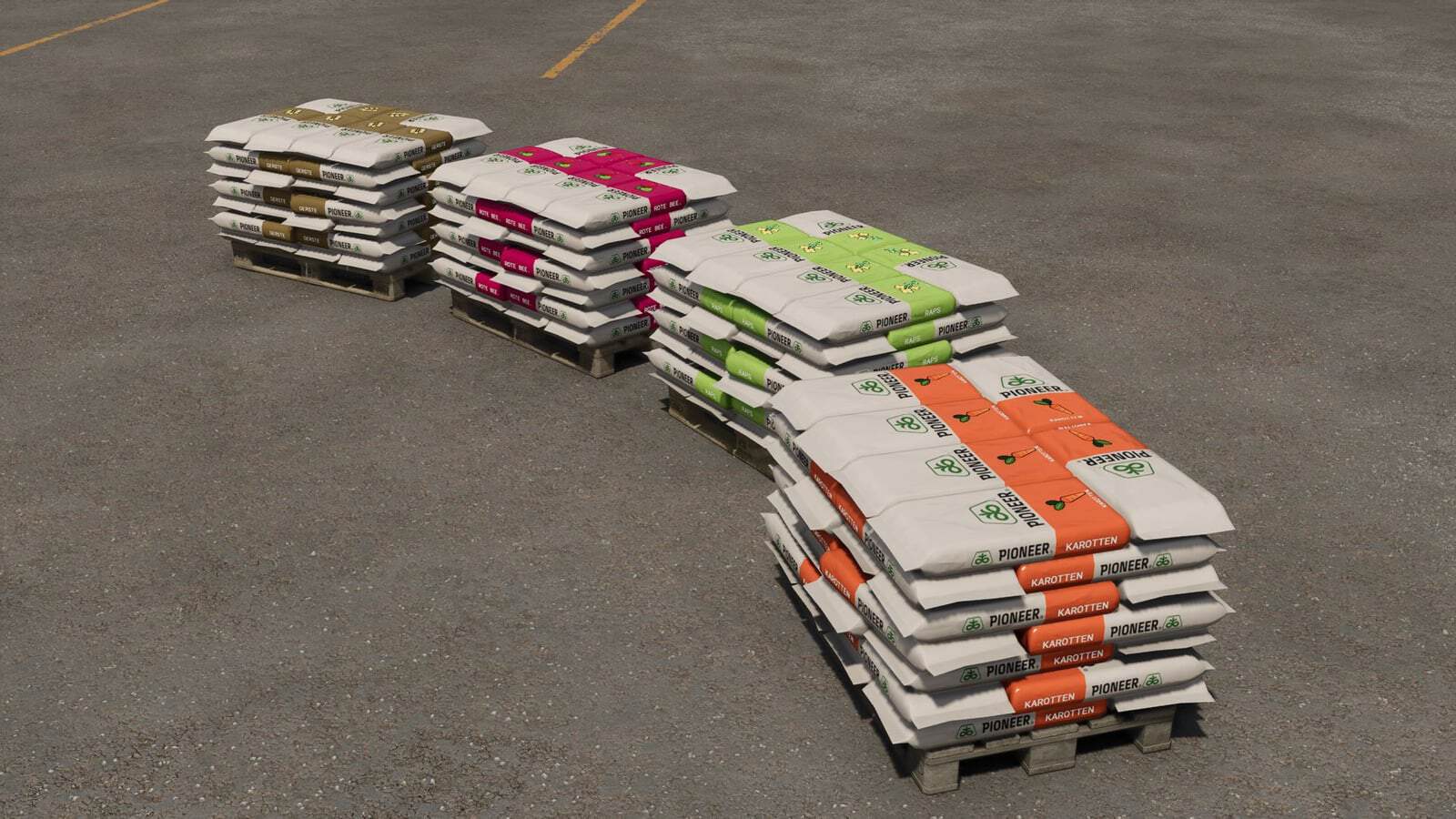
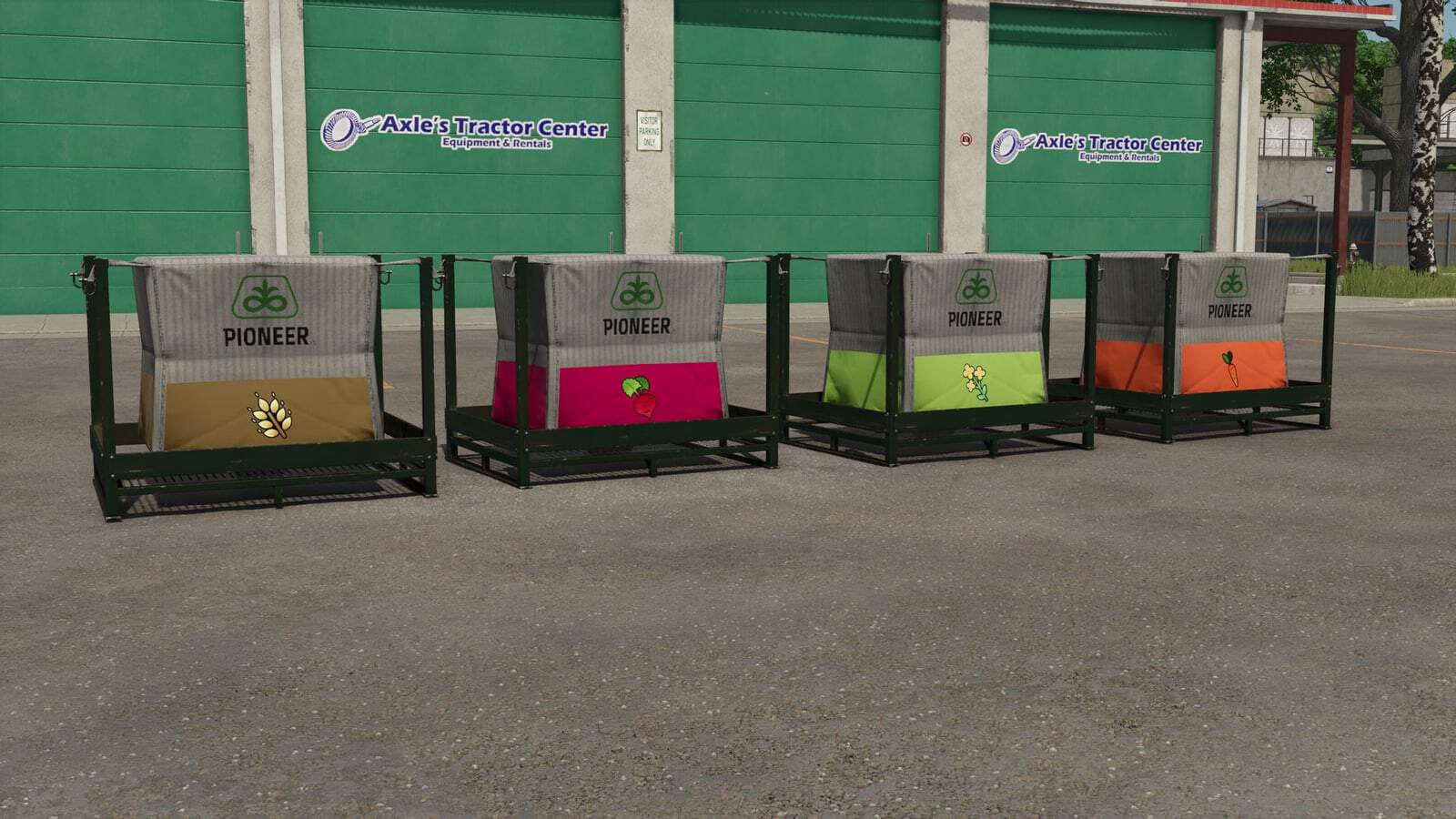
This mod dynamically adds realistic, crop-specific seed types to a map, with matching seed pallets and Big Bags. It also provides dynamic seed prices, tramline control, section width control and seed drill statistics.
Standard seed types remain available, and the option to disable them for seed drills applies individually to each player, allowing mixed playstyles in multiplayer.
Features
- Realistic seed types for each fruit, matching the existing crop varieties on the map.
- Real wheat seed can be used to sow wheat, for example.
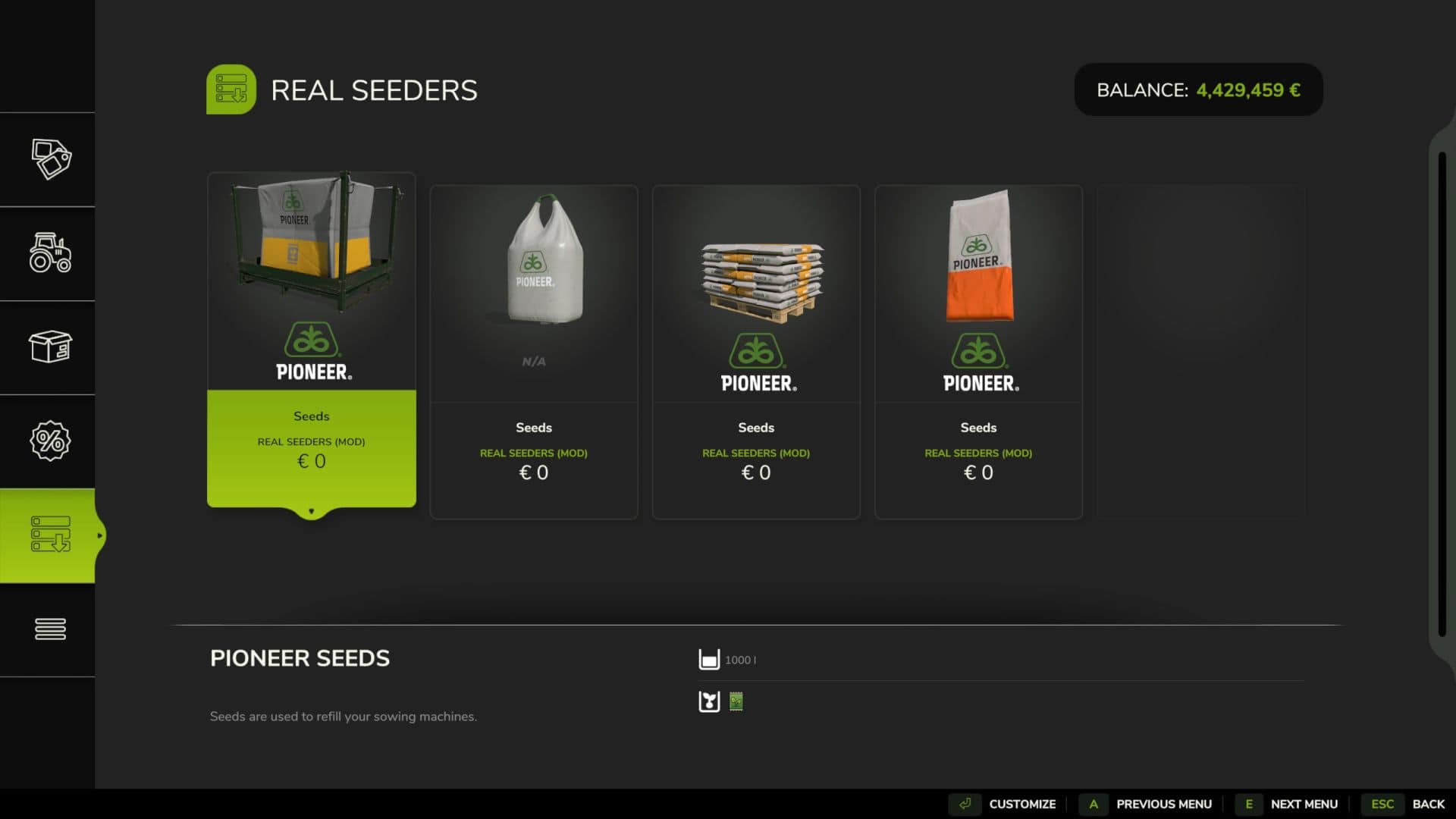
- Suitable seed pallets and Big Bags are available in the shop.
- Seed drills only accept seed types for the crops they can sow.
- Front tanks generally support all seed types.
- If a specific seed type is in a seed drill, it can only be used to sow that particular crop. To change crops, the seed type must first be changed.
- Standard seed types can still be selected using the Z key.
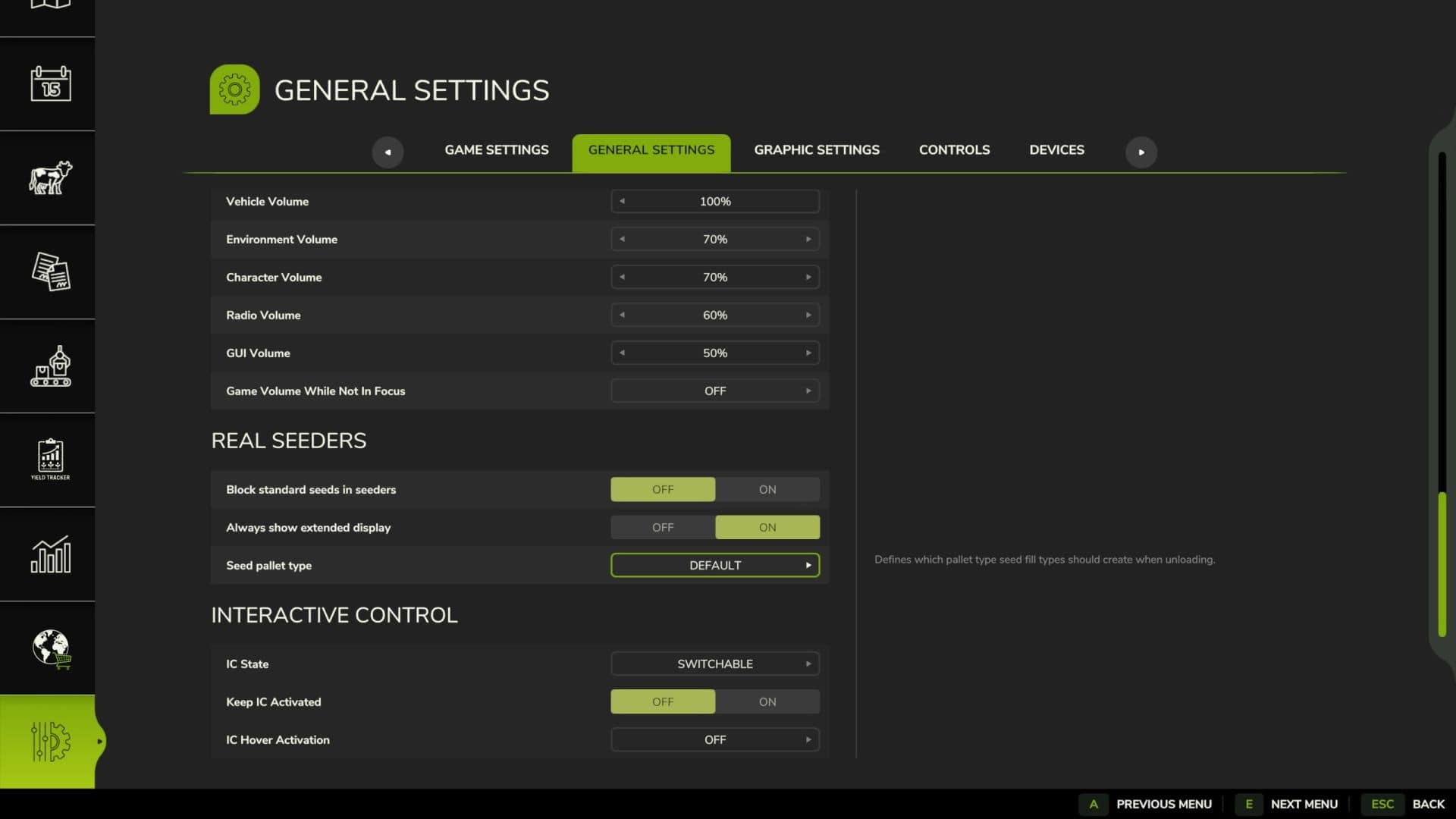
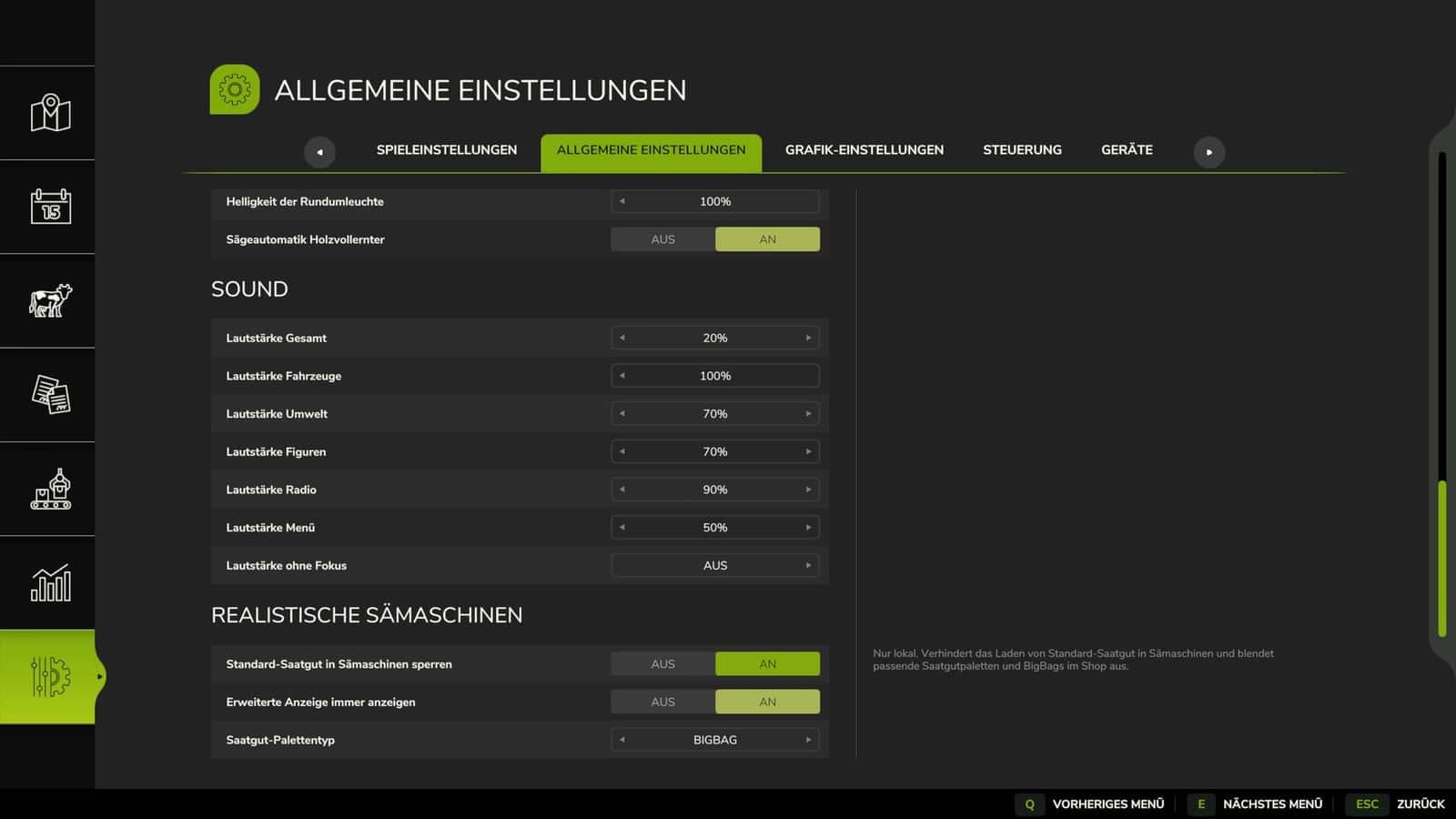
- Standard seed types for seed drills can be disabled in the general settings. Afterward, only the new, crop-specific seed types can be used, and the corresponding standard seed pallets and Big Bags will be hidden in the shop.
- When unloading seeds, the generated pallet type can be specified: New seed range, New seed big bag or Standard seed range.
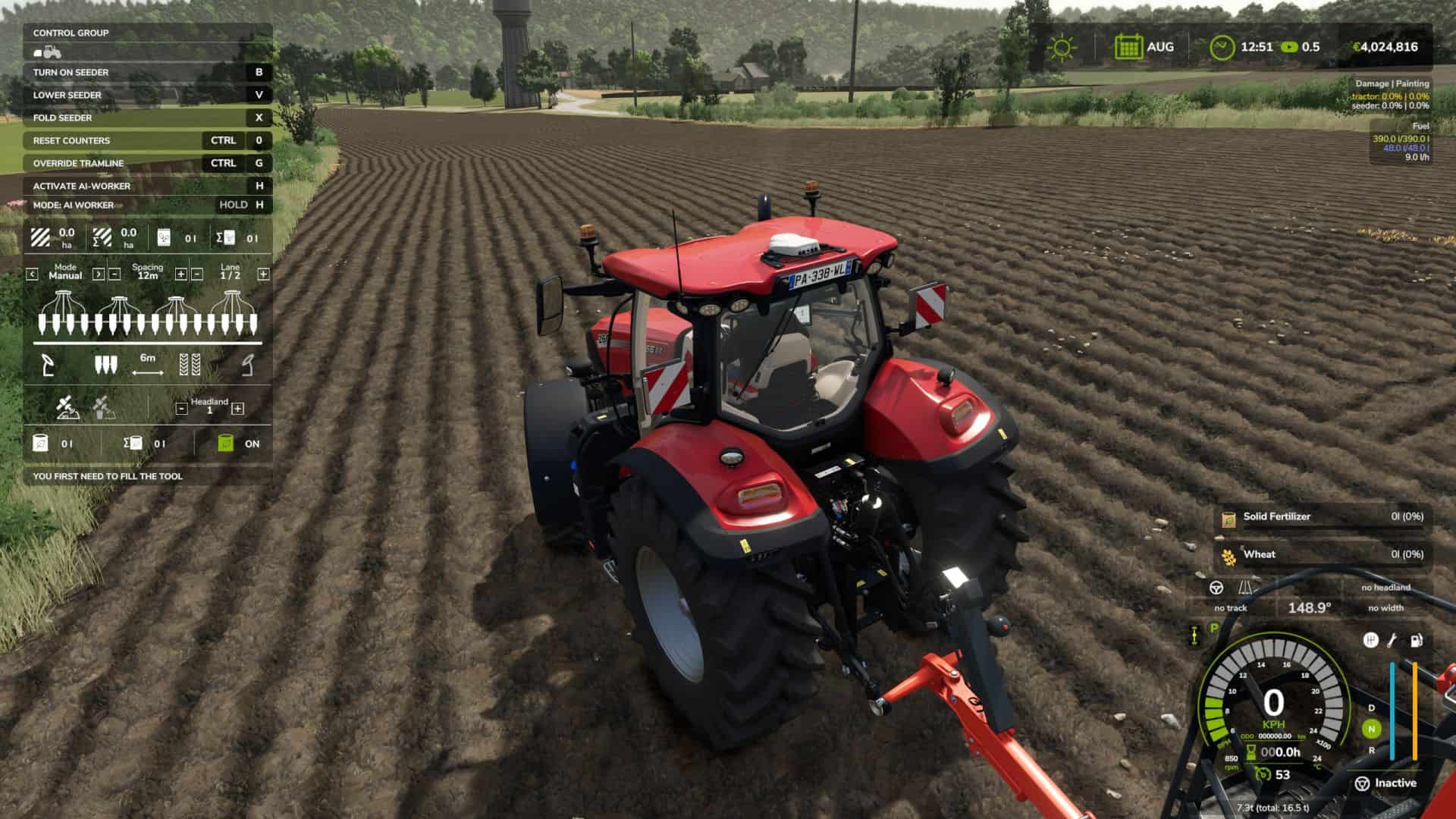
- The F1 menu is expanded with statistics and controls for more precise sowing.
- Displayed information includes sown area, seed consumed, fertilizer consumed, current tramline mode, tramline spacing and path, working width, half-width shut-off status and fertilizer function status.
- Three tramline modes are available: Manual, where the row count is advanced by pressing a key or clicking the HUD; Semi-automatic, where the row count increases automatically when the seed drill is lowered; and Automatic, where a custom-generated GPS course controls the tramline position and half-width shut-off.
- Tramlines and half-width shut-off can be manually overridden at any time.
- In automatic mode, GPS control resumes as soon as its calculated state matches the manual selection again.
- Track markers and the fertilization function can be controlled via buttons or the clickable HUD.
- Session counters can be reset; the total counter since the machine was purchased is retained.
- All buttons can be changed in the game settings.
- Prices are calculated dynamically based on the required amount of seed, yield and the sales value of the respective fruit.
- Seed costs remain in reasonable proportion to the eventual yield.
Standard key bindings
- Ctrl + M: Switch tramline mode
- Ctrl + R: Select next lane
- Ctrl + N: Change tramline spacing
- Ctrl + T: Switch half-width shut-off
- Ctrl + G: Manually override tramline
- Ctrl + J: Toggle left lane marker
- Ctrl + K: Toggle right lane marker
- Ctrl + L: Toggle fertilization function
- Ctrl + 0: Reset statistics counter
- Middle mouse button: Toggle mouse pointer for the HUD
Seed Big Bag
- Contents: 1,000 liters
- Shop categories: BigBags and seed pallets
- Seed types matching the fruits on the map
Seed Big Bag Pallet
- Contents: 1,000 liters
- Shop categories: Pallets and seed pallets
- Seed types matching the fruits on the map
Seed range
- Contents: 1,050 liters
- Shop categories: Pallets and seed pallets
- Seed types matching the fruits on the map