
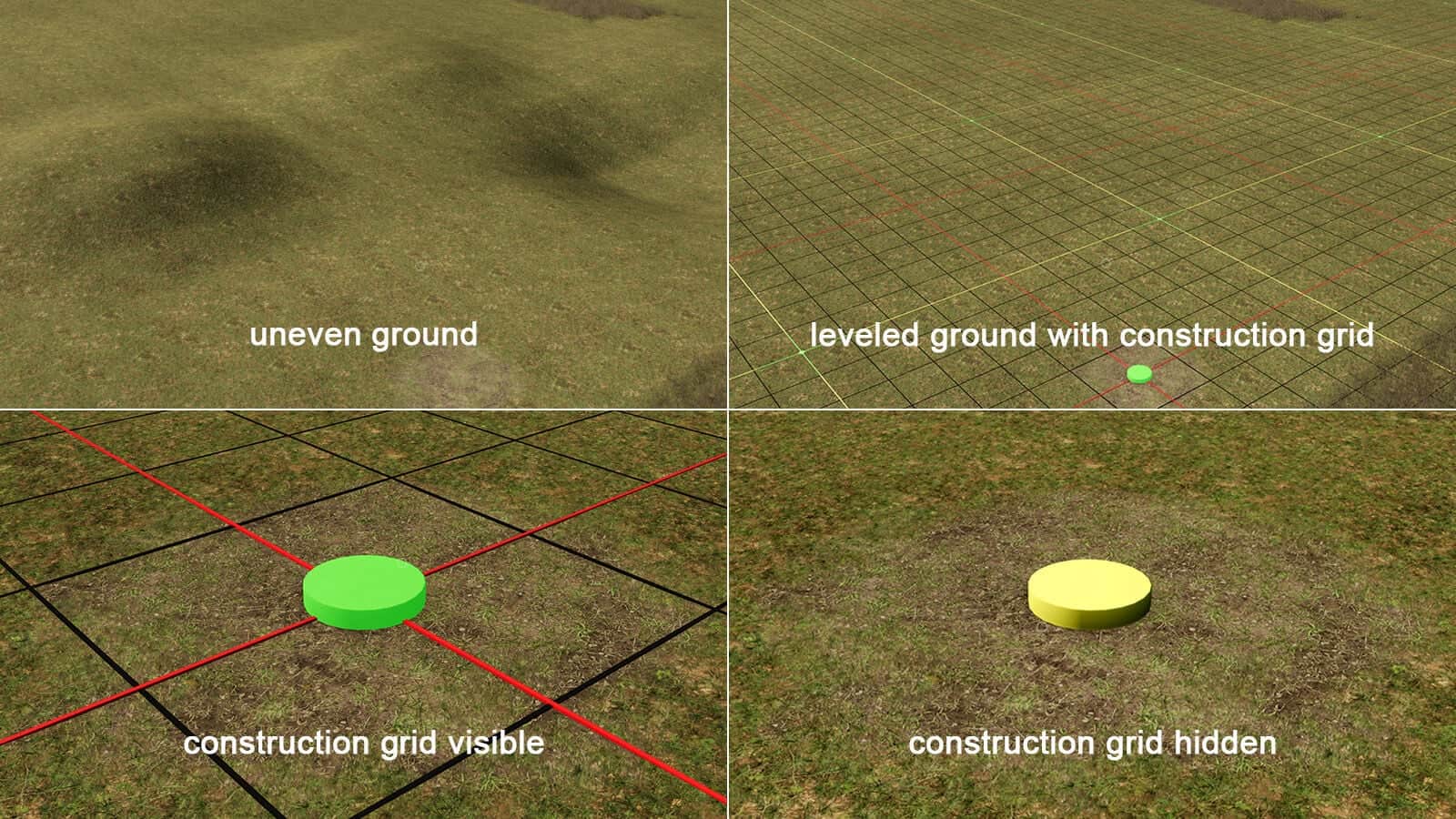
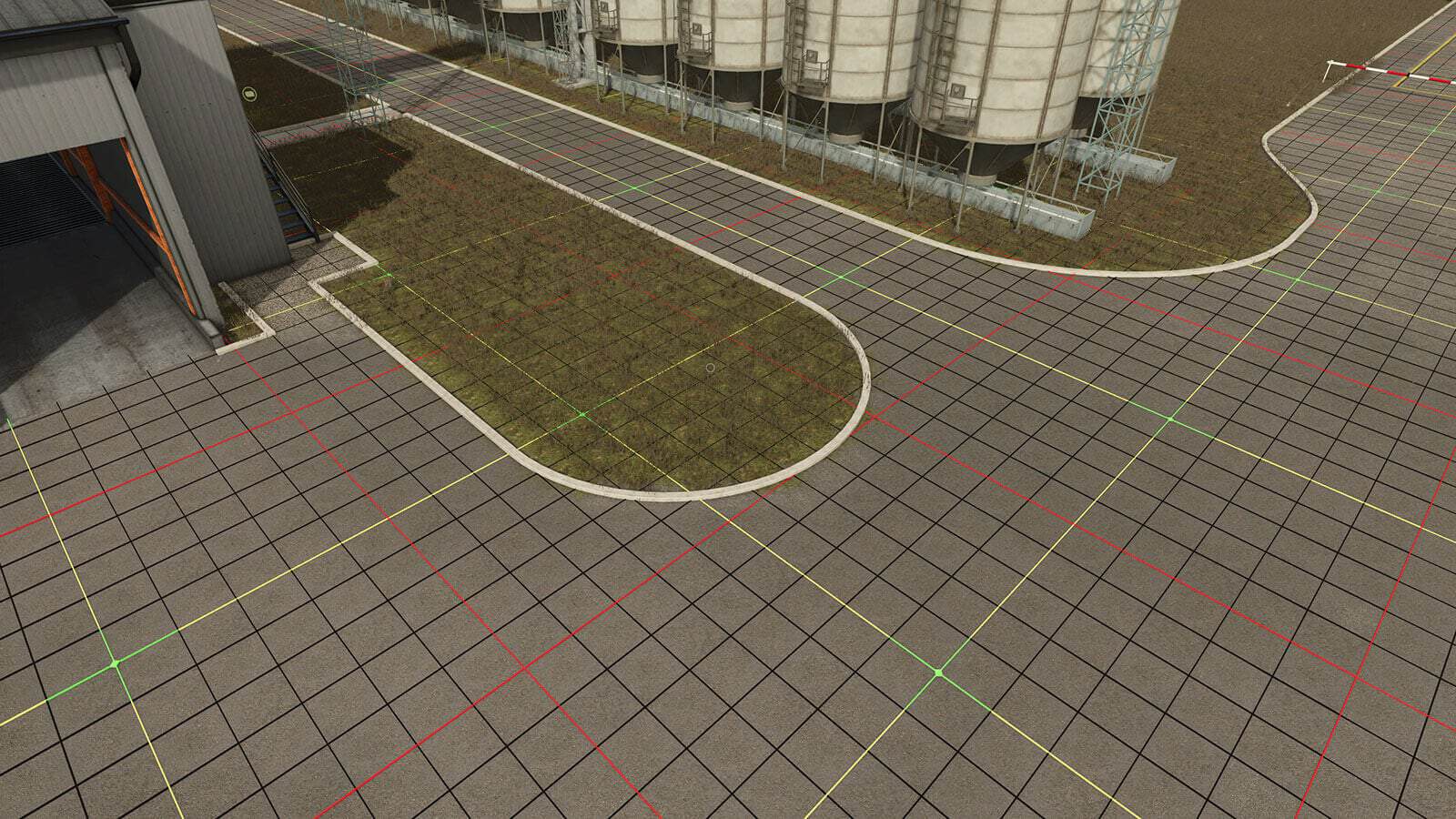
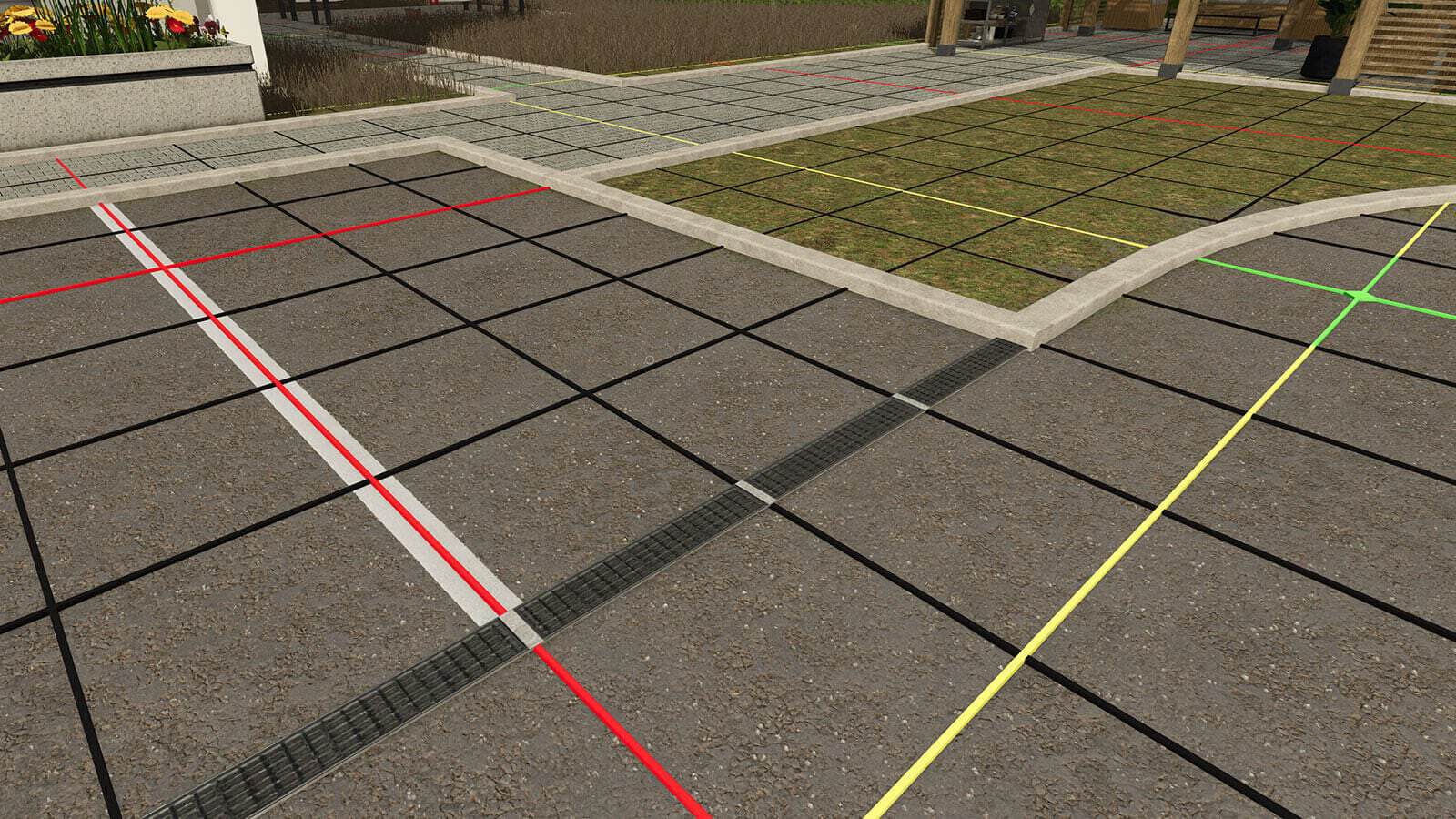
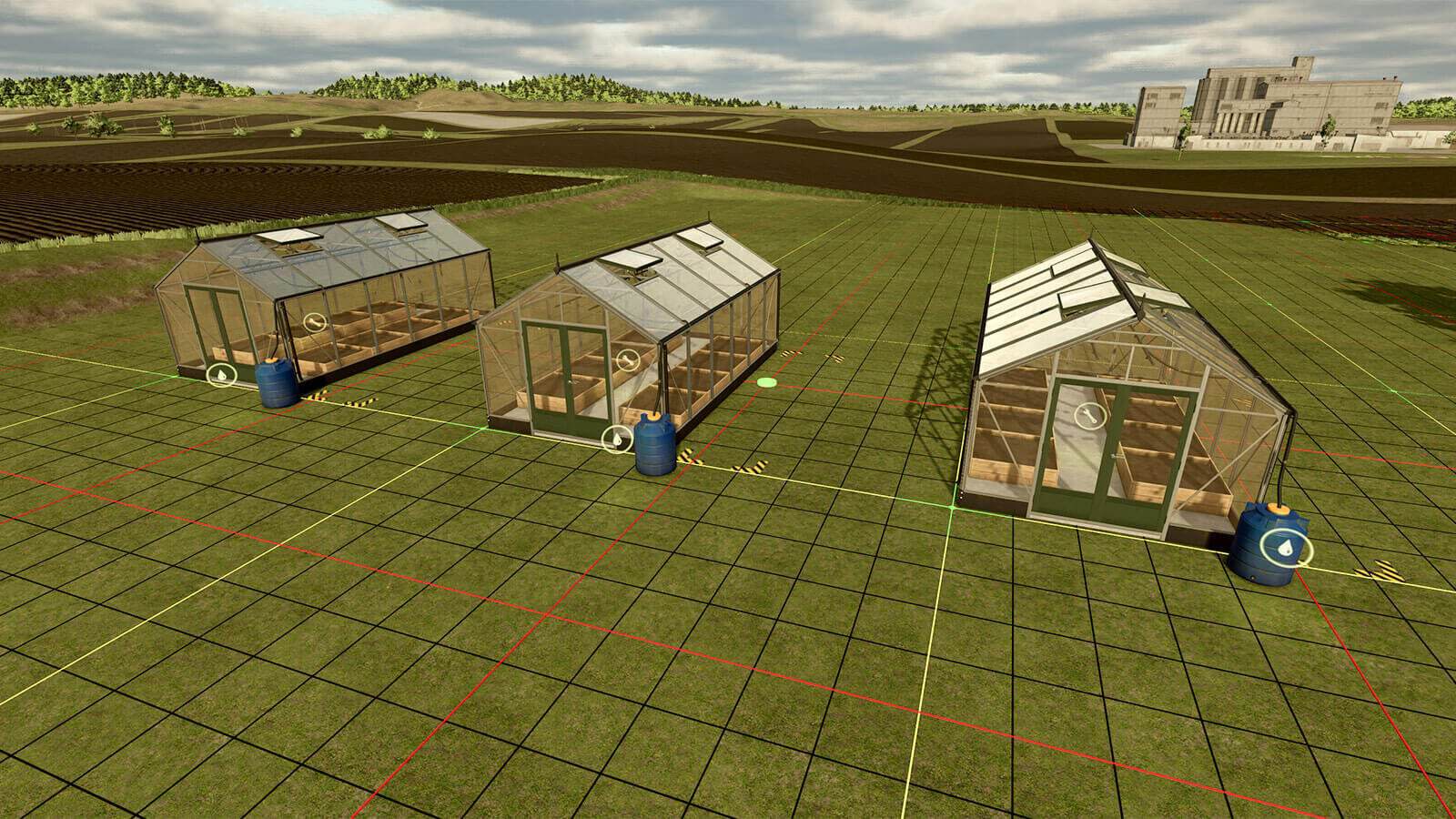
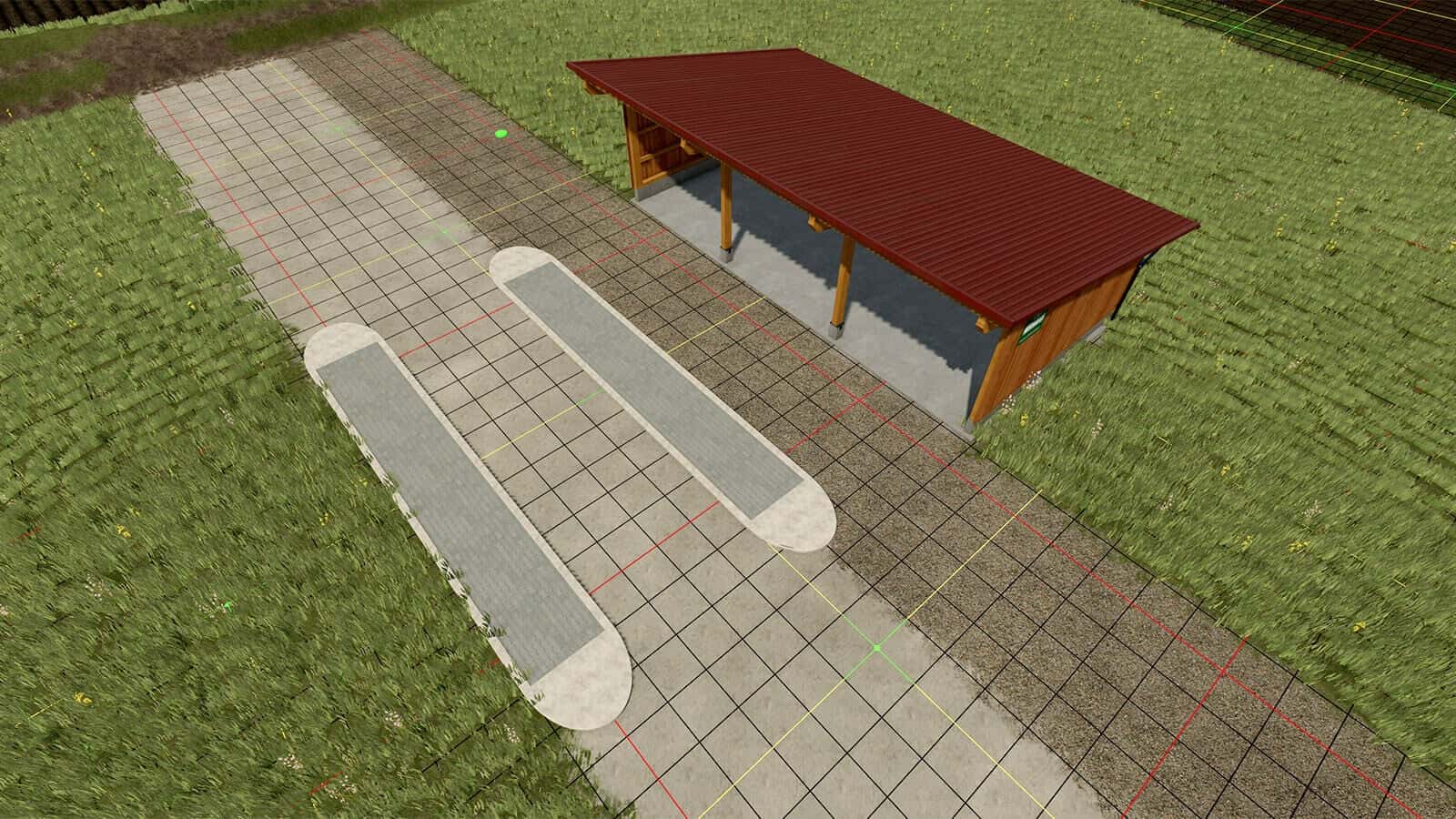
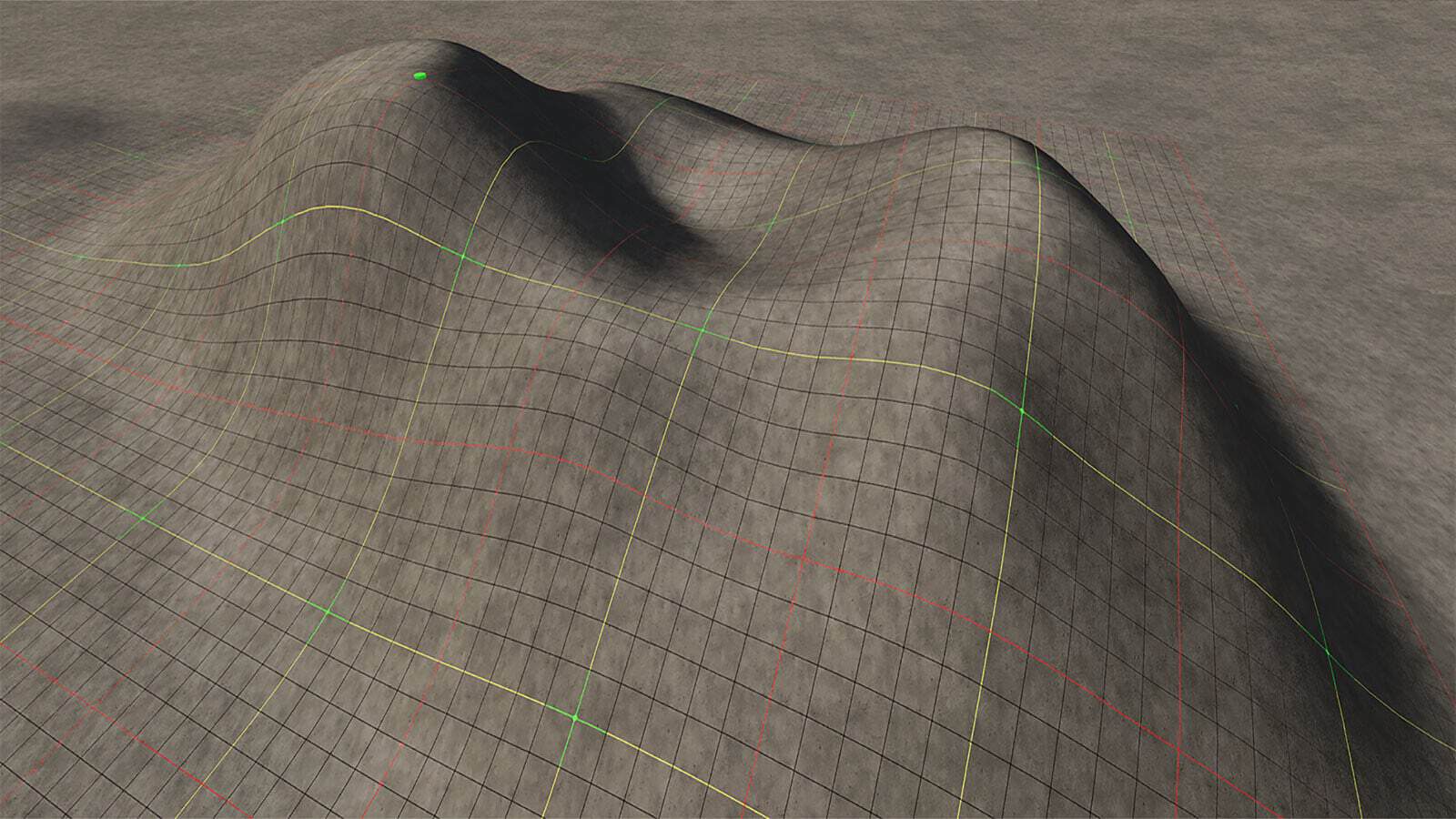
This modification includes six placeable construction grids that help align and place buildings and other objects precisely. Each variant is available in four sizes: 20×20 meters, 40×40 meters, 80×80 meters and 100×100 meters, with the smallest unit of the grid measuring 1×1 meter.
Features
- After placement, all grids can be shown and hidden near the central grab point and sold again via the construction menu.
- Variant 1: Grid fixed at 90°. The grid is permanently aligned at 90° and cannot be rotated. It lies flat above the terrain and does not modify it.
- Variant 2: Grid fixed at 90°, with terrain adjustment. Like Variant 1, but it levels or flattens the terrain beneath the grid, provided terrain modification is allowed.
- Variant 3: Grid fixed at 90°, follows the terrain. Like Variant 1, but it automatically adapts to the ground heights. The terrain remains unchanged.
- Variant 4: Rotatable grid, in 15° steps. The grid can be rotated in 15° steps. It lies flat above the terrain and does not modify it.
- Variant 5: Rotatable grid, in 15° steps, with terrain adjustment. Like Variant 4, but it levels or flattens the terrain beneath the grid, provided terrain modification is allowed.
- Variant 6: Rotatable grid, in 15° steps, follows the terrain. Like Variant 4, but it automatically adapts to the ground heights. The terrain remains unchanged.
Specifications
- Grid sizes: 20×20 meters, 40×40 meters, 80×80 meters and 100×100 meters
- Smallest grid unit: 1×1 meter
- Shop category: Decoration -> Miscellaneous
- Price: $1
How to select the size: The grid size can be selected in the construction menu using the “Configure” function. To do so, select the grid and press the input shown in the construction menu for “Configure”. On PC, this is the F key by default. The displayed key binding may vary depending on your input device and key configuration.
Changelog
1.1.0.0
- Size selection: All variants can now be selected in four sizes via “Configure” in the construction menu, 20×20 meters, 40×40 meters, 80×80 meters and 100×100 meters.
- Two new variants added, also with size selection: “Grid fixed at 90°, follows the terrain” and “Rotatable grid, in 15° steps, follows the terrain”.




This update screwed it up completely!!!
I leveled a huge area 3 times before placing several 100m grids(the previous version), nice and level.
Now with the current version, it shows ‘hills’,
Even after leveling it out AGAIN!!!