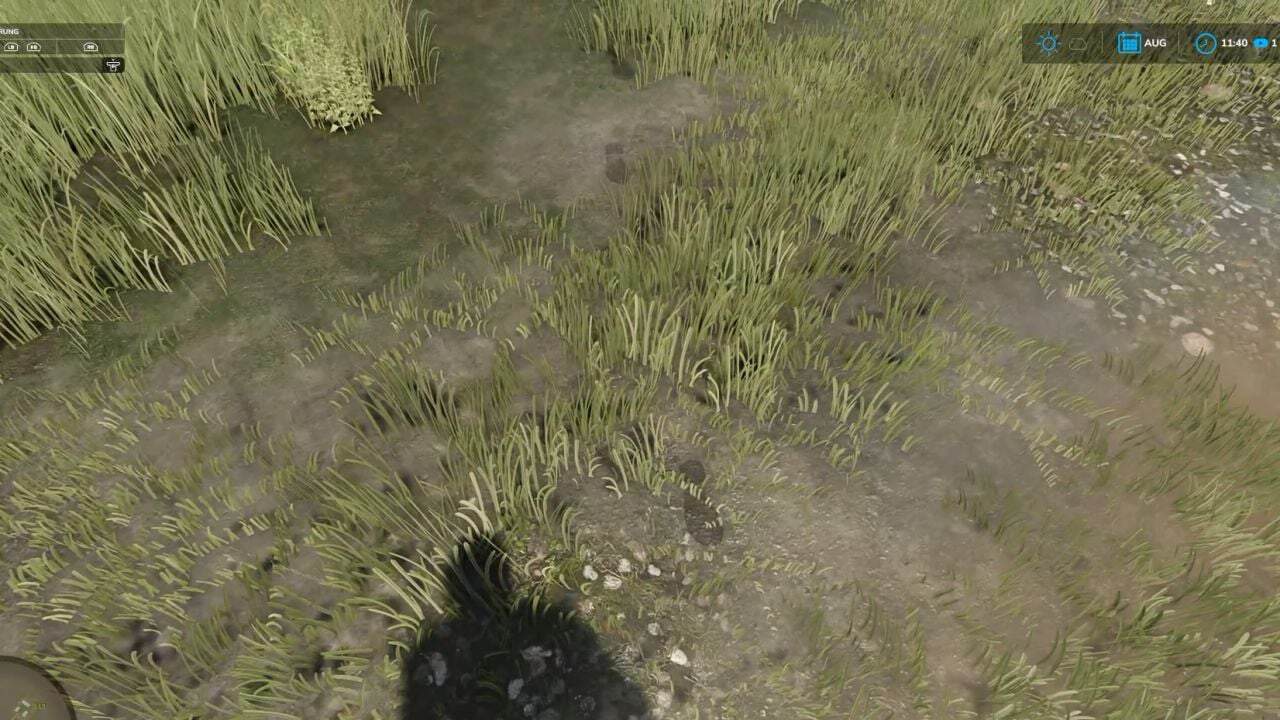
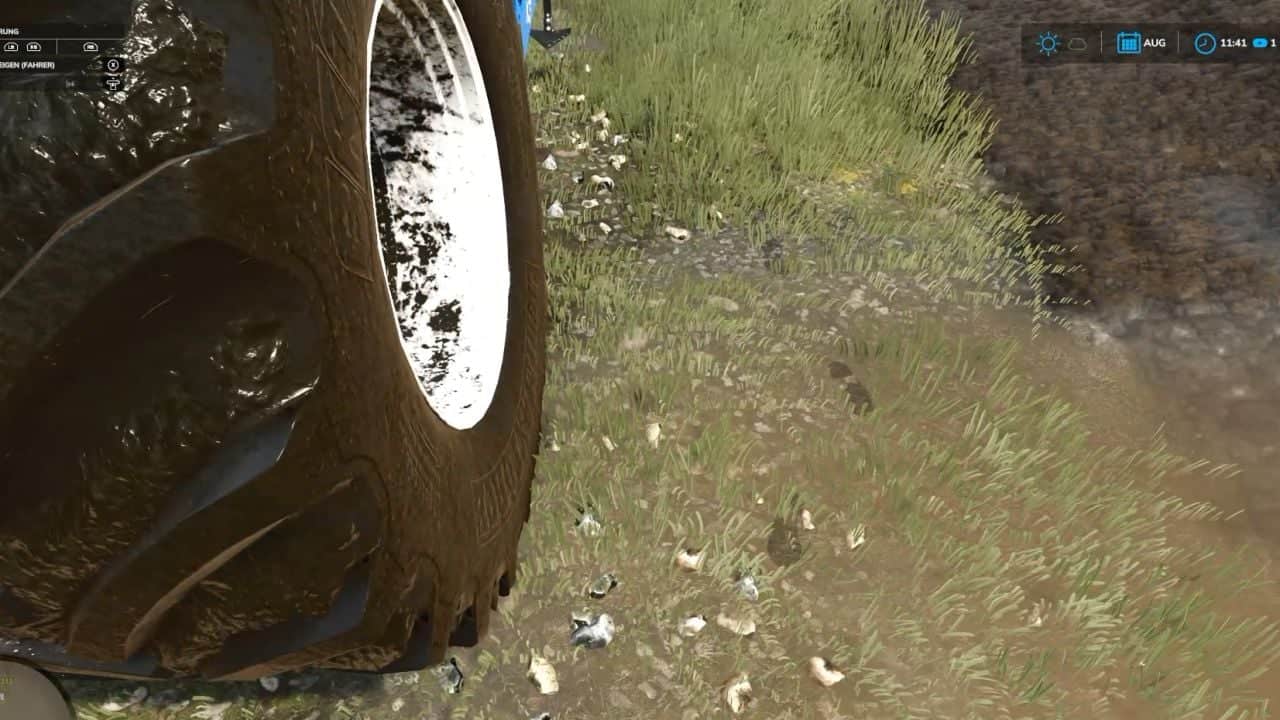
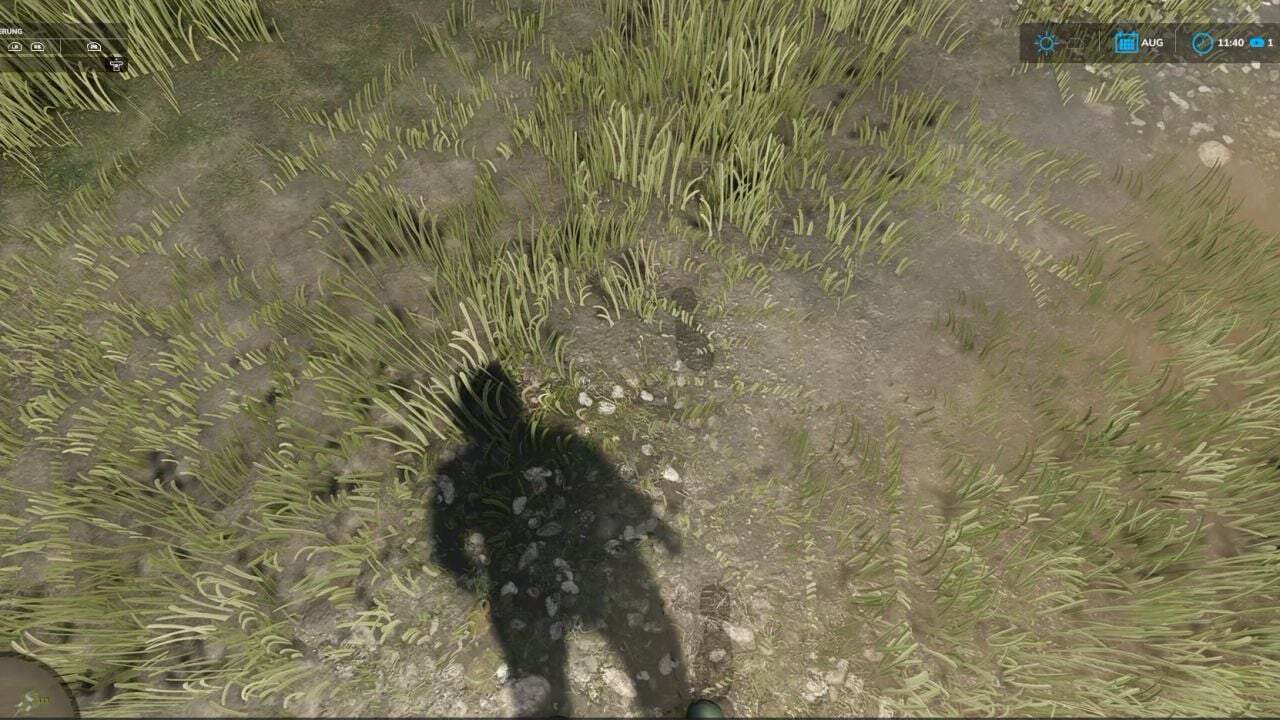
Realistic Footsteps adds visible, dynamic footprints to FS25. Tracks adapt to the terrain, footwear, movement, and current weather conditions.
Features
- Five sole patterns generate distinct impressions on soft soil, cultivated fields, grass, mud, manure, and snow, depending on the footwear.
- The mod detects bodies of water and typical water-filled tire ruts in fields. No footprints are left when walking on water, and mud clinging to the soles is quickly washed away while moving through it.
- Track color is based on the detected hue of the ground. When moving from dark cultivated soil onto a lighter surface, the carried dirt color shifts gradually over several steps. Once the soles are clean again, footprints cease to appear on hard surfaces.
- On soft terrain, the character visibly sinks into the ground by approximately 2 to 10 cm, depending on the conditions. This does not permanently alter the actual elevation of the map.
- When entering a vehicle, up to eight imprints of mud, moisture, or snow may be left on the cab floor. With the standard “wash” function, these marks remain until the vehicle is washed or otherwise removed.
- Weather-dependent fading and the reuse of imprint objects help maintain stable performance.
- Footprints are generated locally and do not require additional network events for every single mark. Multiplayer is fully supported.
Controls
- Toggle footprints on/off:
Ctrl + Shift + F - This key combination can be changed in the controls menu.
Console & Debug
The following console commands are available for testing, configuration, and troubleshooting:
fsFootstepsfsFootstepsClearfsFootstepsDebugfsFootstepsInfofsFootstepsSet <name> <value>fsFootstepsReloadfsFootstepsWaterScan
Configuration file: modSettings/FS25_realistic_footsteps.xml