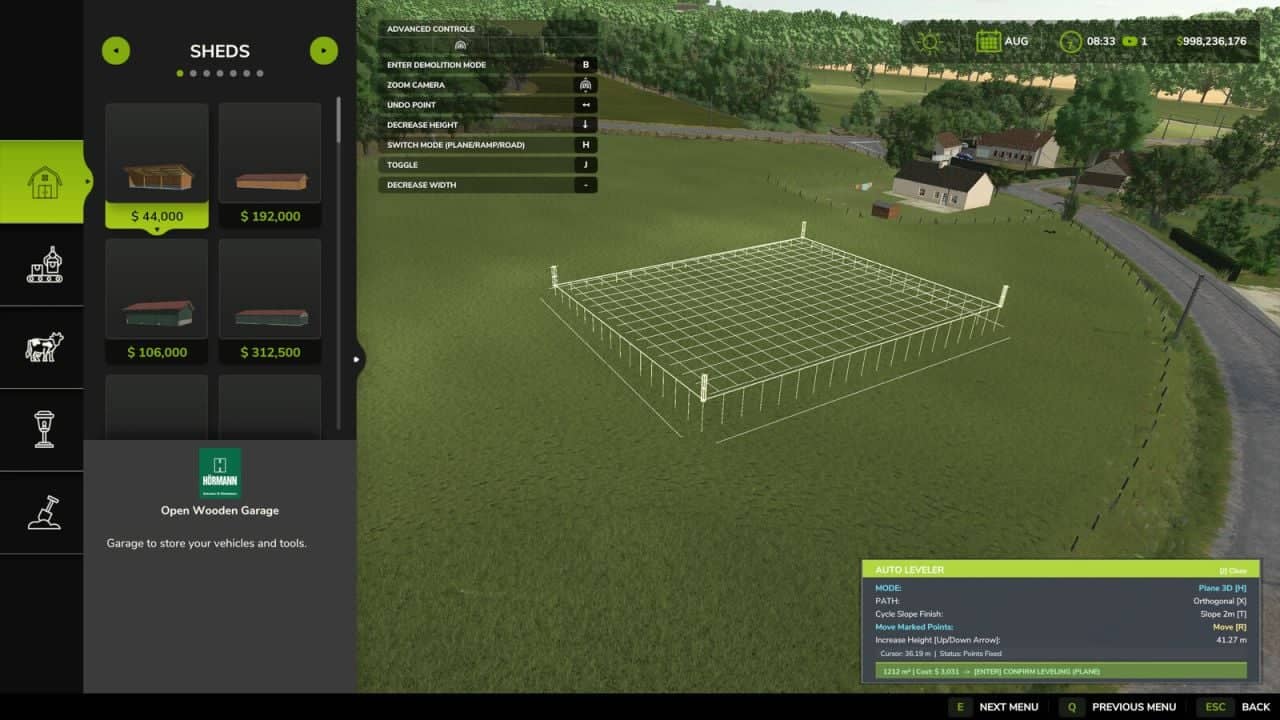
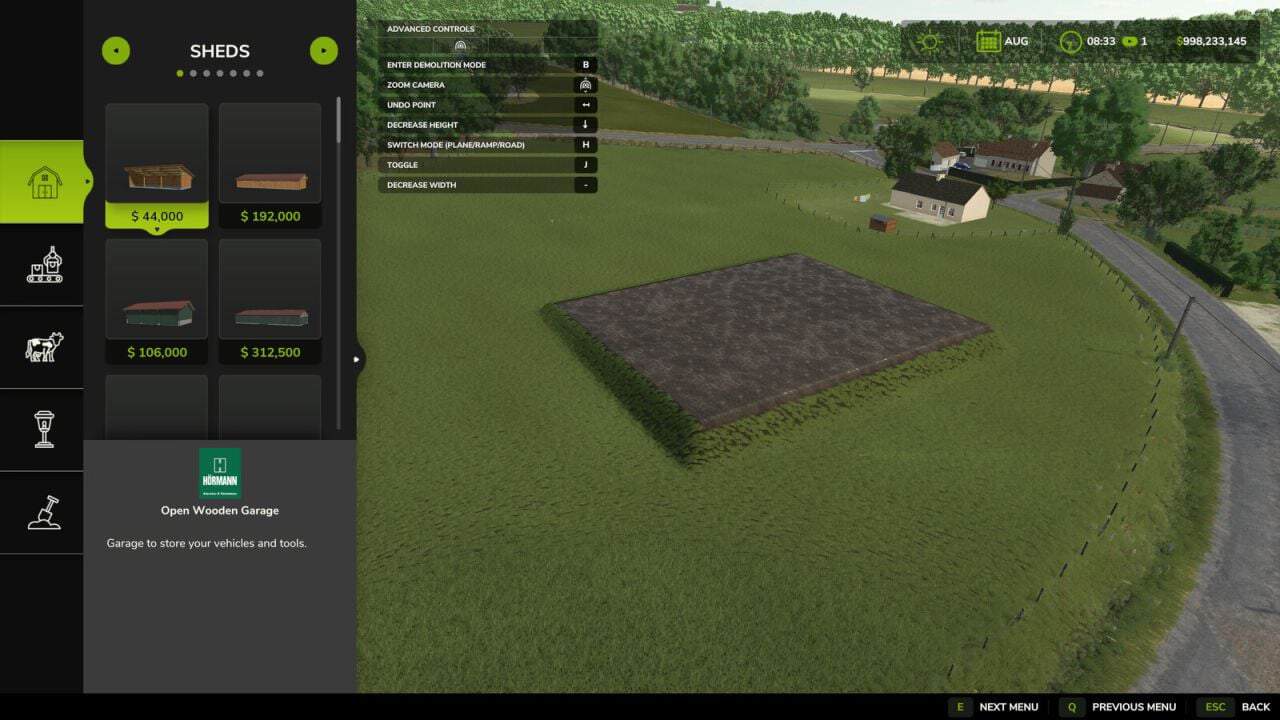
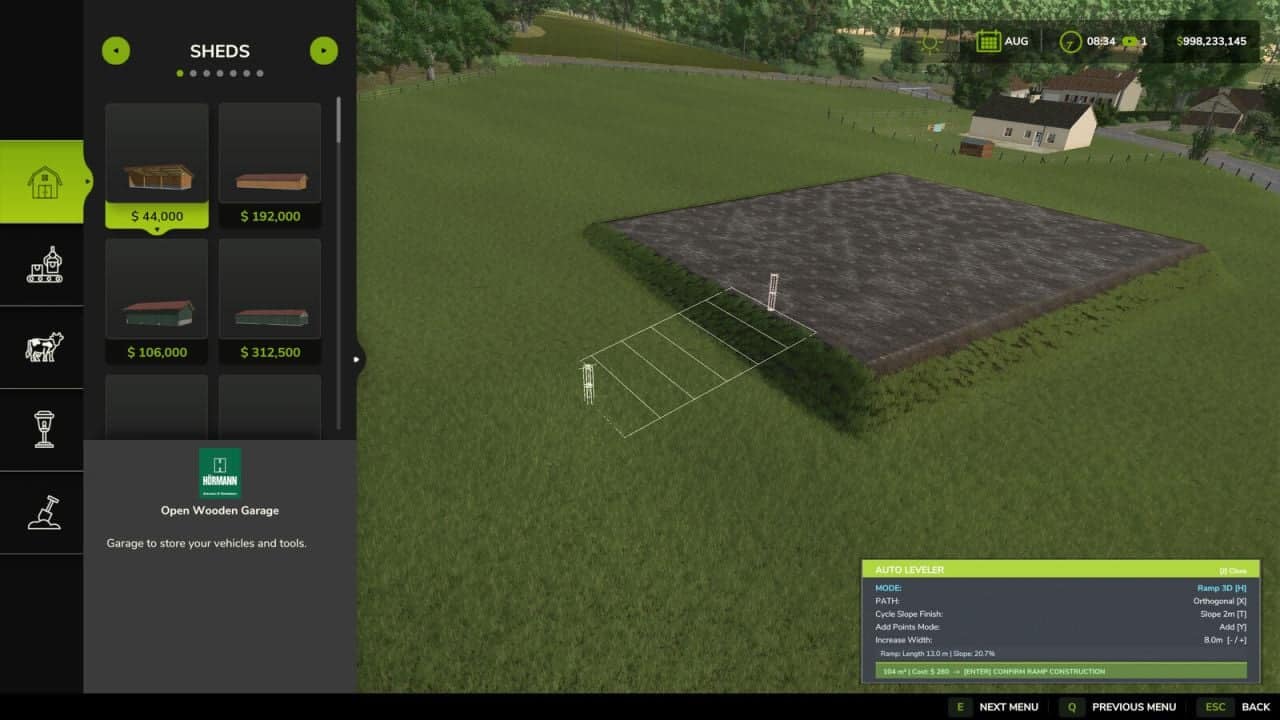
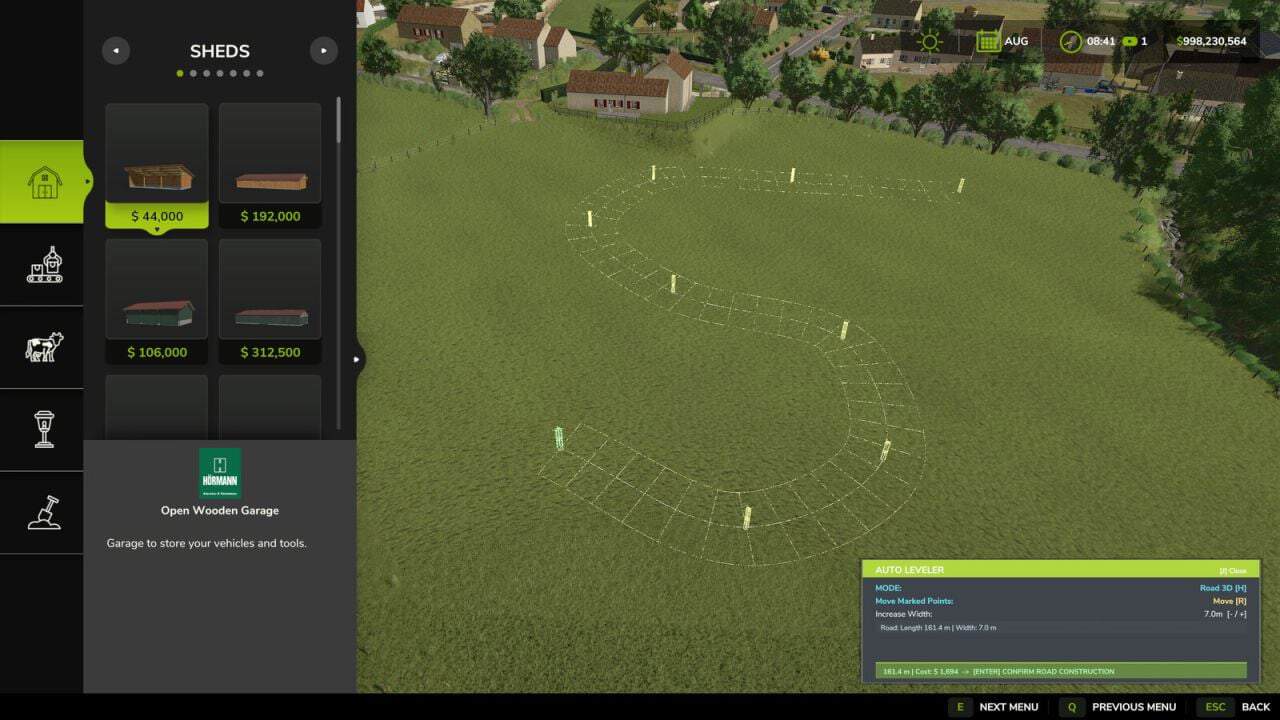
Auto Leveler provides tools for creating flat planes, ramps, and roads in Farming Simulator 25. Mark boundary points, preview the elevation plane in real time, and apply the terraforming with [Enter].
To activate the Auto Leveler, enter the Construction Menu and ensure you are on the main overview/selection screen, without any active building or specific landscaping brush selected. Press [J] to open the mod interface and start creating custom planes, ramps, or roads. If you have a building or landscaping tool selected, press [ESC] to return to the main construction menu screen, then press [J] to activate the mod.
Features
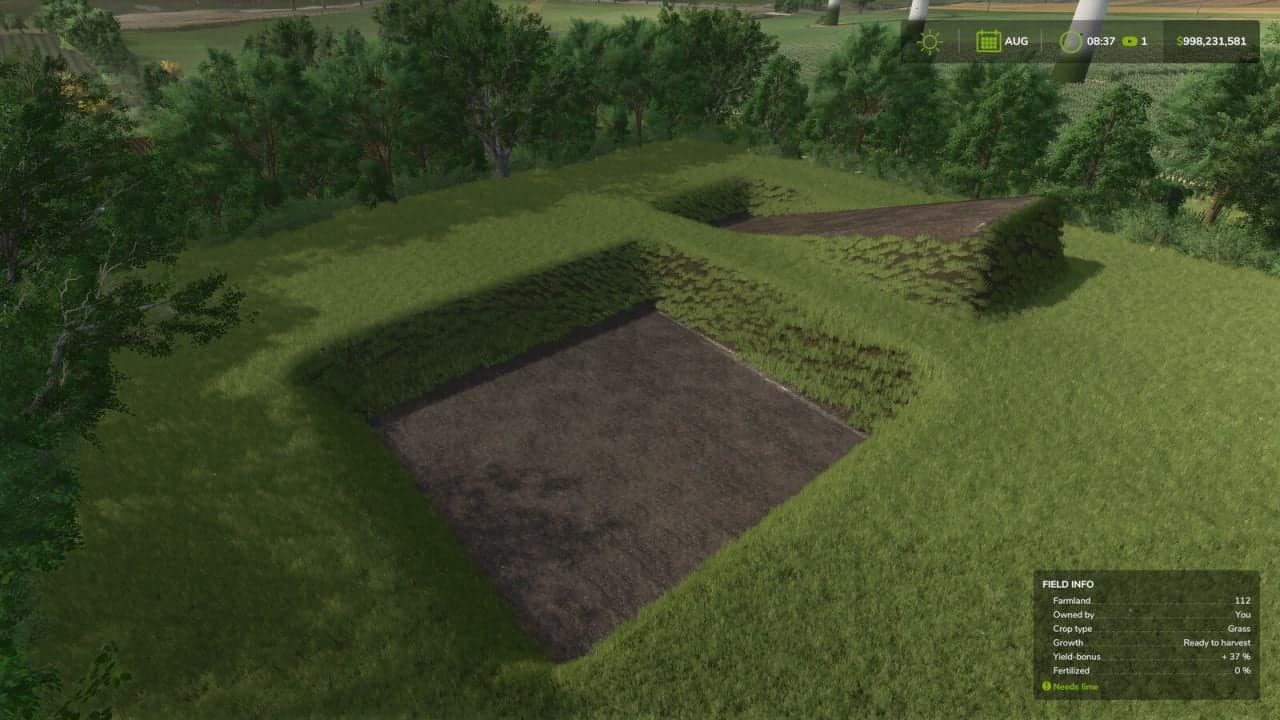
- Create large construction pads, yard expansions, and flat building sites in seconds.
- 100% flat and level terrain without uneven bumps, glitches, or holes under sheds, silos, and factories.
- Smooth transition slopes with automatic edge blending, called Talude, of 2m, 4m, or 6m.
- 3D ramp builder with precise slope percentage readouts and adjustable width for connecting elevated yards and roads.
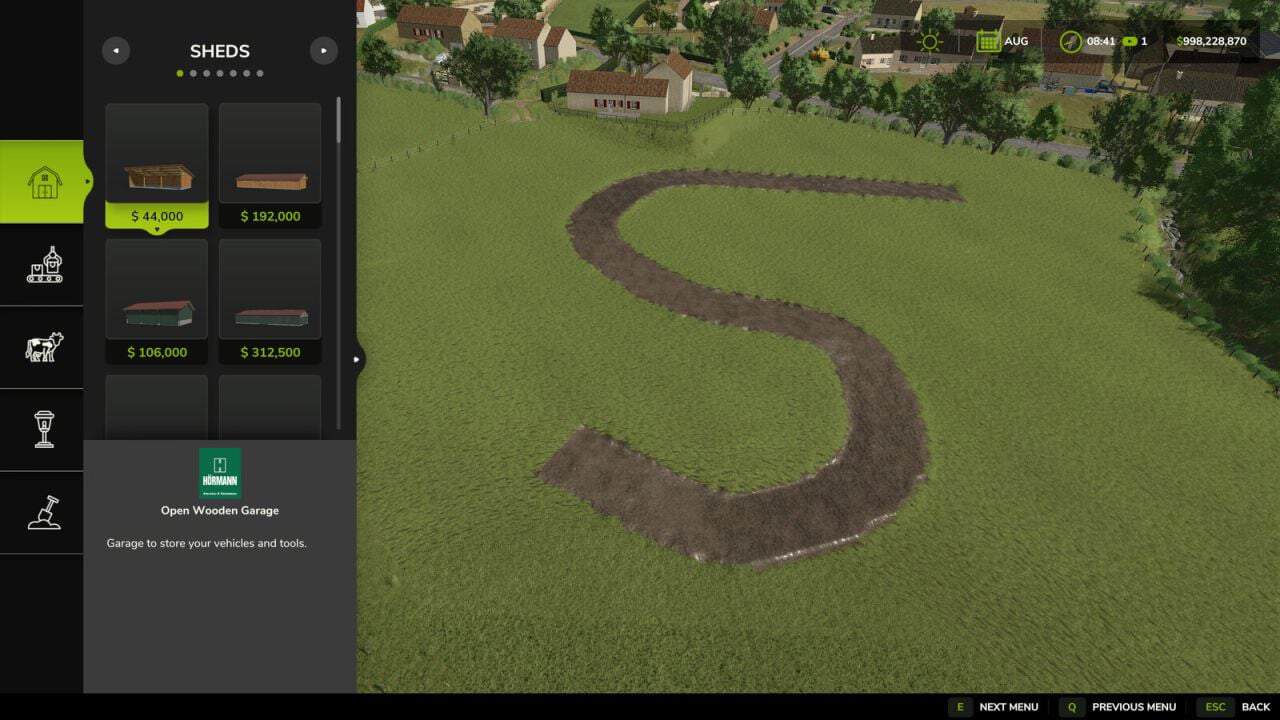
- 3D dirt road builder for tracing natural curved roads following the terrain contours, with adjustable width from 3m to 8m and automatic clearing of grass, rocks, and field foliage.
- Real-time area (m²) and estimated cost preview.
- 3D holographic plane with real-time elevation preview and volumetric posts showing the exact target height.
- Auto 90°/45° alignment and square mode with magnetic snap and a Neon Green guide line to align with Point 1.
- Close polygons by clicking directly on Point 1 or double-clicking anywhere.
- Vertical cuts or smooth transitional slopes of 2m, 4m, or 6m for natural terrain blending.
- 3D ramp builder with adjustable road width from 2m to 30m and real-time slope percentage calculation.
- 3D dirt road and path builder with consecutive points, smooth spline curves, adjustable width from 3m to 8m, and automatic dirt ground painting.
- Raise or lower the entire flat plane or individual ramp and road points using the Up and Down Arrow keys.
- Real-time m² area calculation and estimated cost preview.
- Press
'Y'to place and mark points on the terrain. - Press
'R'to drag and adjust marked points directly on the ground.
Controls
[J]: Activate / Deactivate Auto Leveler inside Construction Mode.[H]: Switch Mode, 3D Flat Plane, 3D Ramp, or 3D Road.[X]: Toggle Alignment, Free Drawing or 90°/45° Orthogonal Snap.[Y]: Add Points Mode.[R]: Move / Drag Marked Points.[T]: Cycle Edge Finish, Vertical Cut, 2m Slope, 4m Slope, or 6m Slope.[Up Arrow]/[Down Arrow]: Increase / Decrease Height.[+]/[-]: Increase / Decrease Width for Ramp and Road.[Left Click]: Place point on terrain or click Point 1 to close polygon.[Double Click]: Quick lock and fix polygon points.[Backspace]/[Right Click]: Undo last placed point.[Enter]: Apply terraforming to the terrain.
Changelog
- V1.1.0.0
Added 3D Dirt Road Builder mode: create smooth, curved dirt roads that follow the terrain, with adjustable widths from 3 m to 8 m and automatic removal of grass, crops, and stones. - V1.1.0.0
Fixed overlapping key bindings for actions:[Y]is now used to add points, and[R]to move marked points.