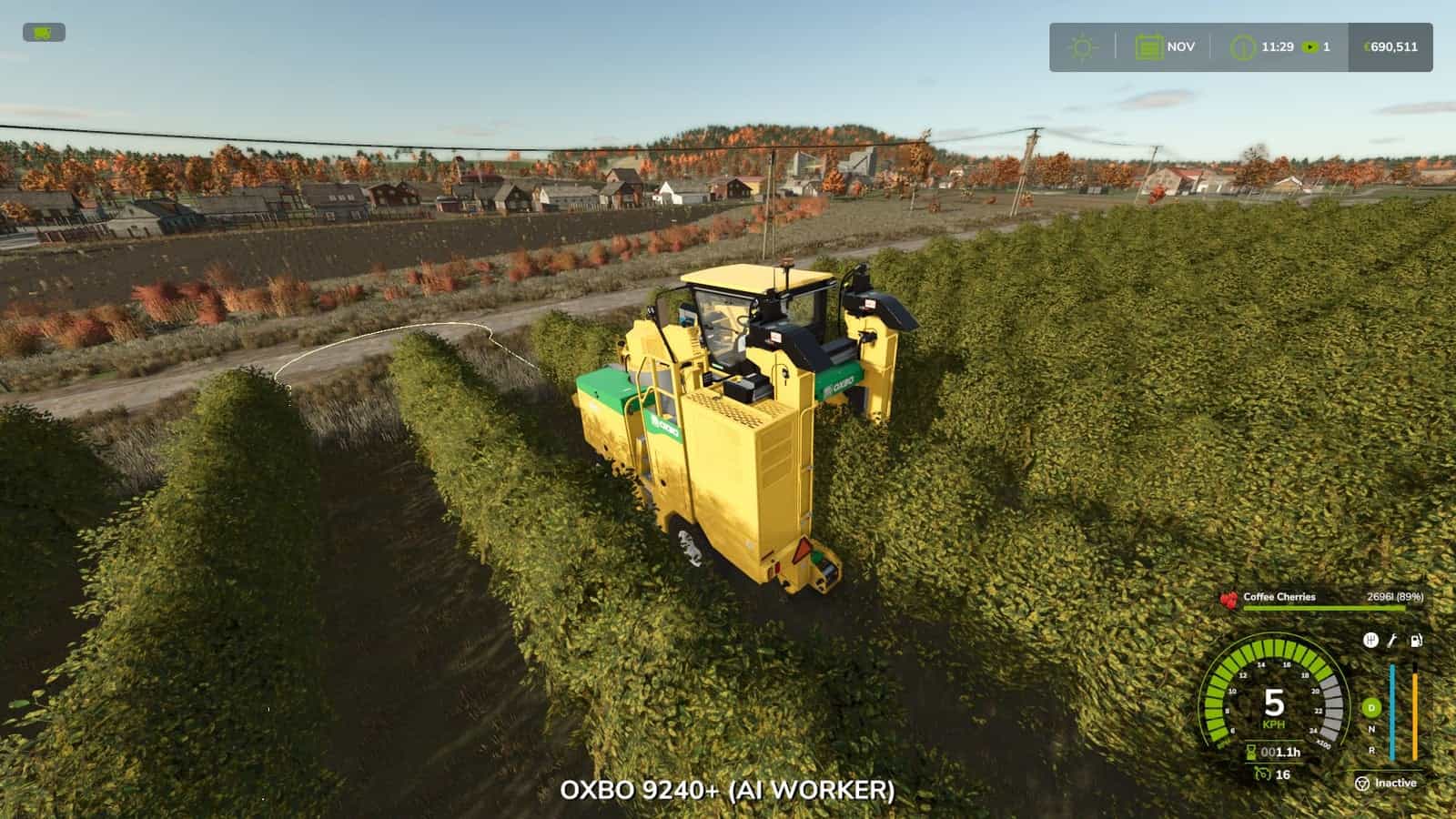
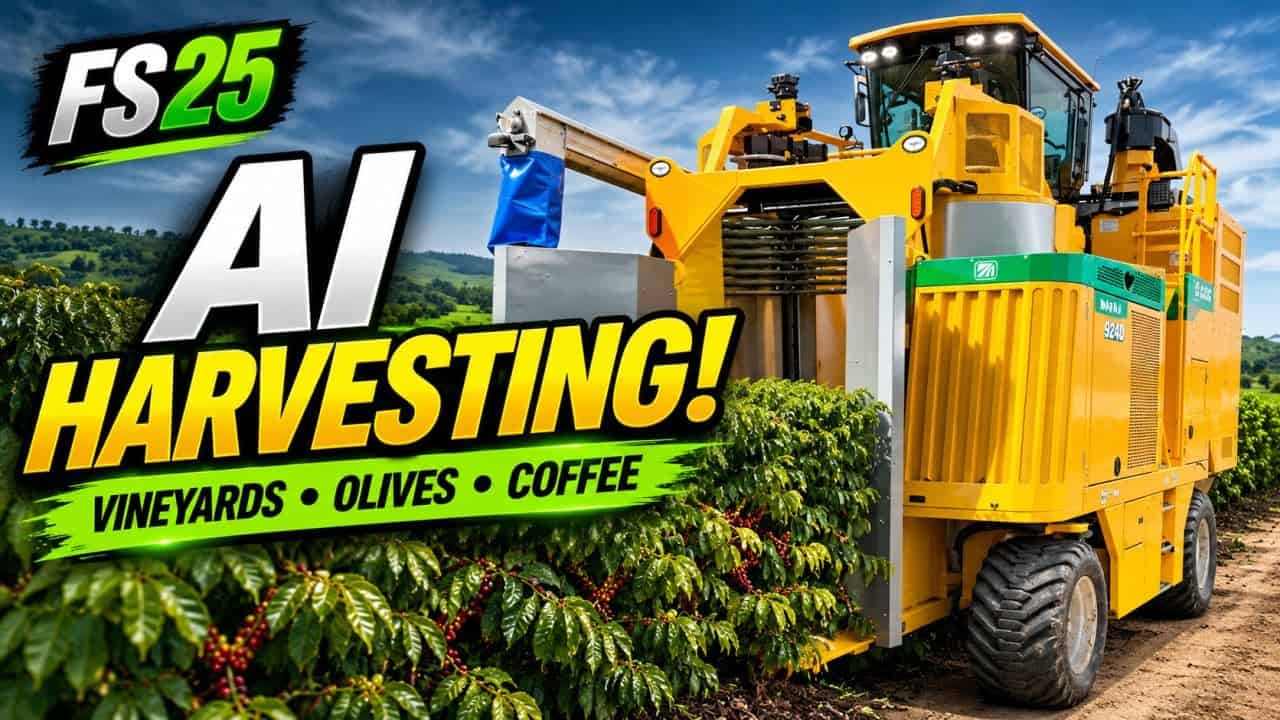
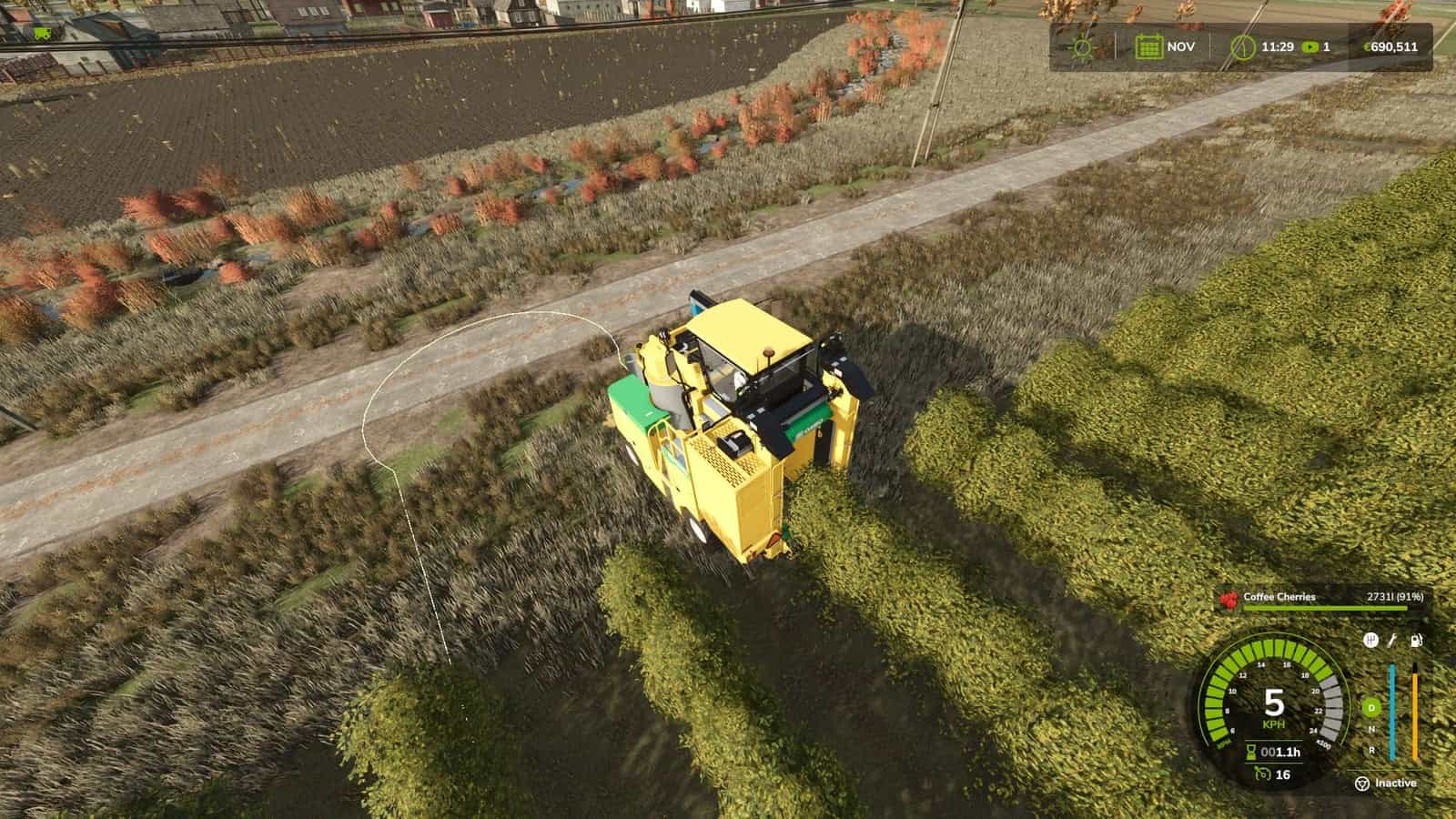
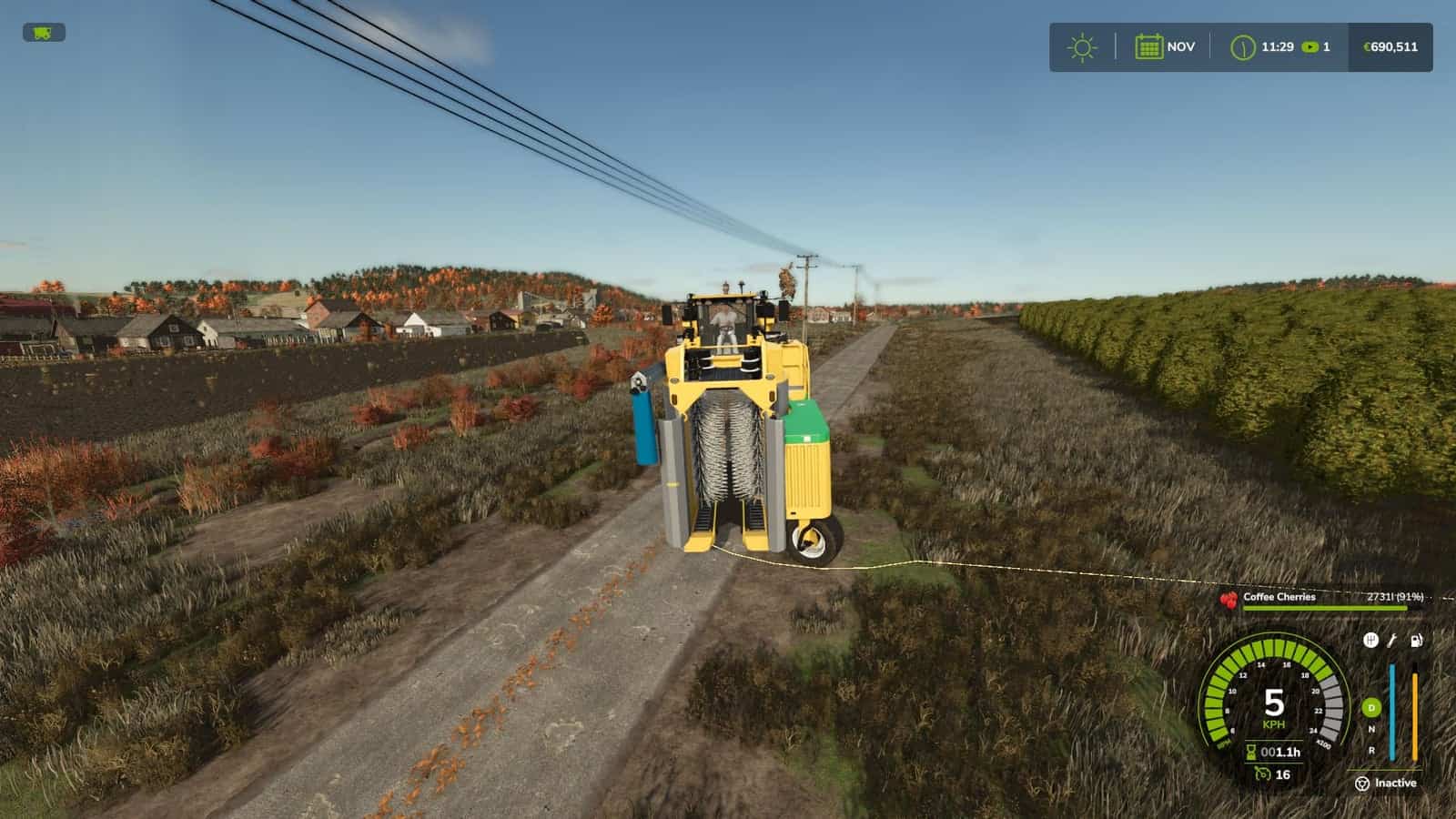
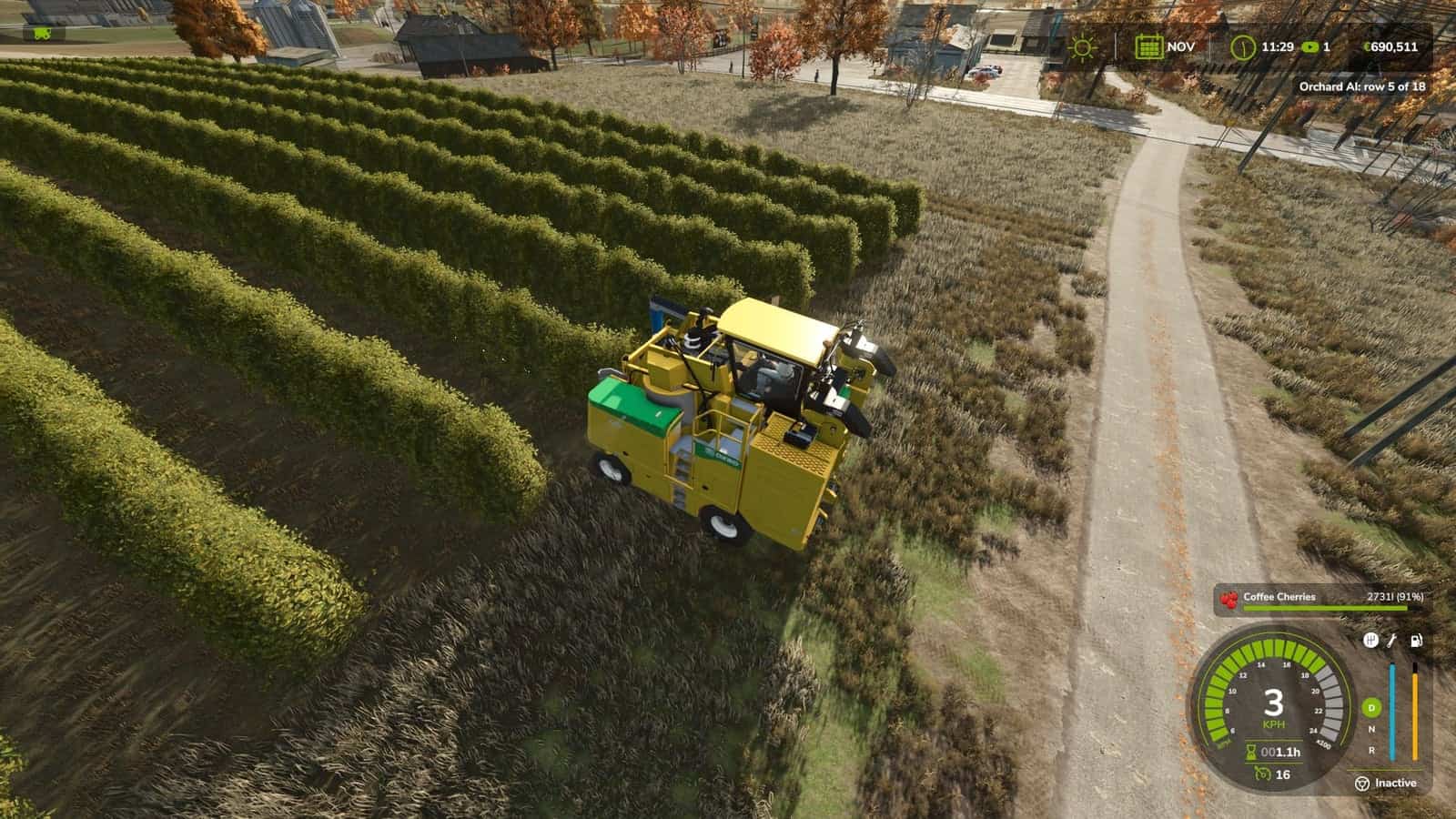
The base game helper cannot work in vineyards, olive groves or coffee rows. Orchard AI Driver can. Press H in your grape, olive or coffee harvester, and the machine works the whole plantation by itself.
Features
- Finds the plantation by itself: first and last row, the length of every row and the distance between rows
- Right crop only: a grape harvester works only vineyards, an olive harvester only olives, and a coffee harvester only coffee
- Drives from the farm: press
Hfar away from your plantation, and the helper drives there on its own, lines up with the first row and starts working - Smart row order: every second row on the way out, and the rows in between on the way back
- Clean headland turns with a straight run to line up with the next row
- Lowered and turned on in the rows, lifted on the headland
- If a turn is blocked, it backs up and tries another way, and it waits for vehicles in the way
- Leave the cab: a farmer takes your seat and the machine keeps working
- Stops by itself when the tank is full or all rows are done
- Route shown on the ground: green = work, orange = turn
Controls
H: start / stop, only on vine, olive and coffee machinesAlt + V: same asH
Console
vaSpeed 10 7: work and turn speed (km/h)vaRadius 4: turning radius (m)vaSteerSign: flip the steering direction
Info
- Multiplayer supported
- Languages: English, German, French
- Do not unzip the file, put
FS25_OrchardAI.zipdirectly in your mods folder