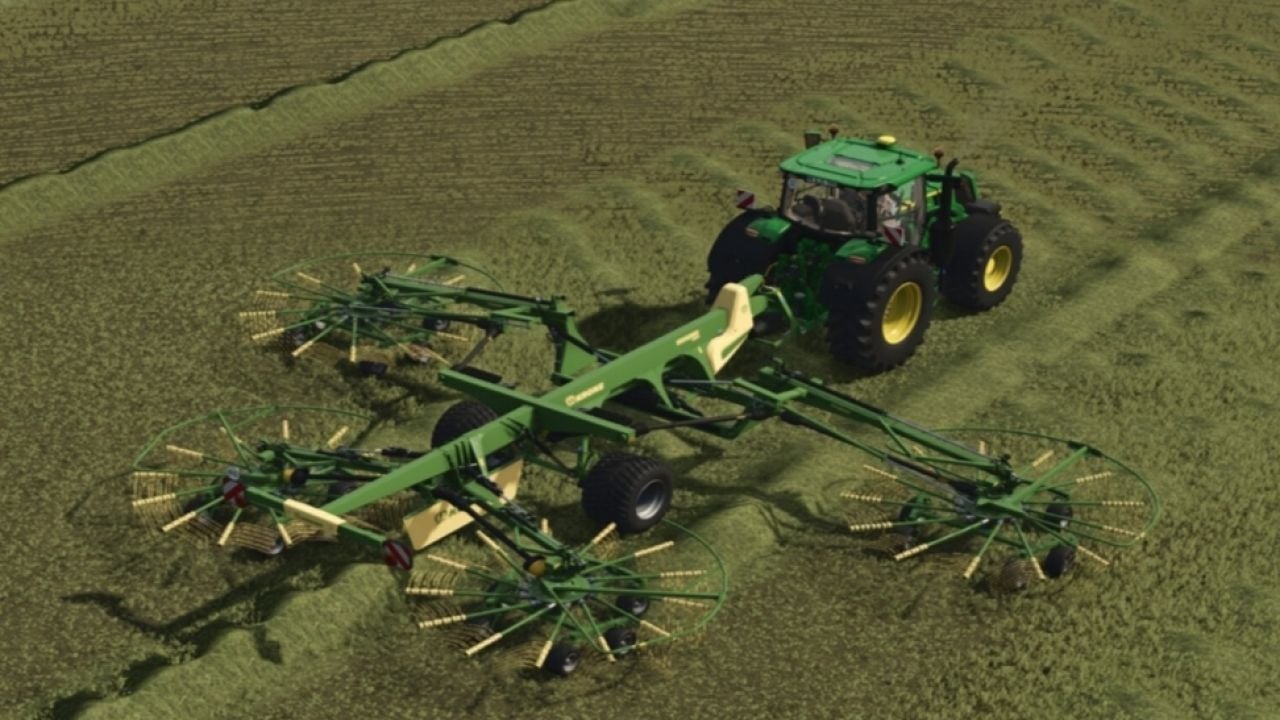

Dynamic PTO Speed brings realistic dynamics to your tractor’s PTO. The working speed of all implements adapts directly to the engine speed, creating a natural working experience close to real farming.
Features
- Live calculation: The PTO speed is calculated in real time from the current engine speed and the tractor’s gearing.
- Precise hand throttle: The engine no longer automatically revs up to maximum speed. The modes 540, 540E, 1000, 1000E + AUTO set the target. The engine speed can be fine-tuned with
Ctrl + Up / Downand is saved when exiting. - Real manufacturer data: A database automatically detects the correct speed, for example 1000 RPM for large balers/mower combinations and 540 RPM for round balers/tedders.
- Front and rear PTO: Independent detection of front and rear PTOs with seamless switching using
Ctrl + Alt + E. - Mowers and choppers react directly to the throttle and reach maximum throughput at high engine speed.
- Balers and forage wagons operate proportionally to the engine speed. An integrated overload and stalling system for balers provides additional realism.
- Conveyor belts and overload wagons transport material precisely according to the engine speed.
- Smart display: The compact in-cab HUD shows engine speed, PTO RPM, mode and status. It only appears when an implement is attached and automatically hides in menus.
- Mouse control: The control panel can be opened with a key to select modes directly. The mouse is released again immediately after closing.
- Customizable: The HUD can be moved with
Ctrl + Pand hidden withAlt + H. Positions are saved automatically. - Full support: Completely compatible with LS25, fully multiplayer-ready, including synchronization, and available in German and English.
- No conflicts: Fully compatible with AutoDrive, Courseplay, QuickVehicleSelect and Realistic Harvesting. The F1 help adapts dynamically.
- Included: Mod structure,
modDesc.xml+ Lua scripts, sample implement XML and HUD overlay.
Changelog
- V1.1.3.2
General improvements and bug fixes. Missingpto_warm_low_titleinl10n_de.xmland missingpto_warm_lowinl10n_de.xmlfixed in the German translation. - V1.1.3.1
This update brings a cleaner cab display, more responsive PTO warnings and important dedicated server fixes to Dynamic PTO RPM.
NEW FEATURESFIXES & IMPROVEMENTS- Redesigned Cab Panel: Smaller, cleaner HUD with a dark background and green Dynamic PTO RPM header.
- New icons for engine status, PTO gear, operating status and road mode.
- Live RPM, selected gear, operating status and rev bar remain fully functional.
- Intelligent PTO Warning System: Warning triangle appears when something isn’t right.
- Detects PTO speed too low or too high, baler overload, tractor stall and insufficient horsepower.
- RPM display changes colour when a warning is active, making problems easier to spot.
- On-Screen Warning Messages: Clear warnings now appear in the centre of your screen when needed:Warnings remain visible until the PTO speed returns to the correct operating range, helping you keep an eye on your equipment while working.
- PTO TOO LOW
- PTO TOO HIGH
- BALER OVERLOAD
- TRACTOR STALLED
- NOT ENOUGH HP
- Dedicated Server and Multiplayer Sync: Hand throttle now synchronises correctly between players.
- Behaviour settings are synchronised across multiplayer.
- Players joining an existing session receive the current RPM and settings instead of starting with outdated values.
- Engine-Off RPM Fix: RPM now correctly drops to 0 when the engine is switched off, instead of getting stuck at the idle reading, such as 386 RPM.
- Low-Speed PTO Detection: Activating the PTO while the shaft is stopped or running too slowly now triggers the appropriate warning.
- Improved Gear-Speed Detection: The low-speed warning remains active until the PTO reaches the required speed for the selected gear.
- V1.1.3.0
Bugs fixed and stability improvements