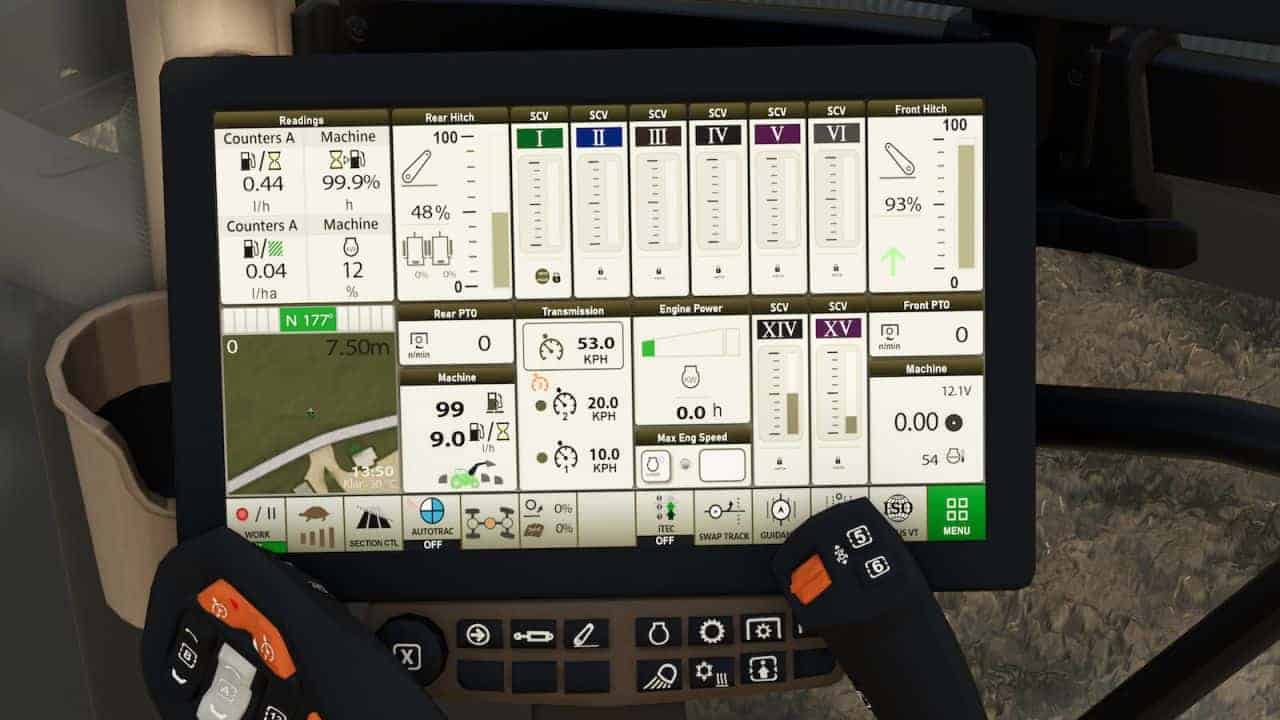
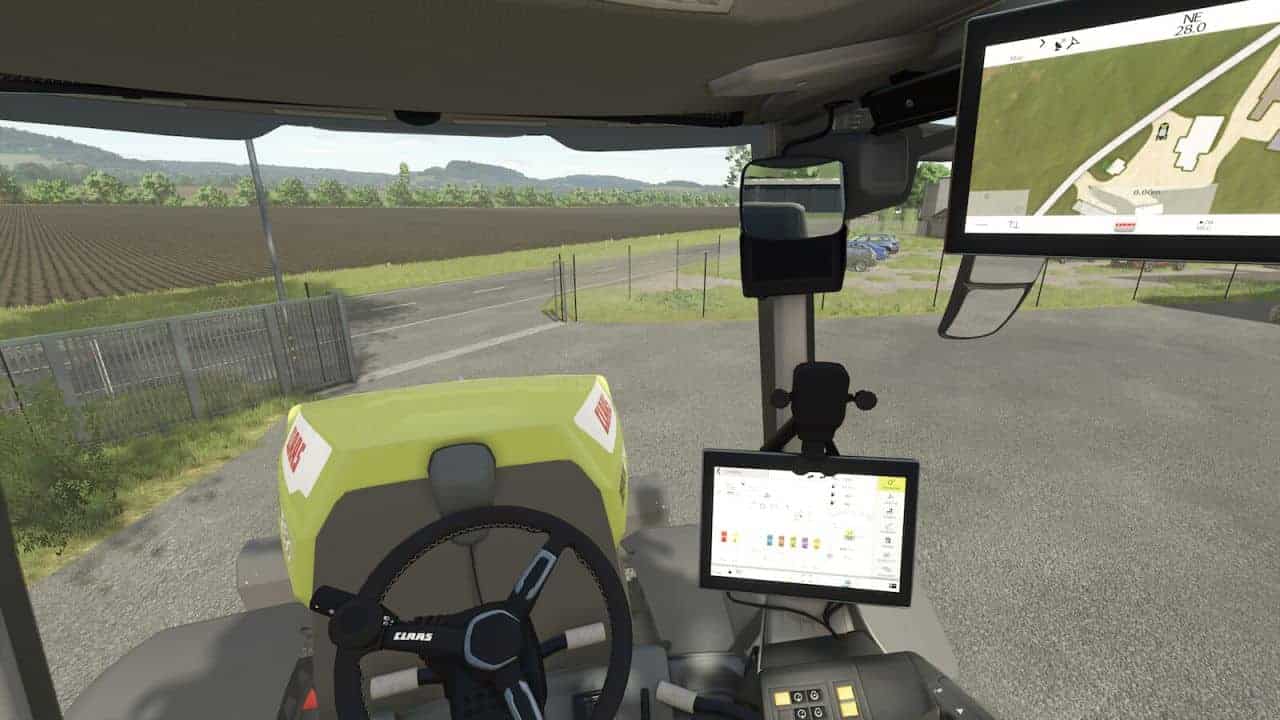
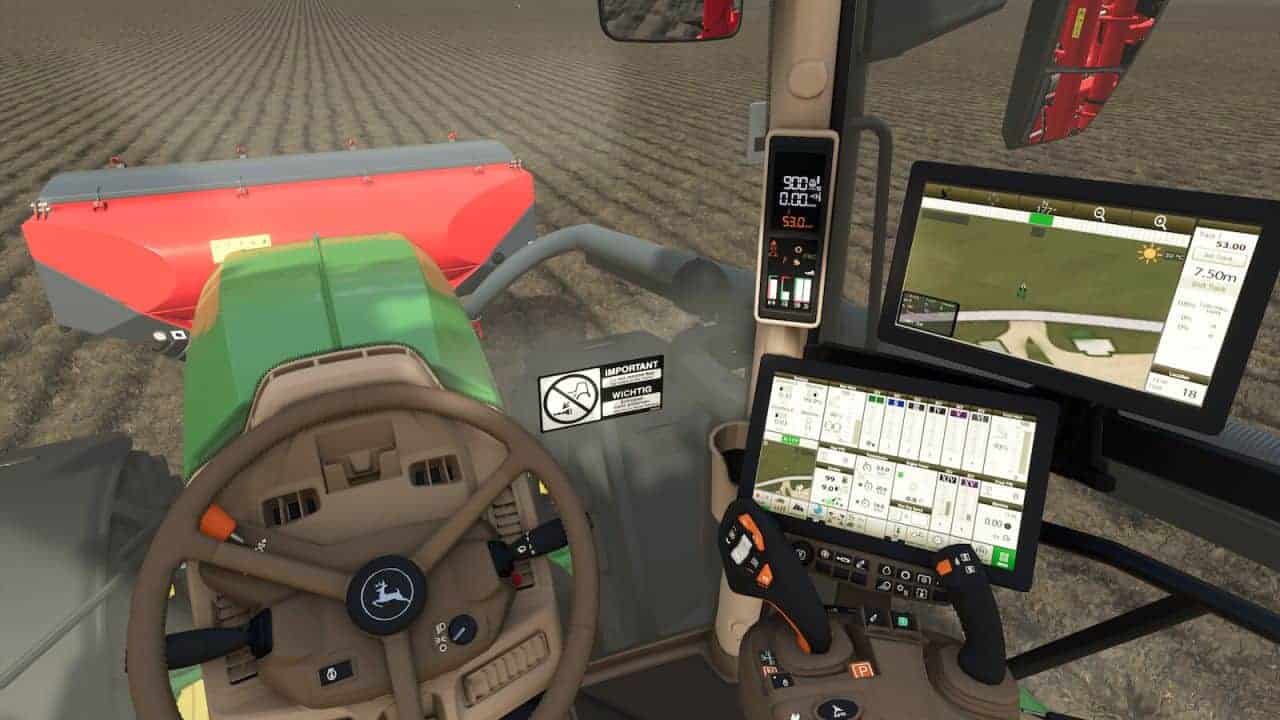
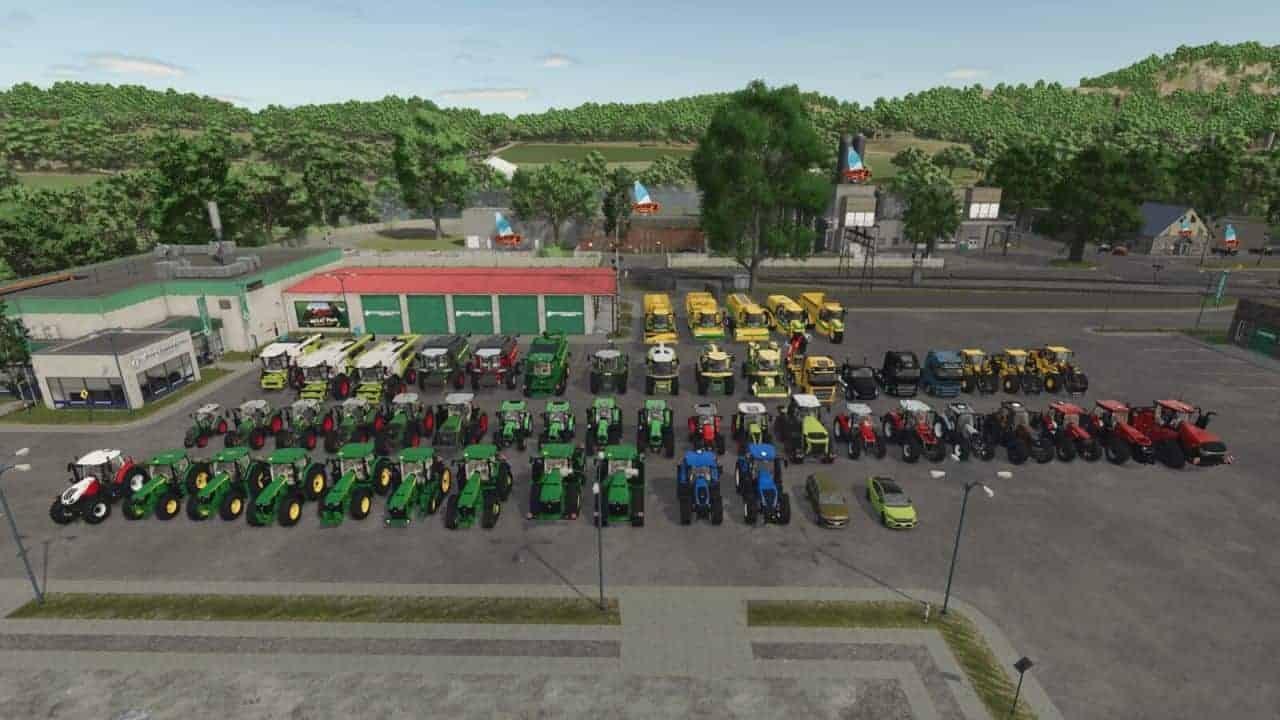
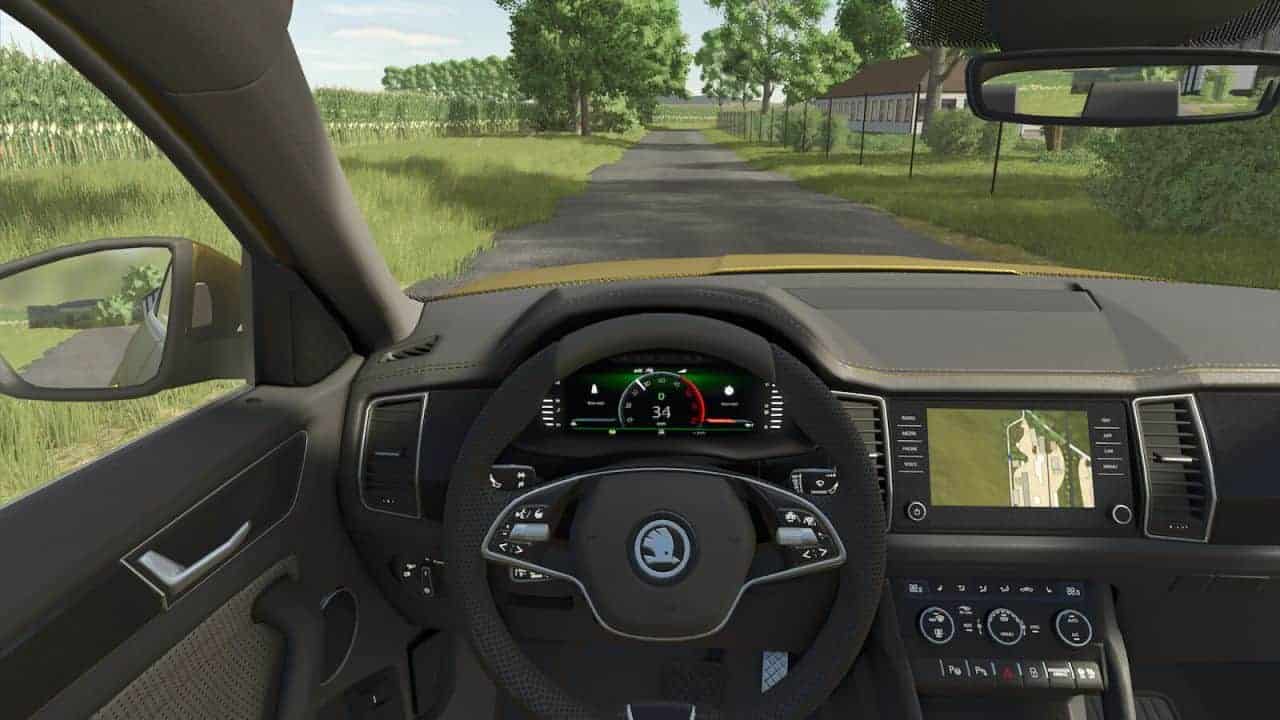
Dashboard Live Vanilla Vehicles (short: DBL_VV) is an extension to Dashboard Live and integrates it into the following vehicles of the base game.
CaseIH
– A8800 MR
– Magnum T4B
– Puma
– Quadtrac 715
Claas
– Arion 5 Series
– Evion 450
– Jaguar 990TT
– Lexion 6900
– Lexion 8000 Series
– Xerion 12 Series
Deutz-Fahr
– Series 6
– Series 7
– Series 8
Fendt
– Katana
– MT 1100
– Series 5275 C-SL
– Vario 200
– Vario 300
– Vario 500
– Vario 700
– Vario 900
– Vario 1000
John Deere
– Series 6R
– Series 7R
– Series 8R
– Series 8RT
– Series 8RX
– Series 9R
– Series 9RX
– Series S7
Krone
– Big M 450
– Big X 1180
Massey Ferguson
– Beta 7360 AL4
– Series 7S
– Series 9S
New Holland
– Series T7
– Series T8
Oxbo
– AT 5105
– BP 2140E
– EPD 540E
– MKB 4TR
Riedler
– FH16
Same
– Virtus 135RV
Skoda
– Enyaq
– Kodiaq
Steyr
– Absolut
Valtra
– S Series
– T Series
Volvo
– FH16
– FH Electric
– L120H
– L120H Electric
– L180H
– VNX 300
V1.1.0.0
– “realGPS” support and integration: Use of realGPS as a mini-map.
– “MB DLC Work Cameras for All Vehicles” support and integration:
– realGPS and cameras for vehicles including Oxbo, Claas, Deutz, MF, Valtra, Volvo, Skoda, and many more.
– JD displays expanded:
– isoBUS and RTK pages now also include a camera for implements
– 6M added
– New G5 Apillar display for the 9Rx, among others
– Cameras are integrated into the pages of the G4 and G5 terminals and can be switched between.
– New functions: output per hectare/hour, fuel consumption in liters/hectare, and actual on-board voltage (12 V/24 V) implemented
– Display errors and parameters for various displays corrected
– isoBus screen for Brantner DD 24073/2 XXL
– isoBus screen for Lemken Juwel6 and Titan18
– Fendt Variotronic can be used separately.
– All previously hard-coded displays are now also included separately as compounds
– Page layouts revised
– Missing radio backgrounds fixed via Patch 1.16
– Faulty startup screens fixed via Patch 1.19
– Flickering fixed after Patch 1.20
– CEBIS missing nodes in the log fixed