Initially, this mod is intended for single-player mode. Multiplayer is planned for a later version, but testing has not been possible because the author is a single-player gamer.
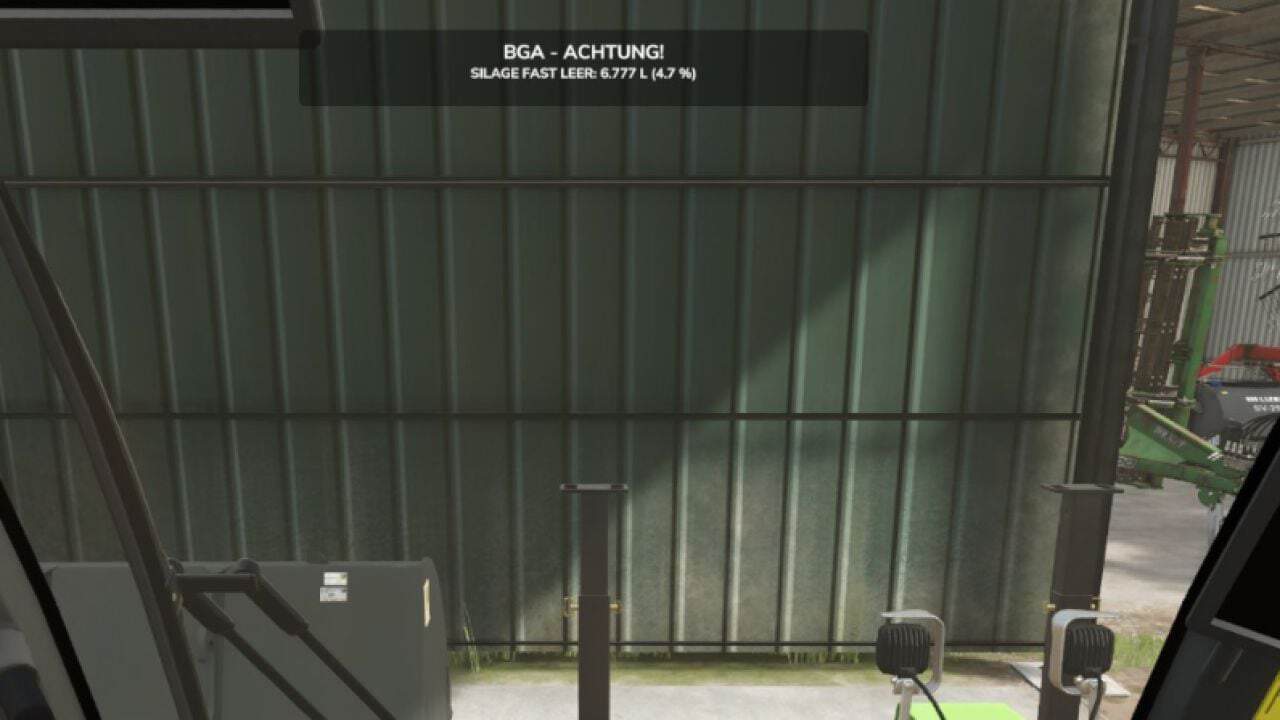
The mod helps monitor the raw material levels of your own biogas plants. If the fill level of a required raw material falls below the set warning threshold, a notification appears at the top of the screen for 10 seconds.
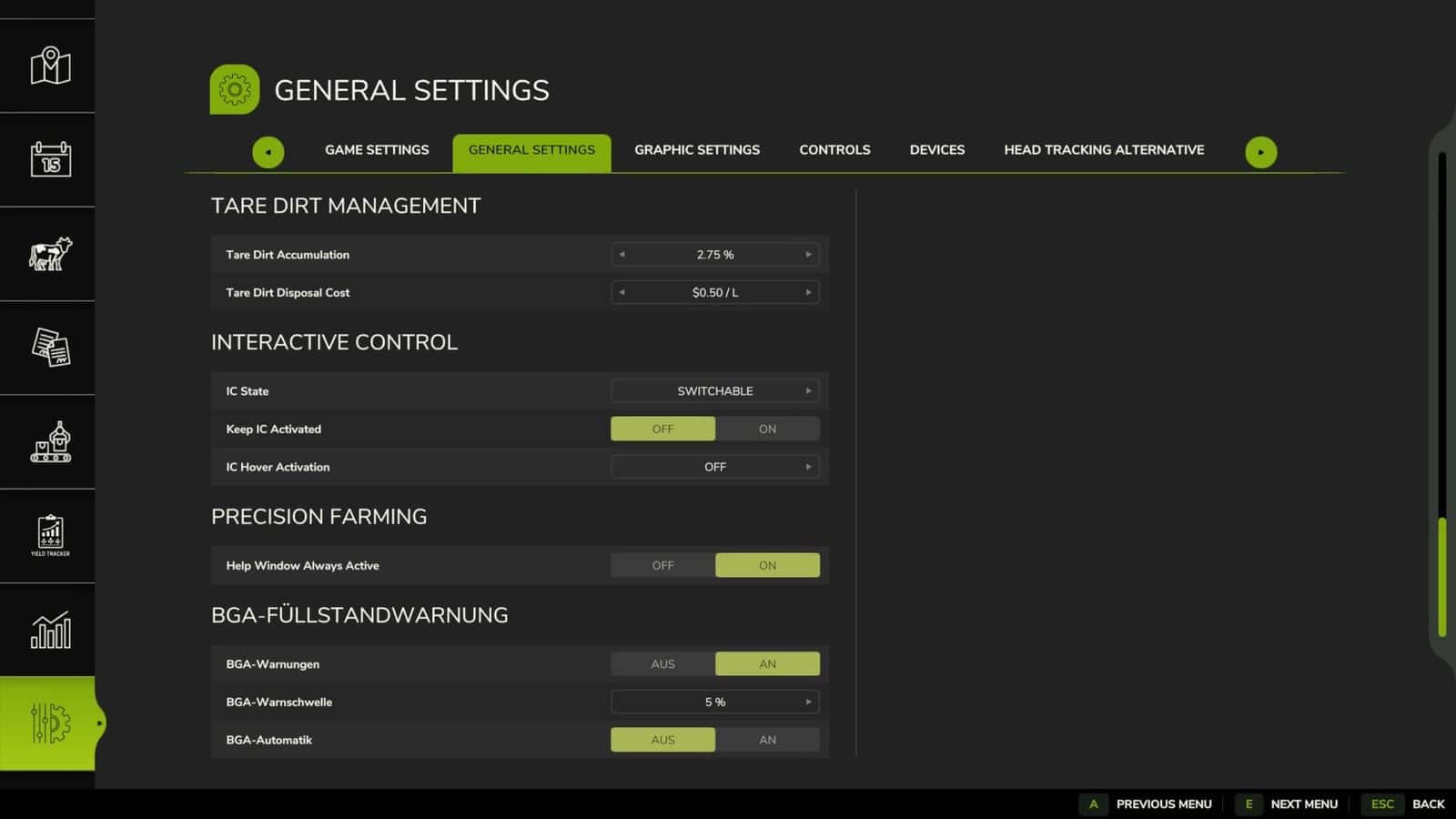
The warning threshold can be set to 5%, 10%, 15%, or 20% in the ESC menu under Settings → General. The settings are saved permanently. The BGA automatic function and fill level warnings can also be switched on and off in ESC → General.
Repeated warnings are only issued after the level has been replenished and the warning threshold has been breached again.
Features
- Monitor the raw material levels of your own biogas plants.
- Fill level notifications remain visible at the top of the screen for 10 seconds.
- Warning thresholds of 5%, 10%, 15%, or 20%.
- The settings are saved permanently.
- The BGA automatic function and fill level warnings can be switched on and off in ESC → General.
Changelog
- Automatic BGA control for independently stopping and restarting production lines.
- Automatic shutdown when the raw material level is 1 liter or less.
- Automatic restart after sufficient refilling.
- On-screen messages when production is stopped and restarted.
- Fill level warnings with percentage display, without duplicate messages.
- Manually deactivated production lines remain switched off.
- Automatic BGA control can be switched on and off via the ESC settings menu.