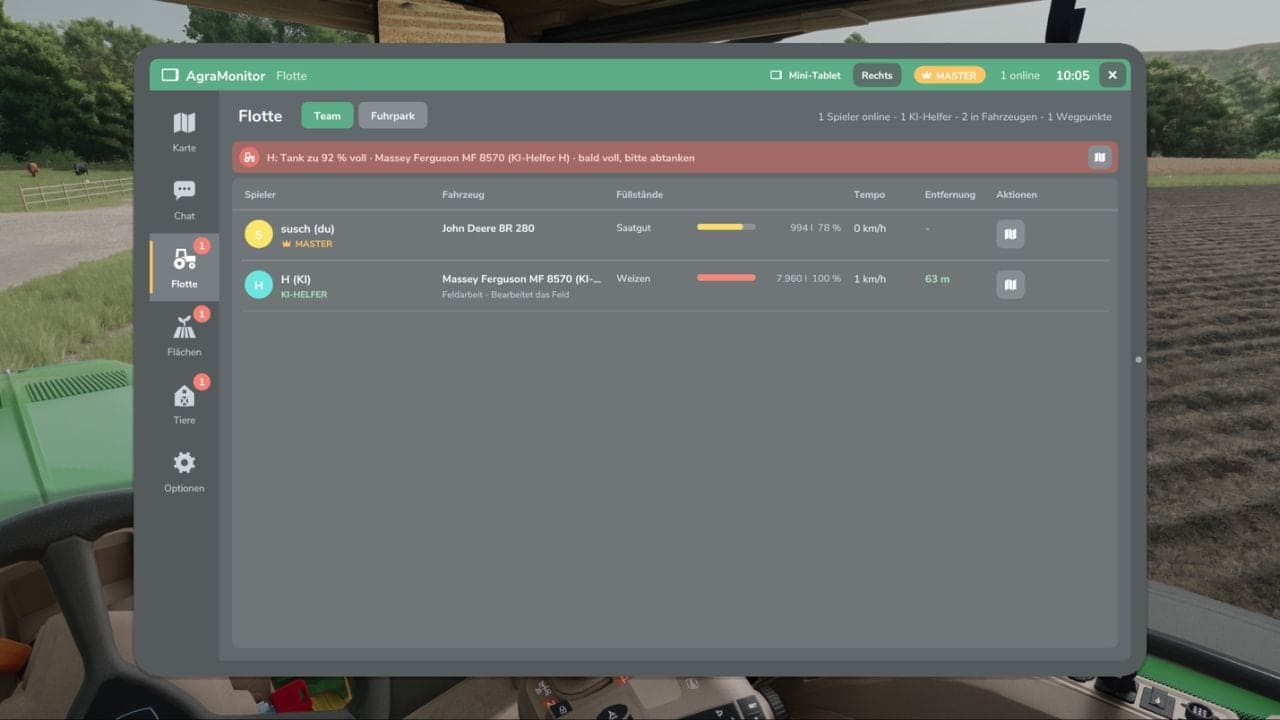
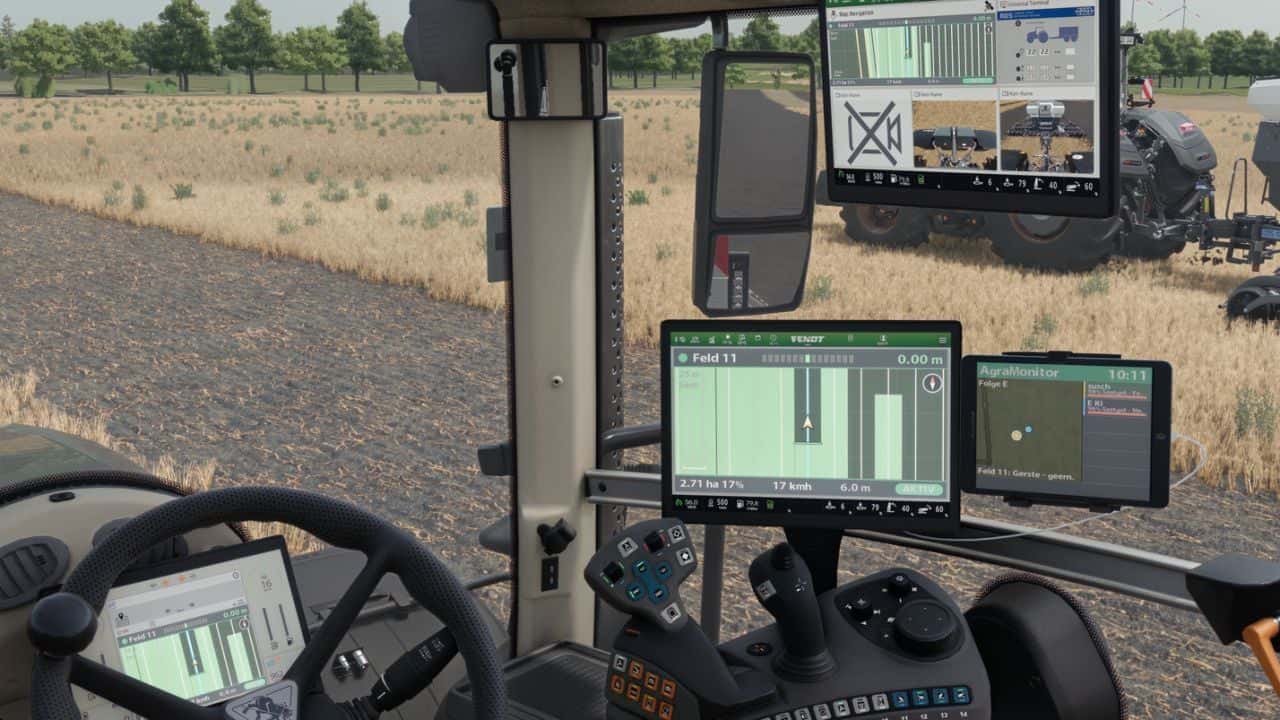
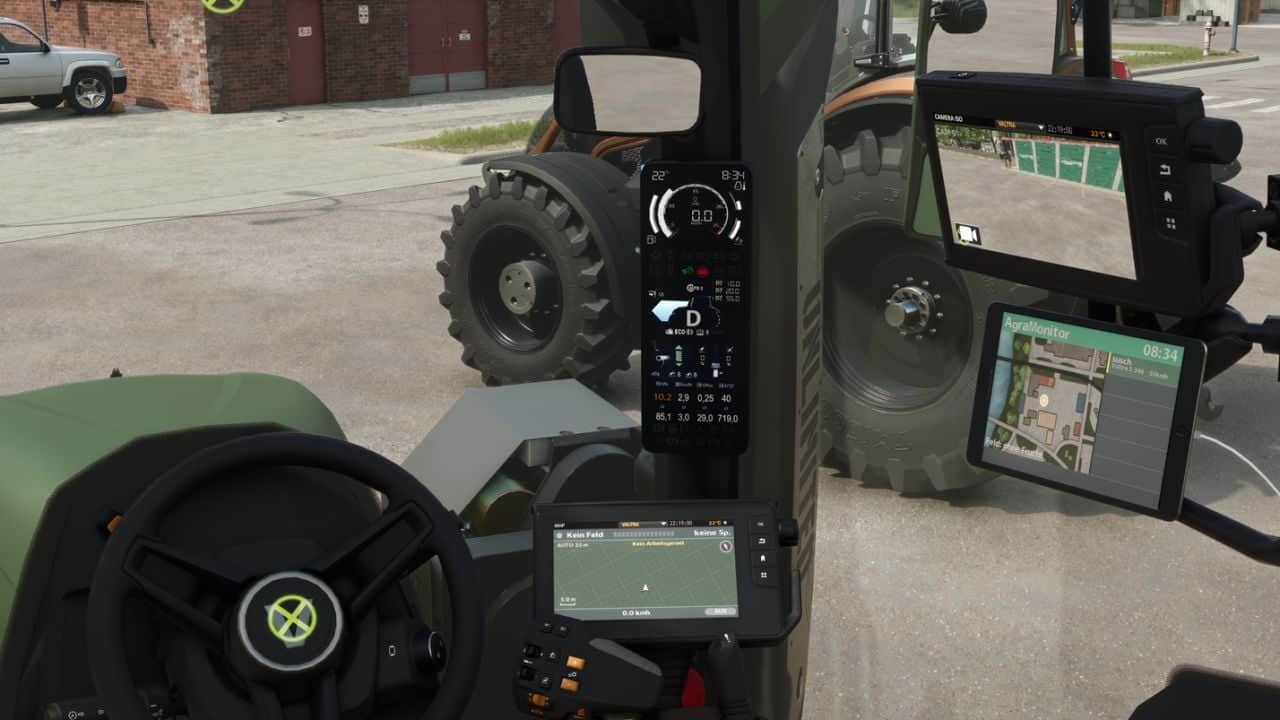
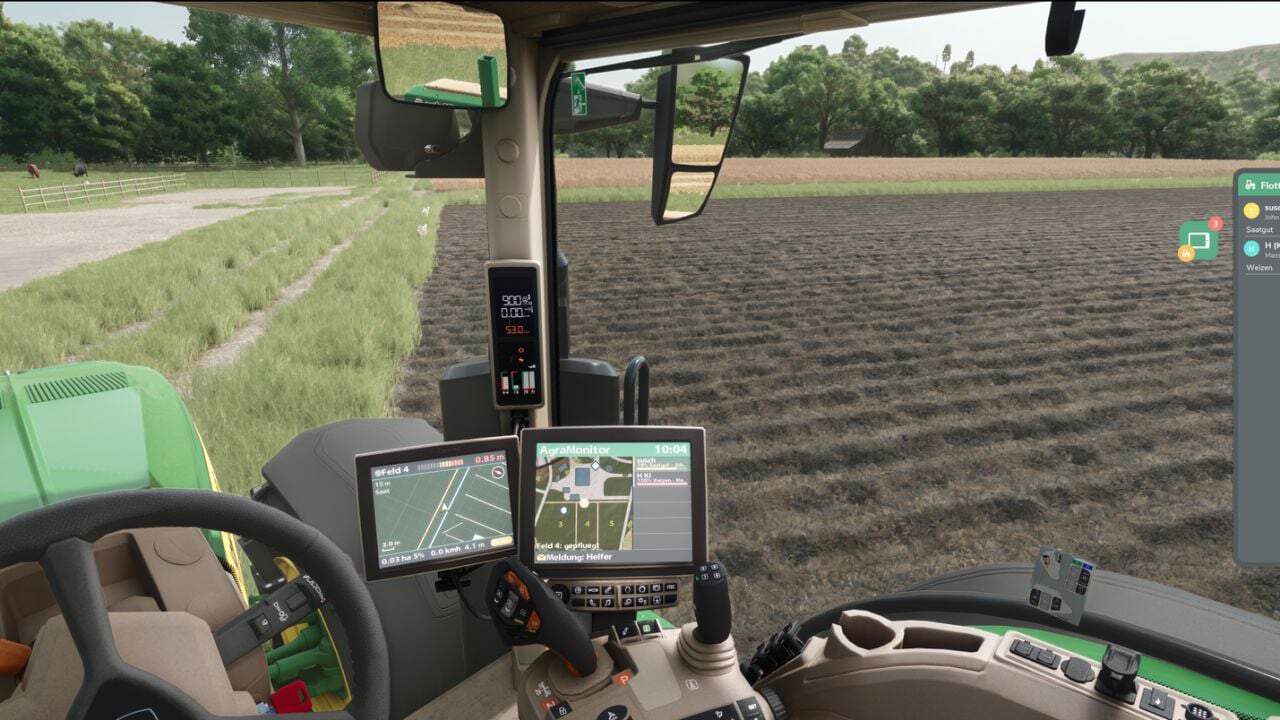
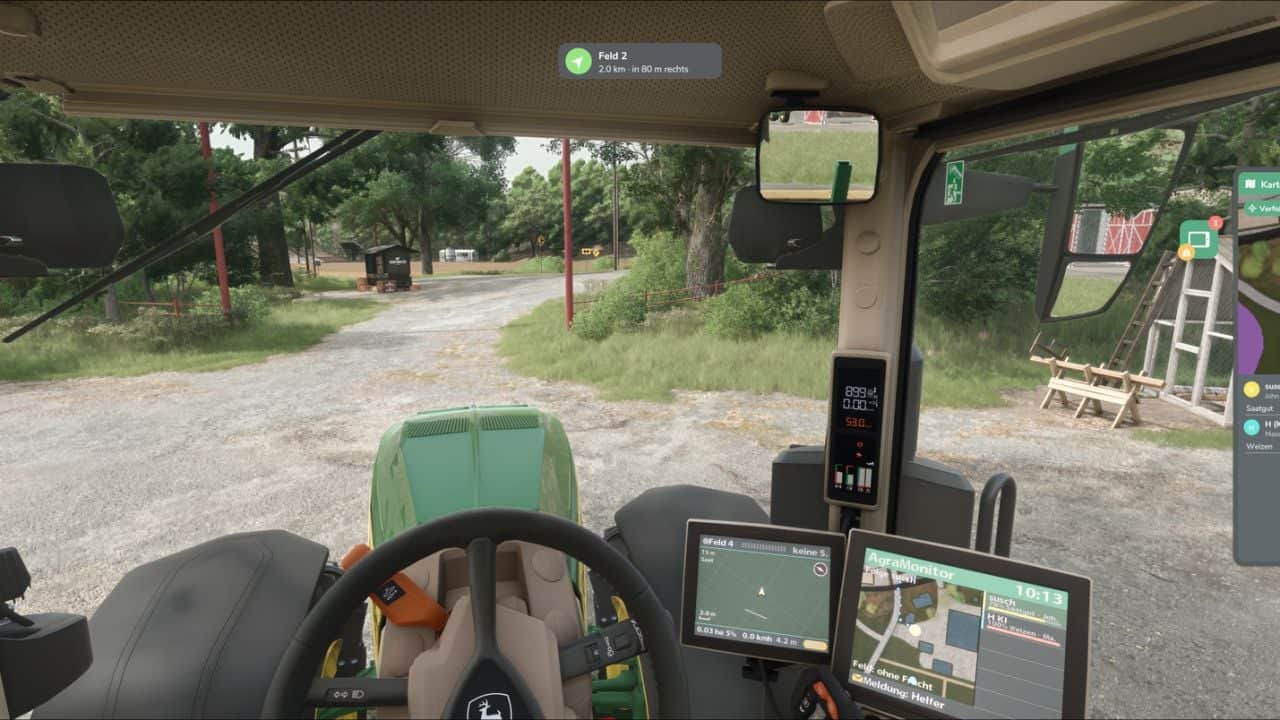
This mod allows you to manage various modules on your farm, such as animals, fields, AI helpers, and multiplayer players. An optional display can be installed in vehicles. It is a fleet tool for multiplayer and singleplayer games.
Features
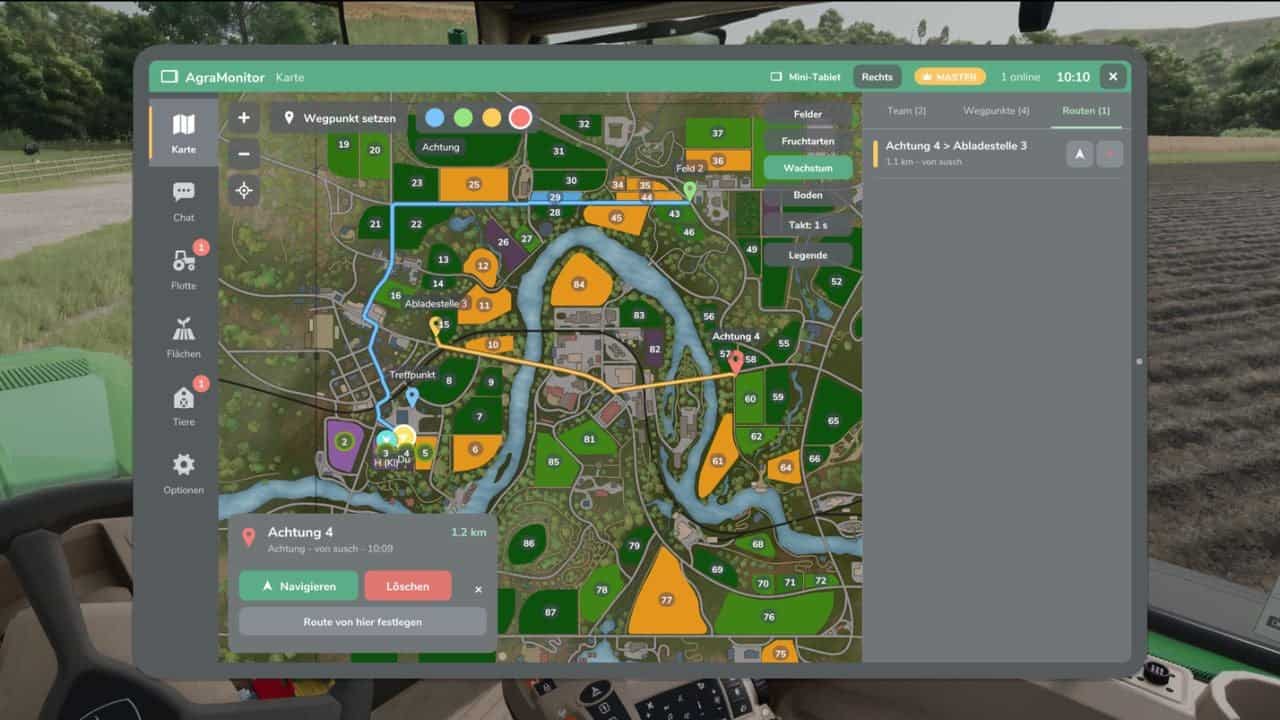
- Live map showing all players, AI helpers, vehicles, fuel levels, and brief information.
- Waypoints with navigation across the map’s roads, using the AutoDrive network or AI roads.
- Team chat and direct messages.
- Fleet overview and vehicle inventory with damage, operating hours, age, fuel level, and more.
- “Mini-tablet” function at the edge of the HUD.
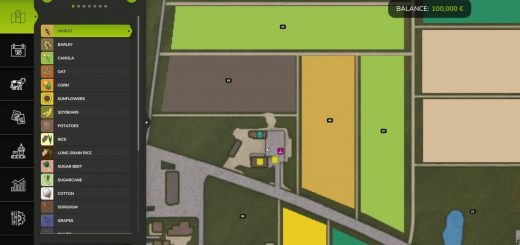
- Field management with fields, crop, growth, and soil condition.
- Animals, including stables with animals and their parameters. Notifications with adjustable thresholds.
- Notifications for AI helpers, animals, fields, and messages.
- Display for prepared vehicles with map, player and AI helper information, and brief messages.
- Tablet: Left Alt + A, Mini-tablet: Left Alt + S. These controls can be changed in the control menu.
Changelog
- V1.2.0.0
New: – Integrated support for Precision Farming.
DEBUG feedback on 1.1.5.0: – Since I have not received any complaints regarding performance with the field view active on the cockpit display, I assume it is working as intended. - V1.1.0.0
New:
– Field view on the cockpit display.
– Field view can be switched on and off in the field view section of the app.
– Field view added to the app.
– The field view controls the map on the tablet, mini-tablet, and cockpit display.
Changes:
– The control of the field view in the Map area has been removed.
DEBUG:
– Feedback needed, as the field view on the cockpit display is still in testing.
– Please report: FPS drops, stuttering, or lag with the field view active on the cockpit display.
– Helpful: Compare field view ON/OFF and indicate what hardware you are using (CPU/GPU).
– Feedback is welcome via the comments, even if it is working well.
– The reason for this is that I am not entirely satisfied with the resolution, but my skills limit me from improving it. If it is satisfactory as is, I will leave it. If not, I need help from someone with shader experience.