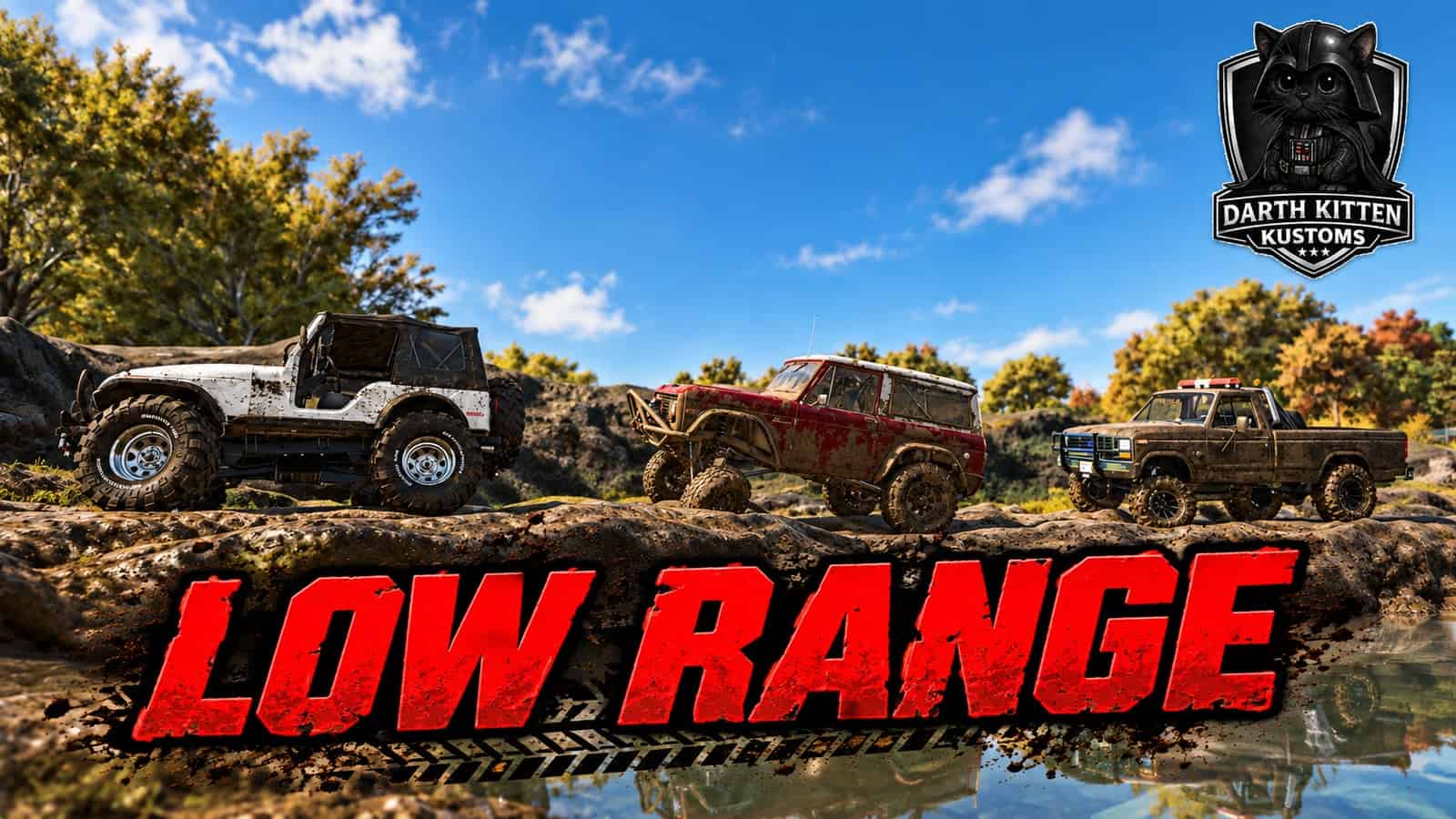
DKK25 Low Range adds a working high/low transfer case to cars, pickups, Jeeps, and trucks in Farming Simulator 25. Low range gives your 4×4 a 4:1 gear reduction, making it easier to crawl through mud, climb steep trails, cross rough terrain, and control your speed on technical off-road sections.
It works especially well on logging maps, mountain maps, mud parks, and maps with tight trails where normal gearing feels too fast. High range keeps the normal 1:1 ratio for everyday driving and road use. Switch into low range when you leave the pavement and need more control.
This mod is PC only. I have not tested it on Servers Yet.
Keybinds
The mod uses your existing FS25 group-shifting controls:
- Numpad 7 – Low Range (L)
- Numpad 9 – High Range (H)
These can be changed under:
Options → Controls → Vehicle → Shift Group Down / Shift Group Up
An H or L indicator appears near the speedometer so you can see which range is selected.
Features
- High range with a normal 1:1 ratio
- Low range with a 4:1 reduction
- Better slow-speed control while off-roading
- Improved crawling on steep, muddy, and rocky terrain
- Uses existing FS25 keybinds
- Works with automatic and manual transmission settings
- Saves the selected range with the vehicle
- Multiplayer supported
- No separate settings menu required
This mod only adds the transfer-case range. It does not automatically add four-wheel drive or differential locks, so it works best with vehicles that already have a proper 4×4 drivetrain.
Compatible with:
These 2 mods will allow you to have selectable 4×4, diff locks, and transmission shift selection.