Mower Plus adds normal wear, overload damage, and blockages to grass mowers in LS25. It supports automatic drum detection for supported equipment and adjusts spare part consumption accordingly.
Features
- Blades, drums, and skids wear down during mowing operations.
- Excessive workload causes additional damage.
- Any blockages that occur must be cleared before you can continue working.
- For supported mowers, including those from the base game and some modded equipment, the number of drums is detected automatically, and spare part consumption is adjusted accordingly.
- If automatic detection is not possible, the script uses predefined default values.
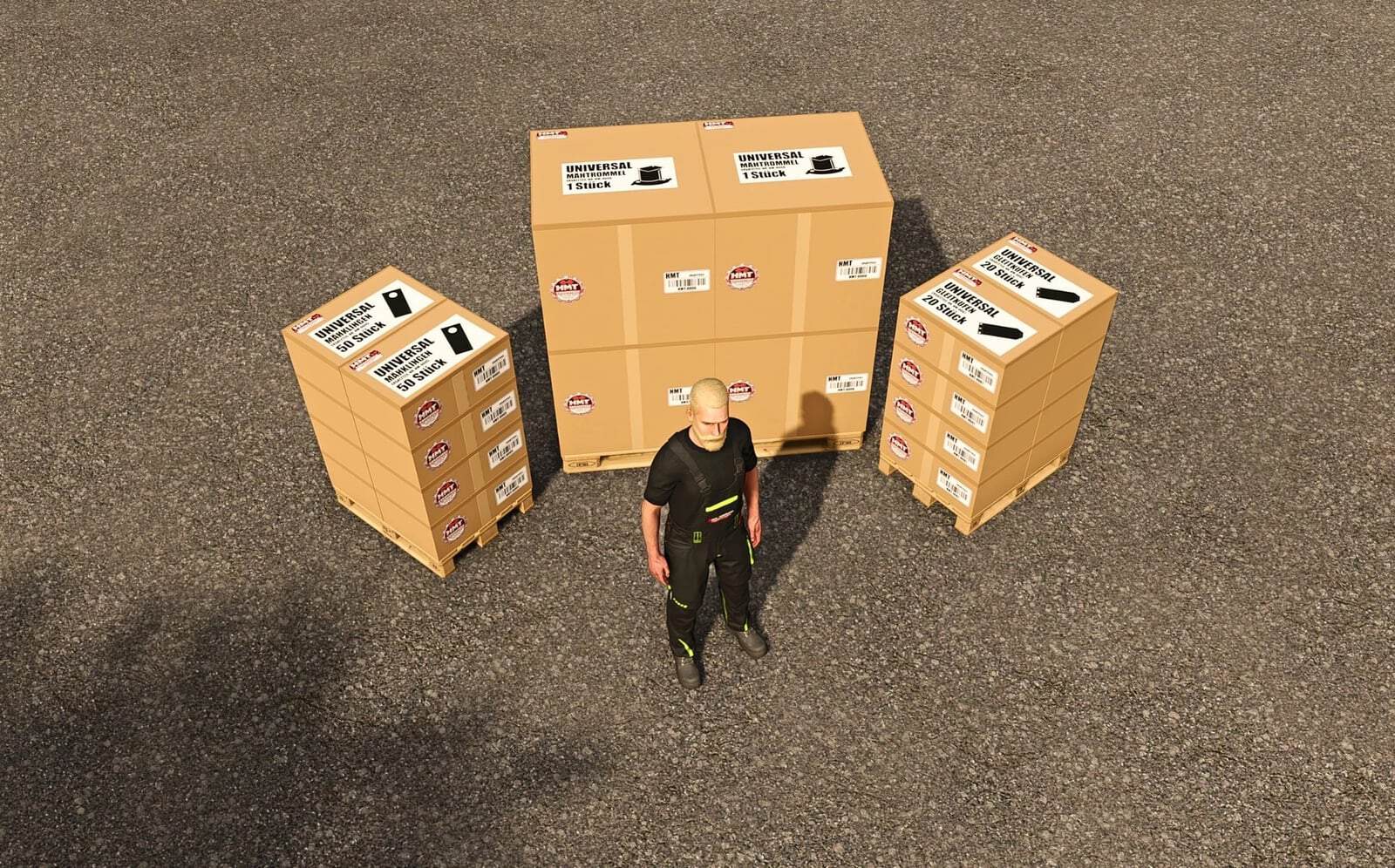
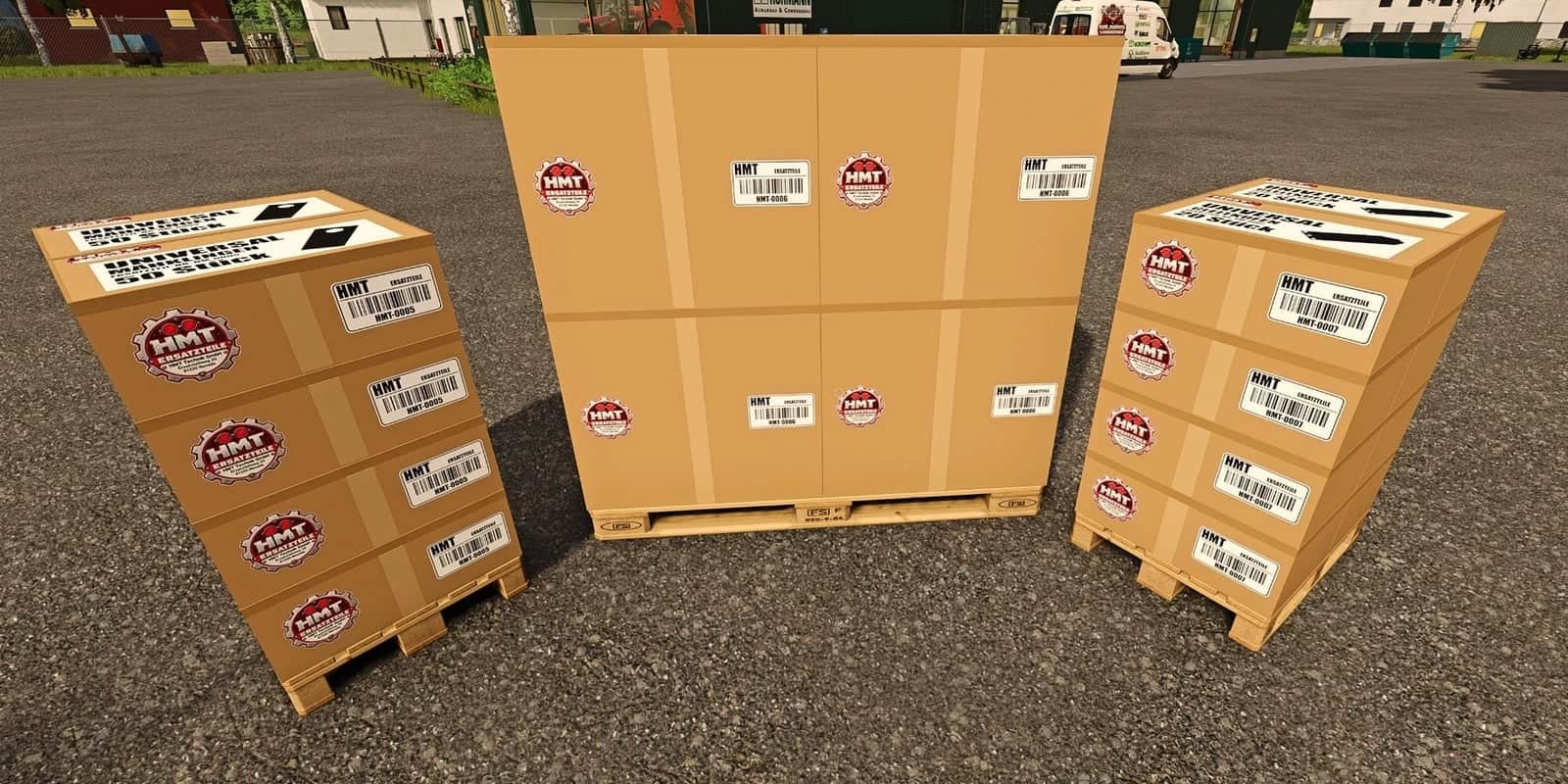
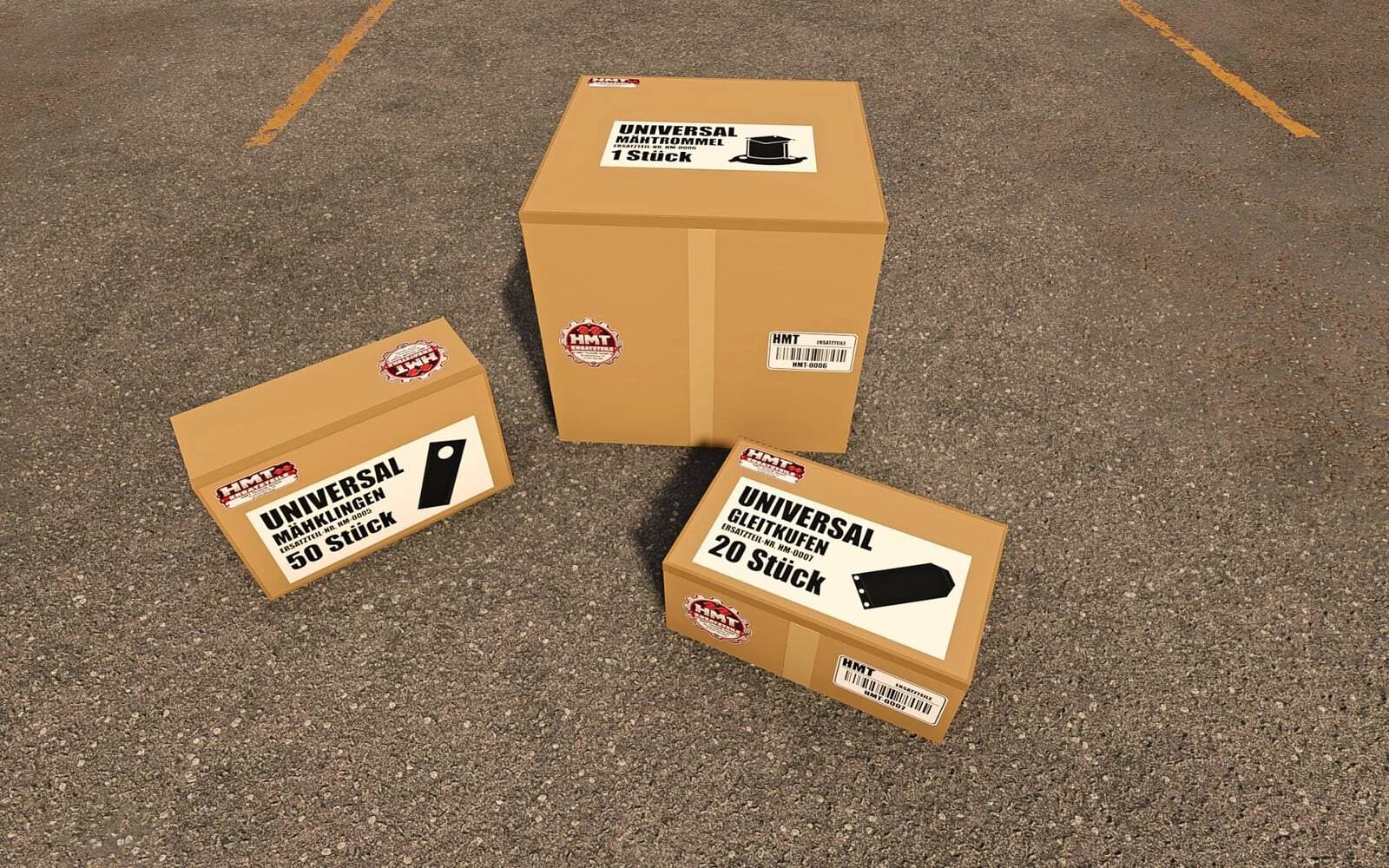
- You can find the appropriate spare part boxes in the “HMT Spare Parts” shop category.
- The HUD displays the condition of the equipment. It can be repositioned, hidden, and resized.
- Maintenance and clearing of blockages via Ctrl + Alt + Caps Lock.
- For single-player use only, multiplayer is not supported.
Features
- Operation takes place while in a vehicle equipped with a supported grass mower. If multiple compatible mowers are present, the currently selected one takes priority; otherwise, the first one detected is used. Please close any open menus before operating.
- Default key binding, HUD: Left Ctrl + Left Alt + 3: Show or hide the HUD. Left Ctrl + Left Alt + 4: Toggle move mode; drag the visible HUD by holding down the left mouse button. Camera and zoom inputs are disabled while in this mode. Move mode is also exited by hiding the HUD, opening a menu, exiting the vehicle, or switching vehicles.
- Default binding, HUD size: Left Ctrl + Left Alt + 5: Cycle through sizes (50% → 25% → 20% → 75% of the speedometer width). Position, size, and visibility settings are saved.
- Default binding, maintenance, always active: Ctrl + Alt + Caps Lock: Start maintenance or cancel an ongoing process, without consuming any parts. Maintenance can be performed even when the HUD is hidden.
- To perform maintenance, come to a stop and turn off the mower. To replace parts, the necessary spare parts boxes or pallets, belonging to the same farm and containing sufficient stock, must be located within five meters of the mower. Multiple boxes or pallets can be used together to supply the required parts.
- A blockage is cleared first, taking eight seconds and requiring no spare parts. Otherwise, the group of parts with the highest wear, for which sufficient replacement parts are available, is replaced over the course of 20 seconds. Additional groups can be serviced subsequently. The number of parts required depends on the level of wear; parts are only consumed once the process is successfully completed.
- Moving the vehicle or turning it on will cancel the maintenance process. In the case of parts replacement, the process will also be canceled if the required supply of spare parts is lost.
- Custom key bindings: The three HUD actions can be remapped under Options → Controls. There is also a separate, remappable action for maintenance, which does not have a default key binding. Existing user-defined bindings will remain unchanged. The fixed key combination, Ctrl + Alt + Caps Lock, remains active regardless of these settings.
- Support: Information, questions, and error reports can be posted in the FBM support thread.
Specifications
- Spare part boxes contain 50 blades, 1 drum, or 20 skids.
- Purchase quantities range from 1 to 5 boxes.
Changelog
- Version 1.1.0.8
- Camera and zoom inputs are now disabled while moving the HUD.
- Improved the handling of the mouse cursor when multiple “Plus” HUDs are active.
- Enhanced the process for exiting “move mode” and releasing the mouse cursor when switching menus or vehicles.
- Fixed an issue with mouse cursor management when exiting the map: the cursor for an open menu will no longer be hidden.
- Key bindings, wear-and-tear calculations, and spare parts quantities remain unchanged.
- This version is intended for single-player use; multiplayer is not supported.
- CVT Note: The reported error remains open and has not yet been reproducible. Should it occur again, please provide the full
log.txtfile along with a brief description of the situation.