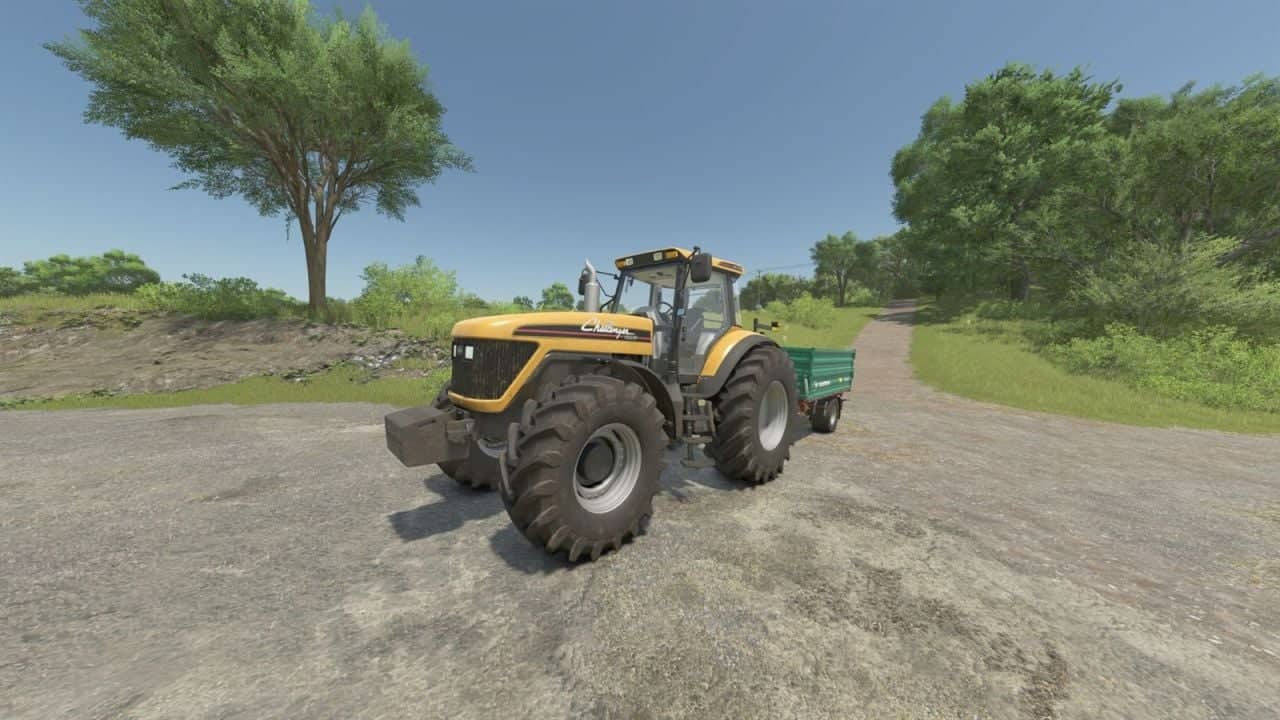
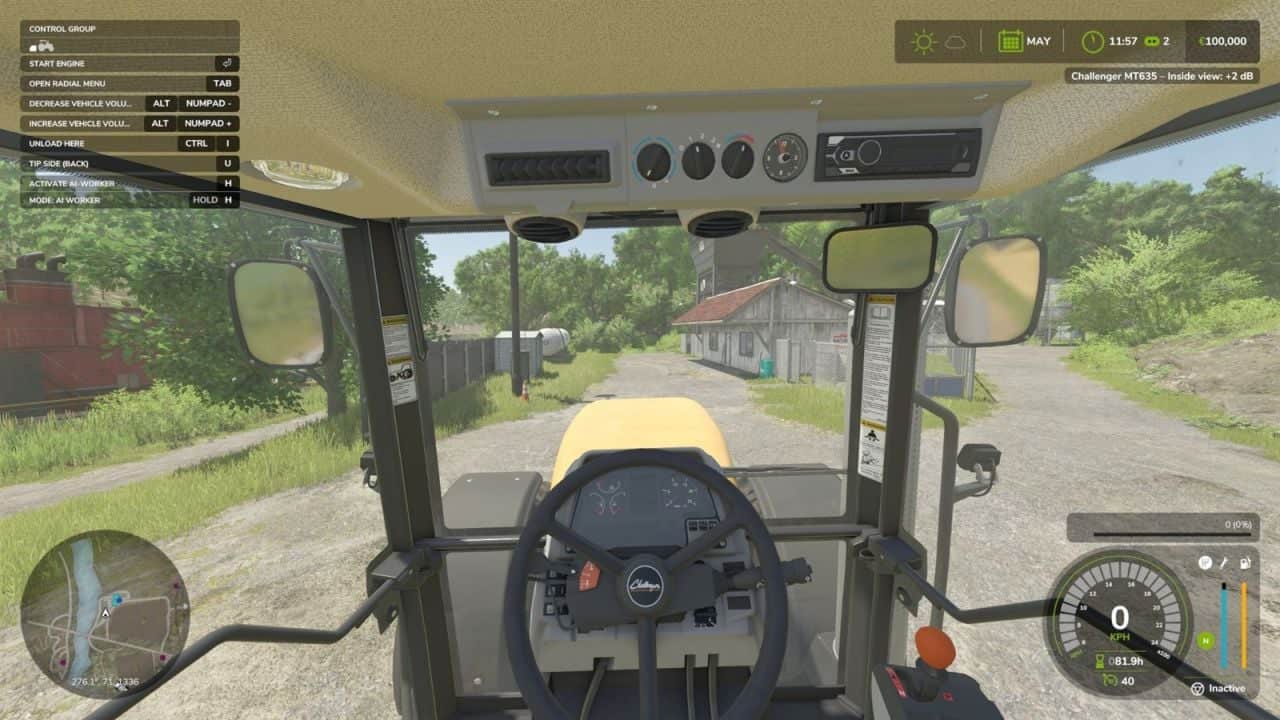
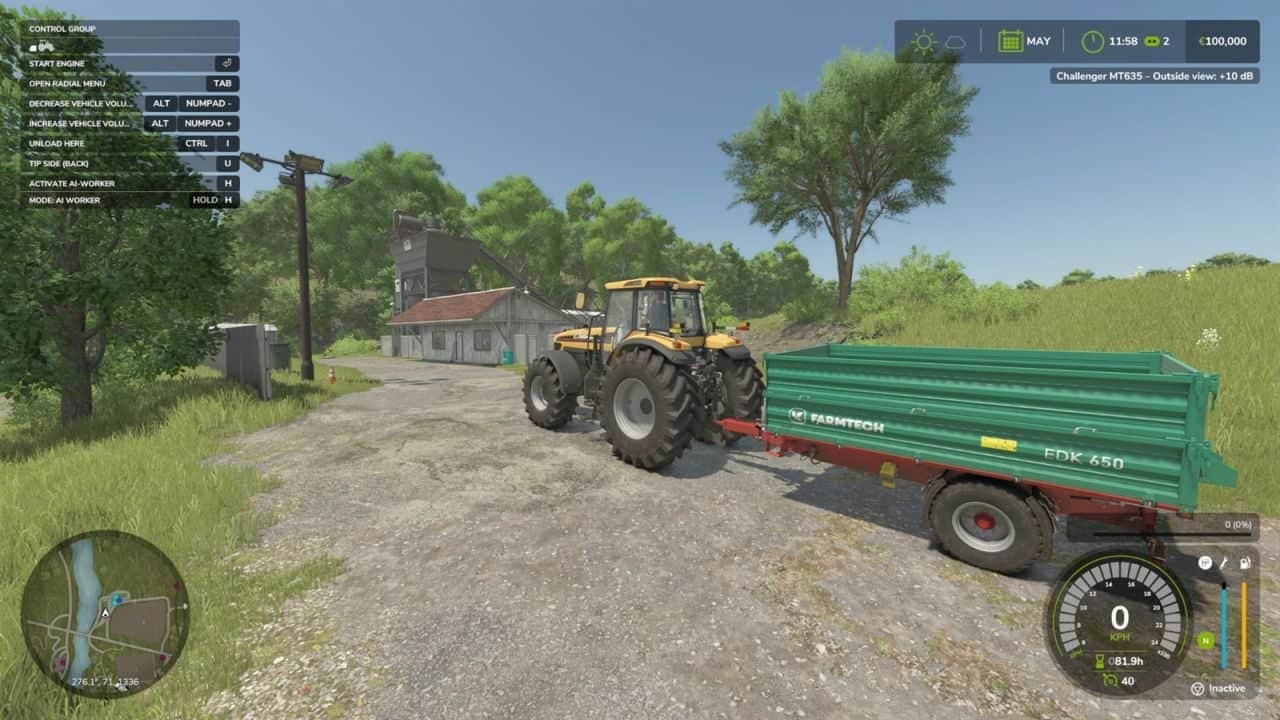
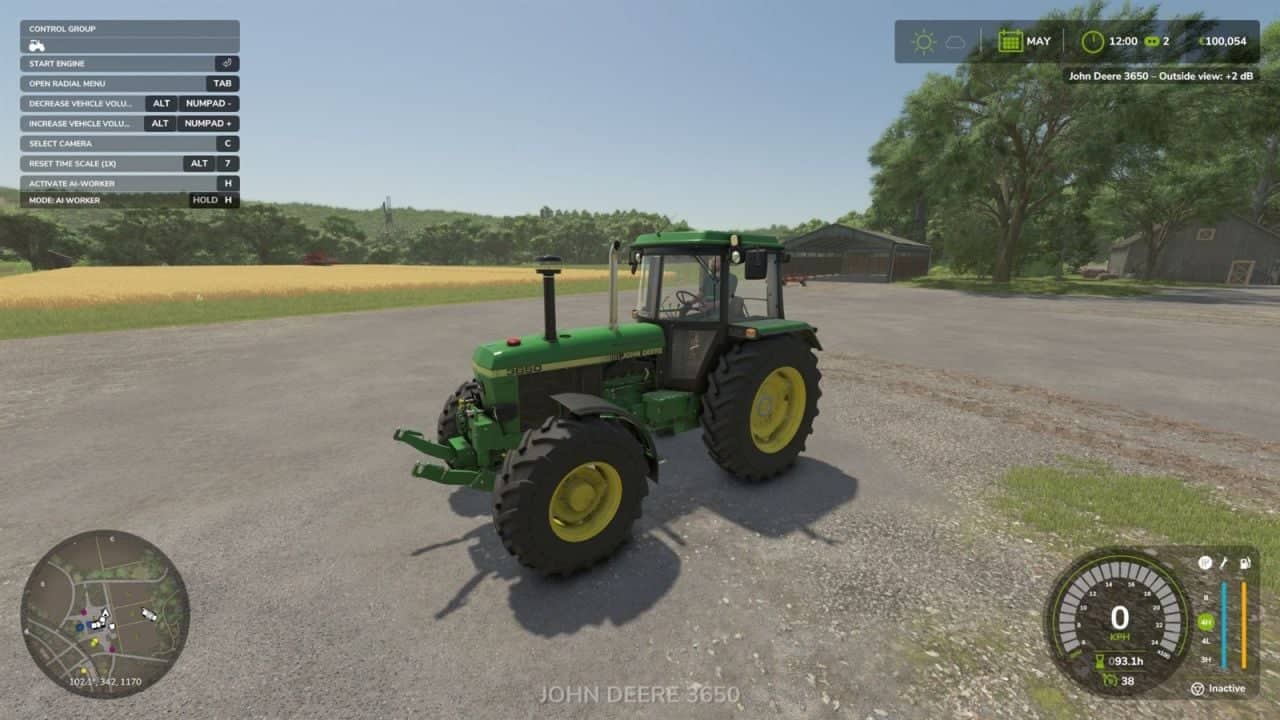
Vehicle Volume lets you set the sound volume of every vehicle individually. Turn each vehicle up or down while driving.
How to use:
Enter a vehicle and use the hotkeys. The volume of the current view is changed: in the cabin view, the inside volume; in an outside camera, the outside volume. Both are stored separately.
Hotkeys:
- Increase volume (+2 dB): Left Alt + Numpad +
- Decrease volume (-2 dB): Left Alt + Numpad –
- Reset the current view to the default volume: Left Alt + Numpad 0
The keys can be changed and controller buttons can be assigned in the game’s key binding settings.
Features
- Range from -20 dB to +20 dB in 2 dB steps, default is the original GIANTS volume (0 dB)
- Separate volume for the inside and the outside view
- The setting belongs to the individual vehicle, two tractors of the same model can have different volumes
- The volumes are saved with the savegame and restored on load
- Notification with the vehicle name, view and current value
Note:
Attached implements keep their own volume. High positive values can sound distorted.
Singleplayer only, not tested in multiplayer.