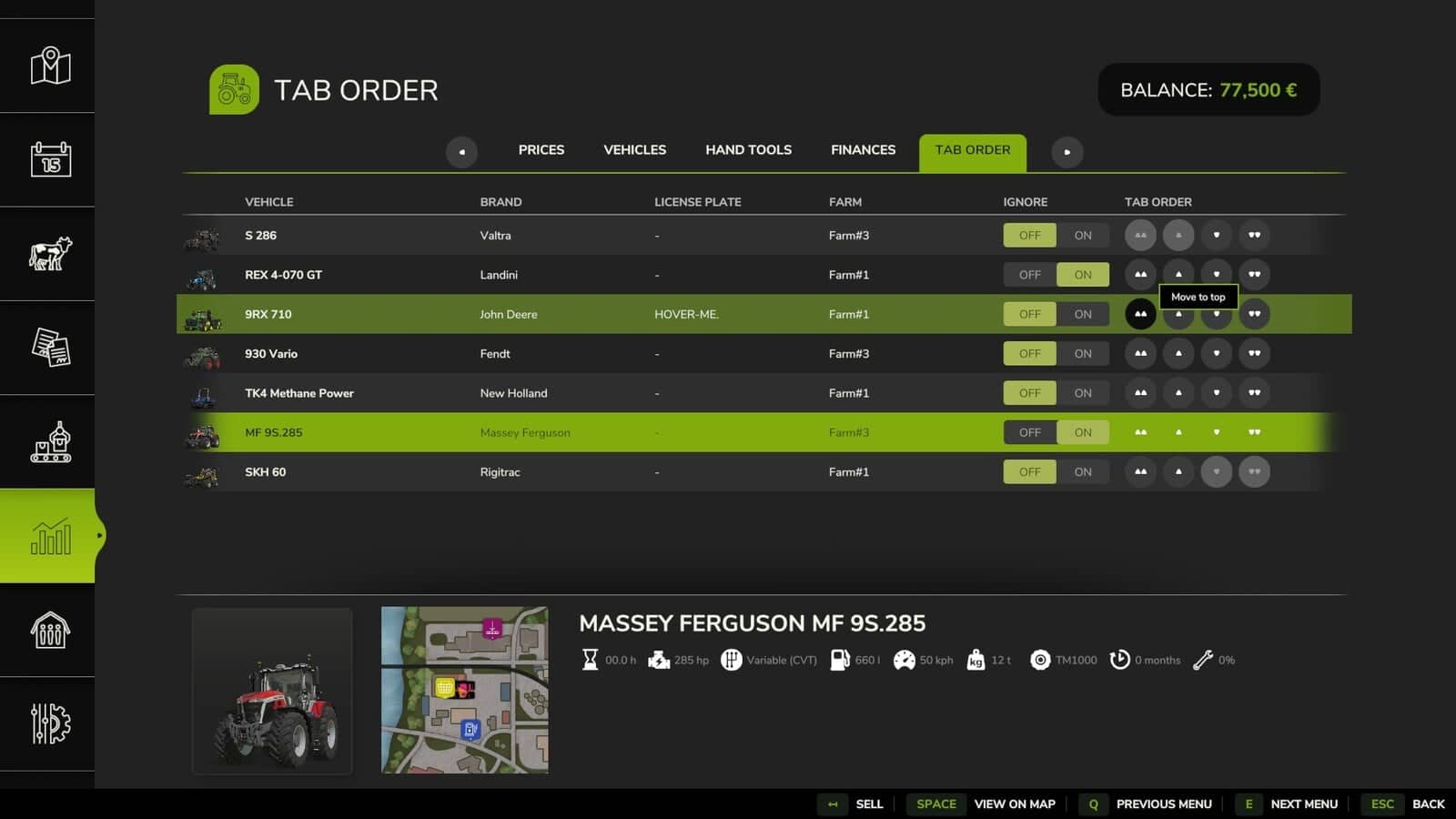
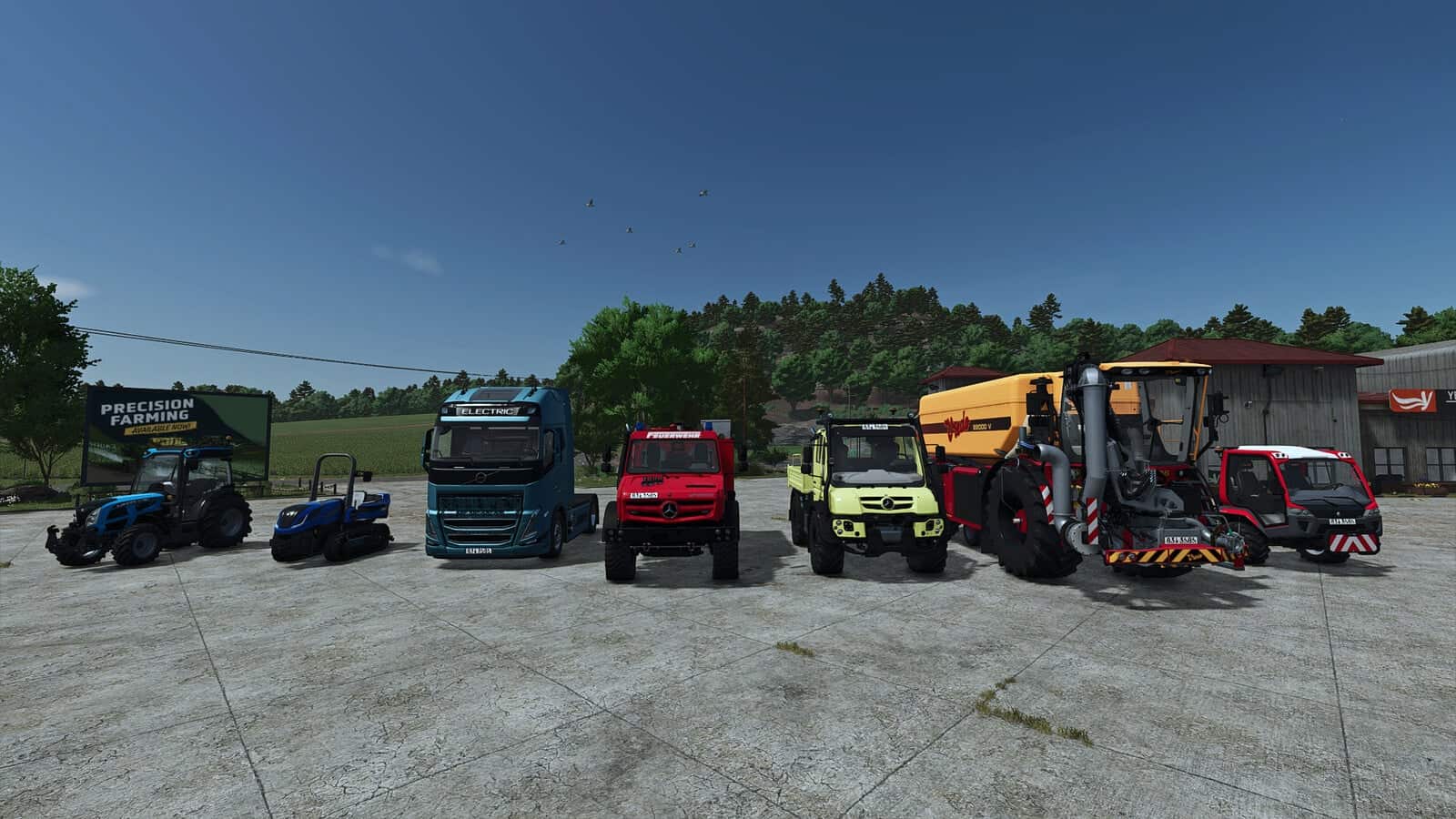
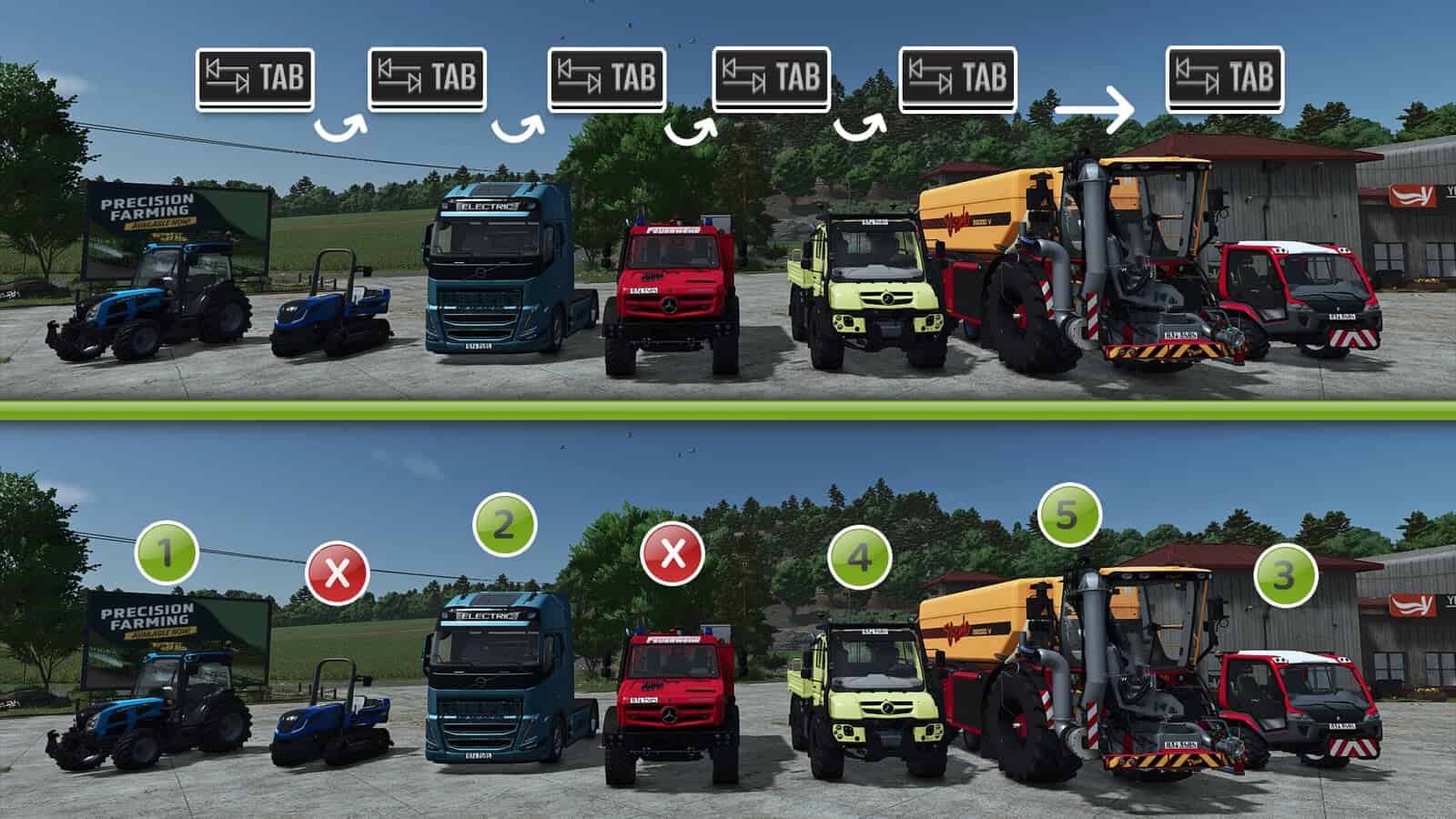
This mod lets you customize the Tab sequence of your vehicles, including which vehicles are included or ignored. It works automatically with every enterable vehicle from the base game, official DLC, or mods, with no manual configuration required.
Vehicle sorting is saved separately for each single-player savegame. Multiplayer settings are independent of single-player settings and are saved per server and per player.
Features
- Sort vehicles according to your workflow.
- Remove vehicles from the Tab loop entirely and add them back whenever you choose.
- Works automatically with every enterable vehicle from the base game, official DLC, or mods.
- No manual configuration required.
- Each single-player savegame has its own saved vehicle order.
- Full multiplayer support independent of single-player settings.
- Each player on a multiplayer server can set an individual Tab order and choose which vehicles to ignore.
- Settings are saved per server and per player.
v1.4.0.0
- Fixed an issue with reset vehicles in multiplayer.
- Added a new hotkey, default Ctrl+P and changeable in the controls settings, to add or remove the current vehicle from the Tab ignore list.
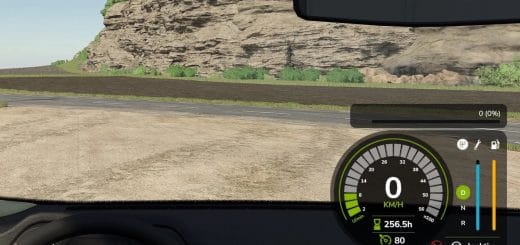
- The Tab ignore status of the current vehicle is shown above the speedometer as text.
v1.3.0.0
- Fixed a menu incompatibility with the
FS25_statsExtendedmod, Extended Statistics. - Fixed a display overlap between the “Prices” tab and the sorted vehicles.
- Corrected the scaling of vehicle images in the table and adjusted their size.
- Fixed a table overflow when scrolling through long vehicle lists.
- When changing the sort order, the selected vehicle remains selected.
v1.2.0.0
- No longer lists attachments, and now only shows vehicles that can be entered and driven.
- Added buttons to the sorting options: Move to Top and Move to Bottom.
- Added display and configurability of vehicles for farms where you have hired worker status or contract access.
- Added display of the associated farm in the list.
- Highlighted the selection in the sorting overview with a background color to make it easier to see which vehicle you’re editing.
- Fixed the saving issue in multiplayer on dedicated servers. The server name just needs to remain the same for existing sort orders to be saved on the client side.
v1.0.0.1
- Fixed the Tab key not working out of vehicles.