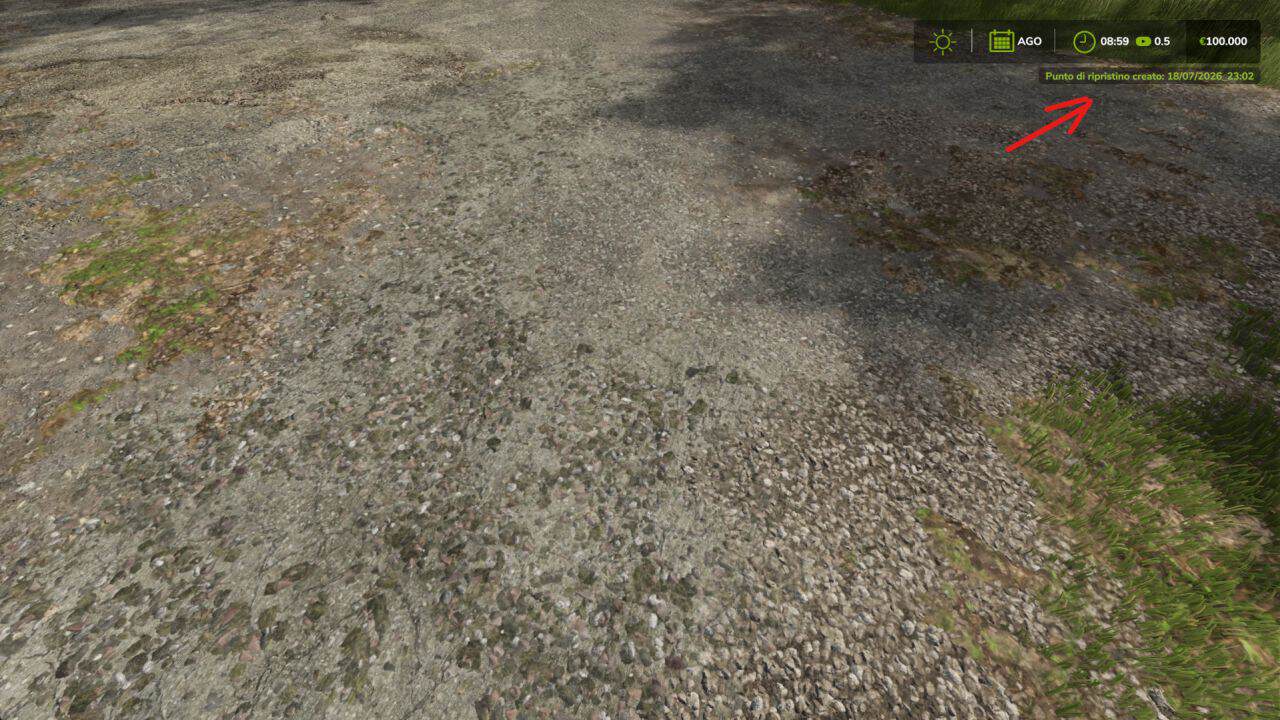
I often found myself needing to roll back my savegame to an earlier point, sometimes multiple times. Unfortunately, the vanilla game doesn’t allow this—unless you’re on PC and manually create backups of your save folder after loading with your selected mod list. This limitation made me wonder whether I could create something genuinely useful: a multi‑save system that fills the gap left by Giants. Thanks to this mod, I can save my game as many times as I want and create different restore points for the same savegame.
How it works (simple explanation)
1) Rename your savegame at the very beginning, for example: “Moment 1”
2) Save the game normally
3) Keep playing and create another save, for example “Moment 2”
4) If you realize you made a mistake and want to go back to “Moment 1”, you can
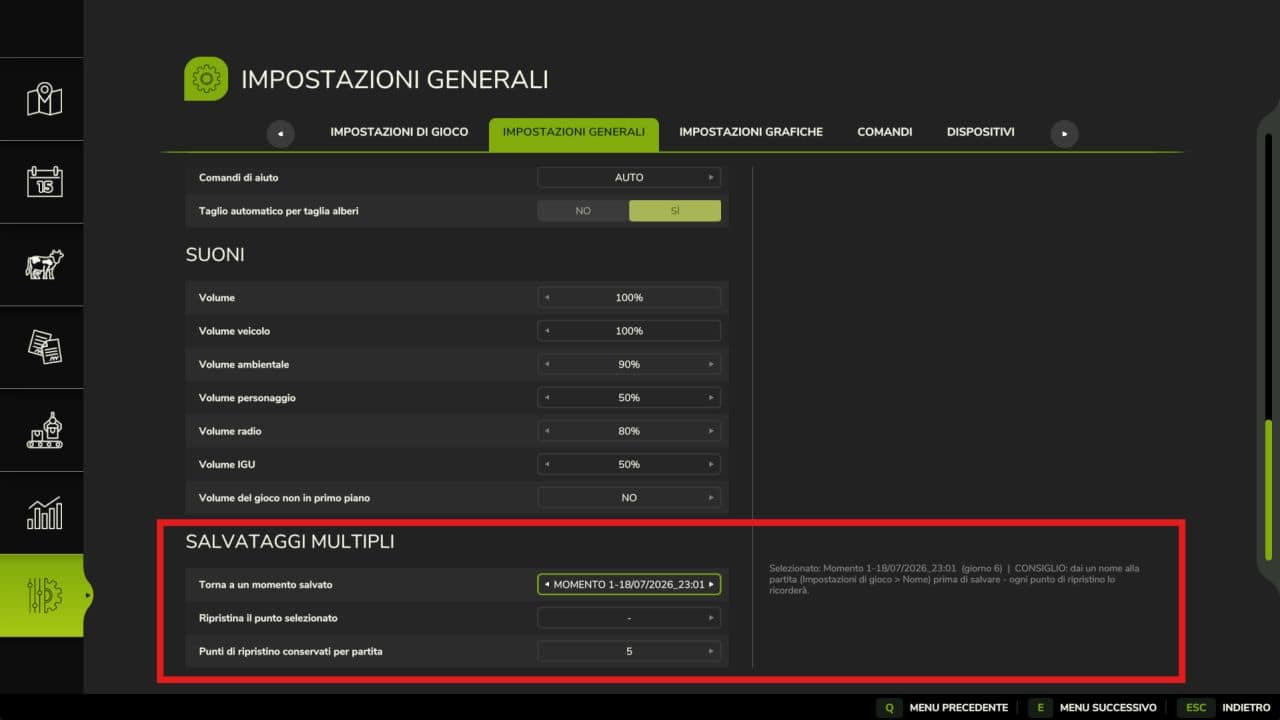
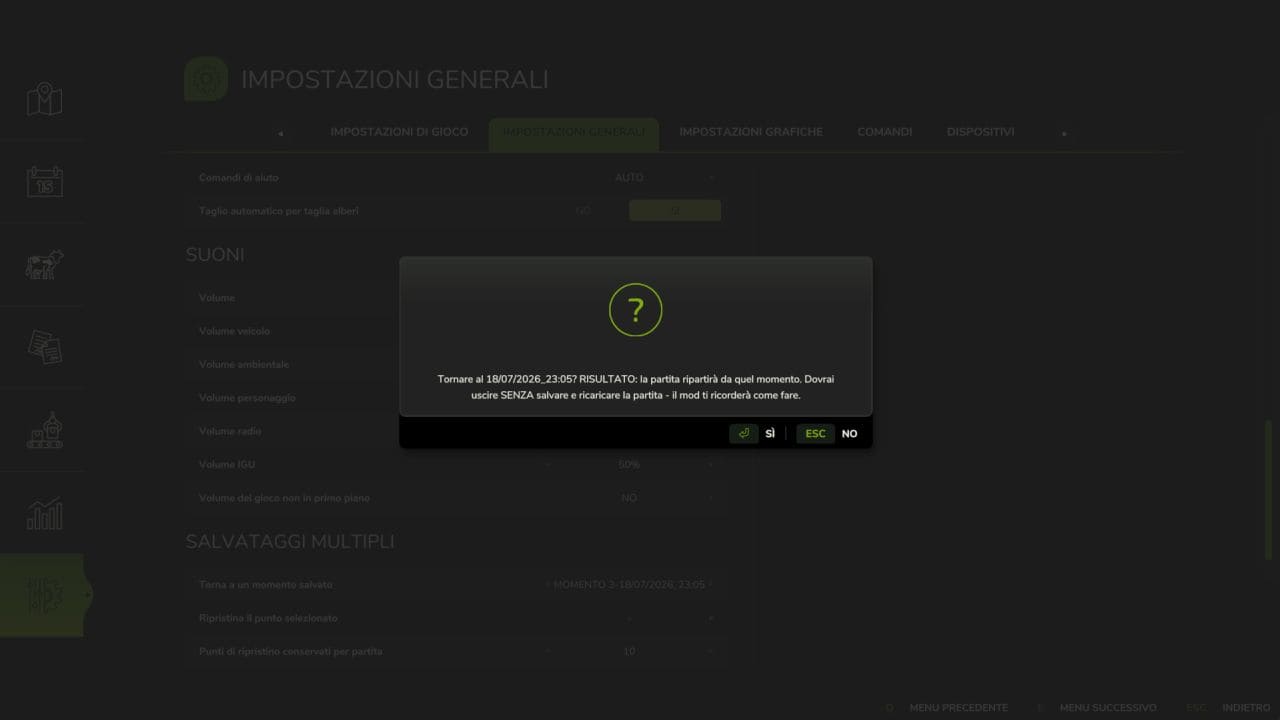
5) Open the General Settings menu and look for “Multiple Saves”
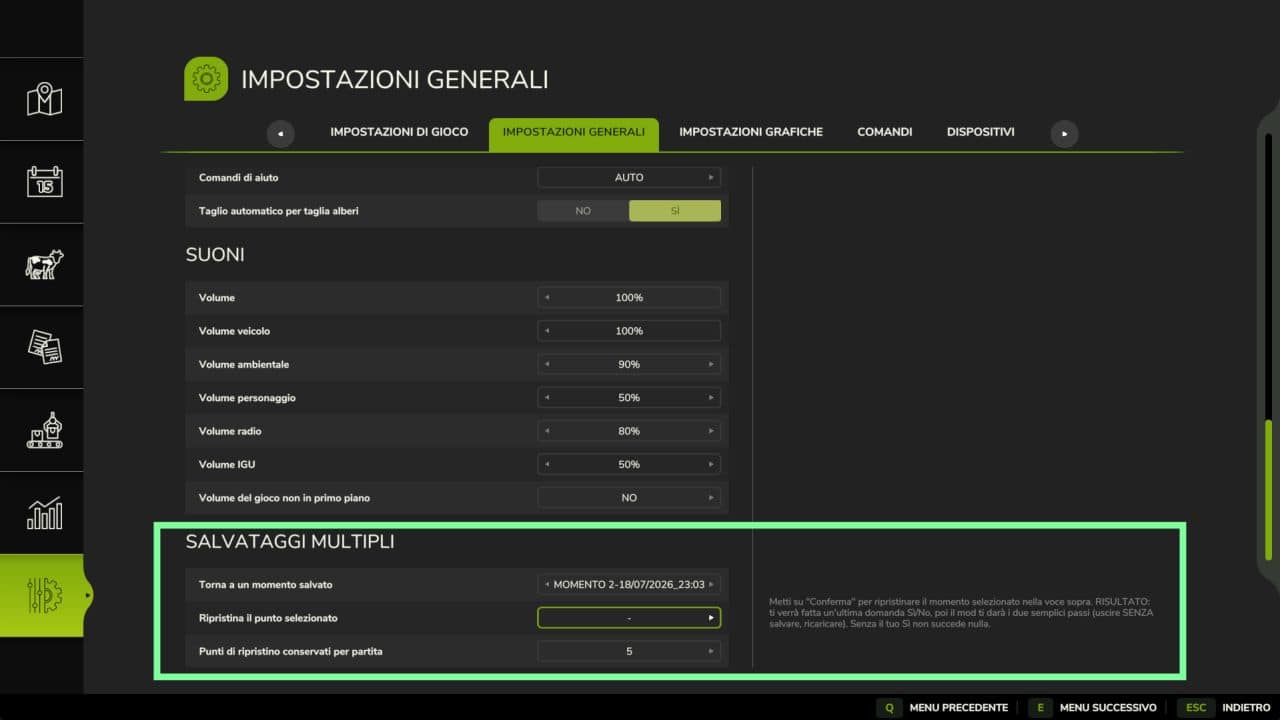
6) Scroll through the options until you select “Moment 1”
7) Confirm your choice
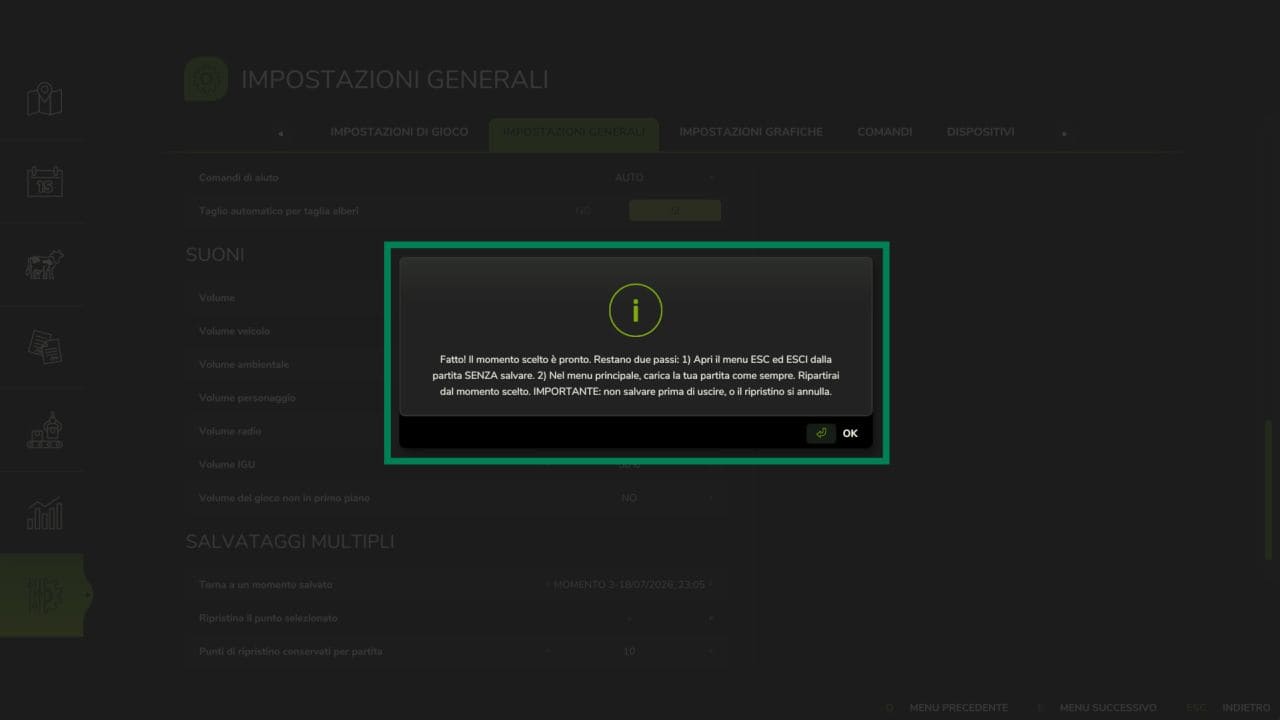
8) The mod will instruct you on what to do next
9) Follow the instructions: simply confirm again and exit without saving
10) Return to the savegame selection menu and choose the save named “Moment 1”
11) When the game loads, you will be back exactly at the situation of “Moment 1”