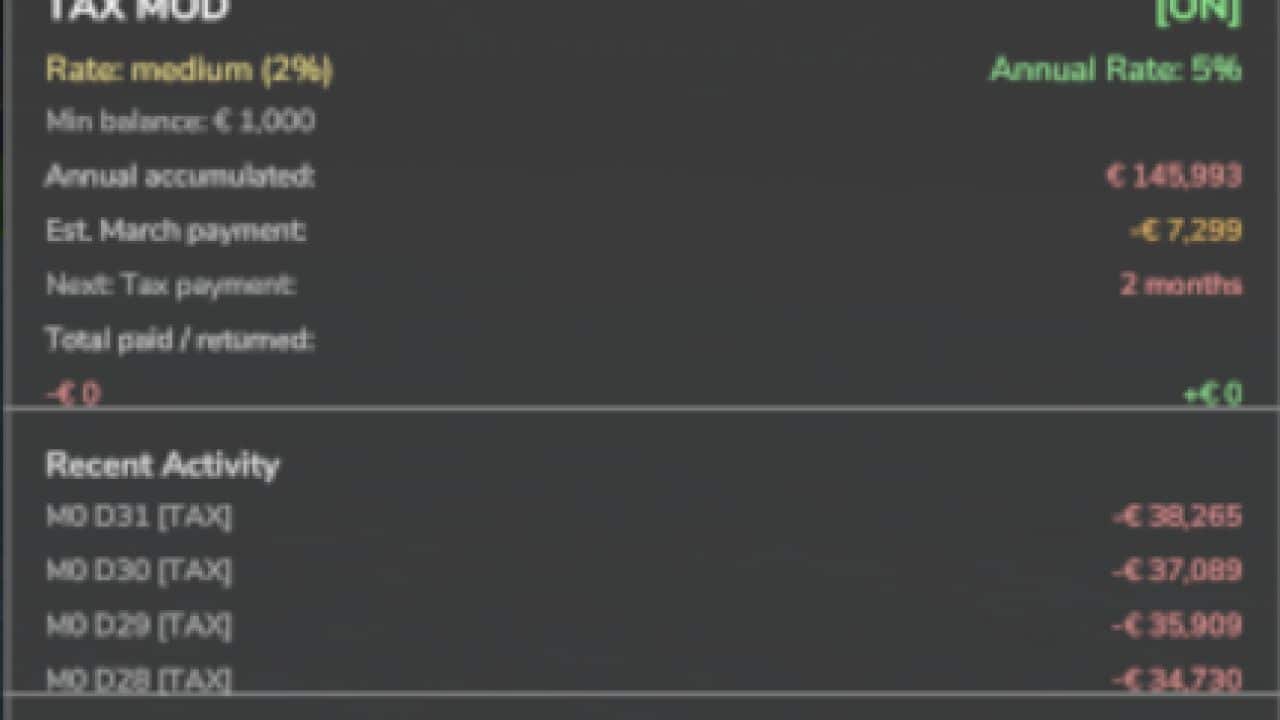
Adds realistic tax system to your farm.
Features:
– Daily tax deductions based on farm balance
– Monthly tax returns (percentage of taxes paid)
– Three tax rate levels: Low (1%), Medium (2%), High (3%)
– Configurable minimum balance threshold
– Tax history and statistics tracking
– Professional in-game notifications
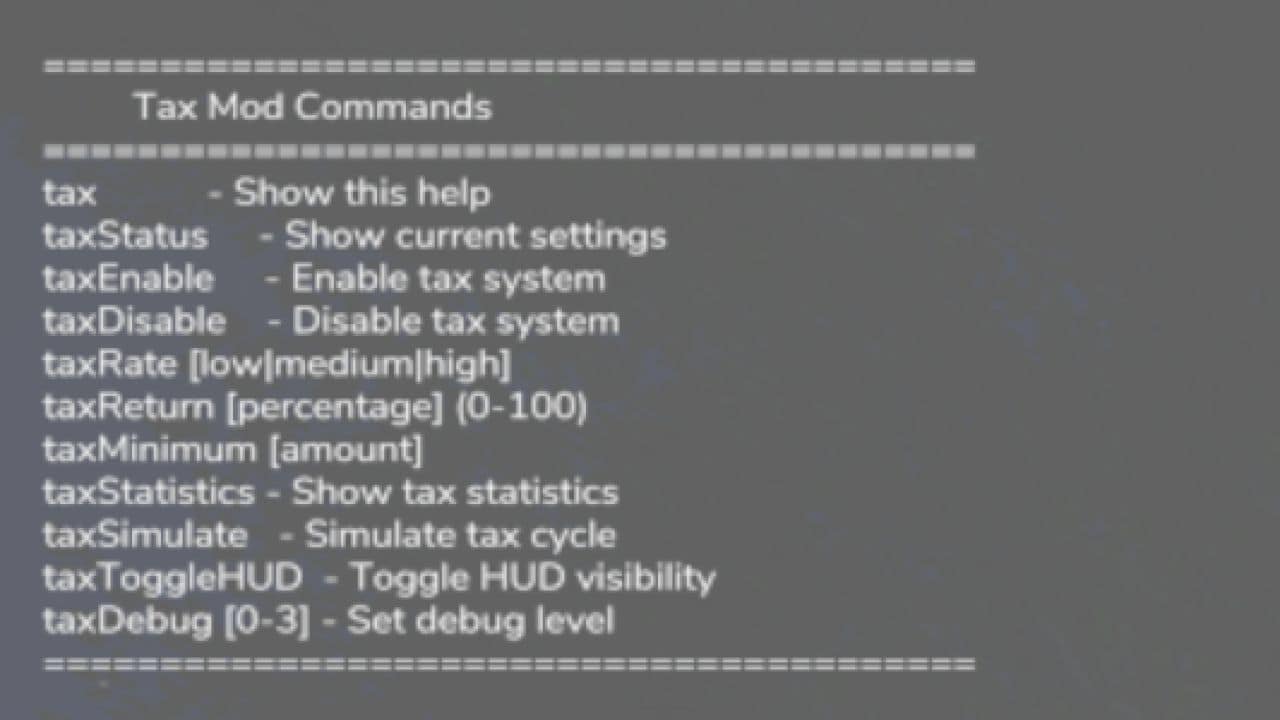
– Fully configurable via console commands
– Multiplayer compatible
– Settings saved per savegame
– Type ‘tax’ in console for commands
Please be aware:
– You need to have developer mode enabled in order for you to open the console.
– This can be done in your FS game folder, then look for the “game.xml”.
– Change to “true”
New
– Irrigation operating costs now appear in your tax ledger. When you run irrigation with Seasonal Crop Stress, each day’s pump running cost is recorded as a deductible “Irrigation Operations” expense. It reflects a cost you already pay, so it adds no extra charge.
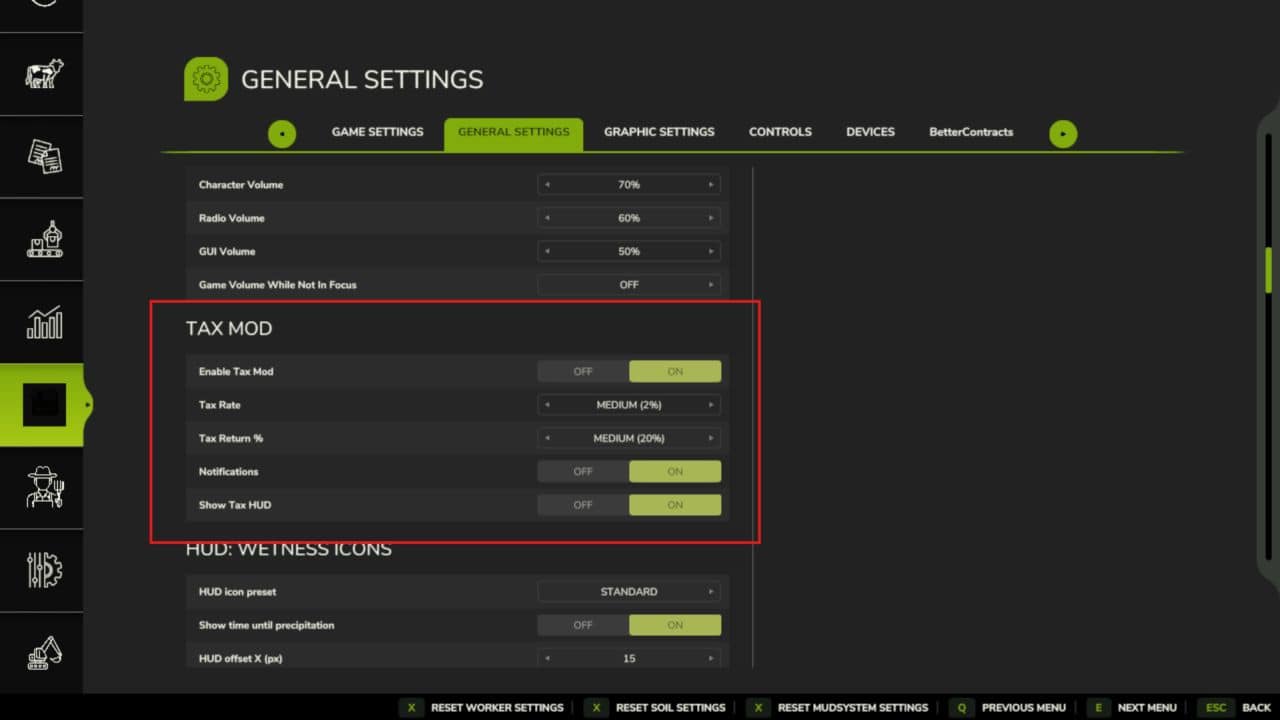
– Realistic Farming ecosystem integration. Tax Mod now saves its state through the shared save system, reports to the unified on-screen display, and its settings appear in the Farm Tablet’s System Settings app.
– Companion expense recording. Other Realistic Farming mods can now log deductible expenses into the tax ledger.
Fixed
– Multiplayer: the annual tax payment is now applied once on the host instead of once per connected player.
– The tax HUD edit mode now opens with its own key binding, and the HUD no longer swallows right clicks.
Localization
– Added Danish, translated by a native speaker (DJWestDK).
Note
– Every ecosystem hook is optional. With none of the other Realistic Farming mods installed, Tax Mod works exactly as before.