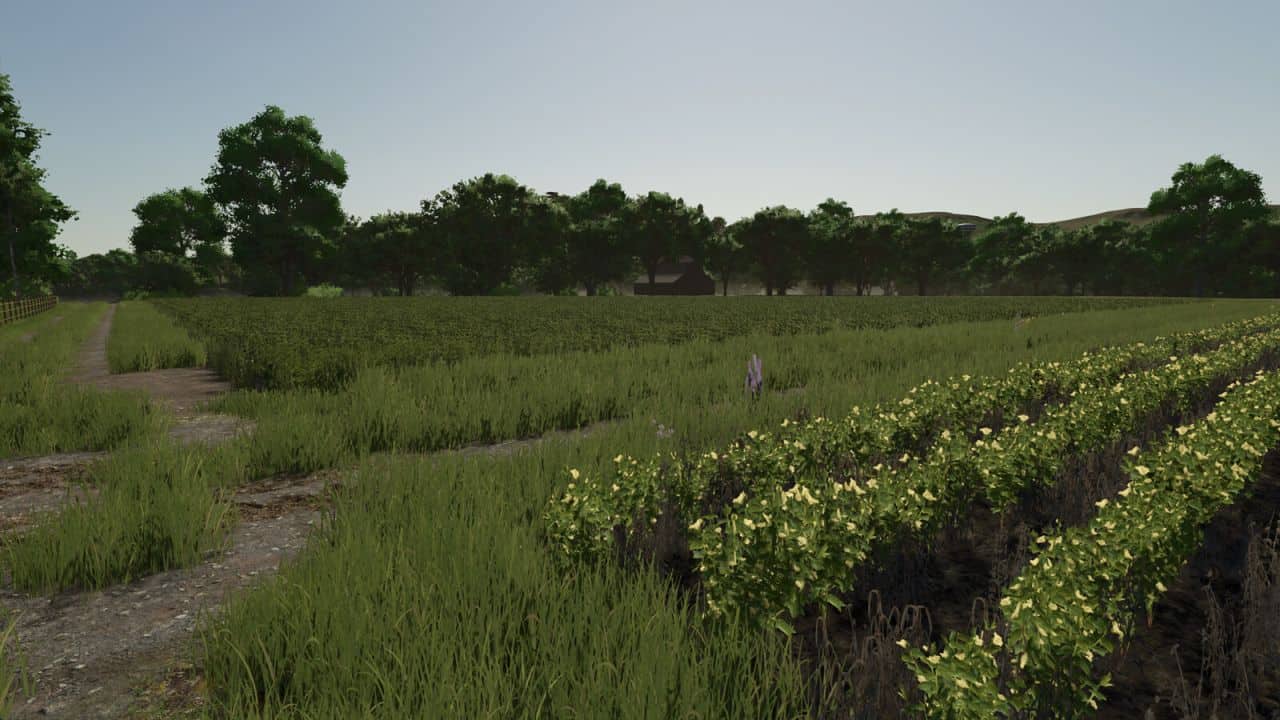
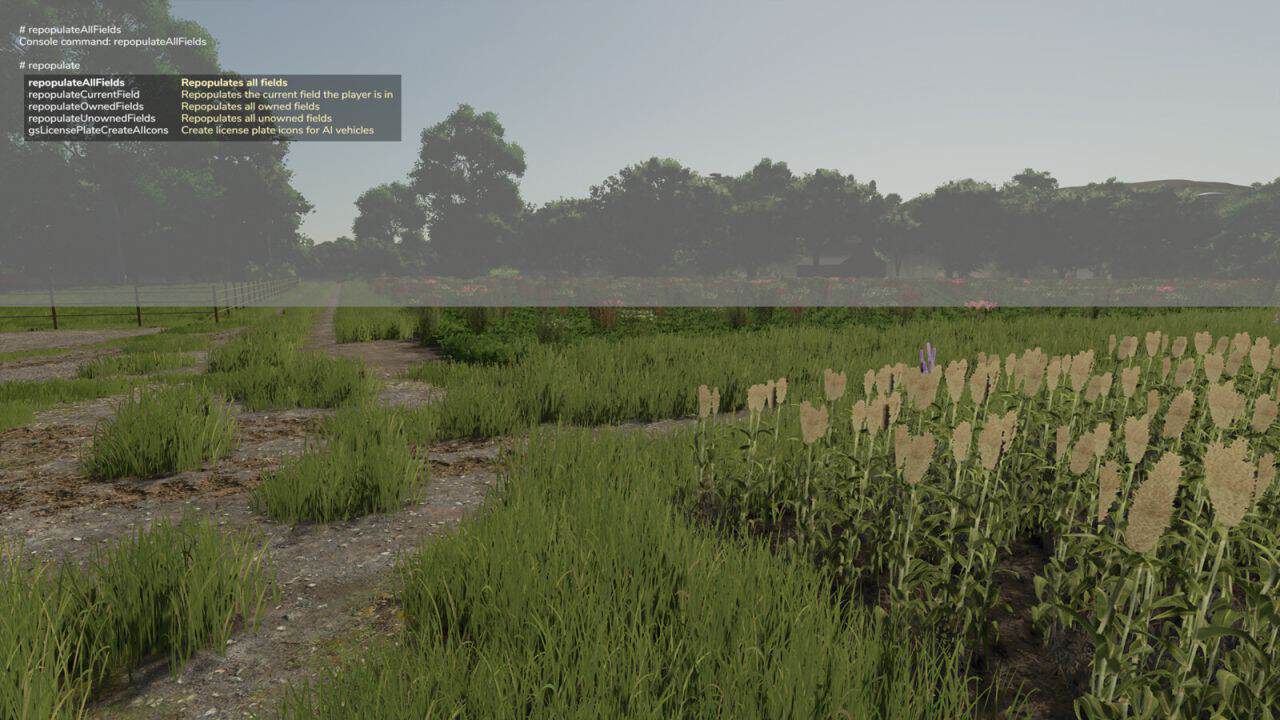
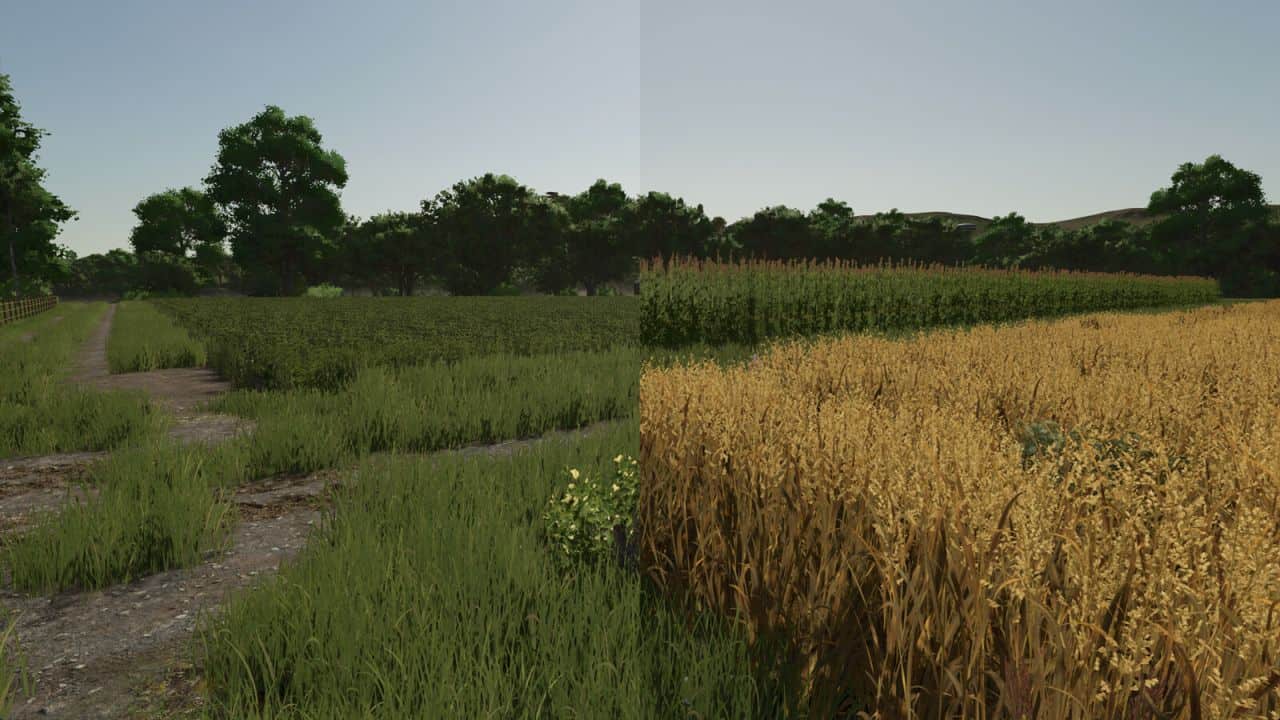
Repopulate Fields lets you reset fields to a randomised state with a single button press. Each field receives a random crop at a random growth stage, along with randomised soil conditions: spray level, plow level, lime level, weed state, and ground type. Grass-only fields always receive grass.
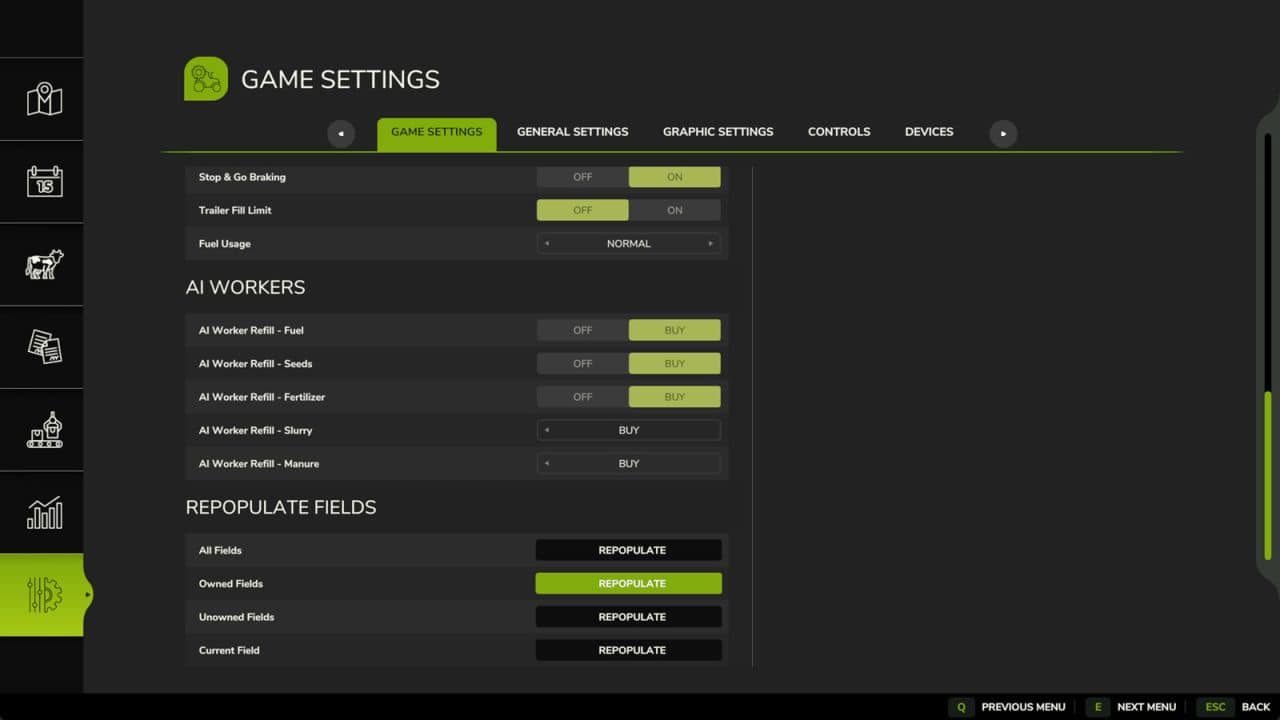
Four options are available, both as console commands and as buttons in the in-game Settings menu:
– Repopulate All Fields (command: repopulateAllFields)
– Repopulate Owned Fields (command: repopulateOwnedFields)
– Repopulate Unowned Fields (command: repopulateUnownedFields)
– Repopulate Current Field (command: repopulateCurrentField)
In multiplayer, admin rights are required to use any of these options.