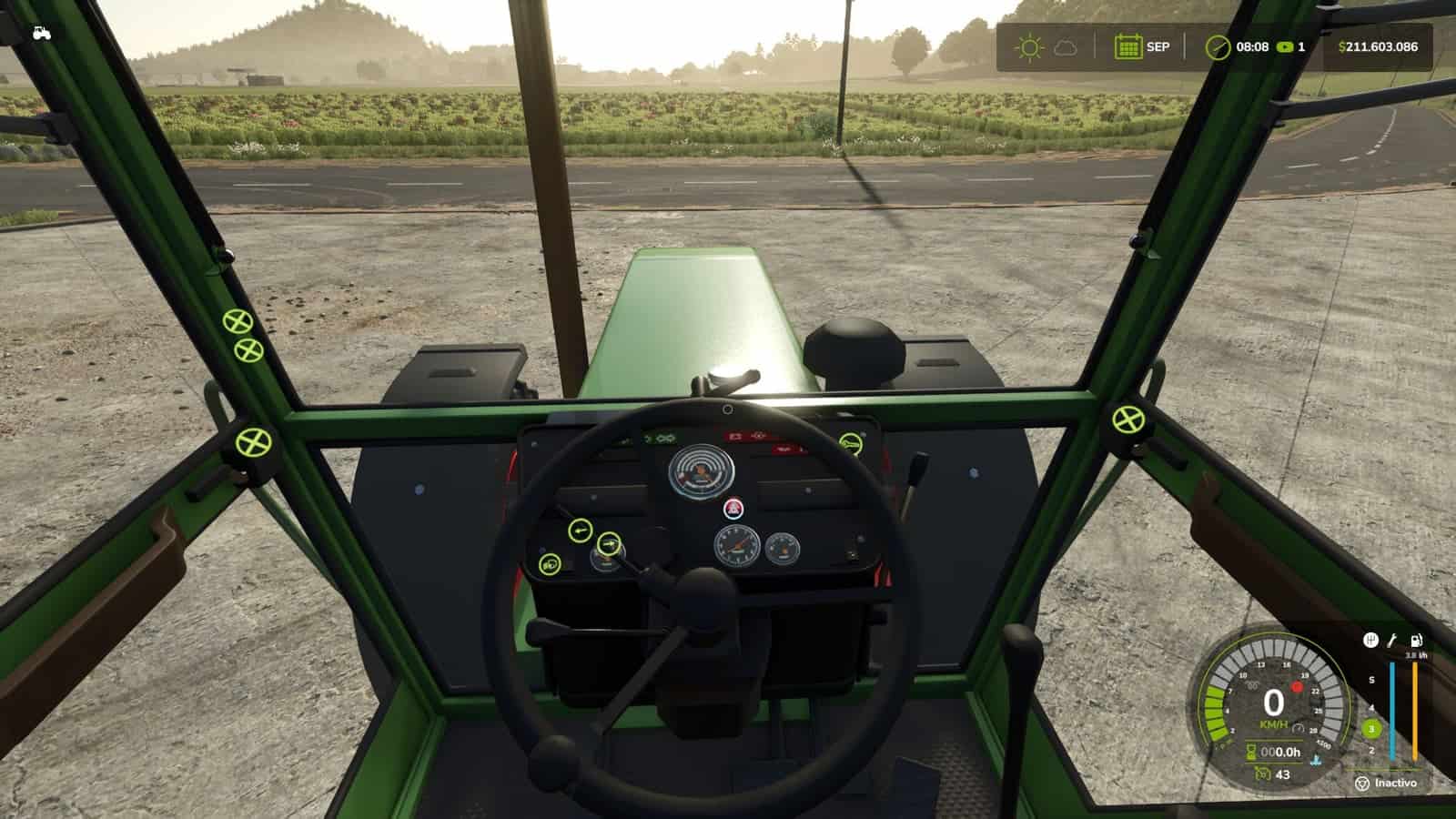
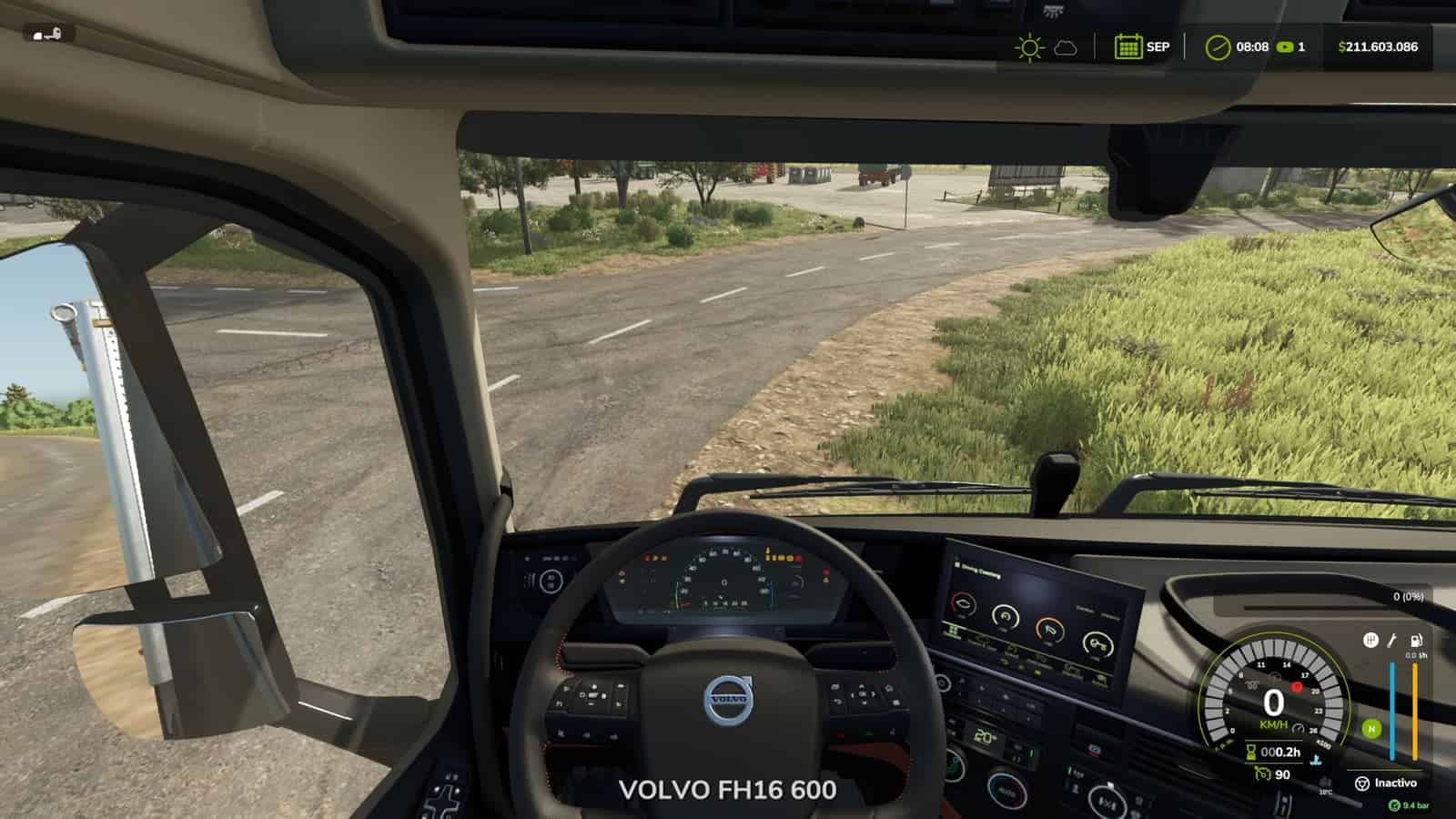
Realistic Diesel Start turns ignition into a multi-stage diesel starting sequence for every motorized vehicle.
Features
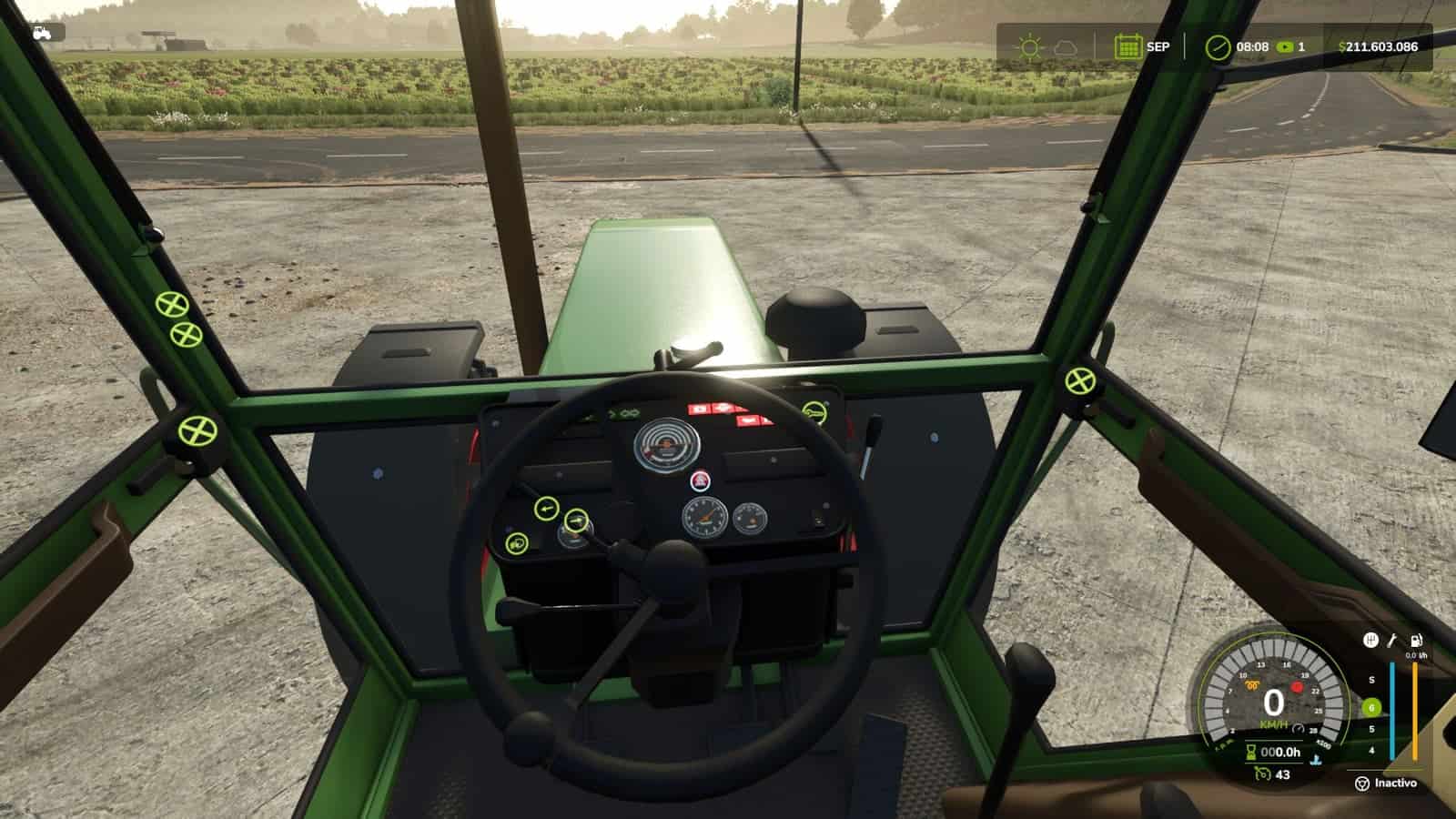
- Short press of the engine key: ignition ON, the dashboard powers up, with the sound of a real ignition key.
- Glow plug pre-heating is shown with a small light next to the speedometer. It depends on the weather and engine temperature: in deep winter it takes a while, while with a warm engine it is almost instant.
- Hold the mod clutch (Alt+L) and the engine key to crank. If you crank before the glow plugs are ready, the engine may not start and may take slight damage. The starter keeps turning while you hold the key, and insisting can make it catch.
- After a cold start, the engine idles for a few seconds before responding to the throttle. The thermometer is blue while cold and fades out at working temperature.
- Trucks have a HUD pressure gauge. The compressor builds air while the engine runs.
- Pressure bleeds off while parked. Leave the truck sitting and you will have to build air before leaving.
- When out of air, the spring brakes engage and lock the truck. You do not lose your brakes, you get stuck.
- Low-pressure buzzer.
- With Realistic Brakes, a trailer with air brakes fills from the truck’s air.
- The dashboard key follows the same sequence: a click switches the ignition on, holding the click starts the engine.
- Keyboard and gamepad support.
- Multiplayer and Dedicated Server support.
- AI workers are not affected.
Settings
- In ESC > Game Settings: clutch to start, and lights without ignition.
- Console:
rdsConfigfor damage, air system and timings. - Console:
rdsHudPos,rdsHudSinADSandrdsHudResetto move the HUD.
Compatible with:
- Advanced Damage System
- Realistic Brakes
- Diesel Fuel System, where bad fuel makes starting harder, with the same starter sound
- Interactive Control
Not compatible with: other ignition or cold start mods, including Real Ignition, Cold Start System and RVB’s glow plug module. Disable them.
Changelog
- V1.4.1.0
Update over the published 1.4.1.0.
When the engine does not start, the starter keeps cranking while you hold the key, instead of the old cough. Every 2.5 s of cranking is a new attempt. With warmer glow plugs, insisting can make it catch. Release the key and it stops.
The sound of a real ignition key plays when switching the ignition on and off, and a soft pedal sound plays when pressing the mod clutch.
Interactive Control: the dashboard key follows the mod’s sequence. A short click switches the ignition on, holding the click starts the engine, and a click with the engine running stops it. Before, it started with a single click, skipping the glow plugs.
Fixed: a failed cold start no longer runs the engine for a moment and kills it. The starter turns and the engine does not catch.
Fixed: the glow plug light looked dim next to Advanced Damage System’s because it was drawn under the speedometer background. It now shines the same.
Fixed: the icons no longer draw over menus and dialogs, such as Real Fuel Consumption’s report.
HUD warning lights are the same size as Advanced Damage System’s, and the air gauge background is the same black as the game’s HUD.
The idle icon is gone. The thermometer is blue while the engine is cold and fades out once it reaches working temperature.
Default positions are placed for Advanced Damage System 0.10, with others for when it is not installed.
Compatible with savegames from 1.4.0.0. Multiplayer and Dedicated Server supported. - V1.4.0.0
MOD CLUTCH KEY: from L to Alt+L.
To start the engine, you must hold the mod’s clutch, as with most modern vehicles. This is a dedicated mod key, not the game’s clutch, so it does not change how the vehicle is driven.
L is the game’s default key for straps and bale types. When two controls share the same key, the game only keeps one active: either the clutch or the straps would stop working.
It is now assigned to Alt+L. If you were using L, the mod will automatically change it and notify you on screen. If you had already assigned it to another key, your setting will be preserved.
TRUCK BRAKE LIGHTS, battery drain issue: with low air pressure, the emergency brake, or spring brakes, could leave the brake lights on while the truck was parked. With Real Vehicle Breakdowns, this would drain the battery.
With sufficient air pressure, the brake lights would not turn on when braking.
The game now controls the brake lights through the brake pedal, just like on a real truck. The emergency brake continues to work normally.
TRAILER AIR SUPPLY, with Realistic Brakes 1.3.0.0: when connecting a trailer equipped with air brakes, its air tank is filled using air from the truck. The truck’s air pressure drops and the compressor raises it again.
HUD ICONS: with a HUD scale other than 1, the icons could become misaligned from the speedometer or appear behind the gear column, with or without Advanced Damage System. They now remain correctly positioned alongside the gauge at any HUD scale.
A vehicle excluded from Advanced Damage System now displays the mod’s temperature gauge.
ADVANCED DAMAGE SYSTEM: the engine would not start on some tractors, displaying “check the starting system”. Now, when a difficult-starting fault occurs, hold the ignition key and the starter motor will continue cranking until the engine starts.
The start key no longer starts the engine instantly while bypassing the glow plugs, nor does it shut the engine off when released.
Tested with Advanced Damage System 0.9.2.8. Compatible with savegames from 1.3.x: no new game is required. Multiplayer and Dedicated Server supported. - V1.3.0.0
Now compatible with Advanced Damage System.
More realistic glow plug preheating: in cold conditions, the duration is no longer so long.
Fixed: the air system used to freeze the Helper while filling the tank.
Fixed: the engine no longer appears to be running if the start-up did not actually occur.
New dashboard icons: glow plug, temperature and air pressure.
The icons arrange themselves automatically, whether you have Advanced Damage System or not.