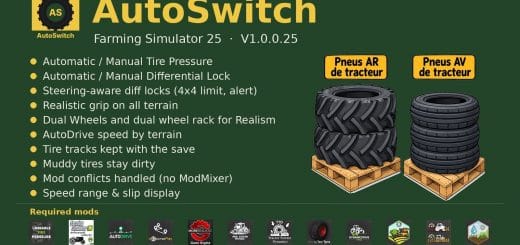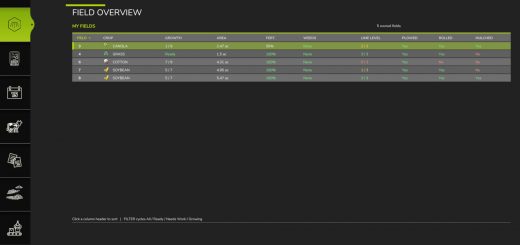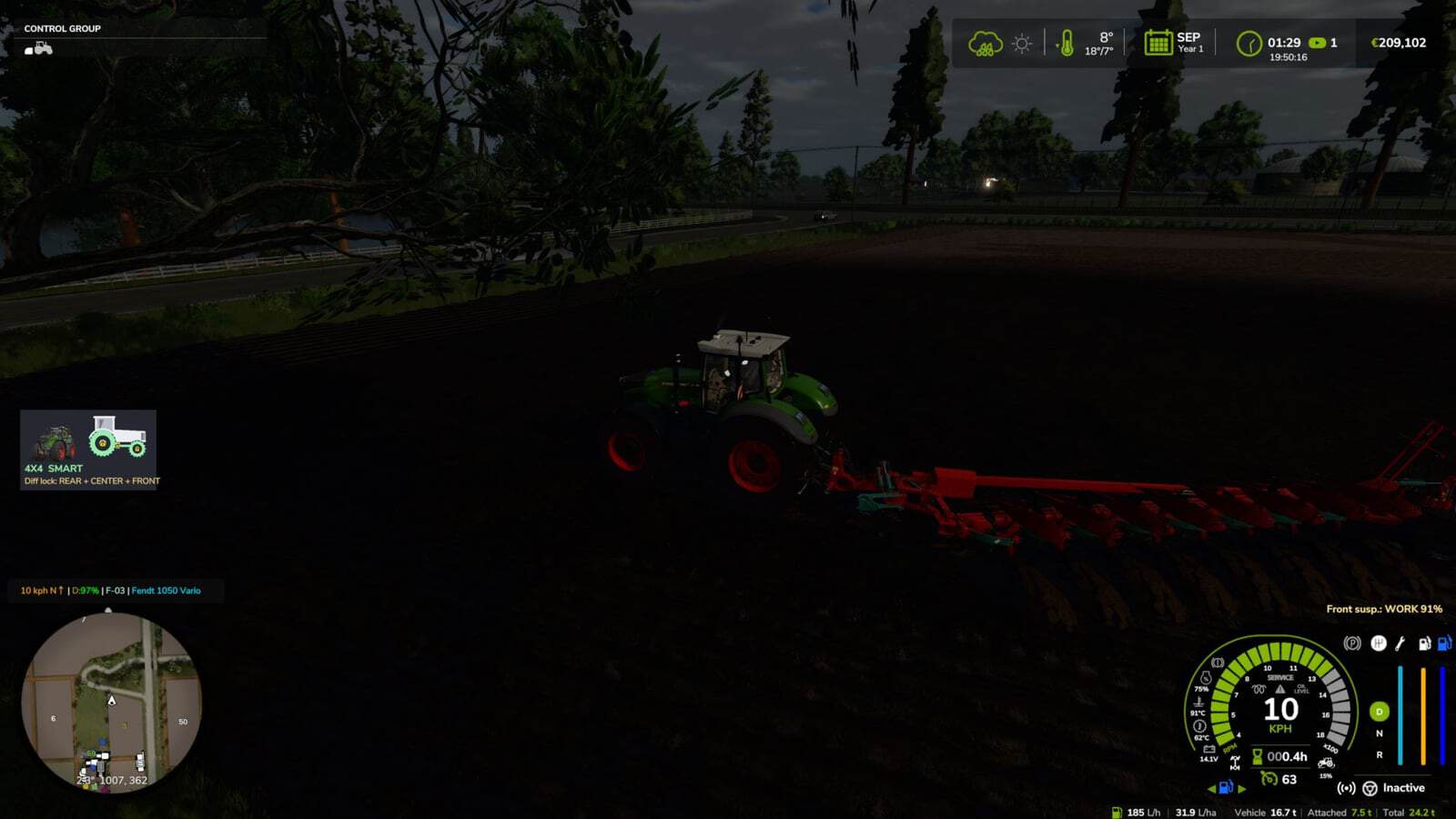
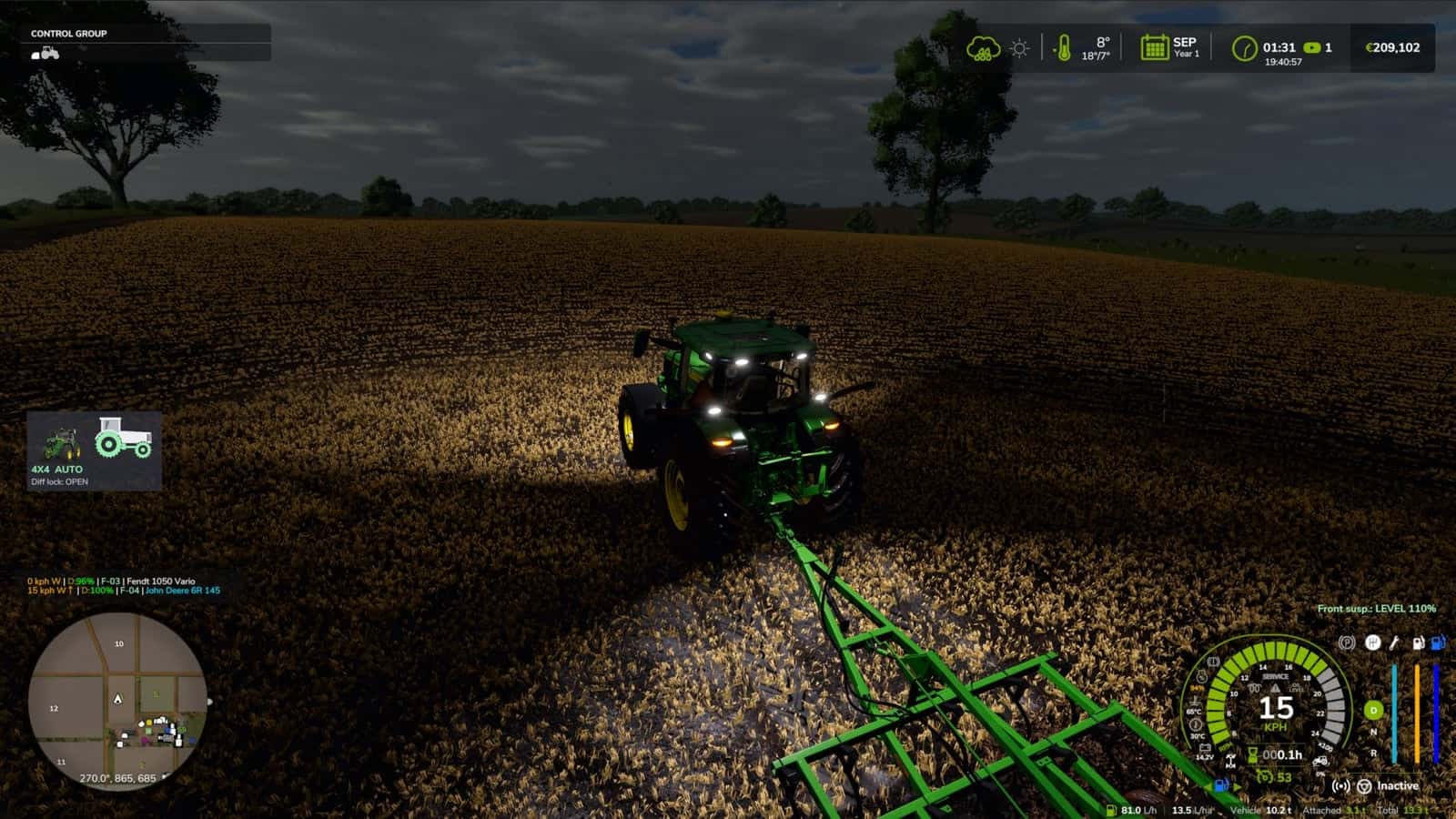
Take real control of your tractor’s traction with a switchable 4×4 system that reacts to actual wheel slip. Multiplayer is in development and playable, but may contain bugs.
Features
- Real rear-wheel slip detection, with automatic modes reacting to actual wheel-slip physics, not just speed
- Four driving modes, assigned to each vehicle by default:
- Manual, always in control
- Semi-automatic, engages with actual wheel slip while manual control is always available
- Automatic, the same logic adjusted for vehicles with factory-fitted automatic 4WD, including CVT/IVT transmissions
- Intelligent, continuous and proportional engagement in the Fendt style, without abrupt switching on or off
- Native tyre-pressure simulation during engagement, with no dependency on any other mod
- On-screen HUD with real-time status and adjustable position in the game Settings menu
- Zero XML changes to any vehicle, with automatic integration into all compatible vehicles
Changelog
- V2.1.0.0
- New SIMPLE mode, the default: tractors, wheel loaders and telehandlers only, automatic 4WD on every tractor, engaging on wheel slip or when lowering an implement, with no speed limit when 4WD is engaged. Install and play.
- REALISTIC mode keeps everything from 2.0: factory modes, real speed limits, all vehicles and tyre pressure by hand. Choose it in the window: Left Alt + J > Settings > System mode. Reload the game after changing.
- To use the old behaviour, switch to Realistic.
- V2.0.0.1
- Fix: a Lua error repeating in the log,
FourWDTractionSystem.lua:2518: invalid argument #3 to 'format', on vehicles with permanent 4×4 or without a 4×4 speed limit, including 6×4 trucks, wheel loaders and articulated tractors. Thanks to Patrik Vendelberger for the report.
- Fix: a Lua error repeating in the log,
- V2.0.0.0
- All drivable vehicles are now supported, except trains, boats and motorbikes.
- Each vehicle is recognised by its shop category and its real driveline:
- Tractors: selectable 4×4, as before
- Articulated and 4-track tractors, wheel loaders and telehandlers: permanent 4×4, locks only
- 6×4 trucks: lockable inter-axle differential and locks
- AWD trucks: selectable front drive
- 4×2 trucks: rear lock
- Cars, pick-ups and UTVs: part-time 4×4 that engages on the move
- Combines and self-propelled vehicles: rear-axle drive on demand
- Limits per vehicle type determine when 4×4 and locks can engage, the top speed with 4×4, and automatic lock or unlock.
- New 4×4 window, opened with Left Alt + J, with a top view of the driveline, 4×4, centre and inter-axle locks, front and rear locks operated with the mouse, mode per vehicle saved with the savegame, tyre pressure options for field, road, automatic and manual, telemetry and all settings.
- The menu in the game’s settings was removed because it slowed down loading. Everything is in the window now.
- Mod and DLC tractors without a profile get their mode from the transmission: CVT and full powershift are automatic, partial powershift is semi-automatic, and a manual gearbox is manual.
- Brand profiles now apply to tractors only. Massey Ferguson combines and the Kubota R640 were set to automatic. Challenger MT600 is excluded.
- Zasty HUD: with the HUD active, the 4×4 panel hides and the HUD shows 6X4, AWD or 4X2 and the locks.
- Multiplayer: the driveline and mode of each vehicle reach all players, and the chosen mode is checked on the server.
- Keys: only Ctrl + J for 4×4 and Ctrl + K for locks remain. Single locks, CTIS, tyre pressure, panel and telemetry moved to the window.
- Fix: the default keys were not assigned on a new installation.
- Default keys:
- Left Ctrl + J: 4×4 on or off
- Left Ctrl + K: differential locks on or off
- Left Alt + J: 4×4 window, including locks, tyre pressure, mode and settings
- These are the default keys. If one of them is already used by the game or by another mod, go to Options > Controls and set the key you prefer to avoid conflicts.