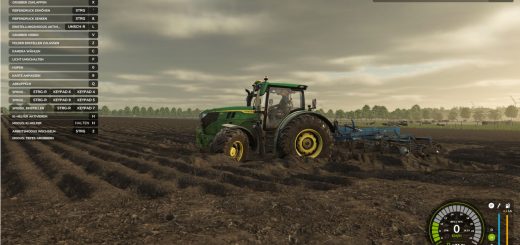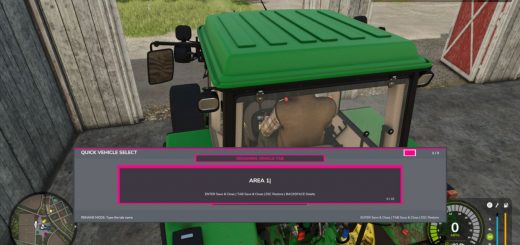
The UI renderer bedrock of the Realistic Farming mod ecosystem. MasterHUD is mod 3 in the load order. It owns the single draw loop that renders every companion mod’s overlay, in a pull model: companions flip a dirty flag instead of rebuilding HUD strings every frame, and MasterHUD calls their fetch callback only when the data actually changed. It also handles menu-suspend, corner stacking, and unload cleanup once for all of them.
There are no settings and nothing to configure. Install it, keep it loaded, and let the companion mods use it.
V1.0.1.0
This update gives Master HUD proper on-off and edit controls and wires it into the suite Control Center, so you can manage your HUD without digging through menus.
What’s new
– Toggle all HUDs with Right Shift + G
– Enter HUD edit mode with Right Shift + B to move and arrange elements
– Control Center support (with SettingsHub installed): toggle and edit your HUD straight from the Control Center
What’s fixed
– HUD controls now respond while you are seated in a vehicle
– General stability fixes for showing, hiding, editing, and cleaning up HUD overlays
No save migration needed. Existing saves load as normal.