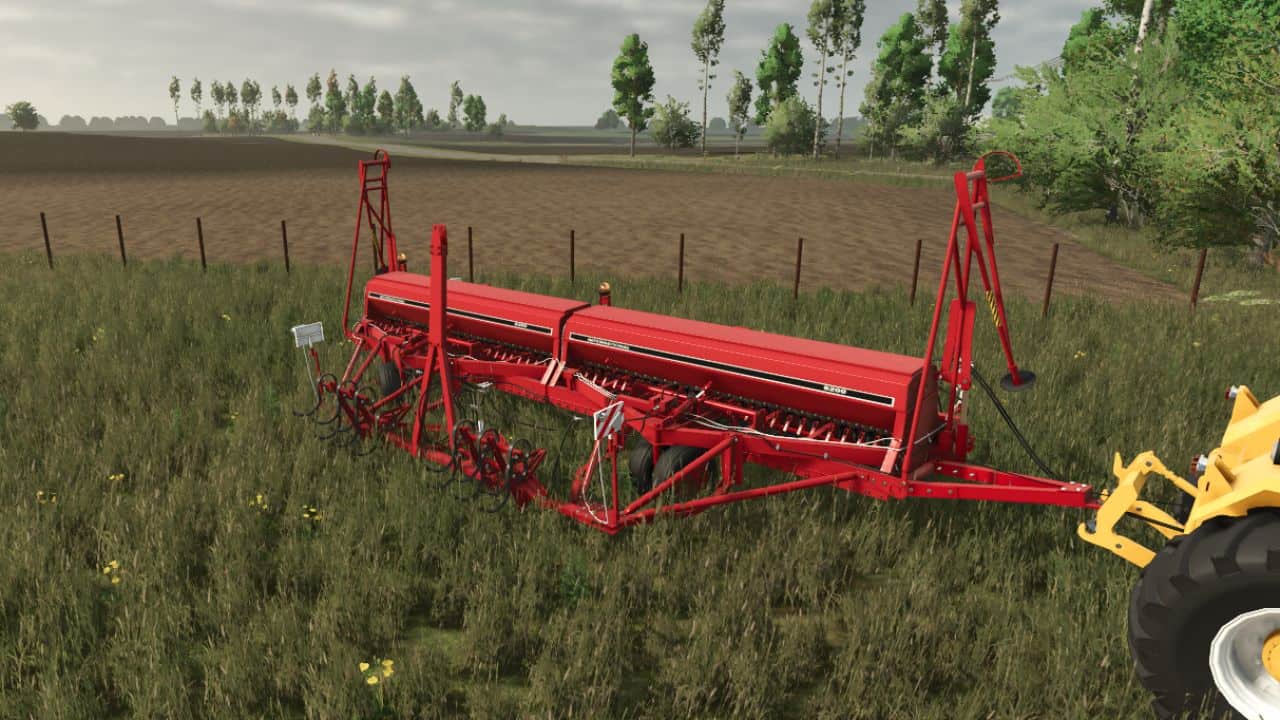
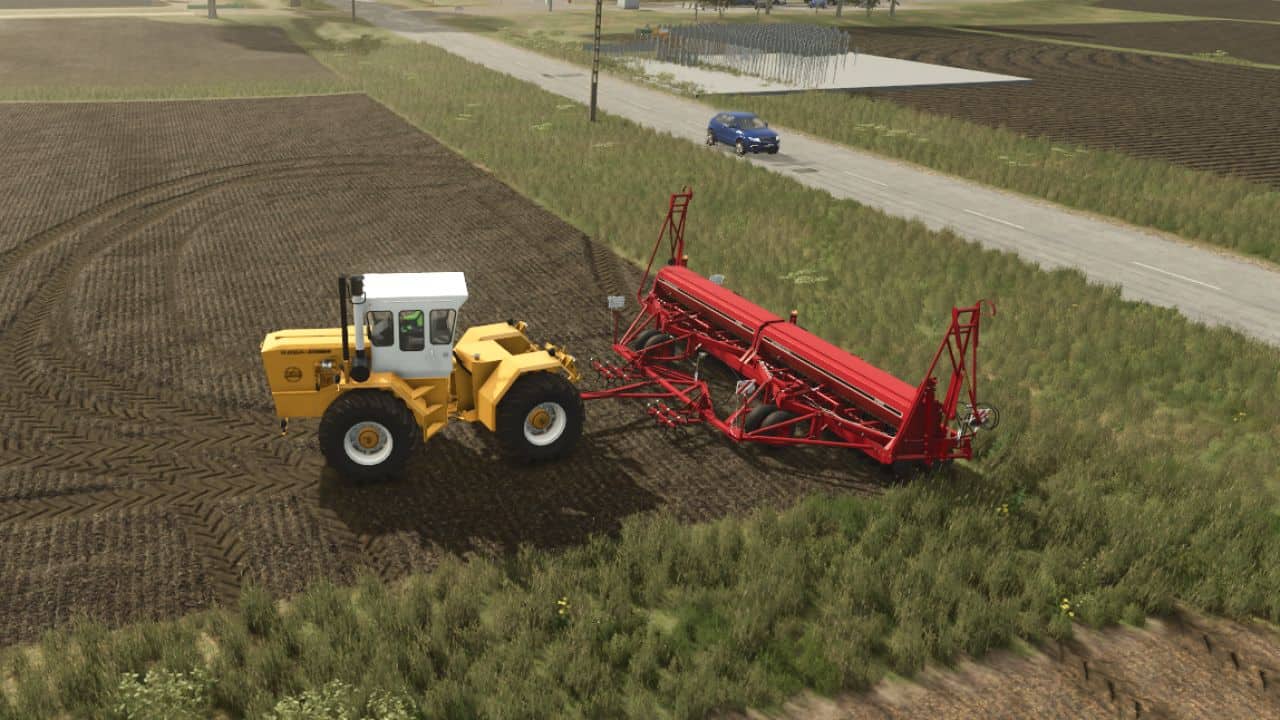
IH 6200 Grain Drill: Operating Instructions. The IH 6200 is a versatile, trailed seed drill. To operate it correctly, follow these sequential steps:
1. Hitching the Machine
– First, back your tractor up to the implement and press the [Q] key (default hitch key) to connect the seed drill to the tractor.
2. Switching to Transport/Work Mode
– Since these drills are often used in tandem (side-by-side), you need to unfold or convert the machine for field use.
– Press the [X] key to unfold the drill or change its configuration.
– If you are using a hitch frame (hitching on the “other side”), ensure the machine is properly aligned with the field rows.
3. Lowering the Coulters
– Once you are positioned at the start of your field, you must lower the seeding units into the ground.
– Press the [V] key to lower the coulters.
– Note: The machine will only sow seeds if the units are in the “down” position.
4. Activating the Seed Drill
– Finally, you need to engage the mechanical drive of the machine.
– Press the [B] key to turn on the seed drill.
– Ensure you have selected the correct seed type before you start driving.