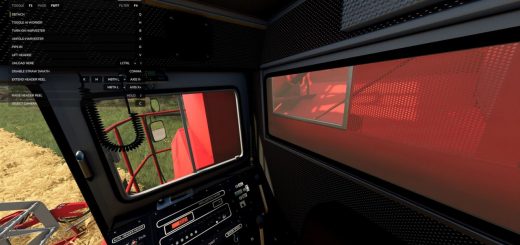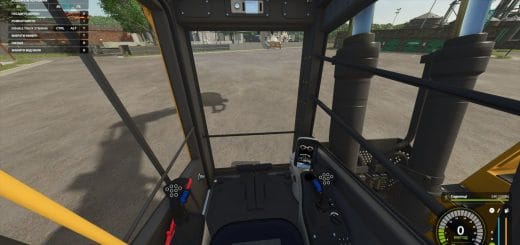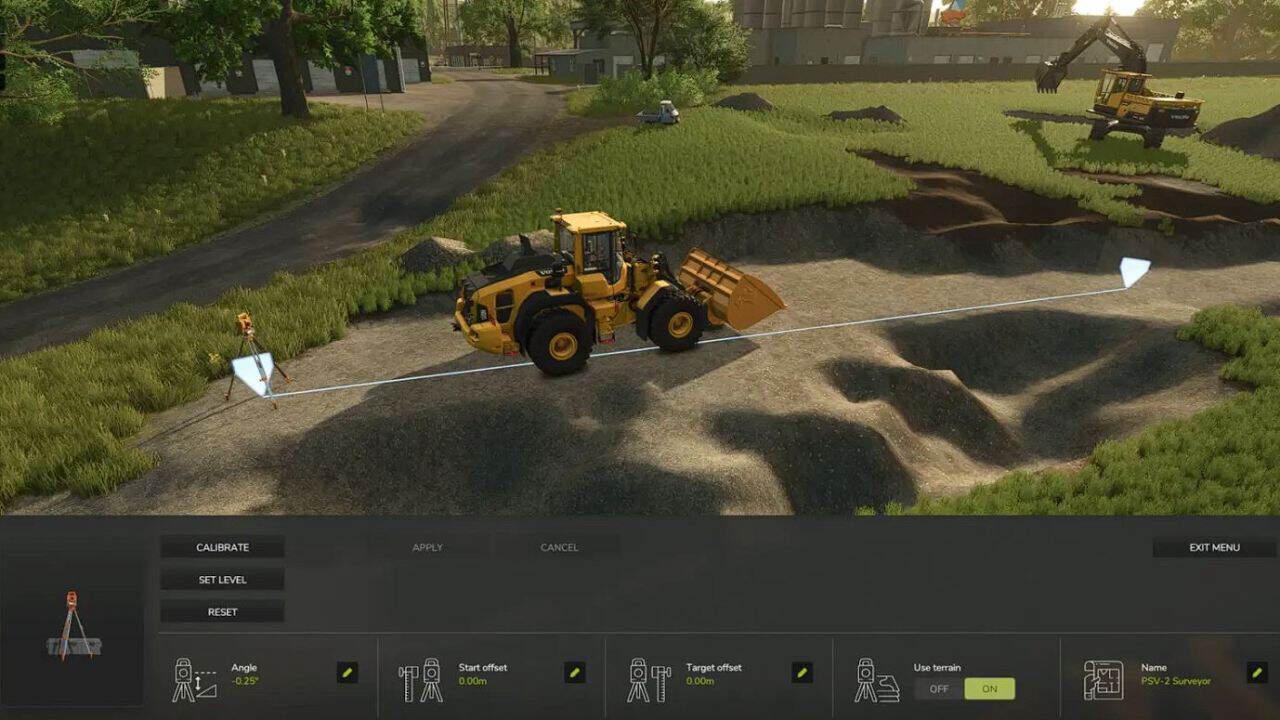
The mod allows the player to perform landscaping using standard and modded equipment.
Features:
– Once the script is activated, the player can perform landscaping as long as they have the required devices / machines.
– Landscaping tools can be activated with the “Z” key.
– The demolition mode can be changed with the “X” key.
– The unloading mode can be changed with the “B” key.
– Access to the menu is available with the “Y” key.
– In the menu, various settings can be adjusted, including strength, radius, and general options.
– The script works in both singleplayer and multiplayer, but is not yet 100% functional in multiplayer.
Base game:
– Albutt – front loader bucket
– Magsi – telescopic loader bucket
– Magsi – wheel loader bucket
– McCormick – bucket
– Paladin – bucket
– Holaras MES 400 – levelling blade
– Volvo L120H – general purpose bucket
– Volvo L120H – high-tip bucket
– Volvo L120H – gravel bucket
– Volvo L180H – general purpose bucket
– Volvo L180H – high-tip bucket
– Volvo L180H – gravel bucket
Fill Types:
The mod now also supports multiple fill types, which can be changed in the settings GUI. By default, stone and dirt are included (they will be added if not already present).
You can also select one of the additional types if they are added by the map mod:
– Asphalt
– Coal
– Concrete
– Lime
– Gravel
– Sand
– Iron
– Gold ore
– River sand
– Stone dust
– Clay
– Full multiplayer support.
Installation:
– Download the file
– Move it to the folder Documents/My Games/FarmingSimulator25/mods
– Launch the game
– On the mission start screen, activate the mod by double-clicking (the indicator should turn green)