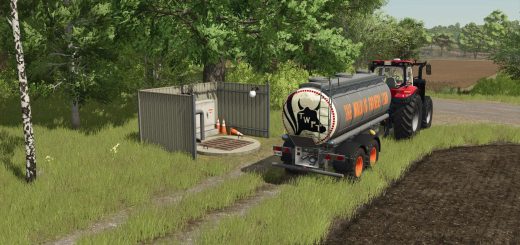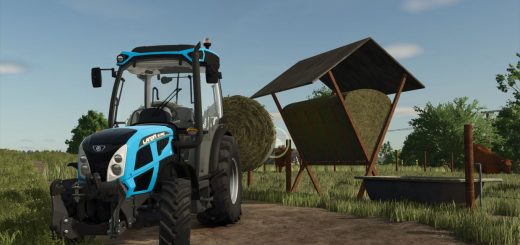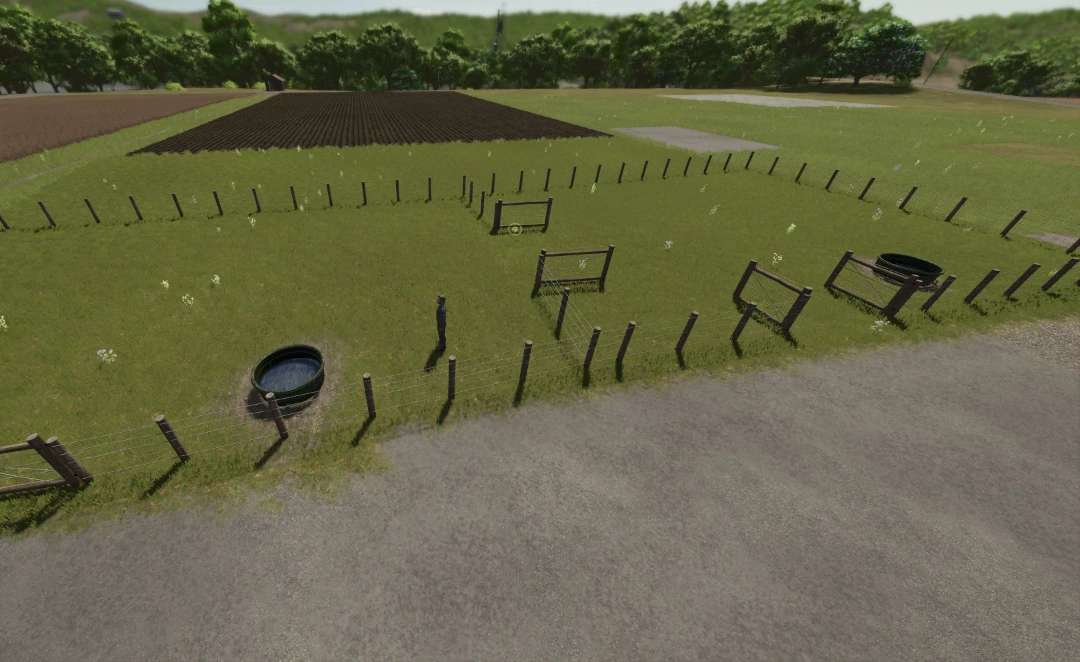
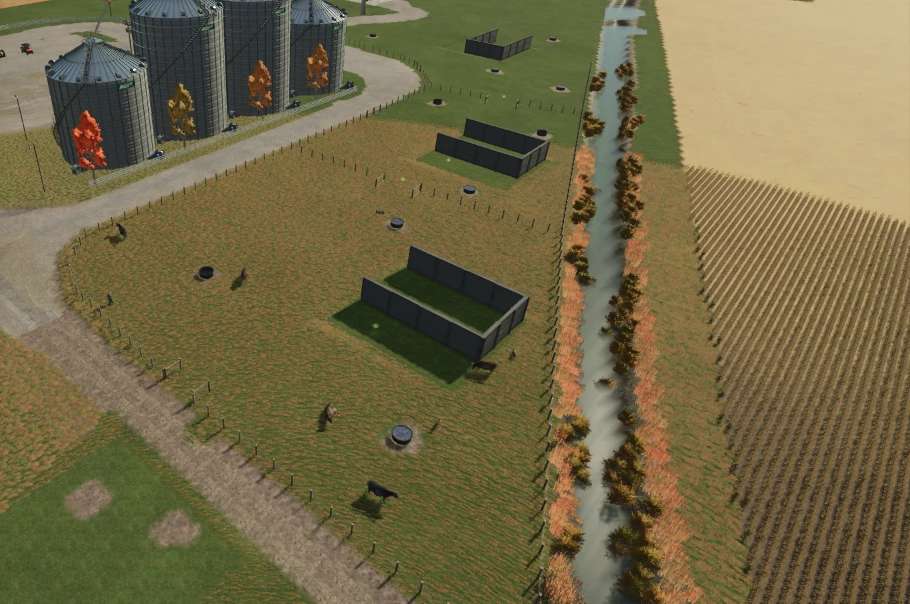
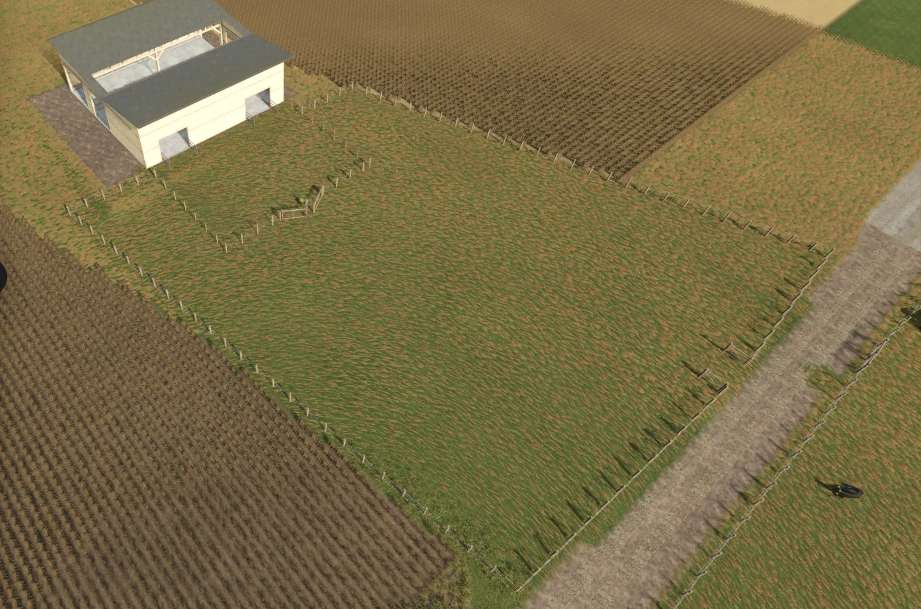
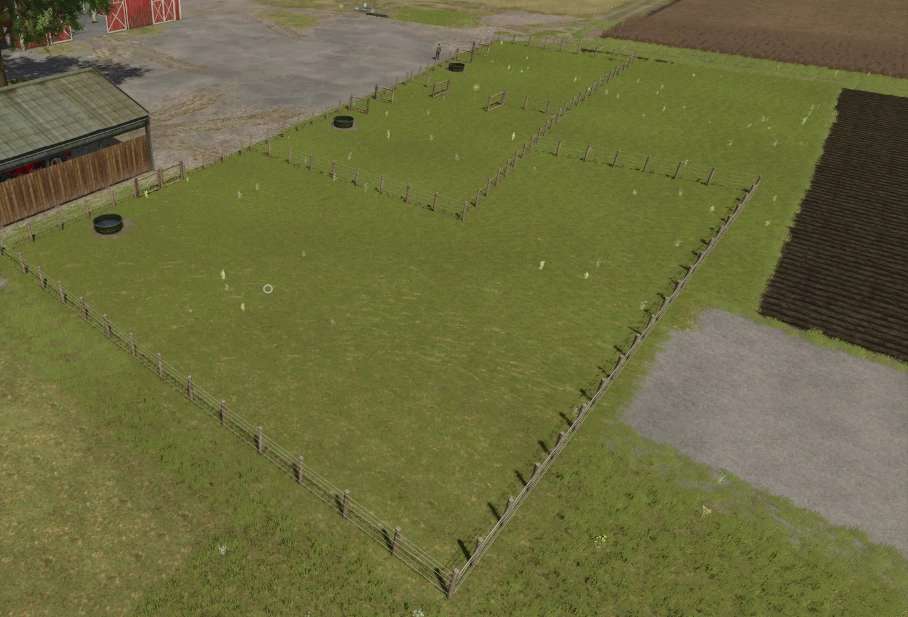
Grazing Pastures adds customizable grazing pastures and pasture-connection tools for cows, sheep, and horses.
Included placeables:
– Cow Pasture: cattle/cows, 1500 animal capacity, external-water only, $1000.
– Sheep Pasture: sheep-family animals, 1500 animal capacity, external-water only, $1000.
– Horse Pasture: horses, 15 animal capacity, external-water only, $1000.
– Pasture Water Trough: optional external water storage for connected pastures.
– Pasture Animal Feeder: bale-fed external feed and straw storage for compatible pastures.
– Transfer Gate: standalone connector fence with a 6 m animal-transfer gate.
– Pasture Add-on Fence: extension/boundary fence for expanding an existing pasture area.
How it works:
– When placing the pasture, rotate it so the main gate opens inward into the pasture area.
– Place a pasture, draw/customize its fence, then finish construction.
– Place water troughs inside the pasture boundary so the pasture can use them as external water storage.
– The pastures do not include an internal water tank; water must come from external Pasture Water Troughs.
– Cow, sheep, and horse pastures are separate one-animal-type pastures, not a mixed-species pen.
-Pasture joining, you now have the ability to join the Grazing Pastures to each other. To do so you will need to already have one pasture placed down on your farm. You can then start building a new pasture nearby, while placing down the second pasture keep placing the fence down till you reach the first pasture already build, all you need to do is just move the fence segment up to the other fence and you will see it snap onto it, when you have it where you would like the start the joining click it down then move to where you would like the fence to exit from, this could even be around a corner of the pasture, just click again then you can continue to completing the pasture build.
Custom connection, with this pasture you also have the ability to connect to all base game and modded barns that have a customizable fence. To do so you need to delete the segment of fence on the barn you would like to join to, then place down the transfer fence segment by attaching it to both end segments of the barns fence. Then you can either build a new pasture by placing the fence at one end of the transfer gate fence then select the other end, then continue to complete the pasture setup.
Other option is to use the Pasture extension fence by starting at the pasture fence end (after deleting a segment) placing the fence down till you reach the transfer gate fence then select one end of the fence, Then select the other end, from there just finish placing your fencing down till you get back to the last segment of the pasture to complete the build.
-Pasture extension, This feature gives you the ability to extend an exciting Grazing Pasture, It’s as simple as deleting the segment of fence you would like to extend from, then select the Pasture extension fence and start placement at one end of the deleted segments and continue till you get back to the other end of the deleted segment of fence to complete the pasture build.
Feed and water:
– Use the Cycle Feed Mode input to switch the selected pasture between Grass + Hay, Grass Only, and Hay Only. Default key: K.
– The selected feed mode controls unloading, feeding, food display, and available food for that pasture.
– Place a Pasture Animal Feeder inside a compatible pasture to accept grass/hay bales for feed and straw bales for bedding.
– Feed mode is saved per pasture, with a savegame default.
– Field information shows pasture acres and water capacity and a lot more.
Fence joins and animal transfer:
– Snap a pasture fence to a compatible pasture fence, add-on fence, or standalone Pasture Fence connector.
– Animal transfer requires compatible connected pastures, matching animal type, and same-farm/access validation.
– Use a 6 m transfer gate near connected fences to open the transfer dialog.
– The transfer dialog lets you choose direction, animal group, and count.
Other features:
– Automatic default pasture numbering, such as Cow_Pasture1 and Cow_Pasture2.
– Custom pasture names are preserved.
– Multiplayer-safe server validation for feed-mode changes and animal transfers.
– Sheep/goat straw and manure support where the game exposes sheep-family subtypes.
– Horse pasture includes automatic daily horse care assistance.