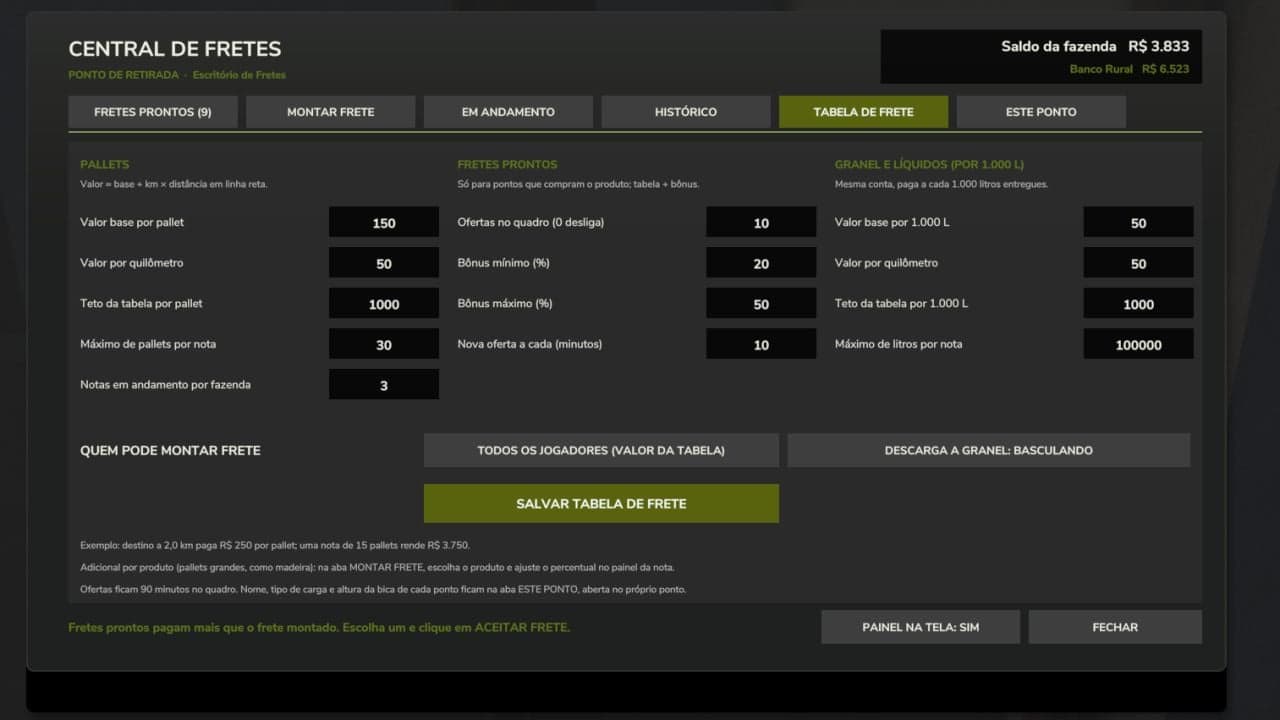
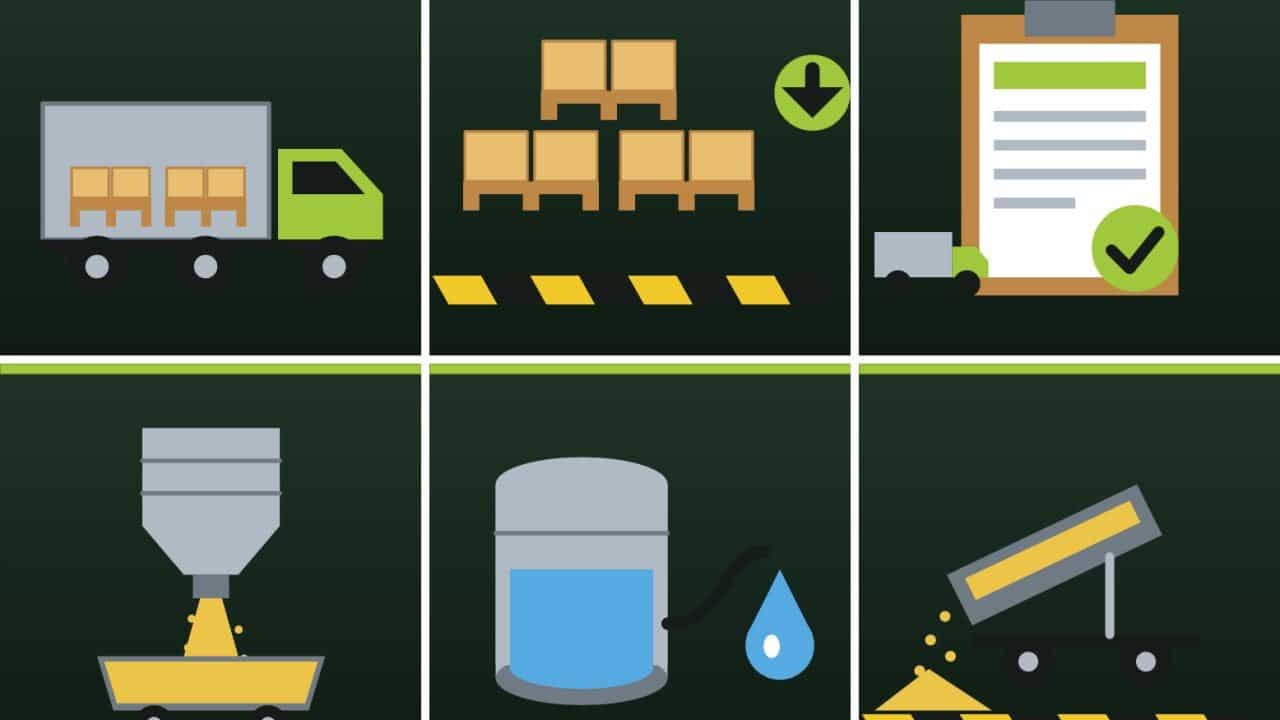
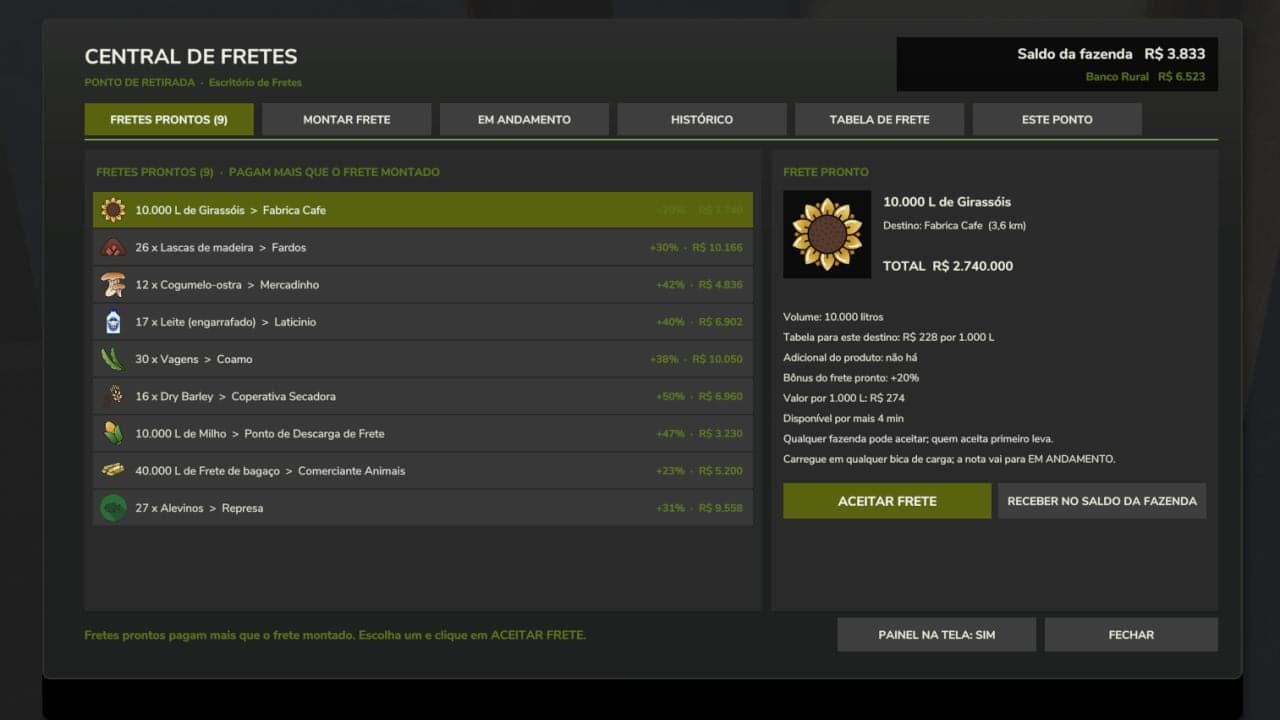
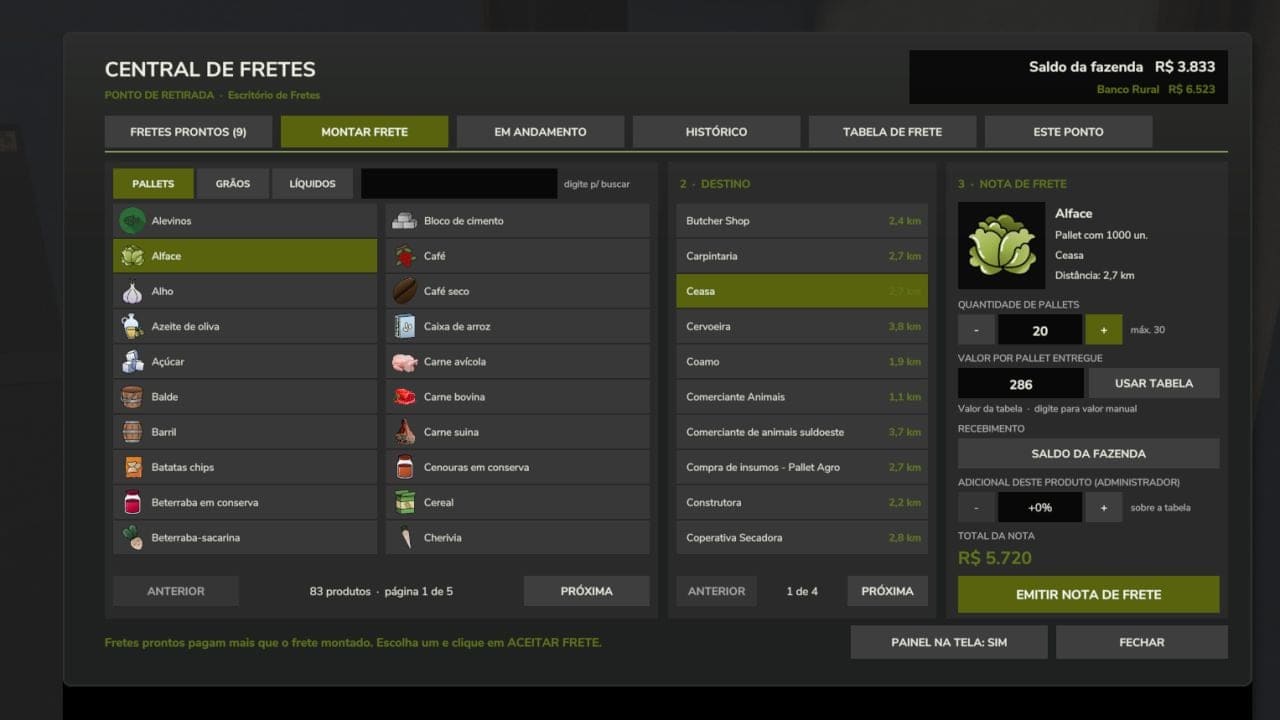
Work as a truck driver by transporting third-party cargo, including pallets, grains and liquids. Payment is based on a freight rate table with a base amount plus an amount per kilometer to the destination.
Features
- Works on any map.
- Deliver to the sales points on the map itself or to your Freight Unloading Points.
- Catalog with all products that the map has available on pallets.
- Ready-made freight board with bonuses, only for destinations that actually buy that product on the map.
- Grains and liquids use their own loading points, chute and tank, without depending on the map’s silos.
- The cargo is free because it belongs to the client. It cannot be sold or used, only delivered to the destination specified on the delivery note.
Placeables
Shop > Production
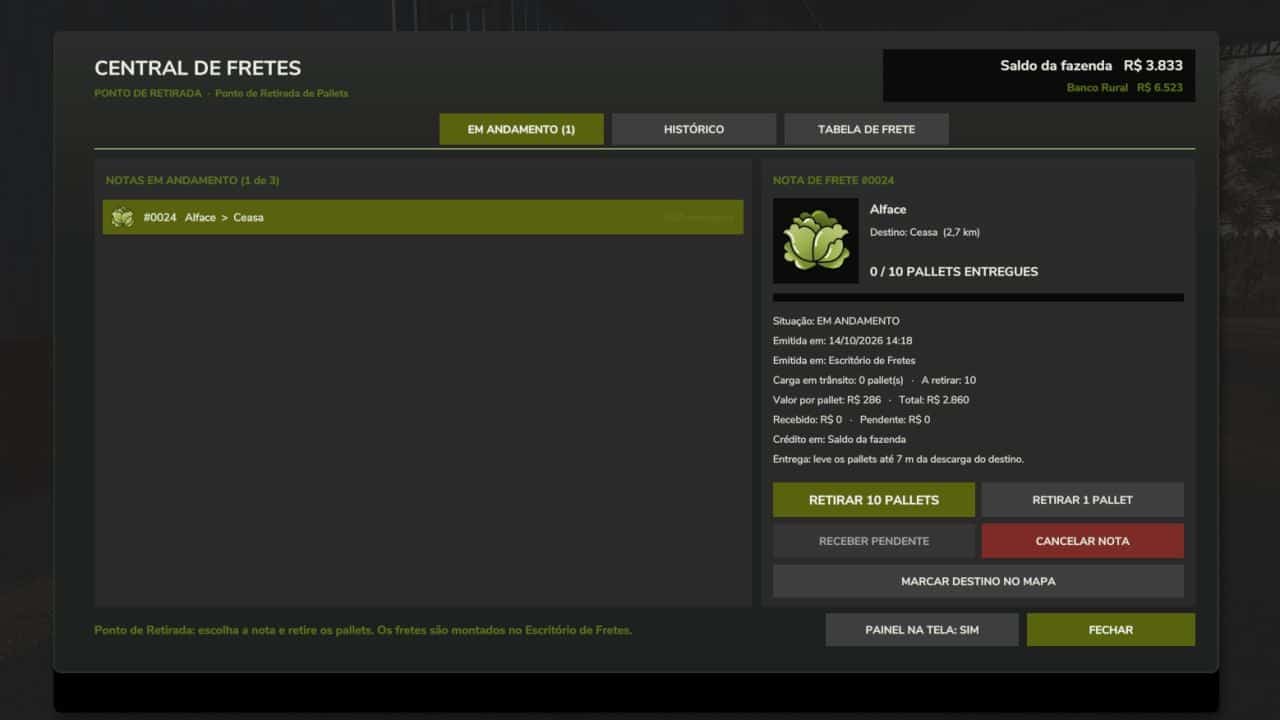
- Freight Office: create freight jobs, accept ready-made freight jobs and track delivery notes.
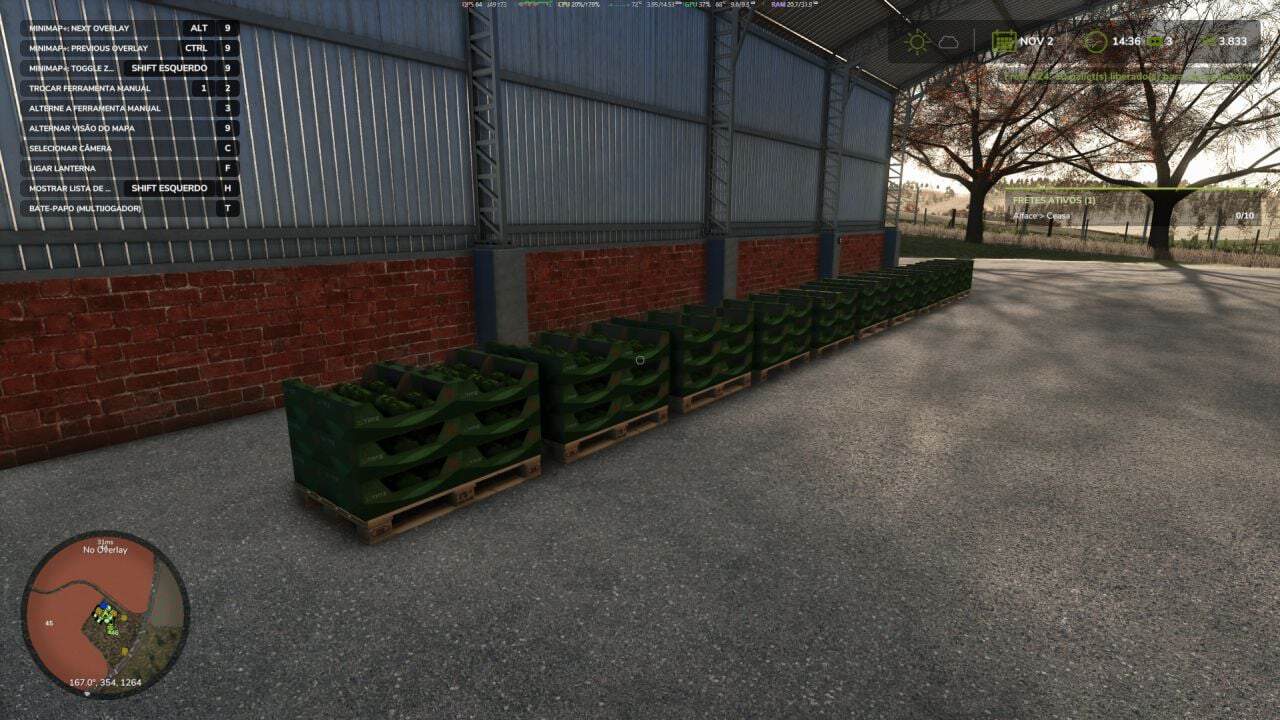
- Pallet Pickup Point: where the freight pallets are collected.
- Freight Loading Chute (grains): place it underneath a silo chute.
- Freight Loading Tank (liquids).
- Freight Unloading Point: the trailer tips here and the freight is paid.
How to use
- 1. Place the Freight Office and the Pallet Pickup Point.
- 2. Walk to the Office and use the
Open Freight Huboption. - 3. Choose the product, destination and quantity, then issue the freight note.
- 4. Collect the pallets at the Pickup Point, or load the trailer at the chute or tank.
- 5. Deliver to the destination. Each pallet or trip is paid immediately.
Ready-made freight jobs
Offers with the product, quantity and destination already defined, paying the standard rate plus a bonus. Whoever accepts first gets it.
Administrator
The host or server administrator defines the freight rate table, including the base amount, amount per km, cap and limits, as well as the ready-made freight jobs, including quantity, bonus and interval, and who can issue freight notes.
Multiplayer
Supported. All rules run on the server and each pallet is paid only once, even after saving and loading.
With the DynamicFinance mod installed, payment can be deposited into the bank account.
Notes
- The mod interface is in Portuguese.
- Ready-made pallet freight jobs require at least one Pallet Pickup Point on the map.
- Do not rename or extract the
FS25_TransportHub.zipfile.
The mod is and will remain free.
Changelog
- V1.0.0.1
NEW – Translated into 27 languages: Portuguese (Brazil and Portugal), English, German, French (France and Canada), Spanish (Spain and Latin America), Italian, Polish, Czech, Russian, Ukrainian, Dutch, Hungarian, Romanian, Turkish, Swedish, Norwegian, Danish, Finnish, Japanese, Korean, Chinese (Simplified and Traditional), Vietnamese and Indonesian.
In multiplayer, each player sees the window, warnings and panel in the language of their own game.
Values, liters and distances are displayed in each language’s number format.
Compatible with the Additional Currencies mod: values are displayed in the selected currency and, when the converter is enabled, are converted. This also applies to the freight table fields and the manual note value.
FIX – In preconfigured grain and liquid freight, the TOTAL displayed a value much higher than the actual one; it is now calculated per 1,000 liters.
Values entered by the administrator in the freight table and for the manual value are now converted into the currency of the person entering them, rather than the server’s currency.
Saving the freight table without changing a field no longer changes the value due to rounding.
Long texts in the buttons and window rows are reduced to fit instead of being cut off.
Value fields accept larger numbers for currencies such as won, yen and forint.