Farm Radio for Farming Simulator 25. Coordinate with your own farm across the map, contact neighboring farms through the Repeater channel, or speak with nearby players in Farming Simulator 25 multiplayer.
Features
- Farm-based radio communication and proximity voice for multiplayer.
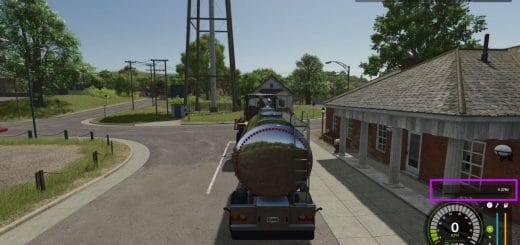
- A compact radio display shows transmission activity.
- Character animations bring the handheld radio into the game.
- Radio channels are available only to players assigned to a farm. Players without a farm cannot transmit or receive radio calls.
- Both radio controls can be reassigned independently of the game’s normal voice-chat control.
- Local highlights in your farm color while you transmit on the Local channel.
- Repeater highlights red while you transmit on the Repeater channel.
- Your own name and speaker icon match your outgoing channel color.
- Incoming calls from your farm highlight the speaking member.
- Incoming Repeater calls from another farm display that farm’s name and color.
- Existing voice mute and block settings remain respected.
Getting Started
- Install and enable the same mod version on the multiplayer host/server and all participating players.
- Enable in-game voice chat and check your microphone settings.
- Join a farm to access the Local and Repeater radio channels.
Radio Controls
- Local, hold
Comma (,): Speak to members of your own farm, regardless of distance. - Repeater, hold
Forward Slash (/): Speak to players across all farms, including your own. - Proximity voice: Speak with nearby players using the game’s voice activation or normal push-to-talk setting.
Changing Key Bindings
Open Settings → Controls and look under Player for:
- Farm Radio (hold)
- Repeater Radio (hold)
Reading the Radio Display
- Local highlights in your farm color while you transmit on the Local channel.
- Repeater highlights red while you transmit on the Repeater channel.
- Your own name and speaker icon match your outgoing channel color.
- Incoming calls from your farm highlight the speaking member.
- Incoming Repeater calls from another farm display that farm’s name and color.
Test Release Feedback
Please report audio issues, vehicle key-binding problems, animation glitches, or incorrect display indicators. Include a short description, your game log, and a screenshot or recording where possible.
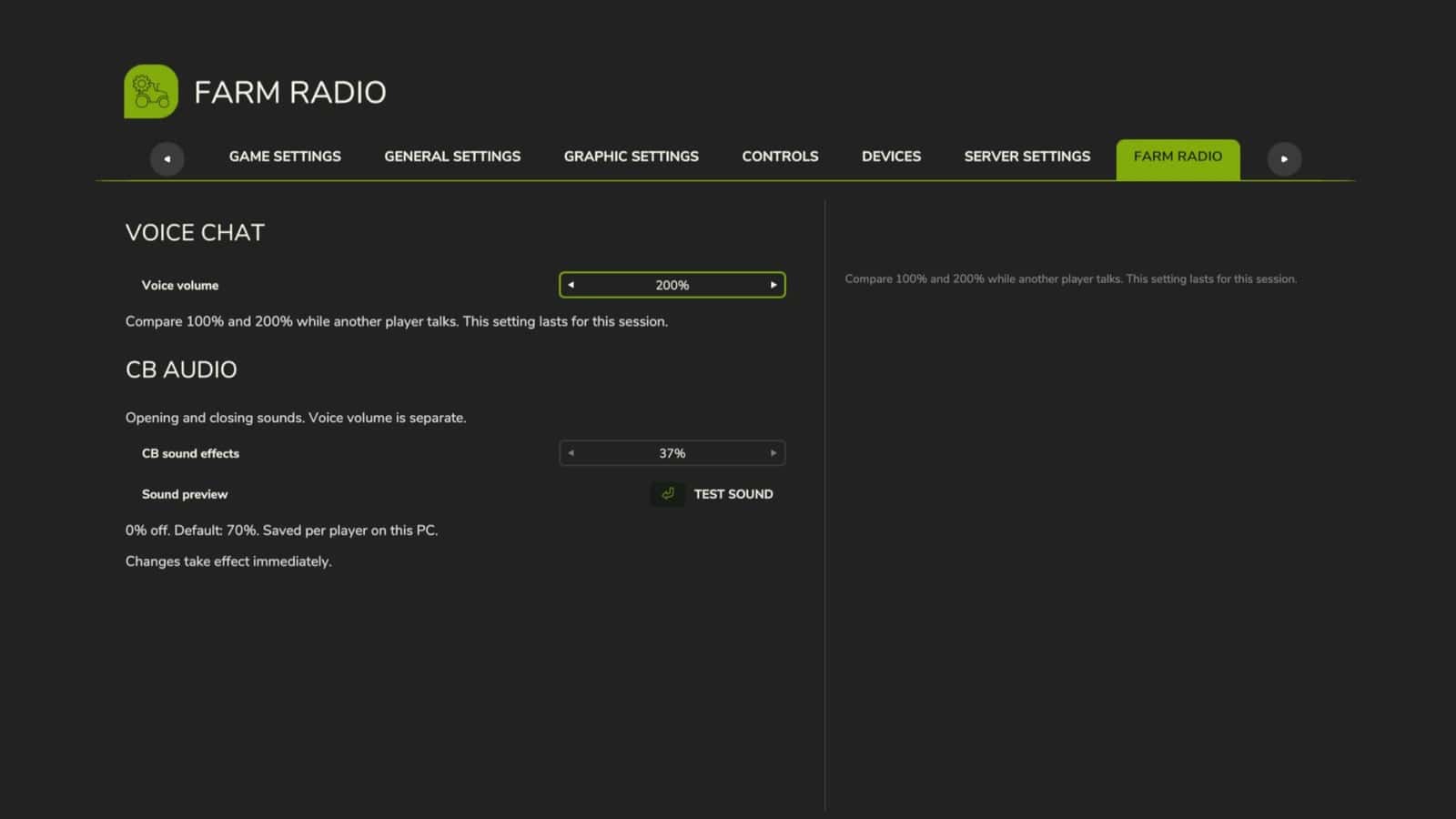
This build includes an experimental voice-volume increase. The audible result may vary and remains under testing.
Changelog
- V1.0.0.0
Boosted volumes, added a menu to adjust volumes in settings.