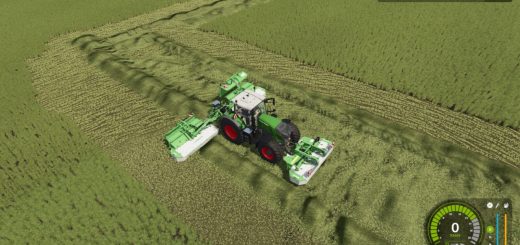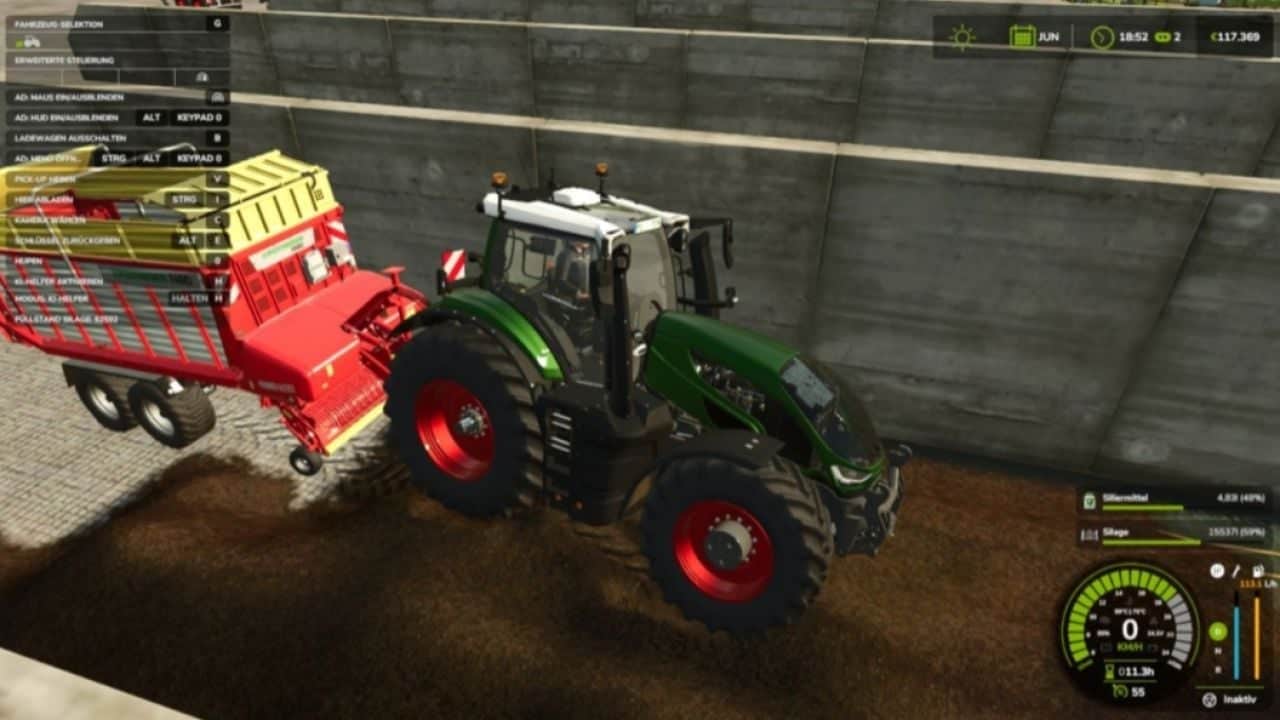

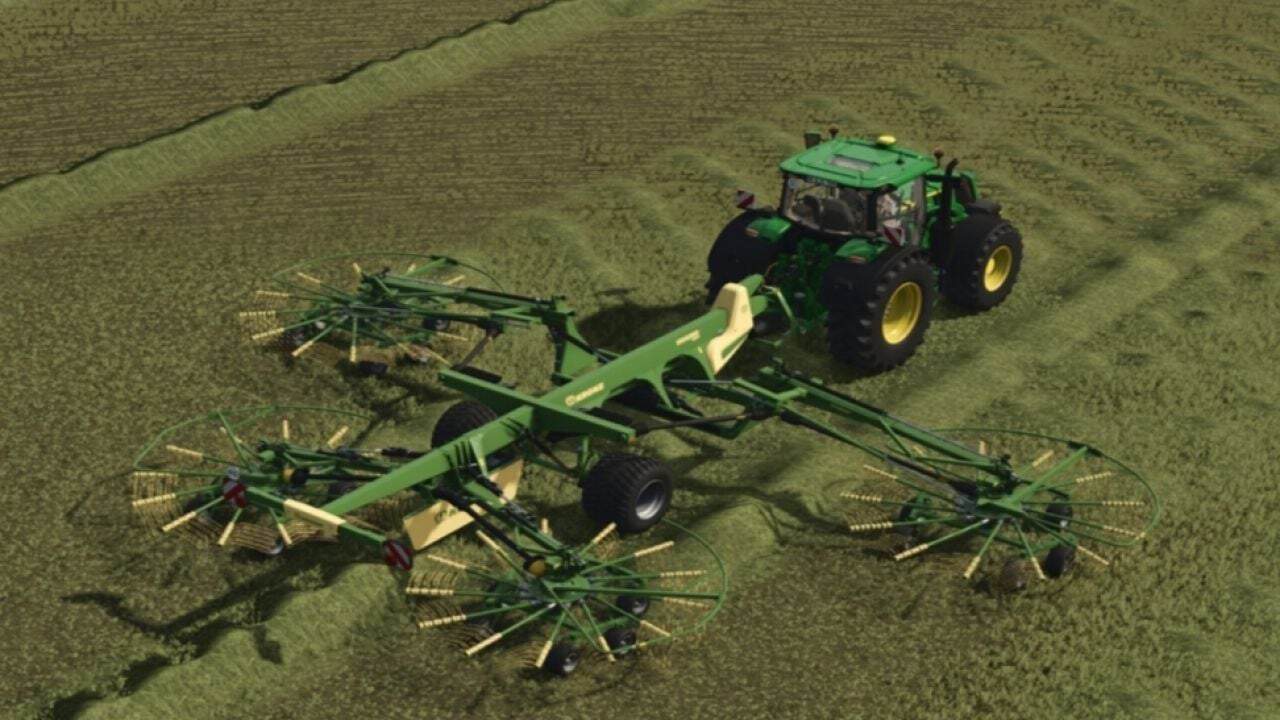
Dynamic PTO Speed brings realistic dynamics to your tractor’s PTO. The working speed of all implements adapts directly to the engine speed, creating a natural working experience close to real farming.
Features
- Live calculation: PTO speed is calculated in real time from the current engine speed and the tractor’s gearing.
- Precise hand throttle: The engine no longer automatically revs up to maximum speed. The modes 540, 540E, 1000, 1000E and AUTO set the target. Engine speed can be fine-tuned with
Ctrl + Up / Downand is saved when exiting. - Real manufacturer data: A database automatically detects the correct speed, such as 1000 RPM for large baler and mower combinations or 540 RPM for round balers and tedders.
- Front and rear PTO: Independent detection of front and rear PTOs with seamless switching using
Ctrl + Alt + E. - Mowers and choppers react directly to the throttle and reach maximum throughput at high engine speed.
- Balers and forage wagons operate proportionally to the engine speed. An integrated overload and stalling system for balers provides additional realism.
- Conveyor belts and overload wagons transport material precisely according to the engine speed.
- Smart display: The compact in-cab HUD shows engine speed, PTO RPM, mode and status. It only appears when an implement is attached and automatically hides in menus.
- Mouse control: The control panel can be opened with a key to select modes directly. The mouse is released again immediately after closing.
- Customizable HUD: The HUD can be moved with
Ctrl + Pand hidden withAlt + H. Positions are saved automatically. - Completely compatible with LS25, fully multiplayer-ready, including synchronization, and available in German and English.
- Fully compatible with AutoDrive, Courseplay, QuickVehicleSelect and Realistic Harvesting. The F1 help adapts dynamically.
- Included: Mod structure, including
modDesc.xmland Lua scripts, a sample implement XML and HUD overlay.
Changelog
- V1.1.3.1
This update brings a cleaner cab display, more responsive PTO warnings and important dedicated server fixes to Dynamic PTO RPM.- NEW FEATURES
- Redesigned Cab Panel: Smaller, cleaner HUD with a dark background and green Dynamic PTO RPM header.
- New icons for engine status, PTO gear, operating status and road mode.
- Live RPM, selected gear, operating status and rev bar remain fully functional.
- Intelligent PTO Warning System: A warning triangle appears when something is not right.
- Detects PTO speed that is too low or too high, baler overload, tractor stall and insufficient horsepower.
- RPM display changes colour when a warning is active, making problems easier to spot.
- On-Screen Warning Messages: Clear warnings now appear in the centre of your screen when needed.
PTO TOO LOWPTO TOO HIGHBALER OVERLOADTRACTOR STALLEDNOT ENOUGH HP- Warnings remain visible until the PTO speed returns to the correct operating range, helping you keep an eye on your equipment while working.
- Dedicated Server and Multiplayer Sync: Hand throttle now synchronises correctly between players.
- Behaviour settings are synchronised across multiplayer.
- Players joining an existing session receive the current RPM and settings instead of starting with outdated values.
- FIXES AND IMPROVEMENTS
- Engine-Off RPM Fix: RPM now correctly drops to 0 when the engine is switched off, instead of getting stuck at the idle reading, such as 386 RPM.
- Low-Speed PTO Detection: Activating the PTO while the shaft is stopped or running too slowly now triggers the appropriate warning.
- Improved Gear-Speed Detection: The low-speed warning remains active until the PTO reaches the required speed for the selected gear.
- V1.1.3.0
Bugs fixed and stability improvements - V1.1.2.0
Newly Added Hand Throttle: Added a new hand throttle system for PTO control. The engine no longer automatically revs up to maximum speed when the PTO is engaged. Selecting 540, 540E, 1000 or 1000E now sets the corresponding target PTO speed. PTO speed can be fine-tuned usingCtrl + UpandCtrl + Down. The selected PTO speed is saved when exiting the vehicle. The hand throttle can be enabled or disabled via:ESC → Settings → Hand Throttle.Fixed PTO implement detection: Fixed an issue where the Case IH LB436 HD was incorrectly detected as a 540 RPM implement. The LB436 HD is now correctly recognized as a 1000 RPM implement. 1000 and 1000E modes remain available when using a tractor that supports them.
Mouse and HUD: Fixed an issue where mouse control was incorrectly hijacked from other mods, including AutoDrive, Courseplay, QuickVehicleSelect and Realistic Harvesting. The mouse cursor now only appears when the Dynamic PTO panel is open. The mod only hides the mouse cursor if it was the one that originally displayed it.
Engine speed: Fixed an issue where the engine would automatically rev to maximum speed upon PTO engagement. Selecting 540, 540E, 1000 or 1000E now correctly affects both engine and PTO speeds. Fixed a PTO HUD issue where pressing
Ctrl + UporCtrl + Downchanged the PTO speed without updating the value displayed in the HUD. The HUD now updates correctly when the PTO speed is adjusted.