
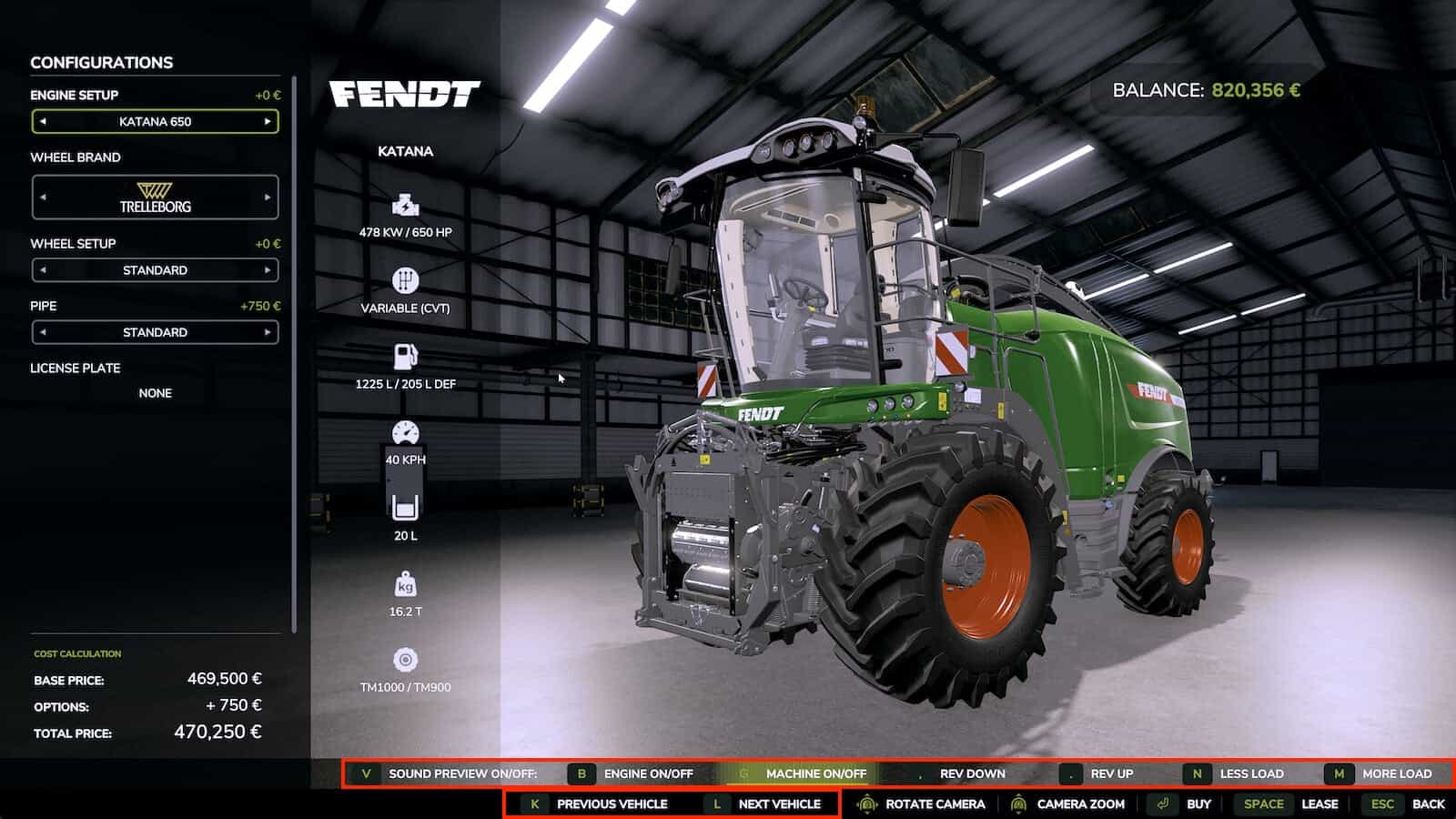
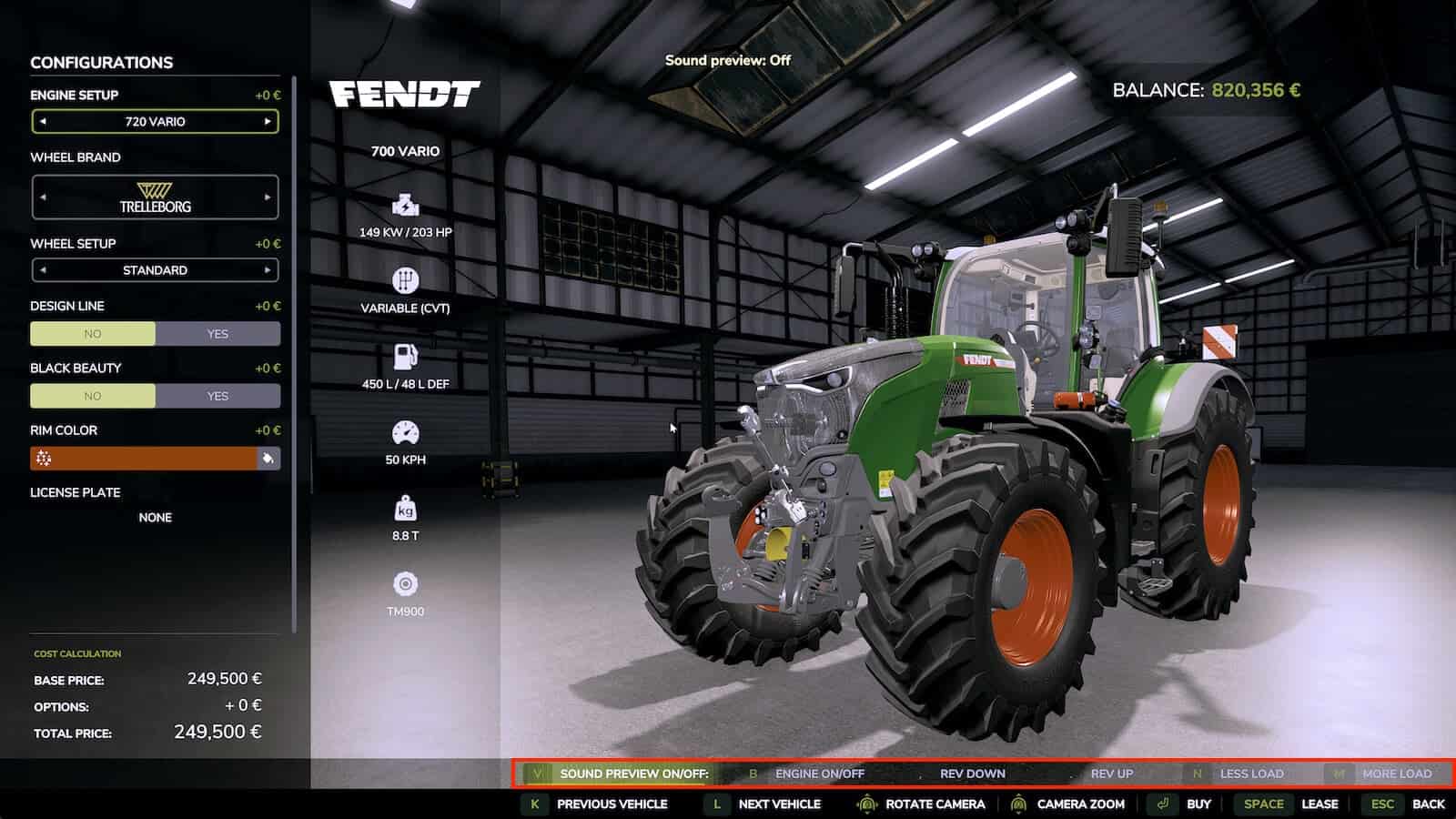
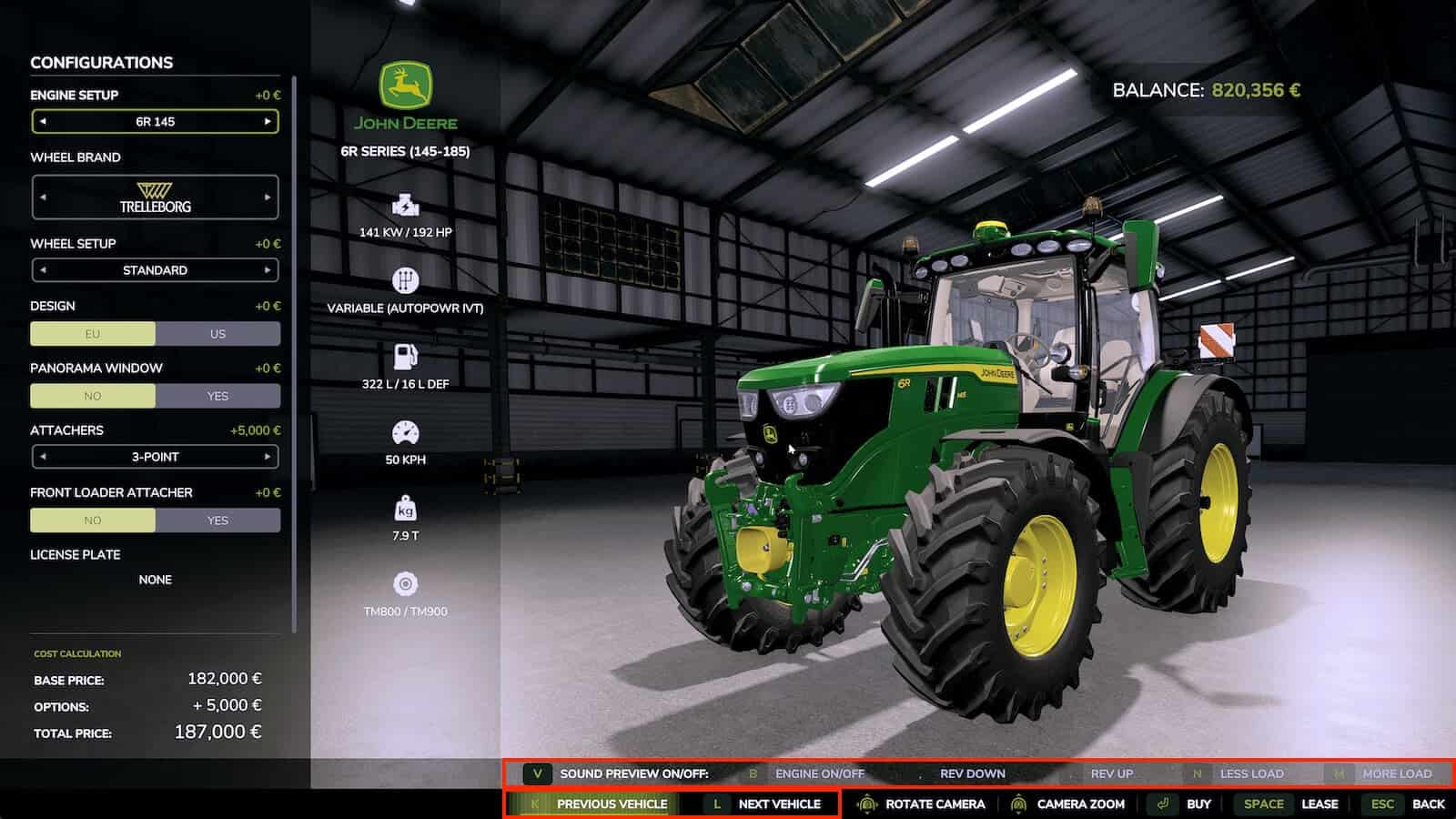
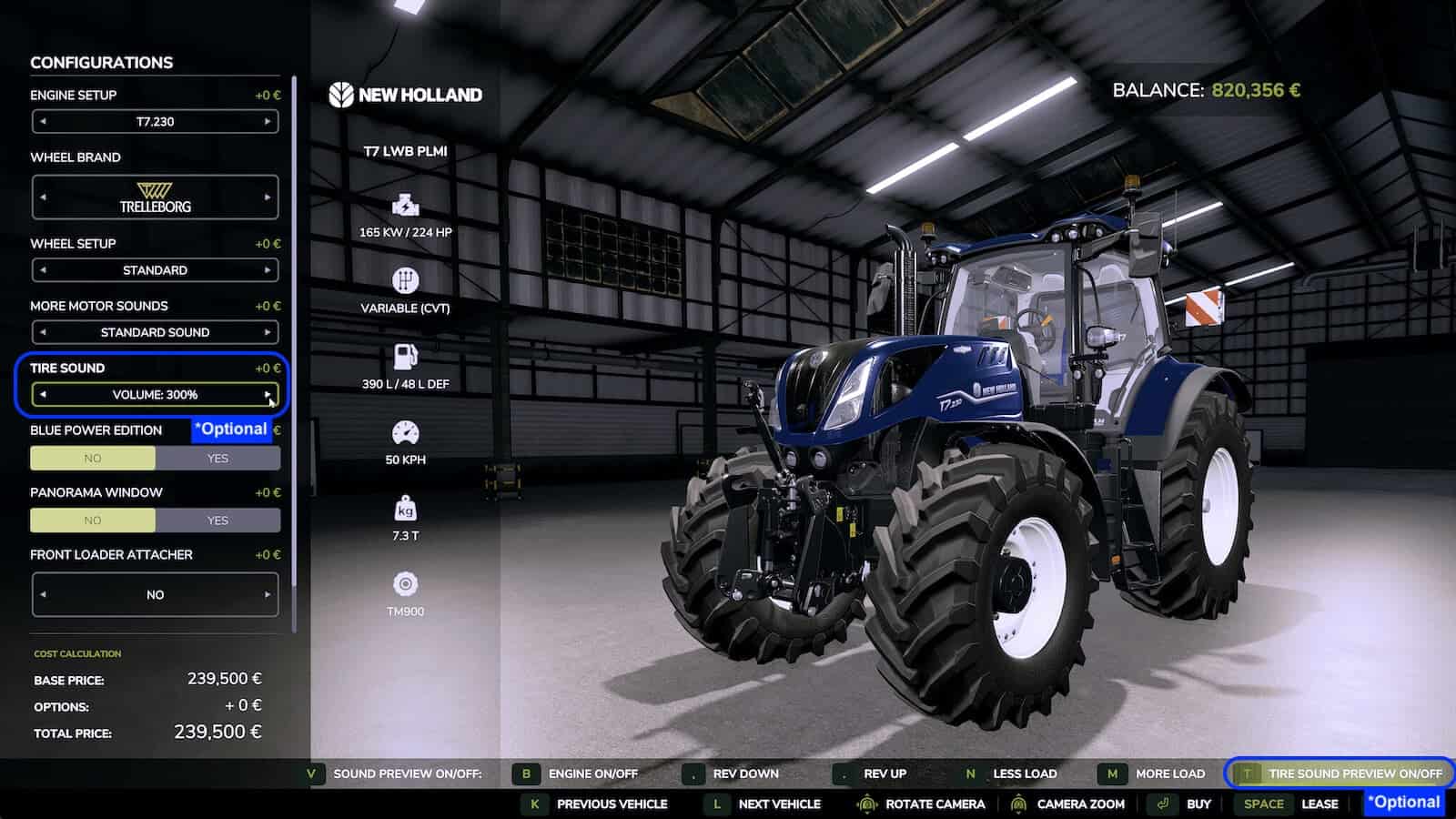
Shop Sounds plays the vehicle’s own engine sound in the shop, allowing you to start the engine, rev it to full throttle, put it under load and compare vehicles.
Select a vehicle and the engine starts automatically, or press [B] to switch it on and off. Press [V] to disable the automatic preview. Shop Sounds remembers this choice.
Features
- Preview the engine sound directly in the shop using the vehicle’s own engine sound from the game, not a generic sample.
- Rev from idle to full throttle with
[,]and[.]. - Add or take away engine load with
[N]and[M]. - Geared tractors shift through the gears while you rev, like on the field. CVT tractors stay smooth.
- Press
[K]and[L]to switch to the previous or next vehicle without leaving the configuration screen. With automatic preview enabled, the next engine is already running. - Implements and trailers without an engine are included.
- Press
[G]on harvesters and other machines with a work sound to preview the threshing unit. The engine pulls up to working speed like in the field. - Together with the Shop Vision mod, you can take a seat in the cab in the shop. Shop Sounds switches to the inside sound, while the outside engine sound steps back and the vehicle’s own cab sounds take over.
- Click the engine start IC point in the cab to start the engine. Shop Sounds takes care of the whole sound.
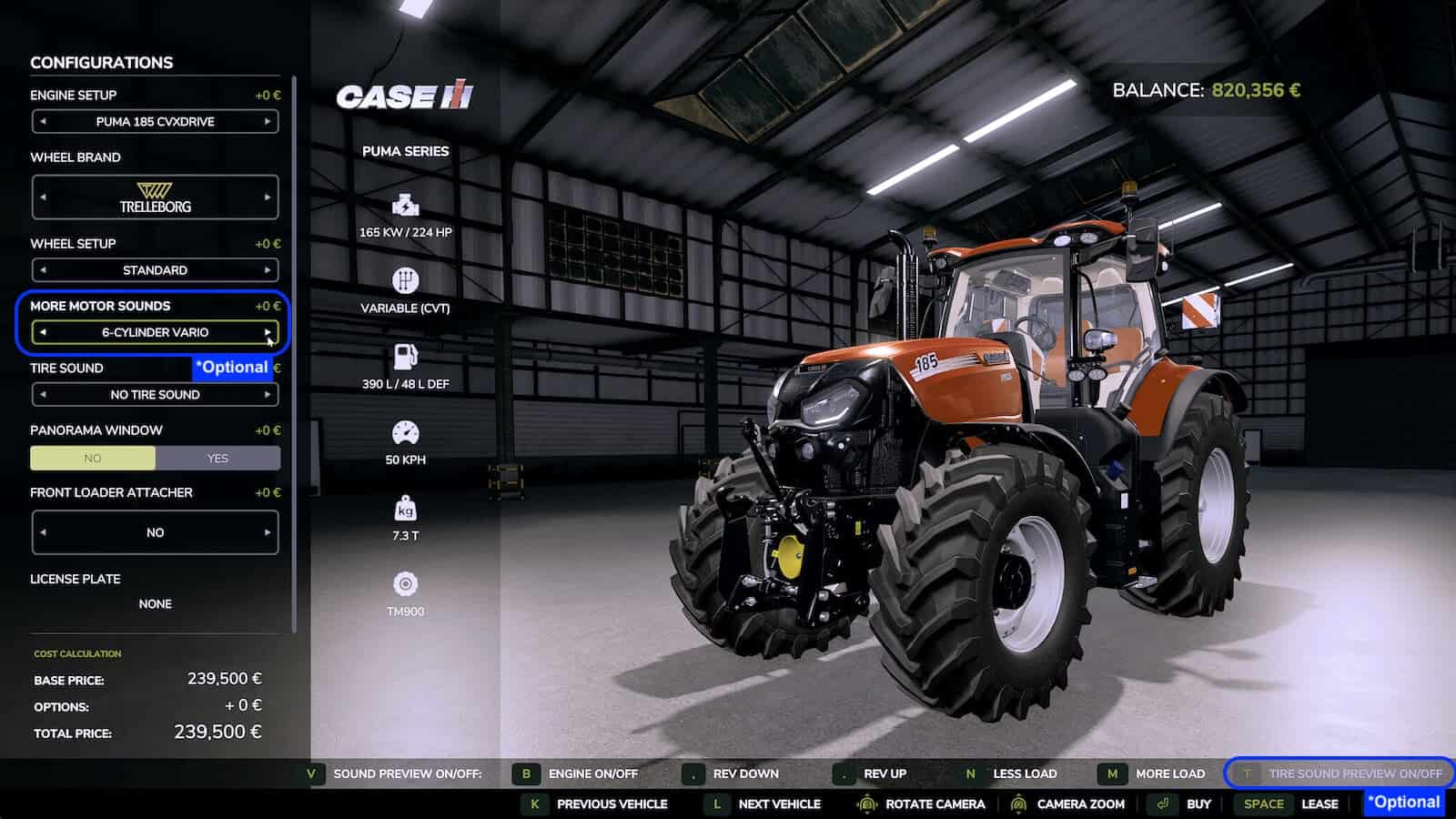
- With More Motor Sounds installed, every engine sound variant plays live in the shop as you click through it.
- With Tire Sound installed, press
[T]to preview the tire sound. The real mod fine-tunes the sound to row-crop or dual tires while driving, which the shop cannot reproduce. - Press
[-]and[=]to set the preview volume. The setting stays that way. - On the Fendt Katana with DashboardLive installed, there is a little easter egg.
- No settings are needed.
- Works in singleplayer and multiplayer.
- All functions can also be clicked in the button bar at the bottom.
Hotkeys
[B]Engine on/off[V]Automatic sound preview on/off[,][.]Rev down / up[N][M]Less / more load[K][L]Previous / next vehicle[G]Machine work sound on/off[T]Tire sound on/off (with Tire Sound)[-][=]Quieter / louder (German keyboard:[ß][´])
Changelog
v1.1.0.0
- Works together with the new Shop Vision mod: inside sound in the cab view, engine start via IC point in the cab, button bar adapts to the Shop Vision buttons and hides with the menu
- Engine sound layers now play at the same volume and pitch as in the game
- Fixed: the game could freeze for up to a minute when switching vehicles in the shop
- Fixed: a permanent humming drive sound on some harvesters (e.g. CLAAS Jaguar)





Says it works with the new “shop vision” mod? Near as I can tell, no such mod exists?