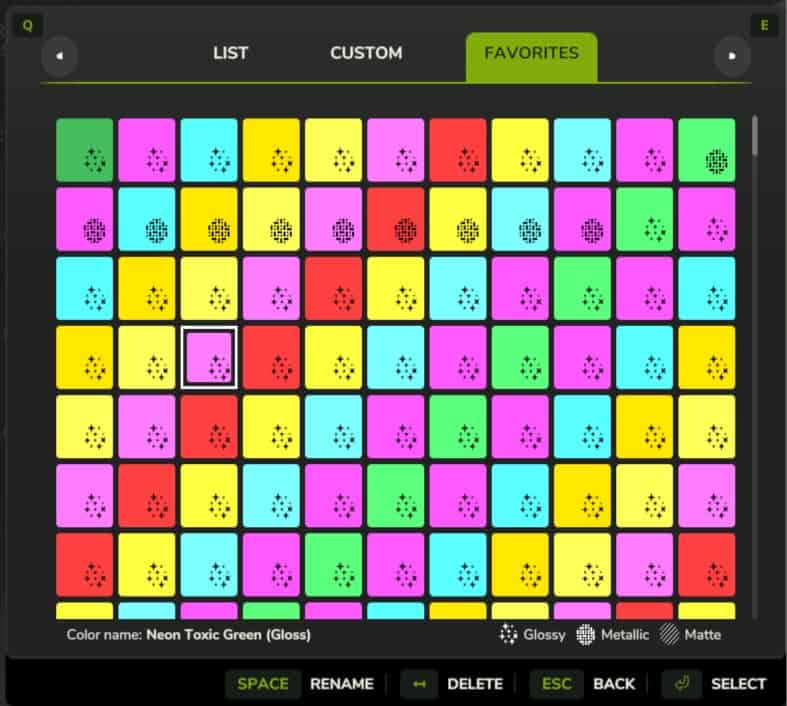
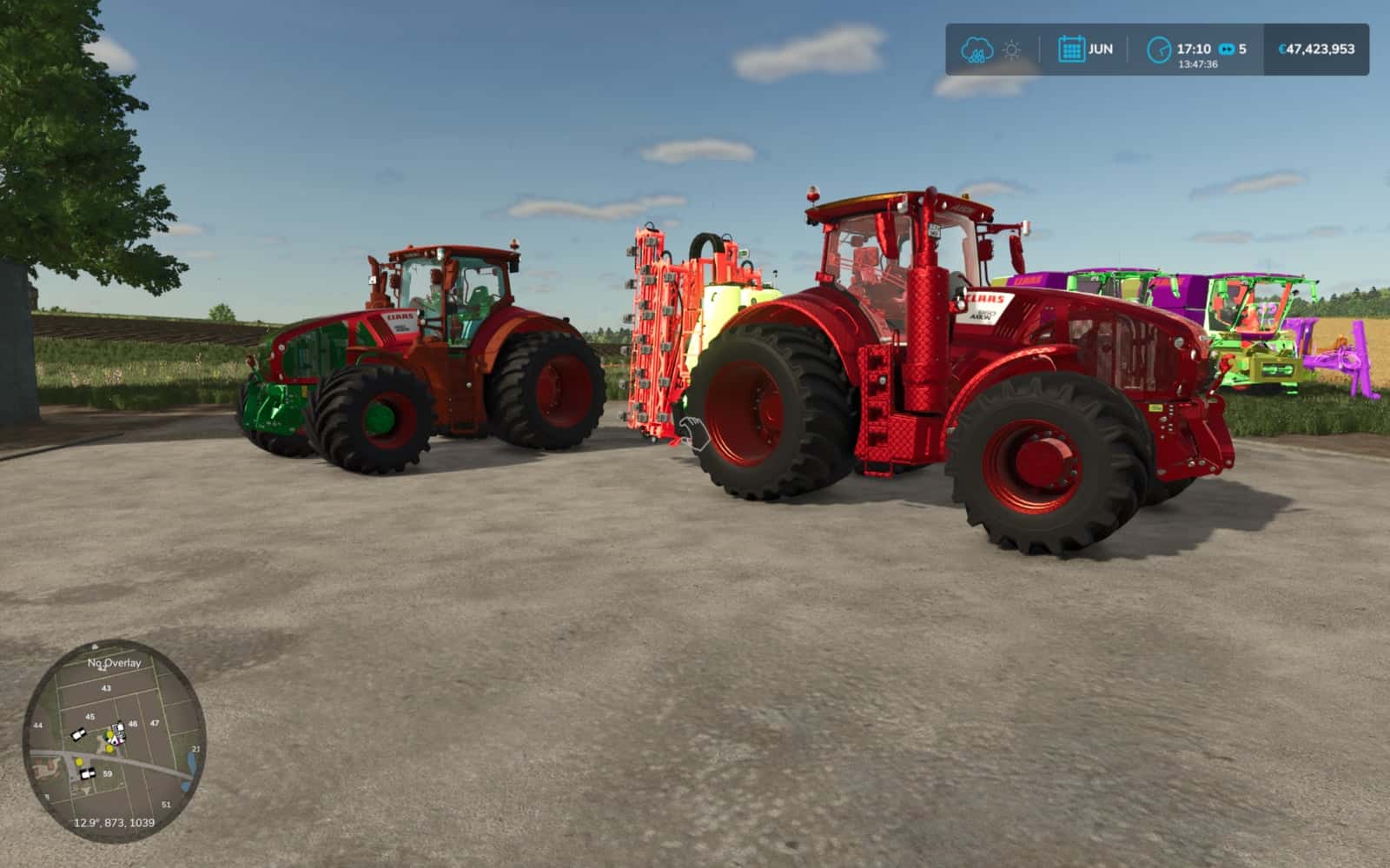
Near Unlimited Swatches automatically adds 140 custom Neon and Chameleon color swatches across 12 distinct material finishes directly into your saved Farming Simulator 25 custom color palette, with no manual gameSettings.xml editing required.
Features
- 140 Custom Swatches:
- 10 Neon Colors: Toxic Green, Electric Pink, Cyber Cyan, Plasma Orange, Laser Yellow, Ultraviolet, Hyper Red, Lime Volt, Ice Blue, and Magenta Pulse.
- 5 Chameleon Shift Colors: Mystic Purple-Teal, Sunset Gold-Magenta, Emerald-Sapphire, Cyberpunk Pink-Cyan, and Solar Copper-Lime.
- 12 Material Finishes: Available across Gloss Paint, Metallic Paint, Matte Paint, Chrome, Brushed Silver, Anodized Aluminum, Galvanized Metal, Tread Plate, Satin Silver, Leather, Painted Wood, and Rubber.
- Safe & Automatic: Merges all swatches into your in-game custom color picker on startup without duplicating entries or overwriting your existing saved colors.
- Multiplayer Ready: Works in both Singleplayer and Multiplayer with zero required dependencies.
Recommended Mods (Optional):
This mod works completely standalone in the base game, but pairing it with the following mods is recommended to unlock custom color selection on every vehicle part and placeable:
- Unlimited Color Configurations (
FS25_unlimitedColorConfigurations) – Enables custom color selection across all vehicle and equipment configuration slots. - Extended Material Color Picker (
FS25_ExtendedMaterialColorPicker) – Expands material and finish selection options inside the in-game color picker.
Installation
Drop FS25_NearUnlimitedSwatches.zip into your Farming Simulator 25 mods folder and activate it before loading your savegame.