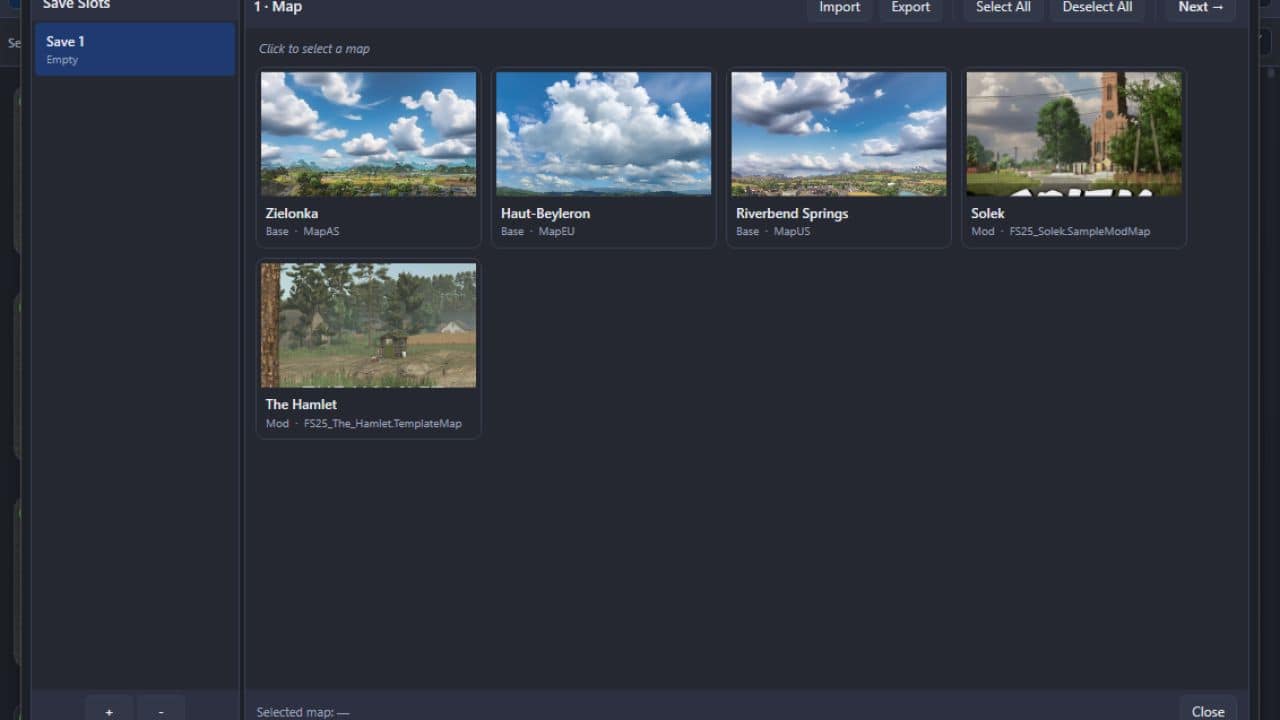
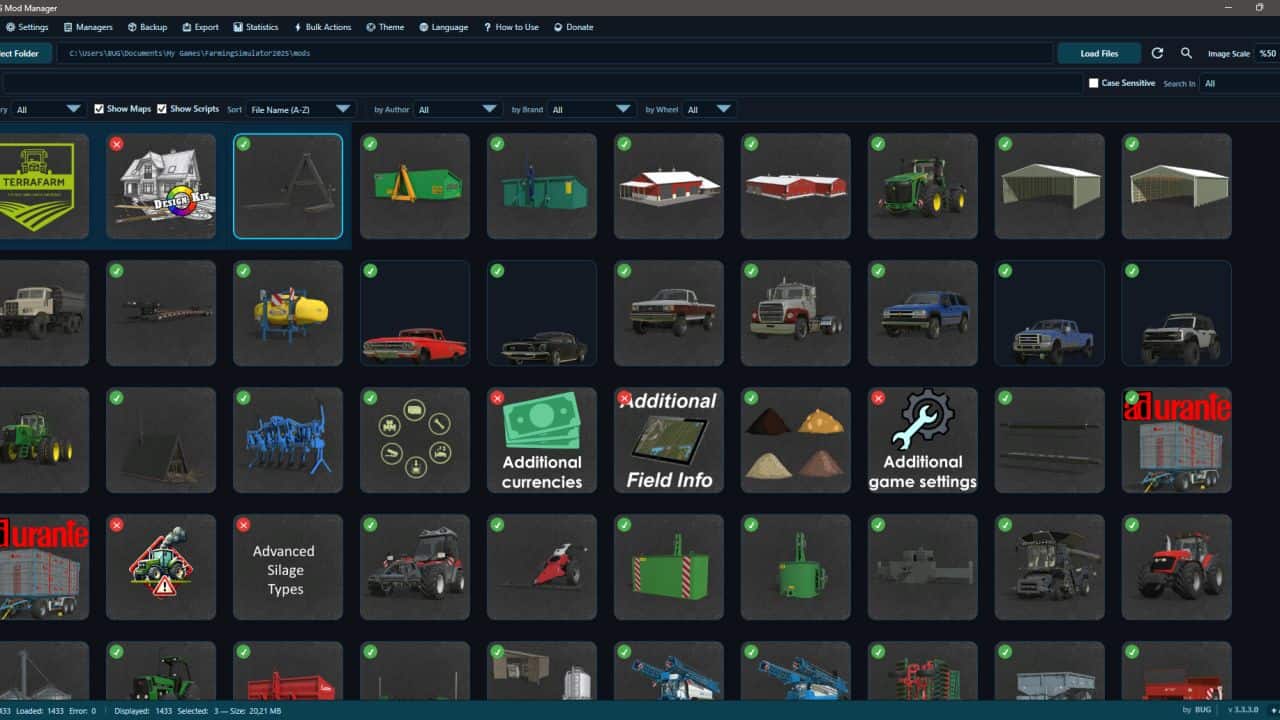
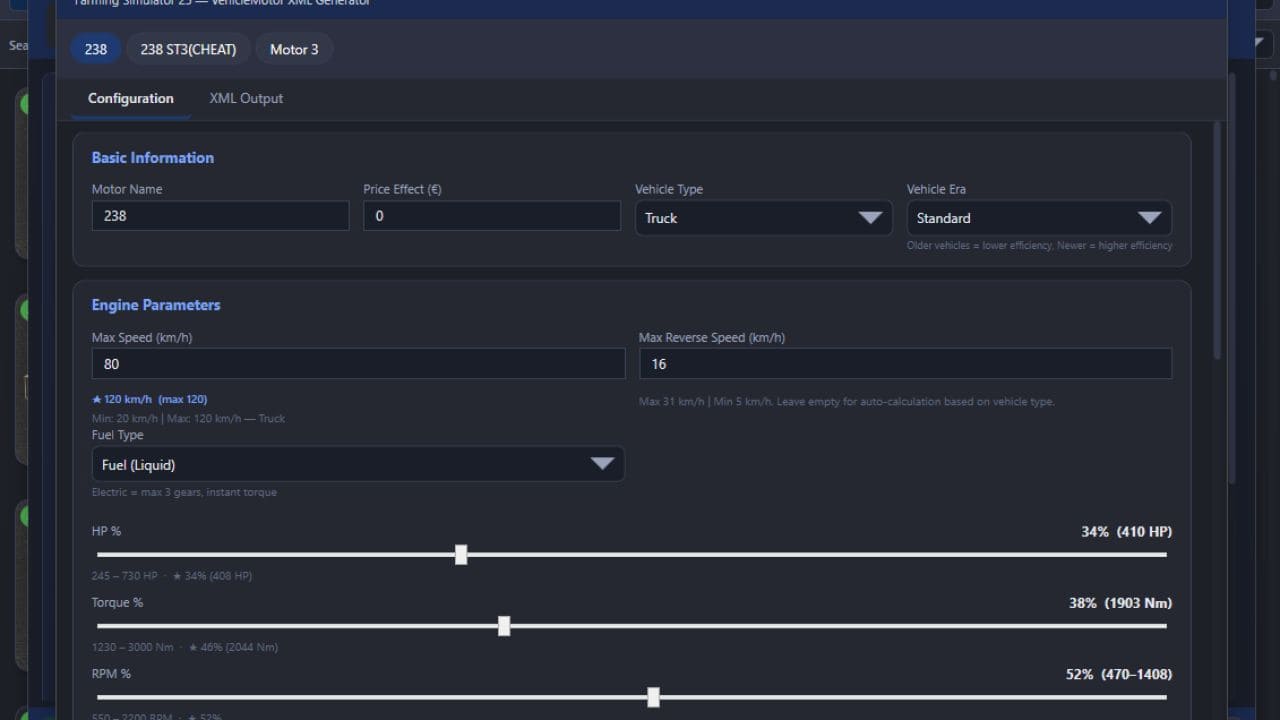
This is not a MOD! It is a program that allows you to manage your mods before launching the game. Keep the program in a different location from the folder where your mods are stored.
Technically, it works as follows:
# Every mod contains a file named modDecs.xml. The game first reads this file and then uses the relevant instructions within it to locate the other files it needs to read. The program works on a similar principle. It first locates the modDecs.xml file inside the mod’s ZIP file. Then it retrieves the necessary information from this file and executes the corresponding functions.
I had to spend money to develop version 3.0.0.0 of the program. If you’d like to support the project, you can make a donation toward its development. The relevant section is available within the program. Thank you in advance to everyone who has shown interest.
Installation:
No installation is required. Simply extract the file to a folder.
NOTE 1: Cache and other files generated when the new ModHub integration is run accumulate next to the EXE file. In versions after 3.3.0.0, simply modifying the EXE file prevents the program from rebuilding everything from scratch.
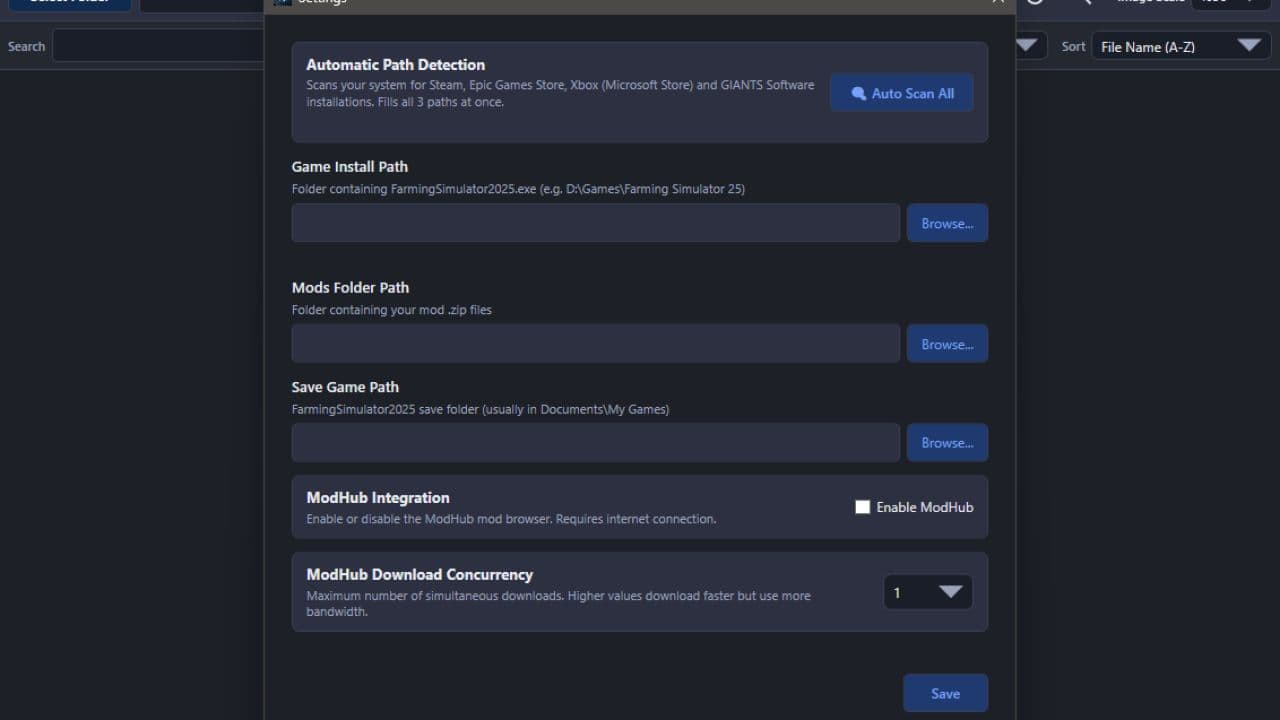
NOTE 2: Make sure you enter the correct EXE file paths when the program starts. The default paths are listed below.
NOTE 3: Starting with this version, updates and fixes will be delayed due to financial constraints. Once I have resolved my personal financial situation, the program’s development process will return to its previous pace.
Steam/Epic Paths:
– SavePath : DocumentsMy GamesFarmingSimulator2025
– ModPath : DocumentsMy GamesFarmingSimulator2025mods
– GamePath Steam : C:Program Files (x86)SteamsteamappscommonFarming Simulator 25
– GamePath Epic : C:Program FilesEpic GamesFarmingSimulator25
Xbox Paths:
SavePath : DocumentsMy GamesFarmingSimulator2025
ModPath : C:Users[Username]AppDataLocalPackagesGIANTSSoftware.FarmingSimulator25PC_[RandomID]LocalCacheLocalmods
GamePath Xbox : C:Users[Username]AppDataLocalPackagesGIANTSSoftware.FarmingSimulator25PC_[RandomID]LocalCacheLocal
IMPORTANT!
I’ve tested everything, but it’s not possible for me to try every possible scenario. Therefore, if you encounter an error, please share the crash.log file created alongside the program’s EXE file and a screenshot of the error.
LAST NOTE:
The program can run on its own, but it still includes a dependency checker. If it prompts you to install .NET 8, you can download it from the official Microsoft website.
V3.3.3.0
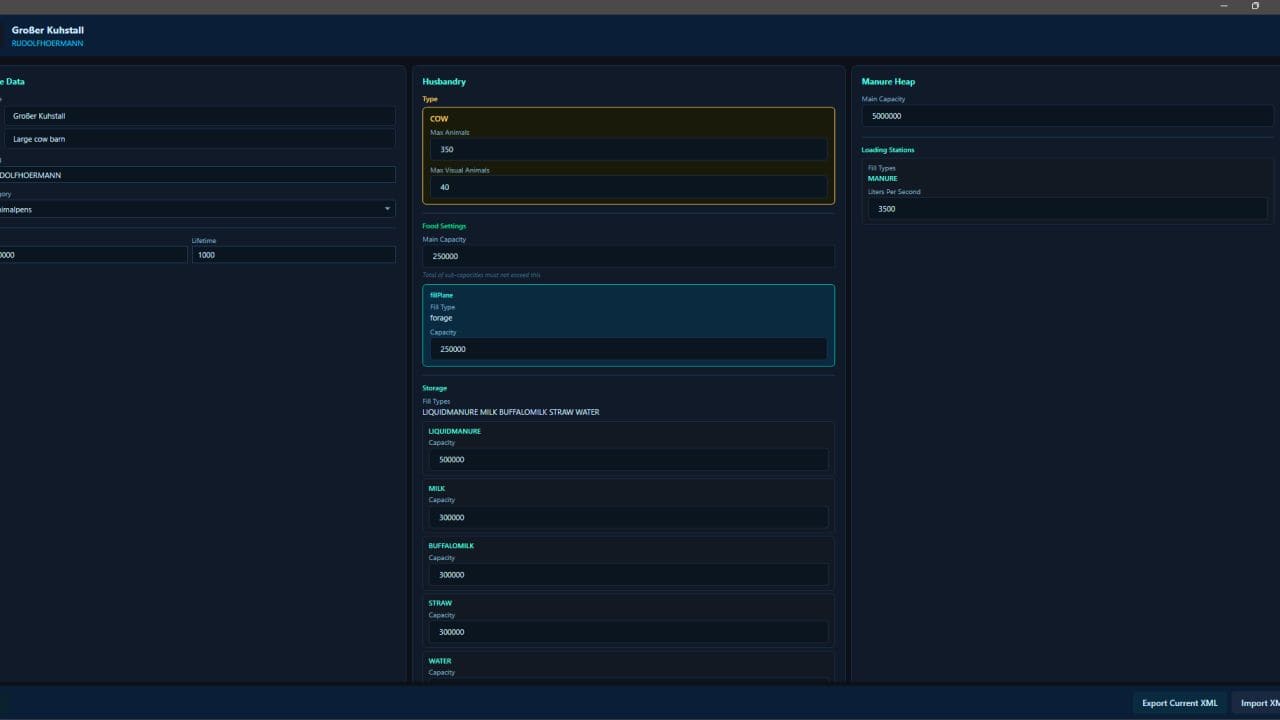
1. The necessary editing systems for “Animal Husbandry” have been integrated into the Edit window.
2. Five new filters have been added to the main window. You can now filter by Author, Brand, Wheel, Map, and Script.
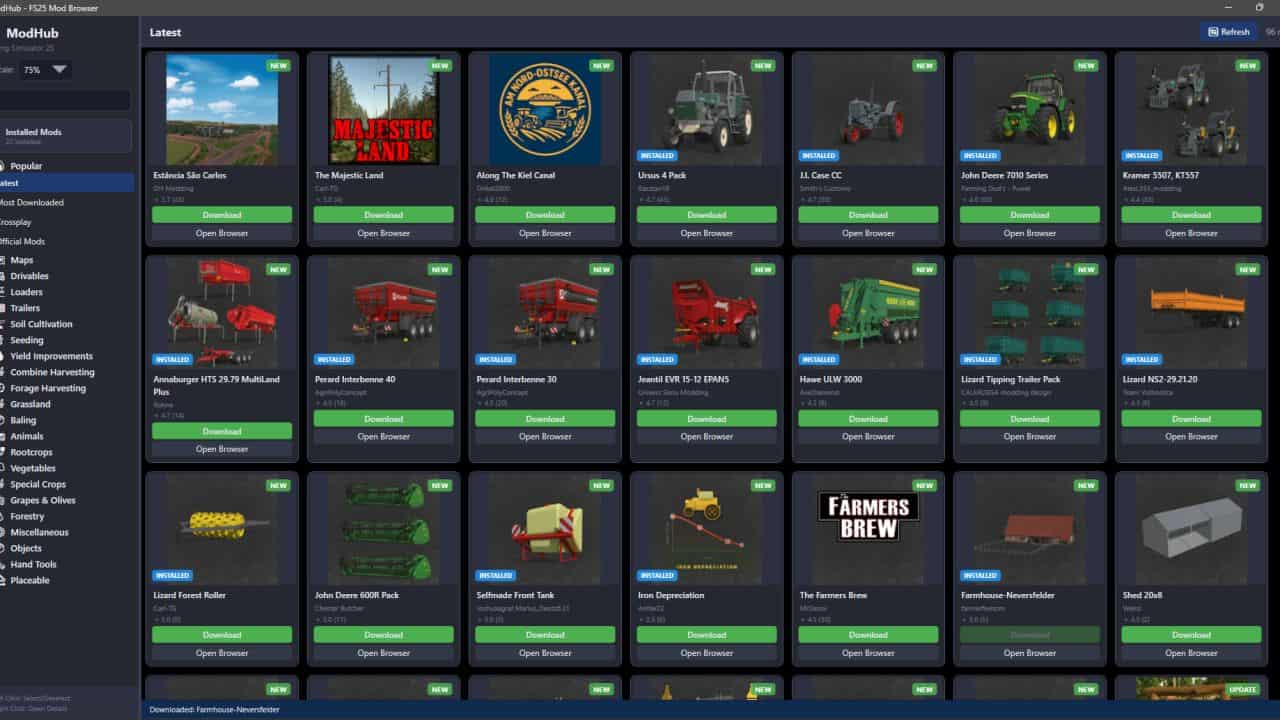
3. An issue in the ModHub Manager that prevented users from performing other actions while downloading has been resolved. You can now use the store while a download is in progress.
4. In the main window, an issue causing subsequent actions to fail during quick actions—due to the previous action not completing—has been resolved.
5. In the main window, an issue causing the page not to refresh when all currently displayed mods were deleted has been resolved.
6. An information section has been added to the status bar area in the main window, showing the number of modes currently displayed, the number of modes selected, and the total size for multiple selections.
7. Portuguese, Chinese, Japanese, Hindi, and Polish languages have been added.
8. The issue of the download limit not working in the Settings area of the ModHub Manager has been resolved.
9. The issue of having both disabled and enabled mods in the Mods folder, resulting in duplicate file conflicts, has been fixed.
10. A “_BAK” feature has been added to the ModHub Manager to detect disabled mods.