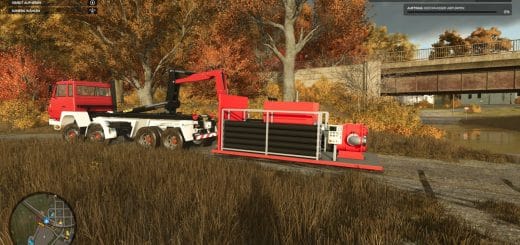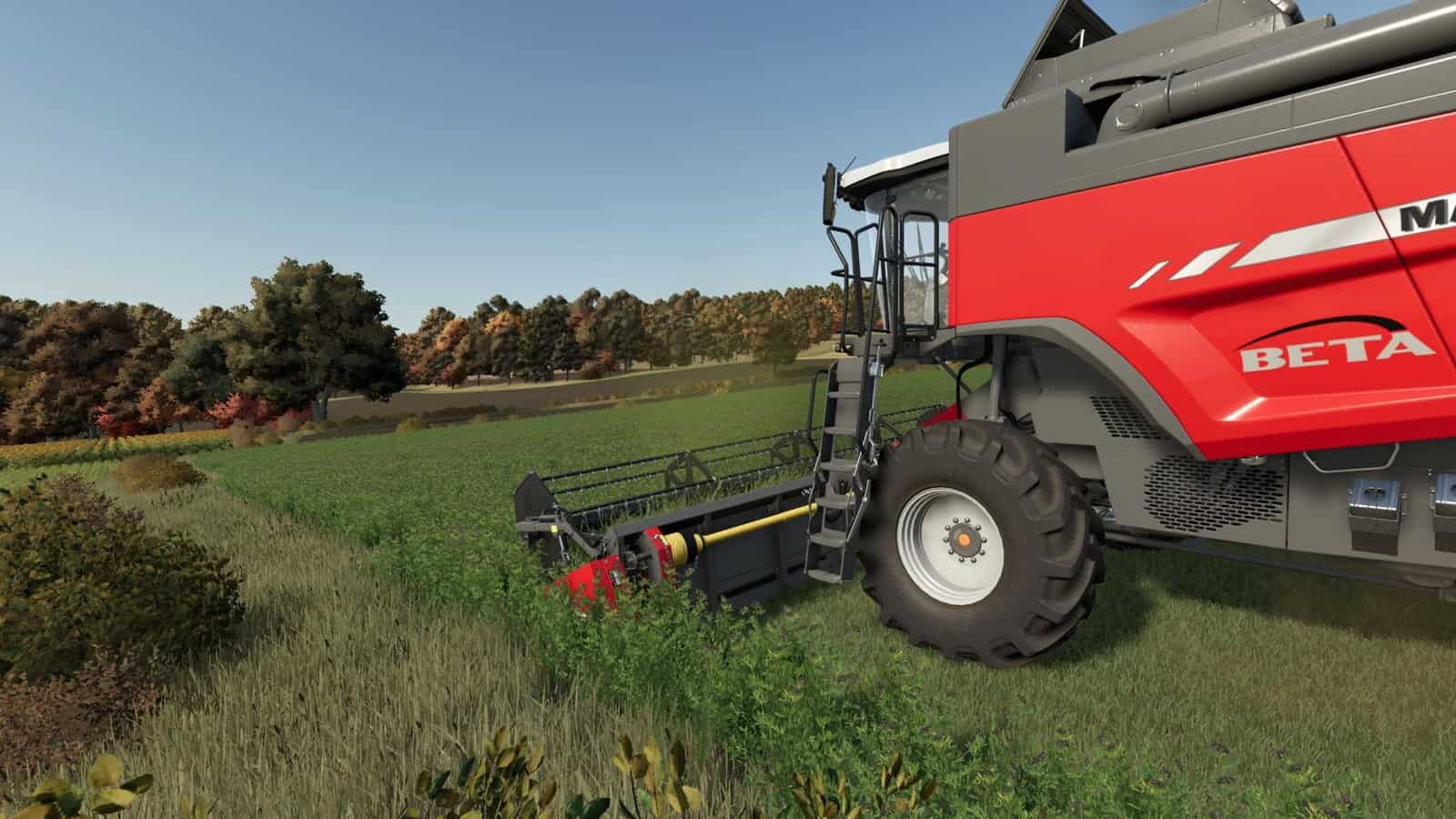
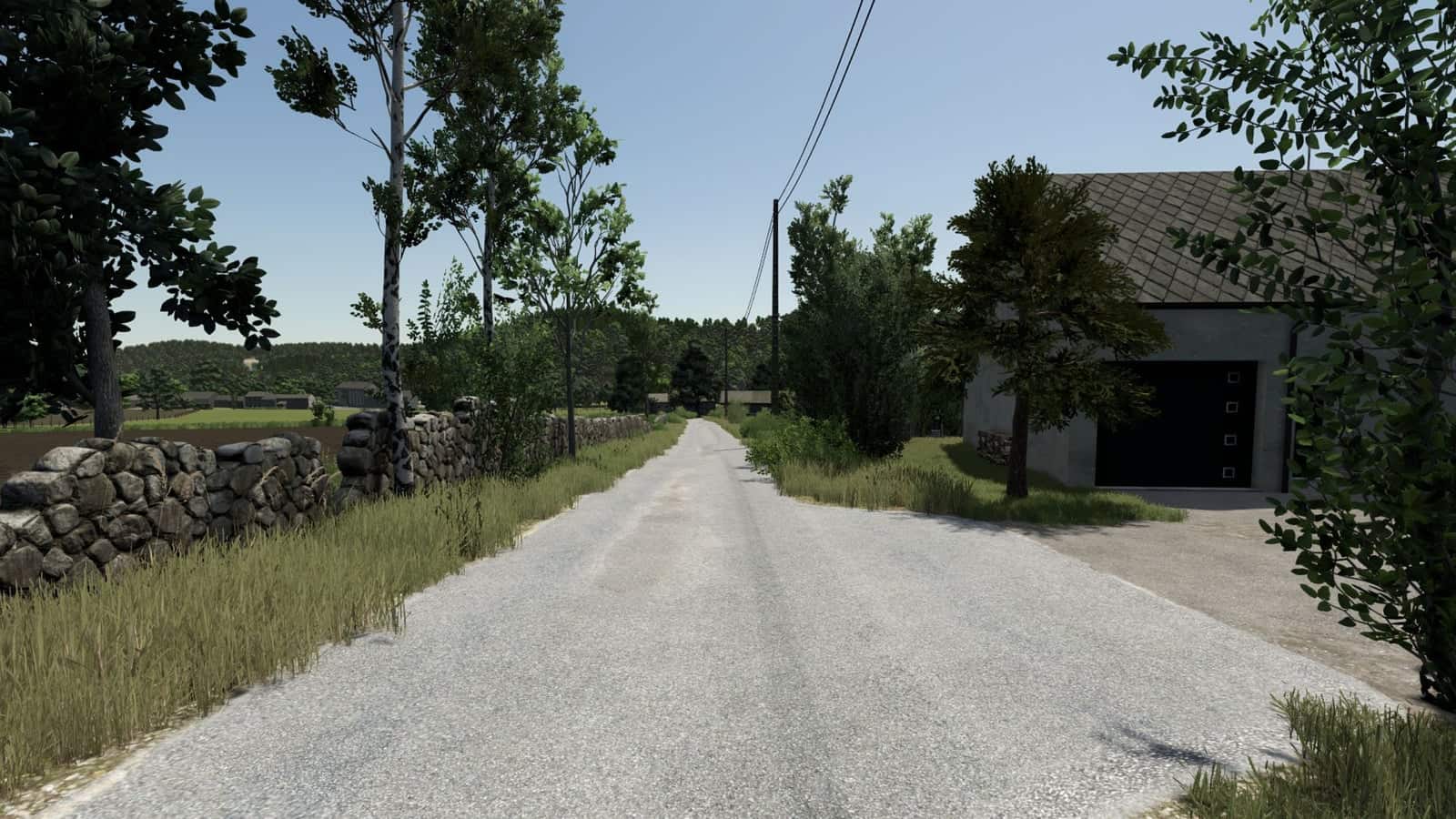
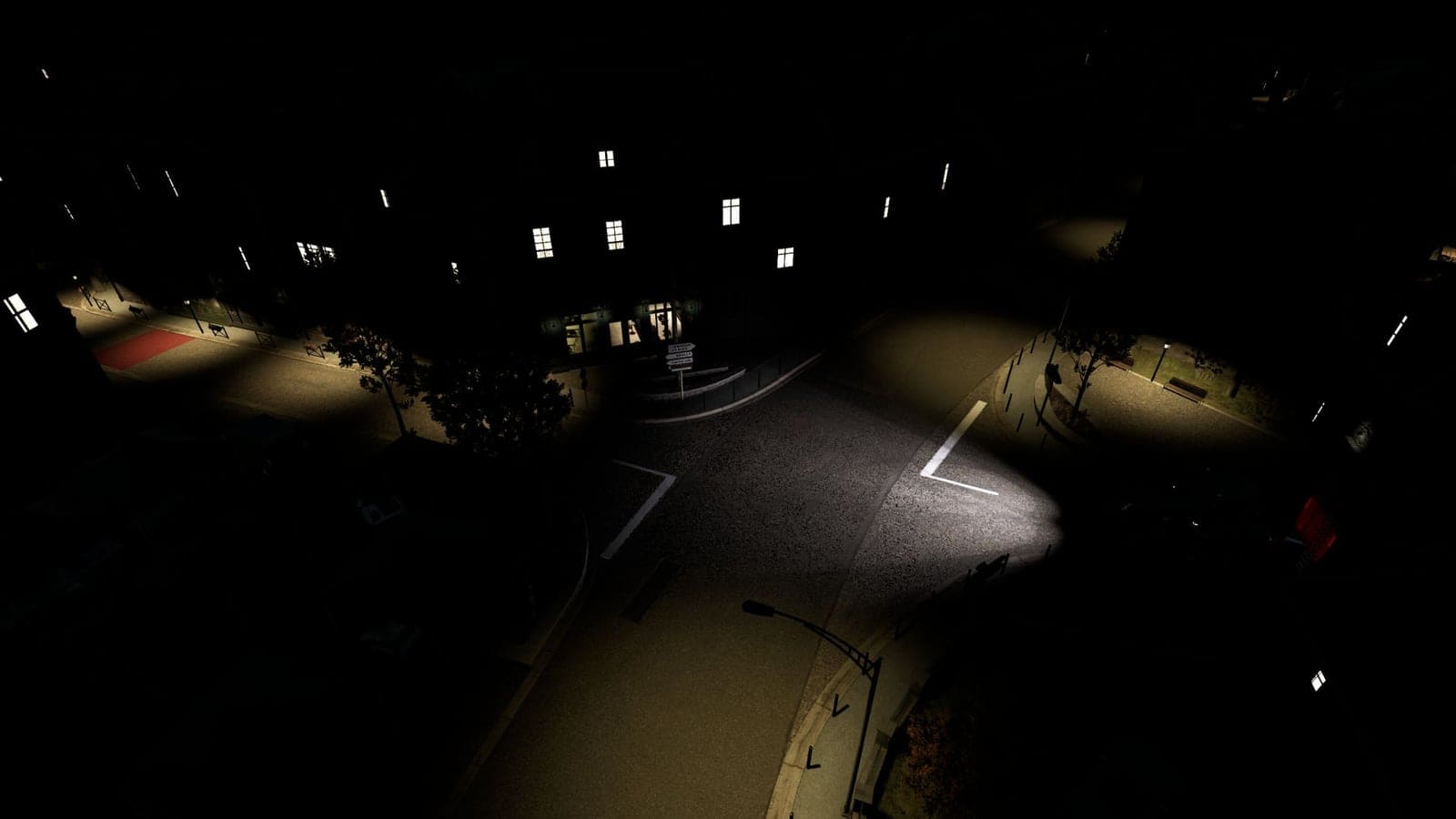
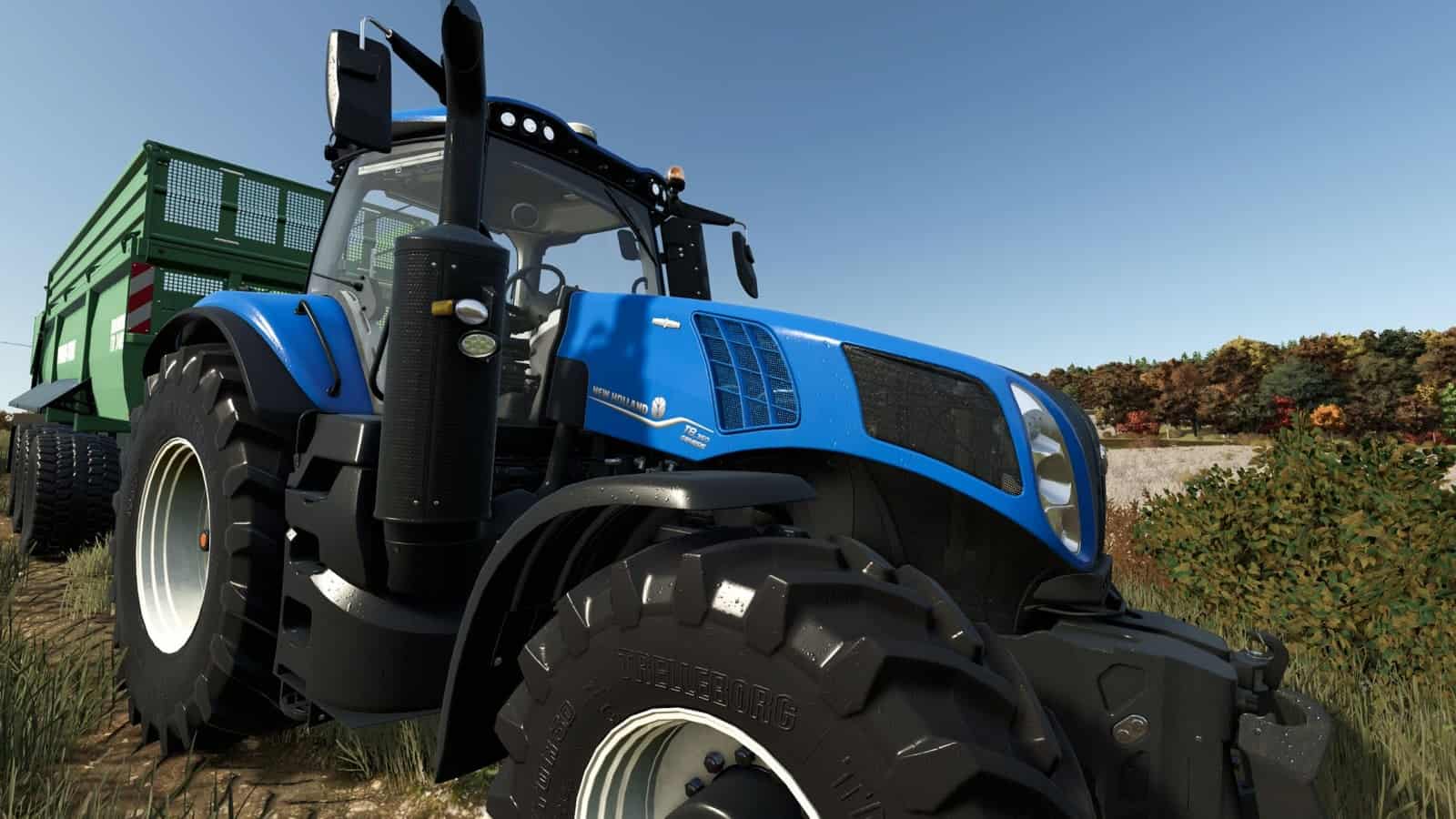
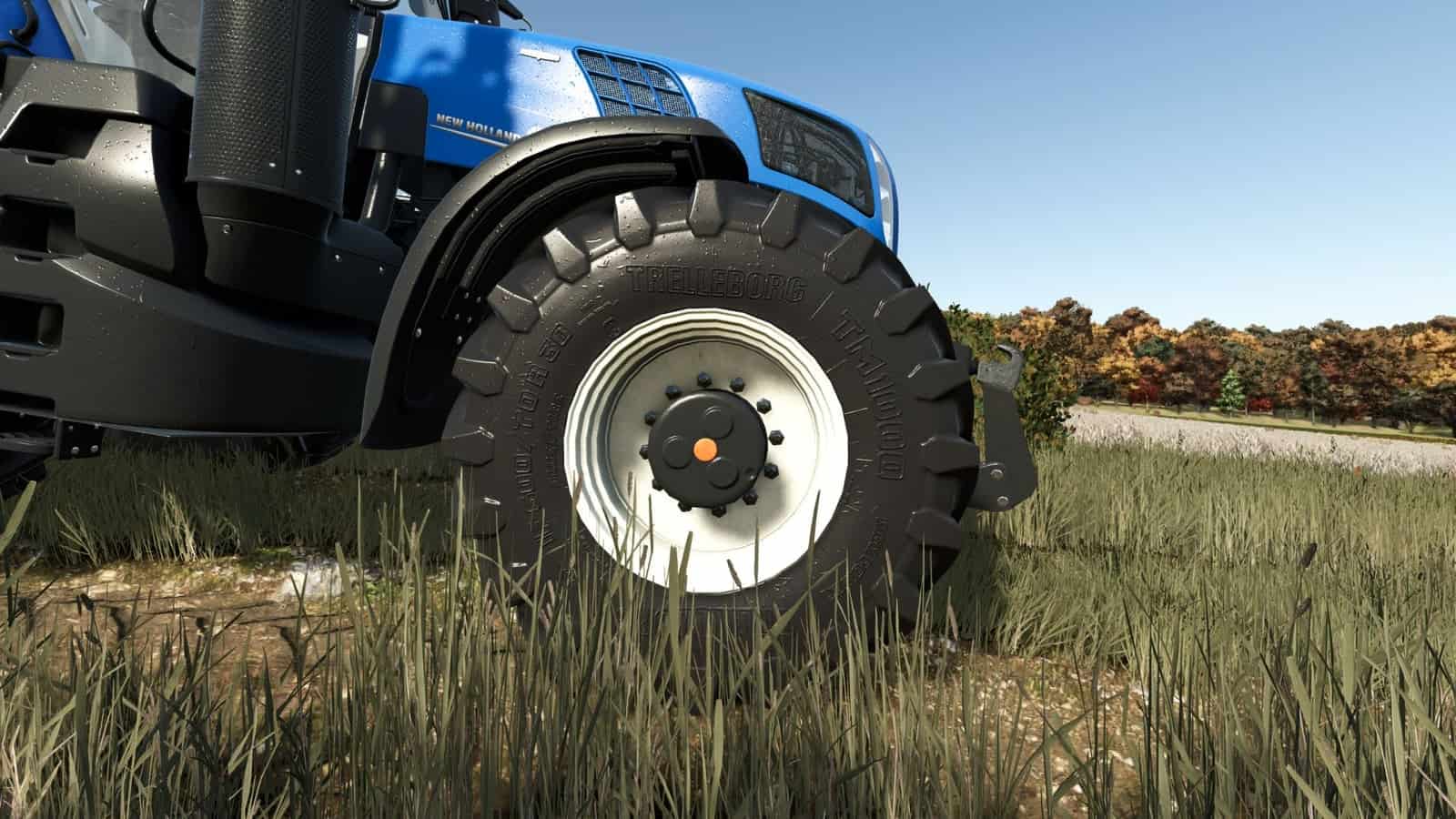
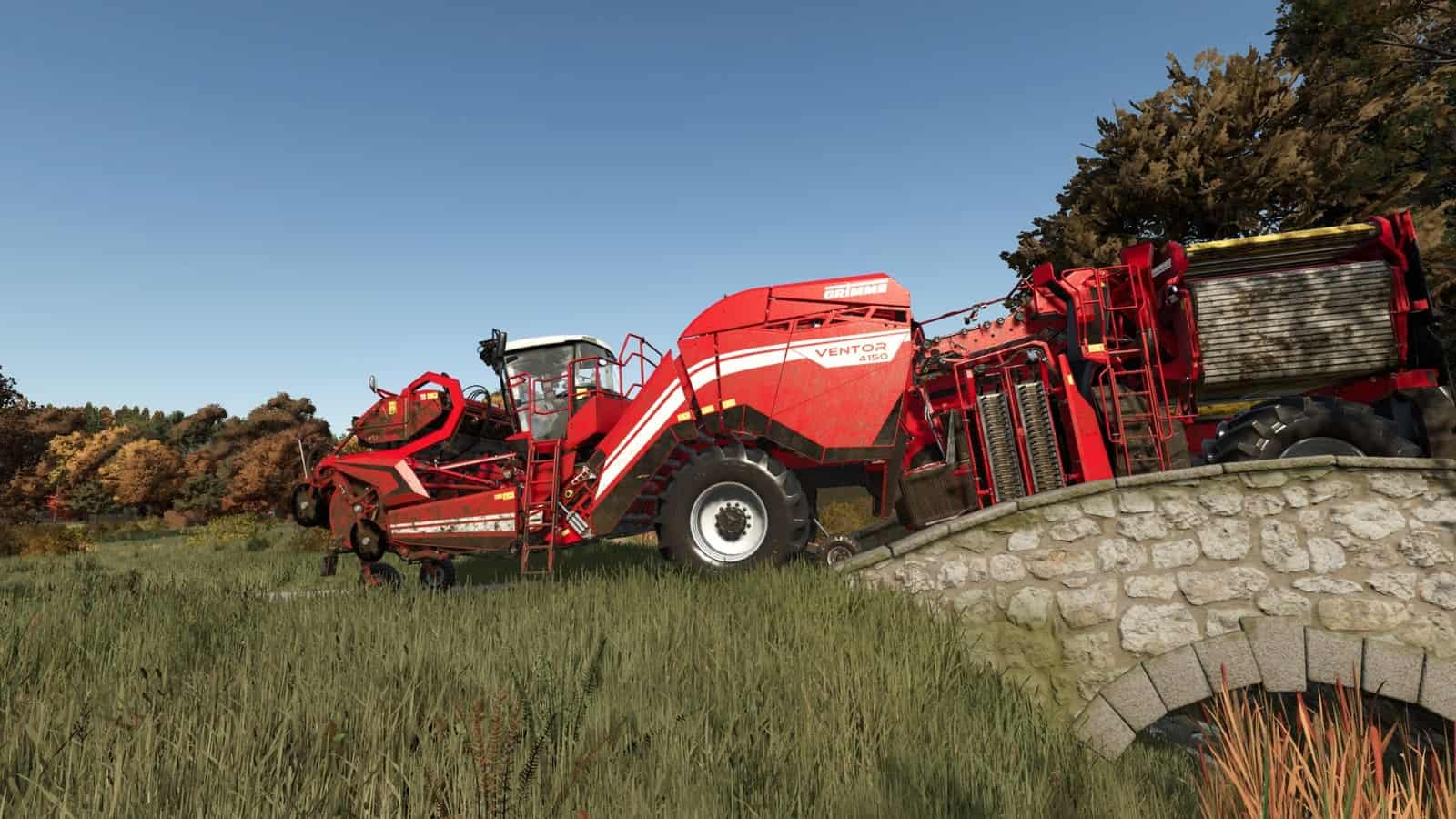
A bit colder palette, more sharpness, little bloom here and there, darker shadows, and a bit more contrast in general.
Features
- A bit colder palette
- More sharpness
- Little bloom here and there
- Darker shadows
- A bit more contrast in general
Installation
1) Unzip the archive.
2) Depending on whether or not you have Reshade installed already.
3) Copy the contents of the respective folder into .../Farming Simulator 25/x64 folder.
4) In the game, press HOME to open Reshade menu.
5) Select BetterEye preset at the top – dropdown menu.
OPTIONAL 6) Modify to fit your style/preference.
Bundled Reshade version is 6.8.0.