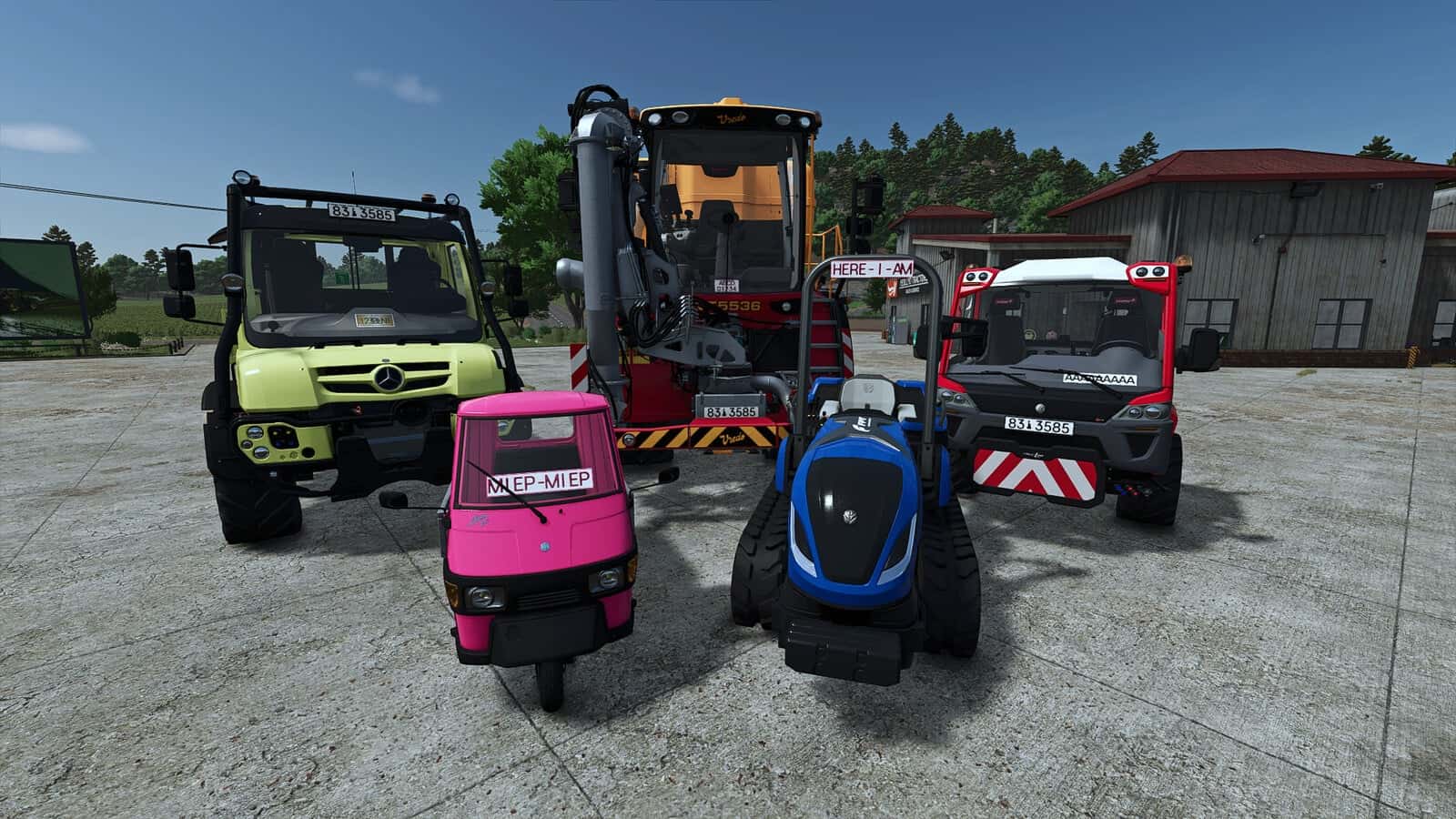
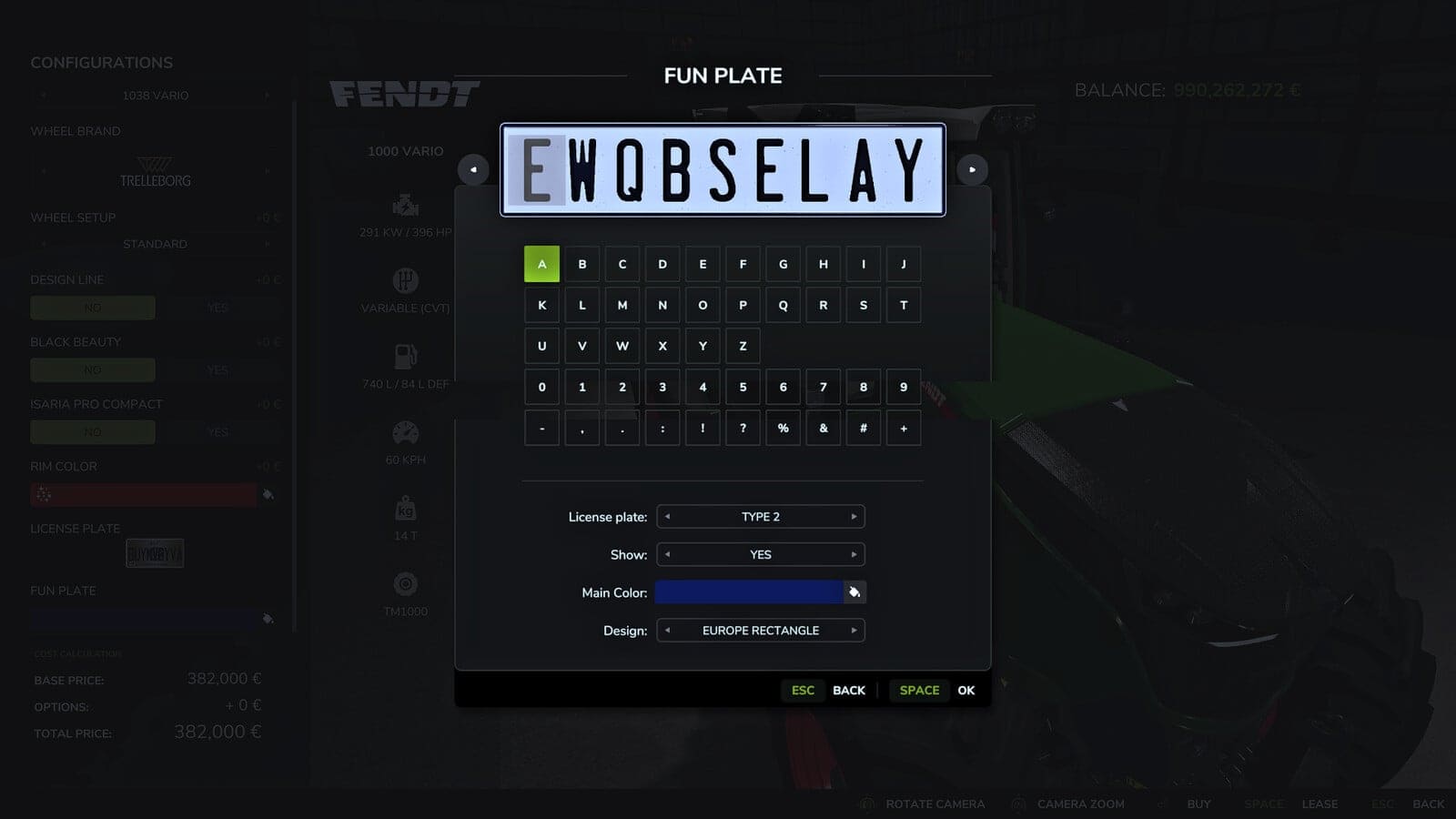
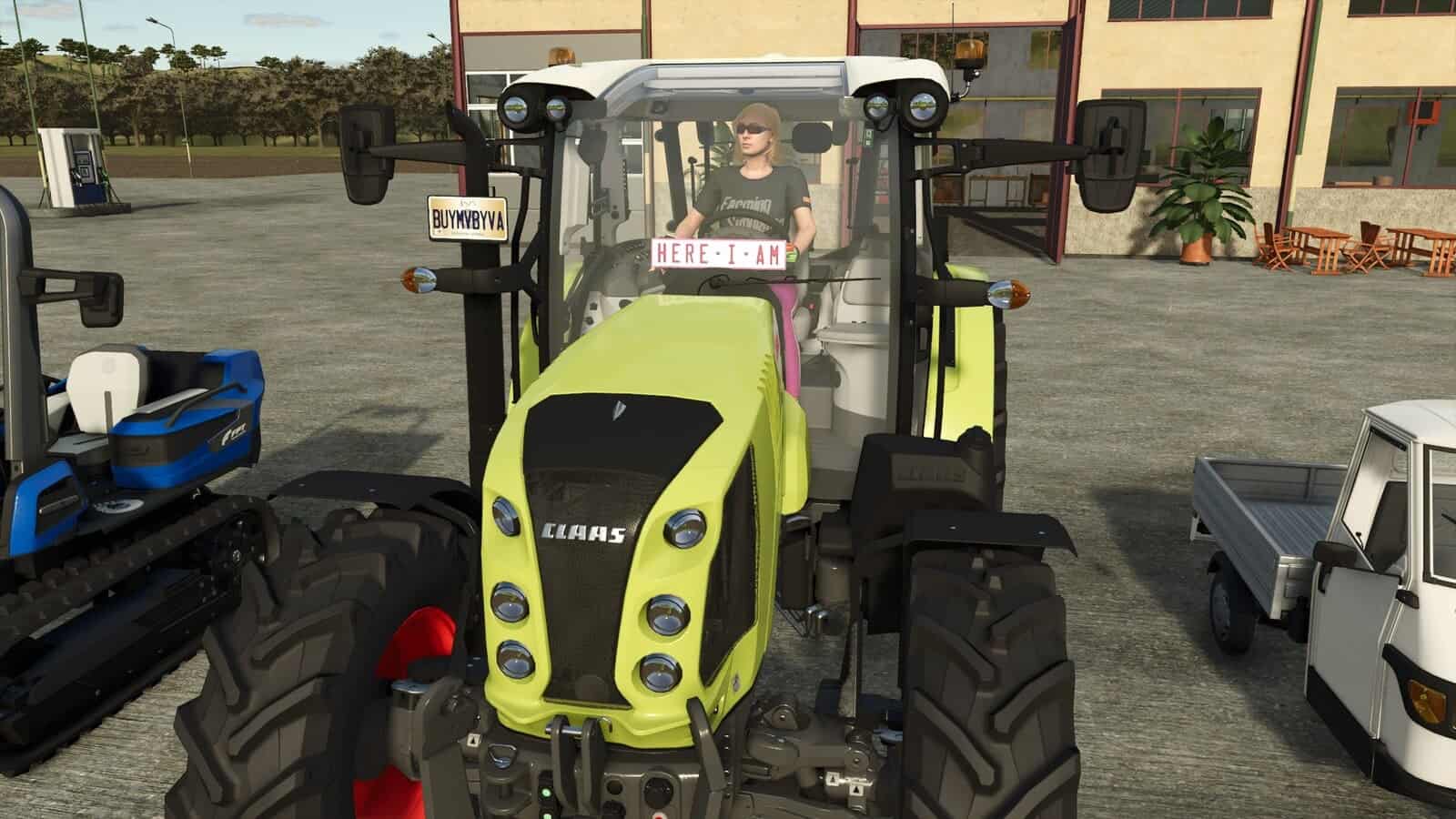
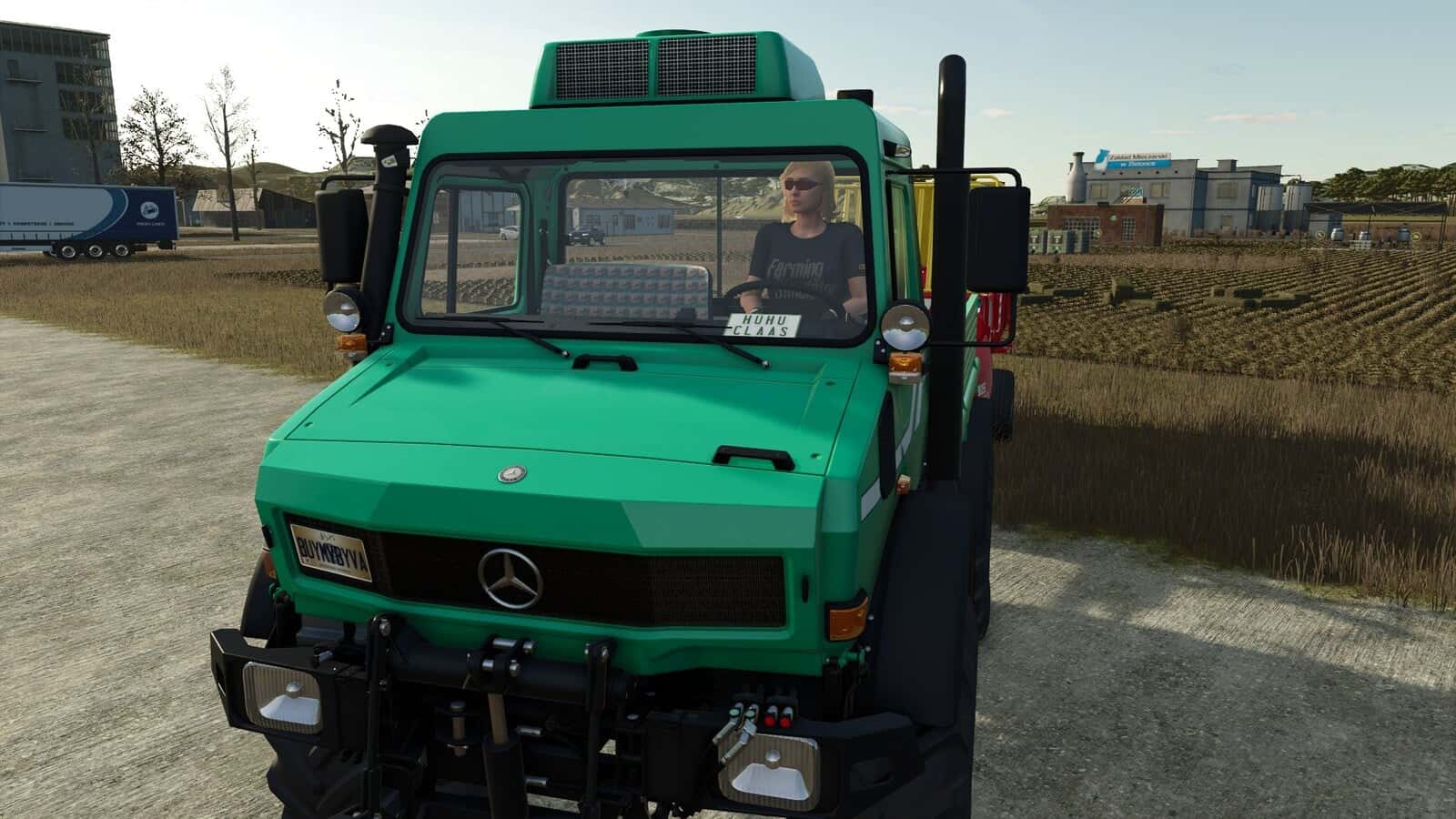
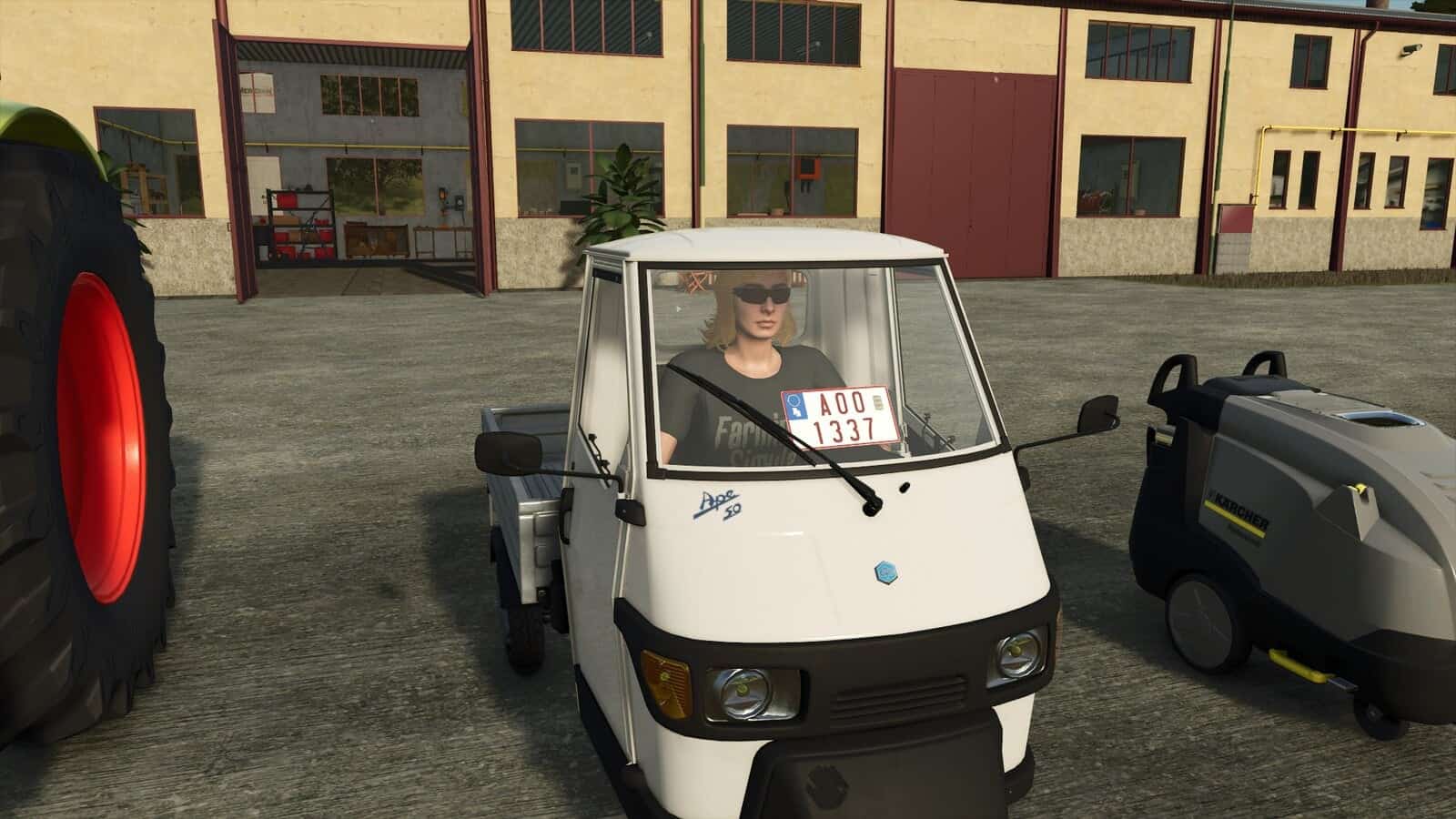
“Fun Plates” are custom decorative license plates for FS25. Customize the plate design and text, then position it on vehicles using the in-game editor.
Features
- Use official license plate types and designs from the base game.
- Customize the text on the license plate.
- Pre-configured windshield positions for all base game vehicles, official DLCs, and official ModHub vehicles.
- Works with other modded vehicles without additional modifications.
- Adjust the plate position live in-game on the X, Y, and Z axes.
- Rotate the plate on all axes.
- Scale the plate.
- Individual auto-save stores the settings for each vehicle.
- Planned: more license plate designs.
- Planned: icons and logos on the license plates.
- Planned: better support for automatic placement in unknown Mod vehicles.
- Planned: fleet license plates for customizing all decorative license plate texts for your fleet in a single step.
Procedure
- Equip the vehicle in the shop with a decorative license plate.
- If the decorative license plate is not visible, enter the vehicle.
- Press the
F9key to activate adjustment mode. - The following keys can be used to position the decorative license plate:
Ctrl + Cursor/Arrow keys(left, right, up, down) => Move on X/Y axisPage Up/Down=> Move forward/backwardCtrl + Shift + Cursor/Arrow keys=> Turn/rotate the license plateCtrl + Shift + Page Up/Down=> Tilt the license plateShift + 1=> Reset positionShift + 2=> Reset rotationEnter=> Save position
The in-game help section provides a more detailed description of the controls and how to use mod vehicles.
Changelog
v1.2.0.0
- Fixed ServiceFees bug for reconfiguring vehicles.
- Added standard positions for all Beans & Alpacas Vehicles.
v1.1.0.0
- Added default plate positions for Volvo L90 Pack Mod by Giants.
- Fixed position of New Holland T8000 default plate position.