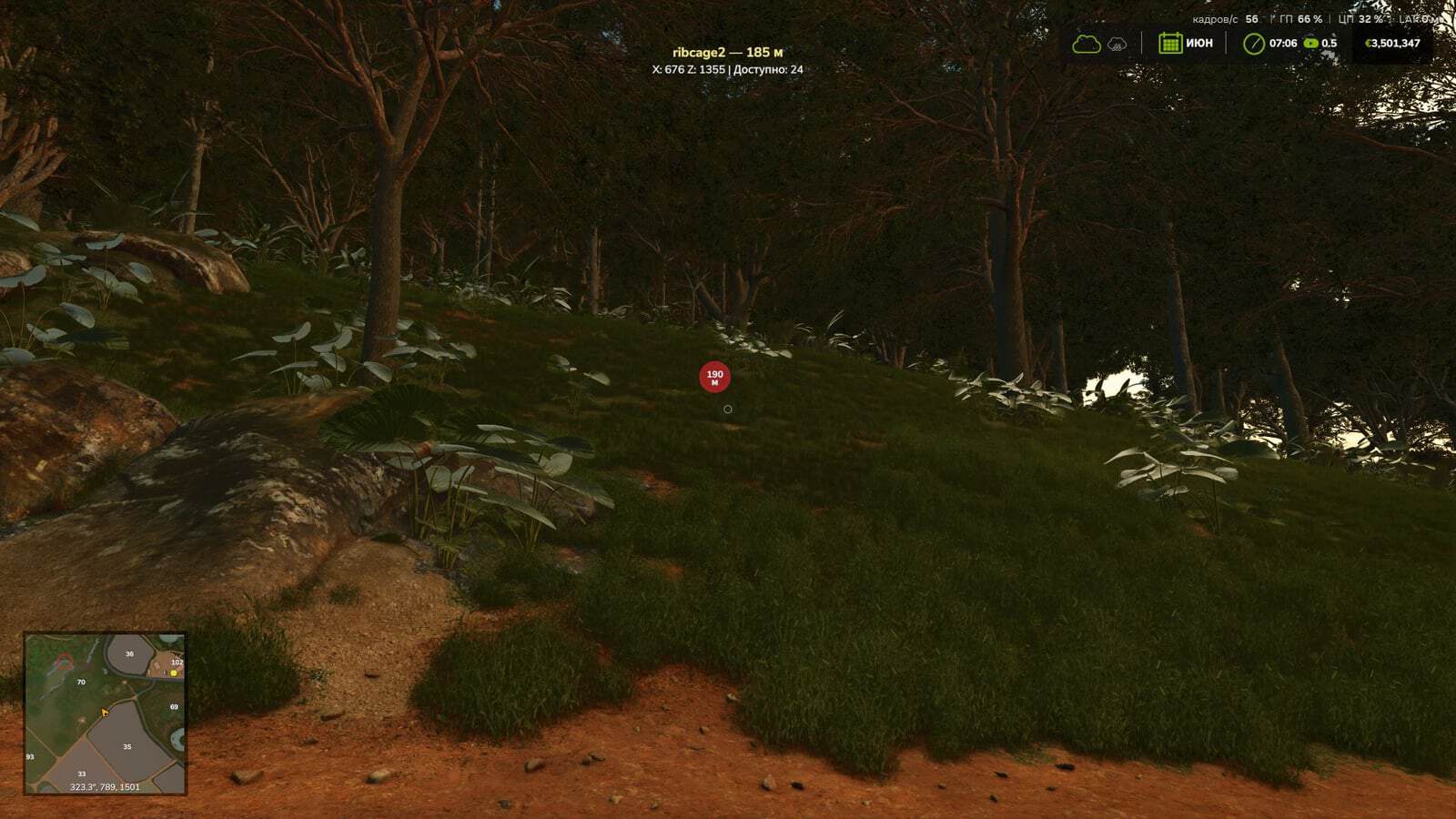
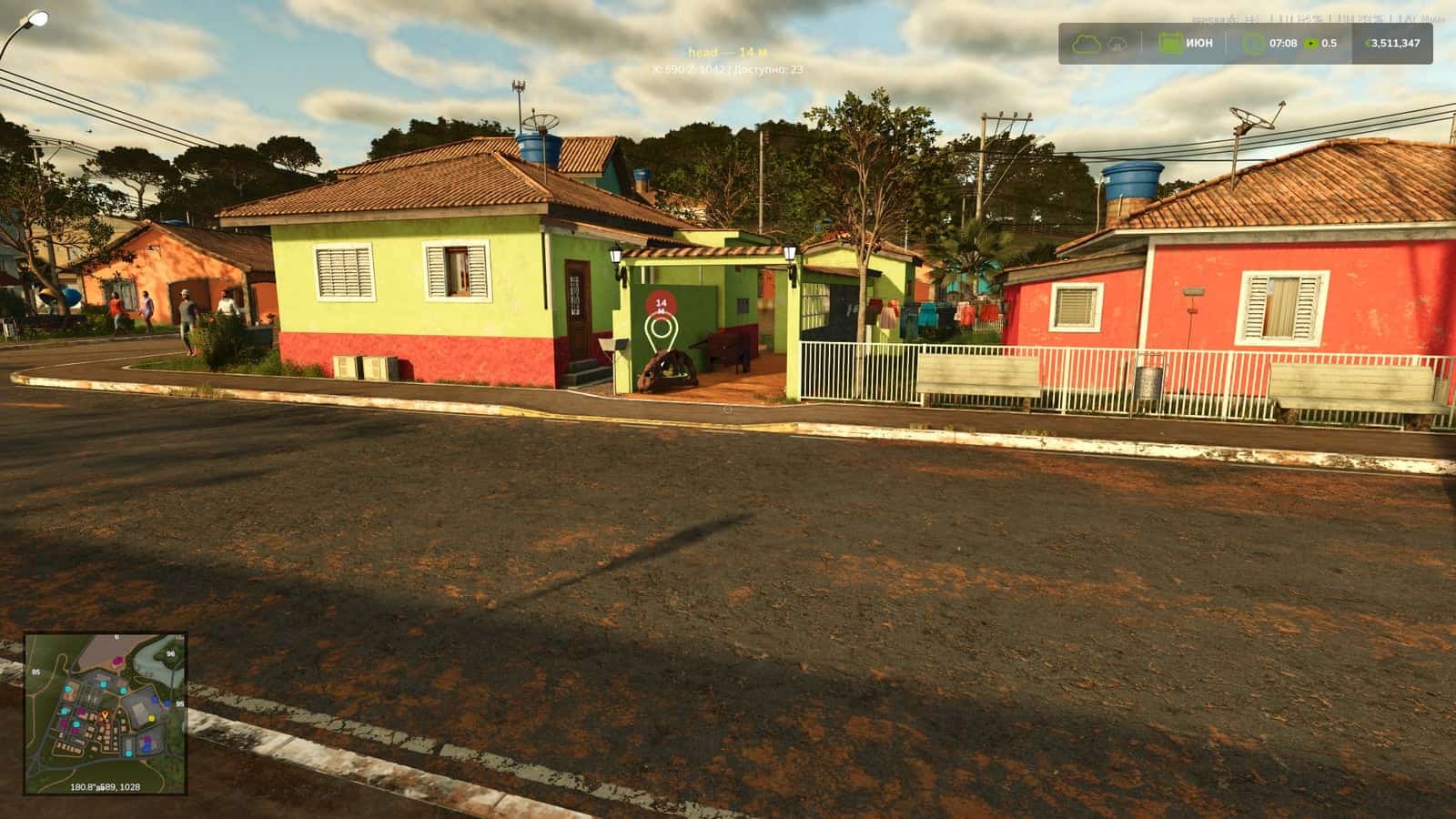
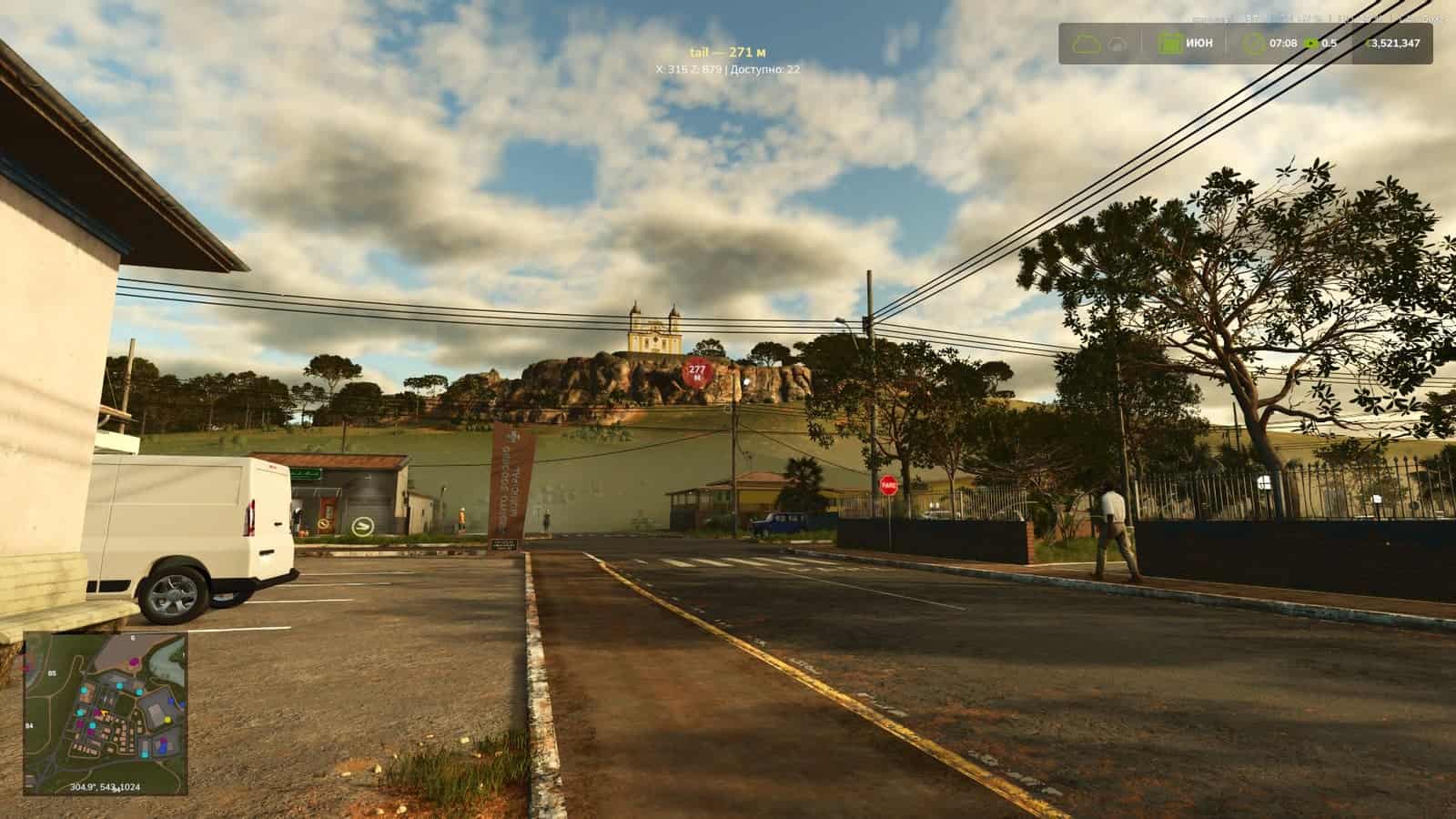
Collectibles Navigator helps locate undiscovered collectibles in Farming Simulator 25 by placing a navigation marker on the nearest collectible.
Features
- Finds the nearest collectible that has not yet been found.
- Displays the collectible’s name, distance and coordinates on the screen.
- Allows switching between collectibles manually.
- Navigation can be disabled.
- Works with the game’s collectible system, including the features of the Catuaí map, where some collectibles only appear after fields have been processed.
- Supports single-player and multiplayer.
Controls
Ctrl + Alt + C– find the nearest collectible.Ctrl + Alt + → / ←– select the next or previous collectible.Ctrl + Alt + Backspace– disable navigation.