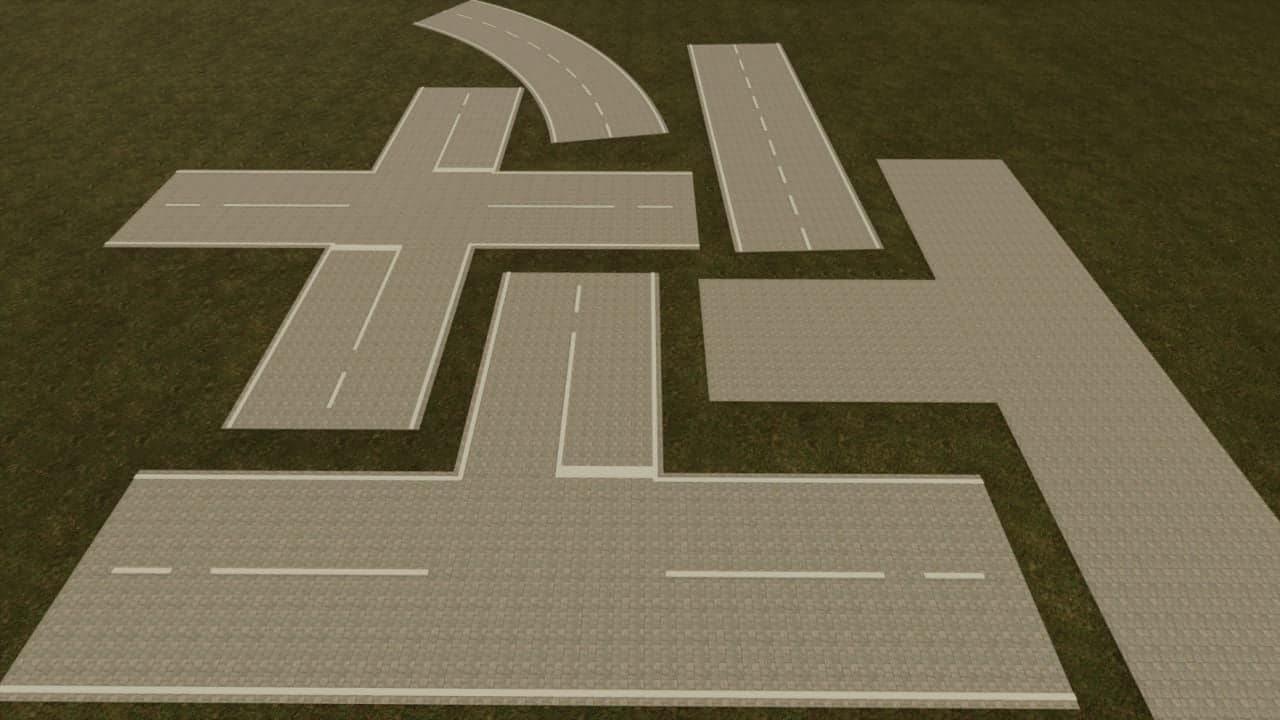
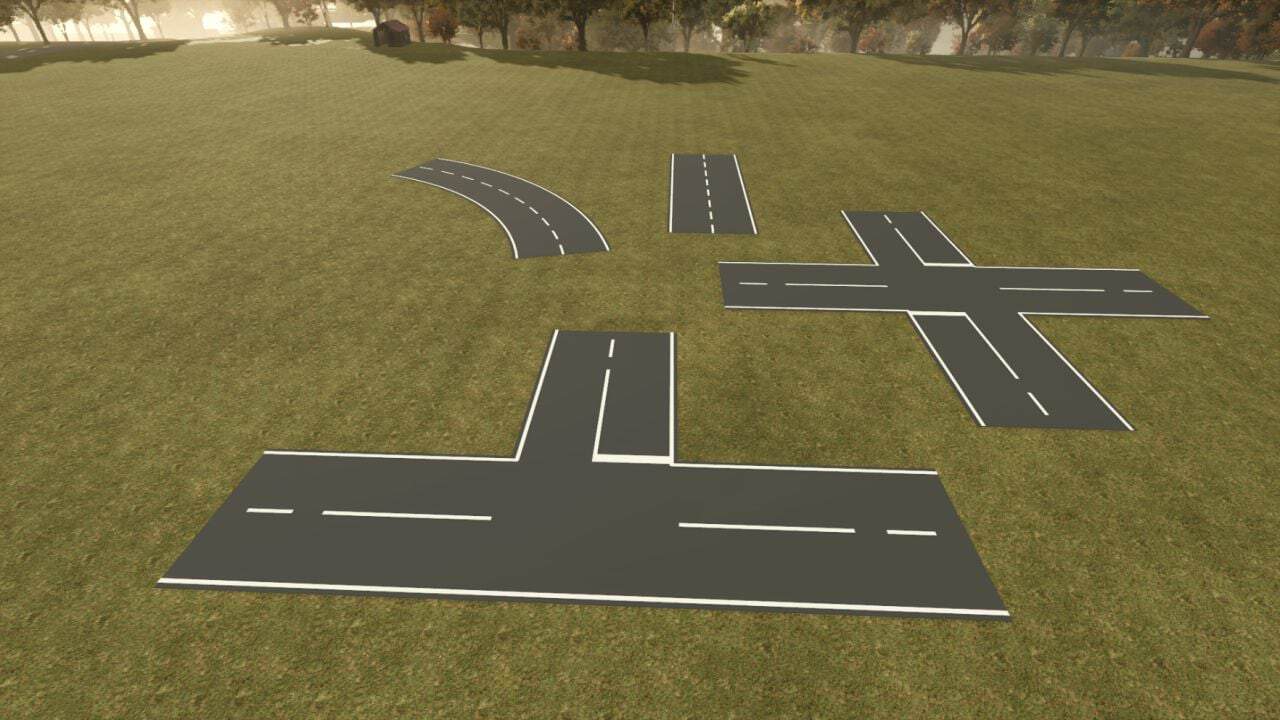
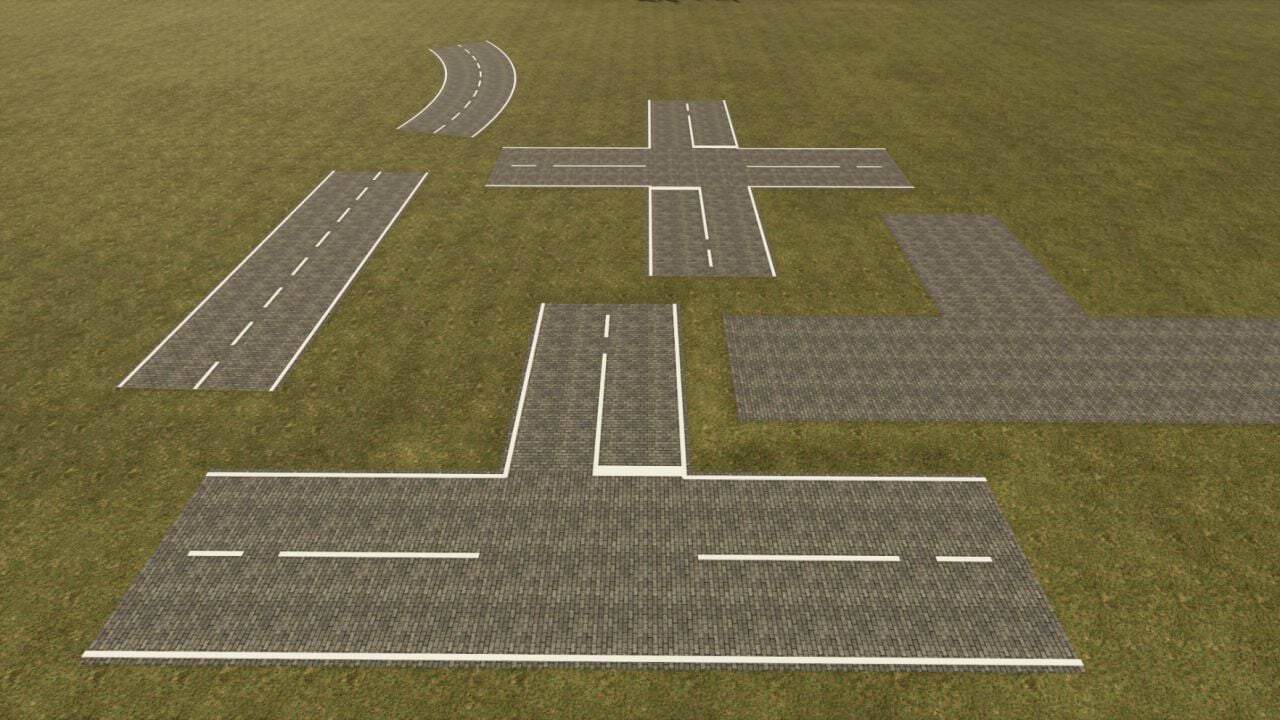
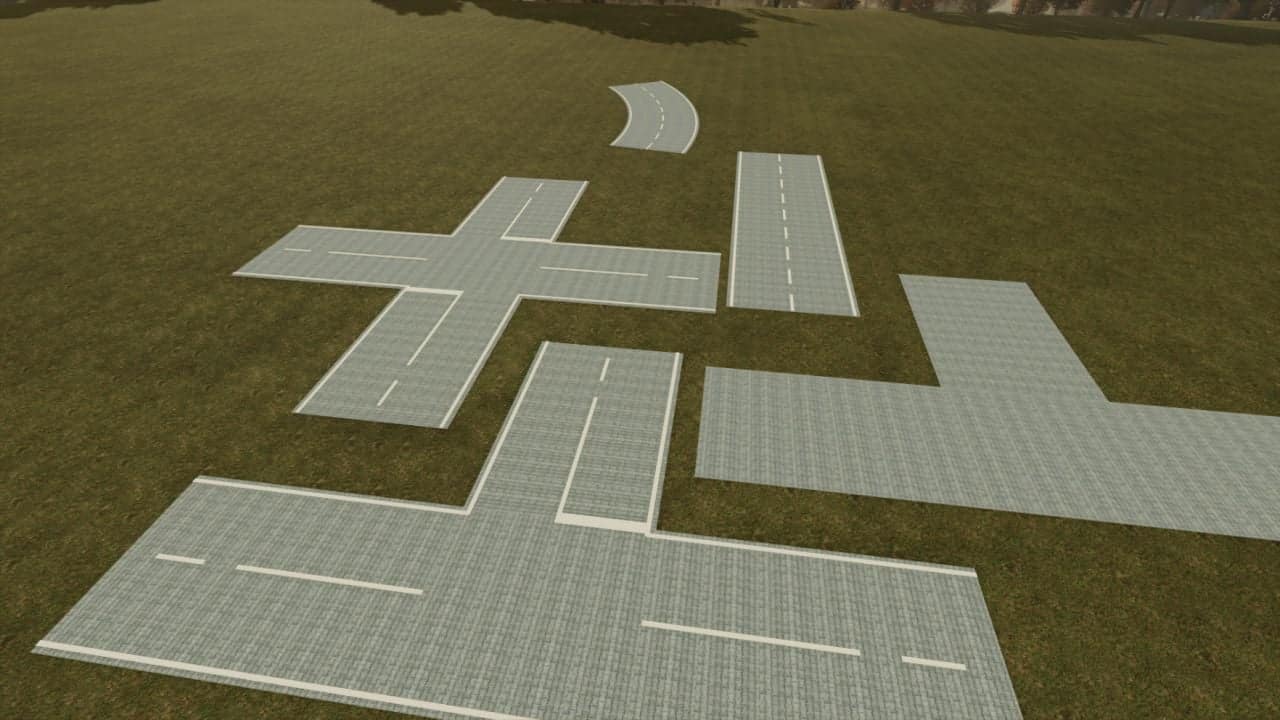
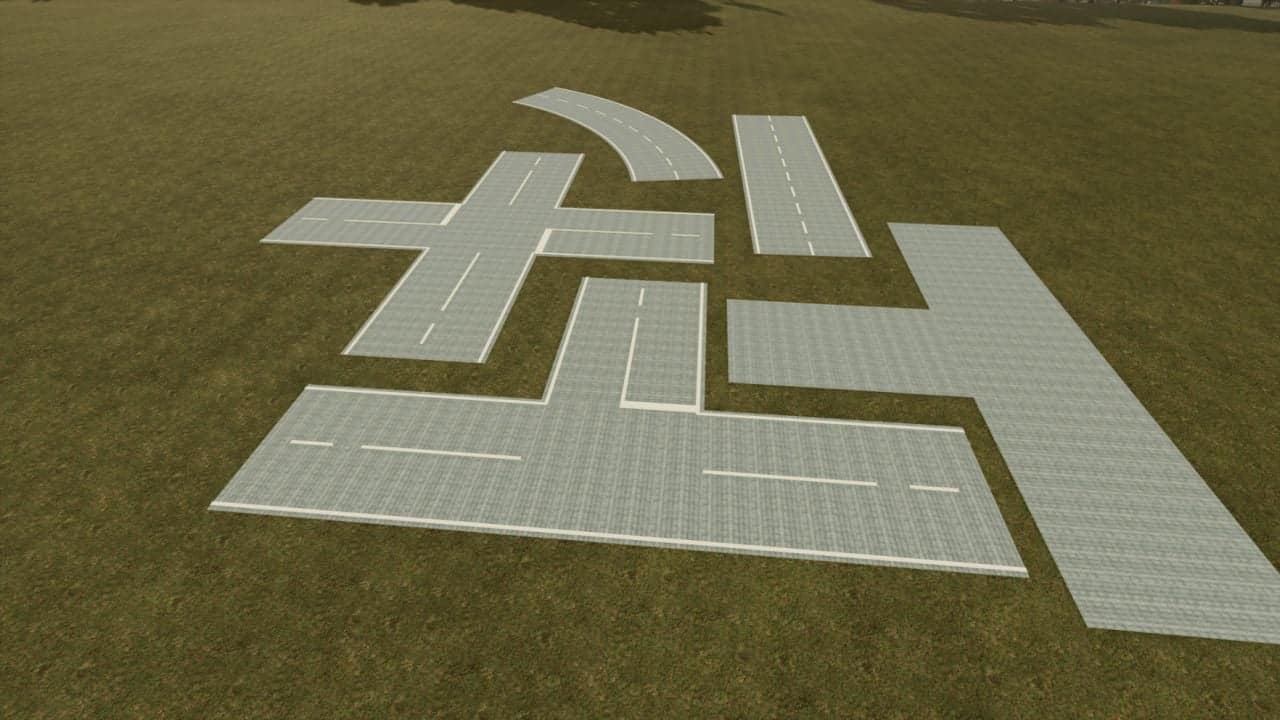
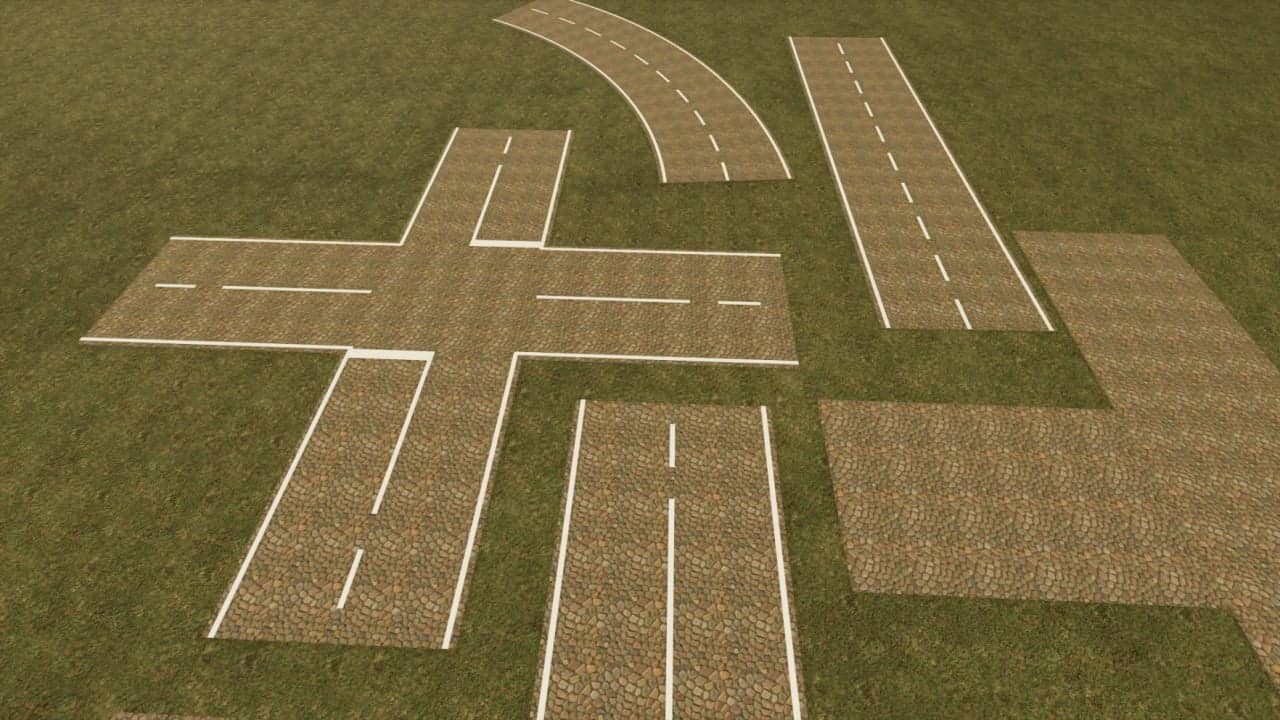
Road Painter for LS25 lets you create your own roads directly in the game using different surfaces, freely drawn routes and ready-made intersection templates.
Features
- Alt + Insert – Open or close the drawing view.
- F2 – Change surface: asphalt, French cobblestone, bone paving, three cobblestone variants and paving stones.
- F3 – Select road width: 3, 4, 5, 6, 7 or 8 metres.
- F4 – Adjust alignment: rotate intersections in 15° increments or change the bend and curve side in curve mode.
- F5 – Change construction template: road, T-junction or X-junction.
- F6 – Turn placement assistance on or off: preview with guide lines and crosshairs.
- F7 – Select straight or freehand, which also ends curve mode.
- F8 – Turn two-point curve mode on or off: click the starting point, select the bend with F4 and click the endpoint.
- F9 – Turn the road tool on or off.
- F10 – Undo: remove the last road from your own farm or discard a pending curve start.
- Left mouse button – Build: hold, drag and release for freehand routes and straight roads. Place intersections with a click.
- Arrow keys – Move the camera. Hold Shift to move faster. Alternatively, move the mouse to the edge of the drawing area.
- Esc – Leave the drawing view.
For LS25 on PC. Multiplayer compatibility is unknown, as the mod was only tested in single-player.
Changelog
- V1.1.0.0
Mouse wheel in curve mode: up = tighter radius, down = larger radius. Left Shift + mouse wheel activates fine adjustment. F4 switches the side of the curve. The first left-click sets the starting point, and the second left-click creates the curve.
F11: Toggle markers for newly built roads on all surfaces. The selection is saved for each road.
New roads are automatically flattened into the terrain along a smoothed elevation profile.
2 texture images adjusted.