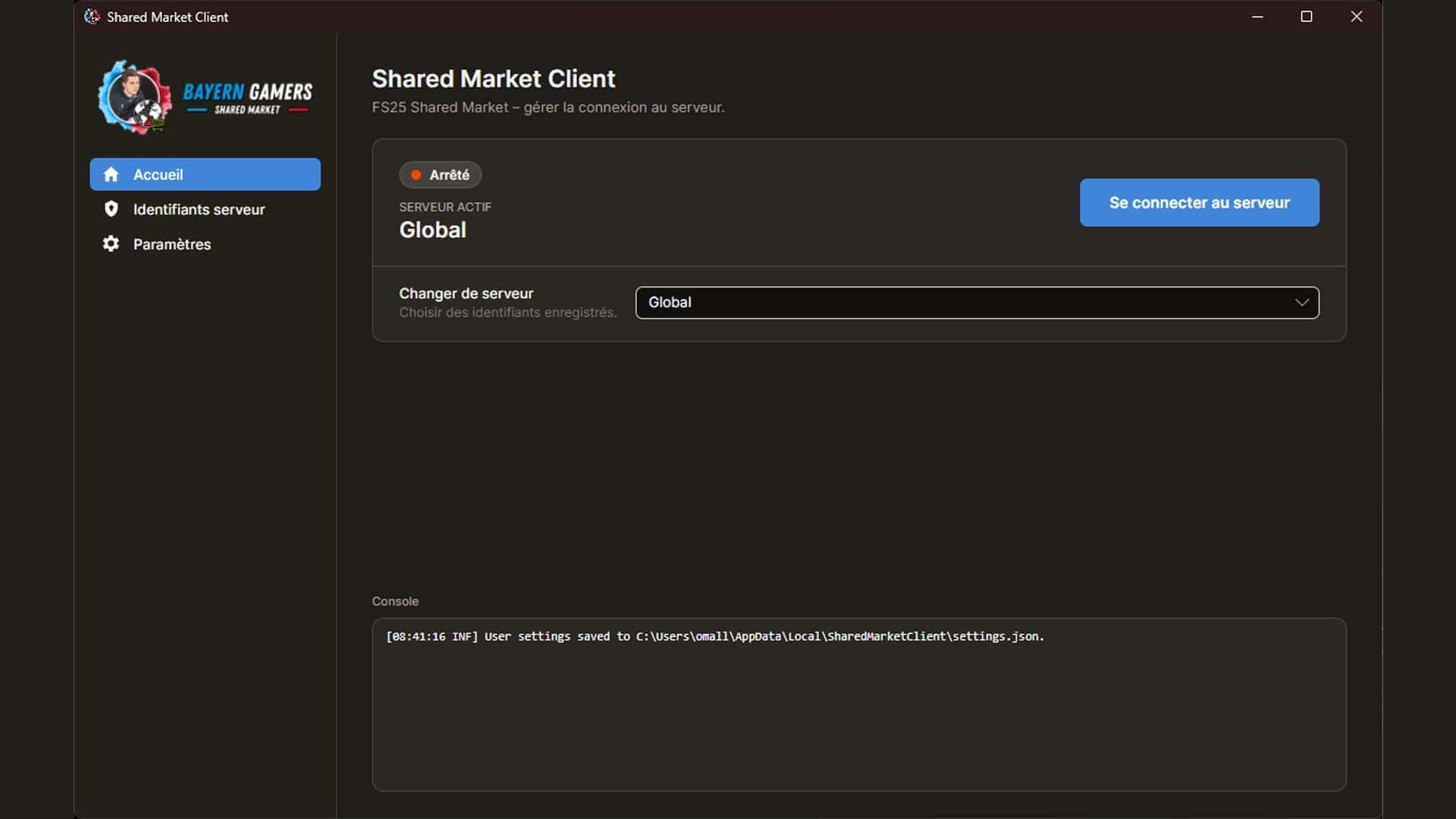
Client software for the shared market. The client connects the game to the shared market server and enables joint trading across different servers and game saves.
The Shared Market Client is the companion software for the Shared Market. It establishes the connection between the mod and the Shared Market server. Only through the connected client can market stocks and online prices be accessed, and goods can be traded with players from other servers and save games.
Without this software, the mod can still be used offline as an additional local marketplace. However, trading with other players, servers, or save games is not possible.
System requirements
– 64-bit version of Windows
– installed and activated LS25 mod “Shared Market”
– Internet connection for online trading
– Access data to a shared market server or use of the pre-configured global connection
The client must be started and connected to the desired server during online trading.
IMPORTANT NOTICE:
The Shared Market Client is currently not digitally signed. Windows SmartScreen or other security software may therefore classify the application as unknown or potentially dangerous and warn you before running it.
This warning arises primarily because Windows cannot verify the publisher’s identity without a digital signature. It does not automatically mean that malware has been found. Nevertheless, you should only proceed with the installation if you downloaded the file from the official BayernGamers source and the filename and source are correct.
A trusted code signature incurs high ongoing costs. Because of these costs, I deliberately chose not to use a digital signature.
Installation under Windows
1. Download the installation file exclusively from the official BayernGamers homepage.
2. Double-click the downloaded setup file to start it.
3. Windows may now display a blue SmartScreen window with the message “Windows has protected your computer”.
4. First, check that the file name and download source are correct. Then click on “More information”.
5. Windows displays the unknown publisher and the “Run anyway” button. Click “Run anyway” to start the setup.
6. Follow the remaining steps of the installation program.
Permanently disabling Microsoft Defender, SmartScreen, or other security software is not required for installation and is not recommended.
Initial setup
1. Start the Shared Market Client.
2. Confirm the displayed data protection notice regarding optional error recording.
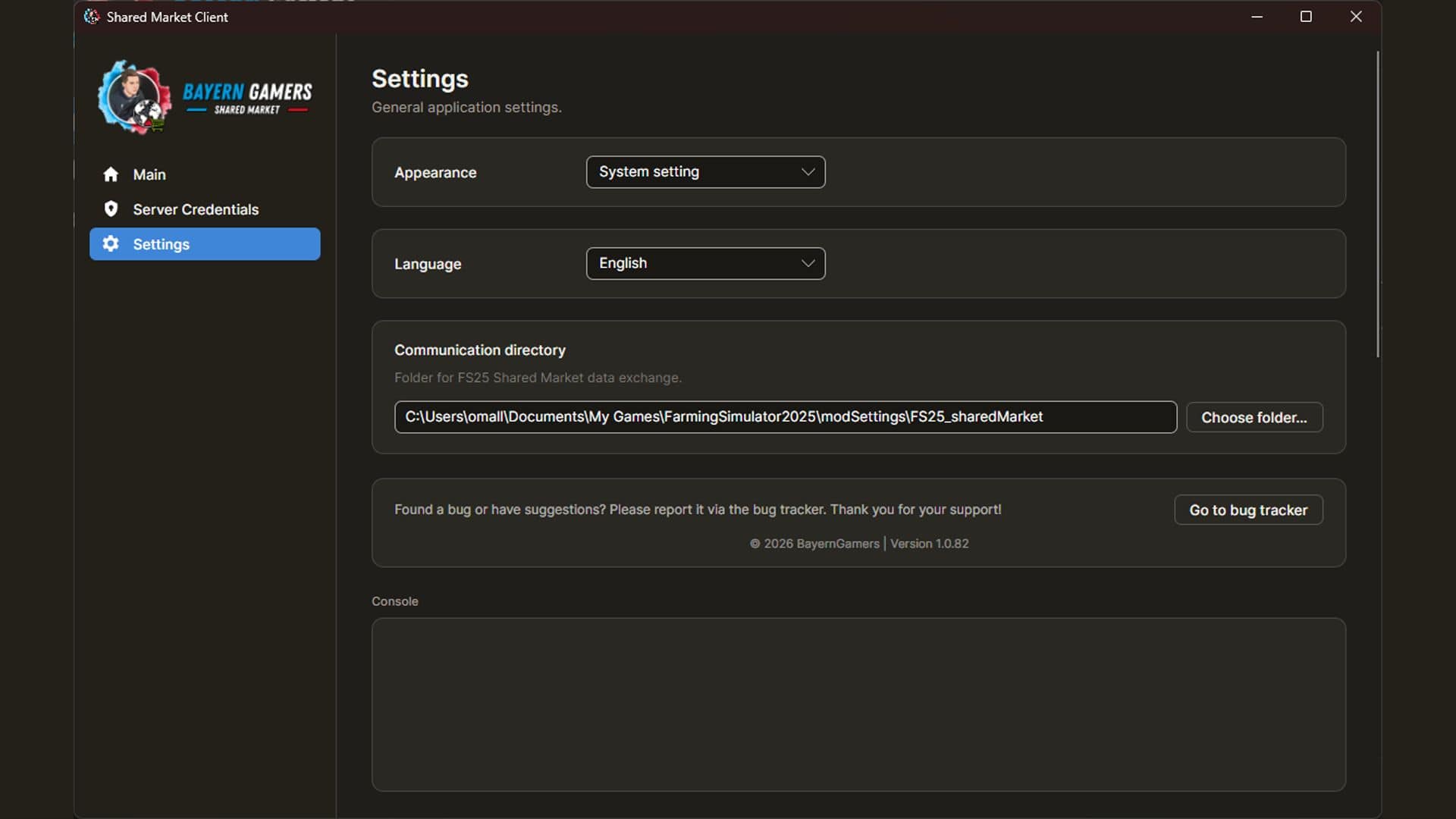
3. By default, the client uses the following communication folder on Windows: DocumentsMy GamesFarmingSimulator2025modSettingsFS25_sharedMarket.
If this folder does not yet exist, the client can create it automatically. If your game uses a different user folder, you can select the communication folder yourself in the settings.
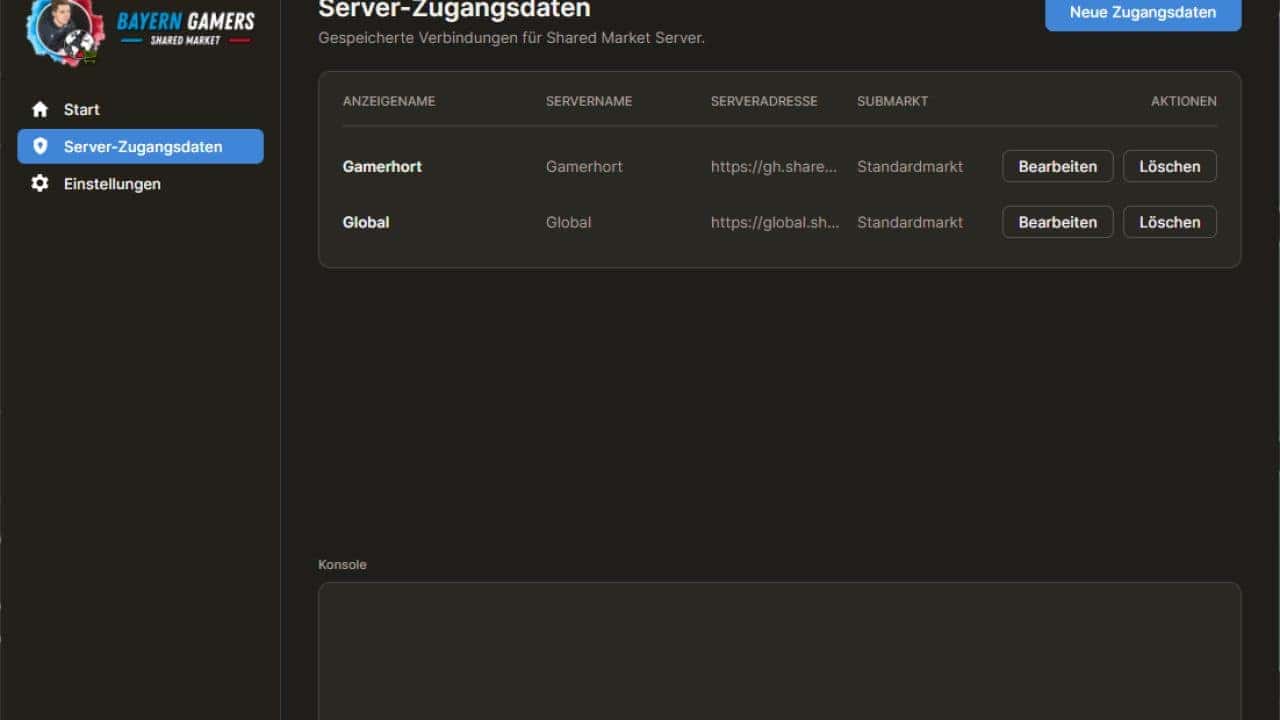
4. Open “Server Access Data”. The global shared market connection is pre-configured upon first use. Alternatively, you can create your own connection.
The following are required for a private connection:
– Protocol and hostname or IP address
– Port
– Server name
– Password
– Optionally a display name
– Optionally a submarket
5. Check your own login details via “Test connection” and then save them.
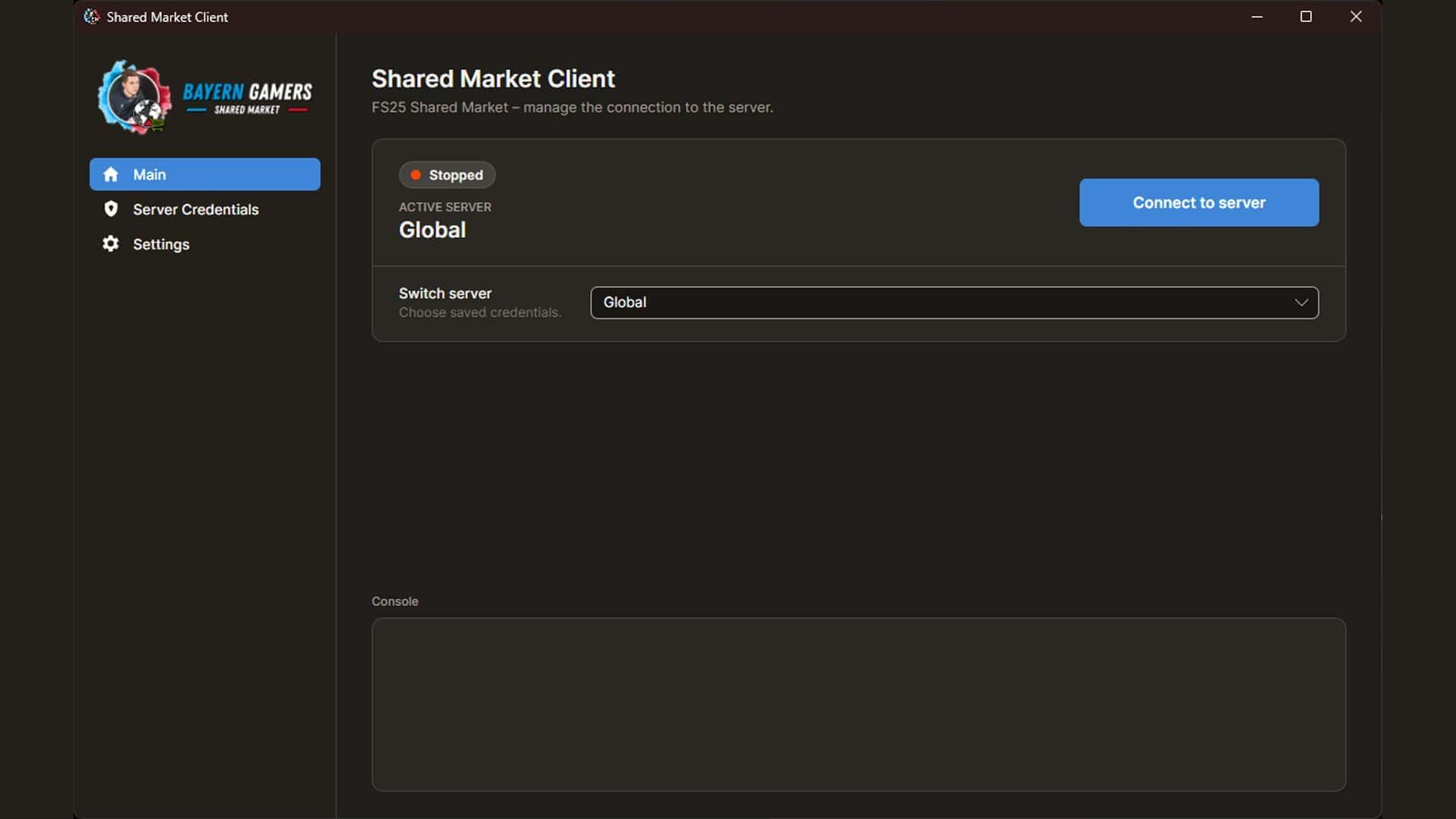
6. On the homepage, select the desired connection and click on “Connect to server”.
7. Start Farming Simulator 25 with the “Shared Market” mod activated. Once the client is connected, online prices and the shared market inventory will be available in the mod.
Submarkets
: An optional submarket allows separate trading areas to be used on the same shared market server. If the specified submarket does not yet exist, the client will ask whether it should be created when establishing a connection. A submarket is automatically deleted if no transactions take place there for three months.
Data Privacy & Error Reports:
The client can send me technical error reports in case of program errors. This allows me to react quickly to and resolve errors. These reports can include error messages, stack traces, operating system, program version, and the time of the error. Access data or user-related data (username, IP address) is not transmitted in the reports. Local profile names in file paths are replaced before transmission.
Error detection can be disabled the first time you launch the application and at any time in the settings. Further details can be found in the privacy notice within the application.
Errors, requests and suggestions:
Errors, changes and temporary interruptions of the online service are possible.
Bugs and suggestions can be reported via the BayernGamers bug tracker.
In case of an error, please provide the following information if possible:
– Shared Market Client version
– Windows version
– Mod version used
– Single-player, multiplayer, or dedicated server
– Selected shared market server or submarket
– Exact error message
– Brief description of the steps taken