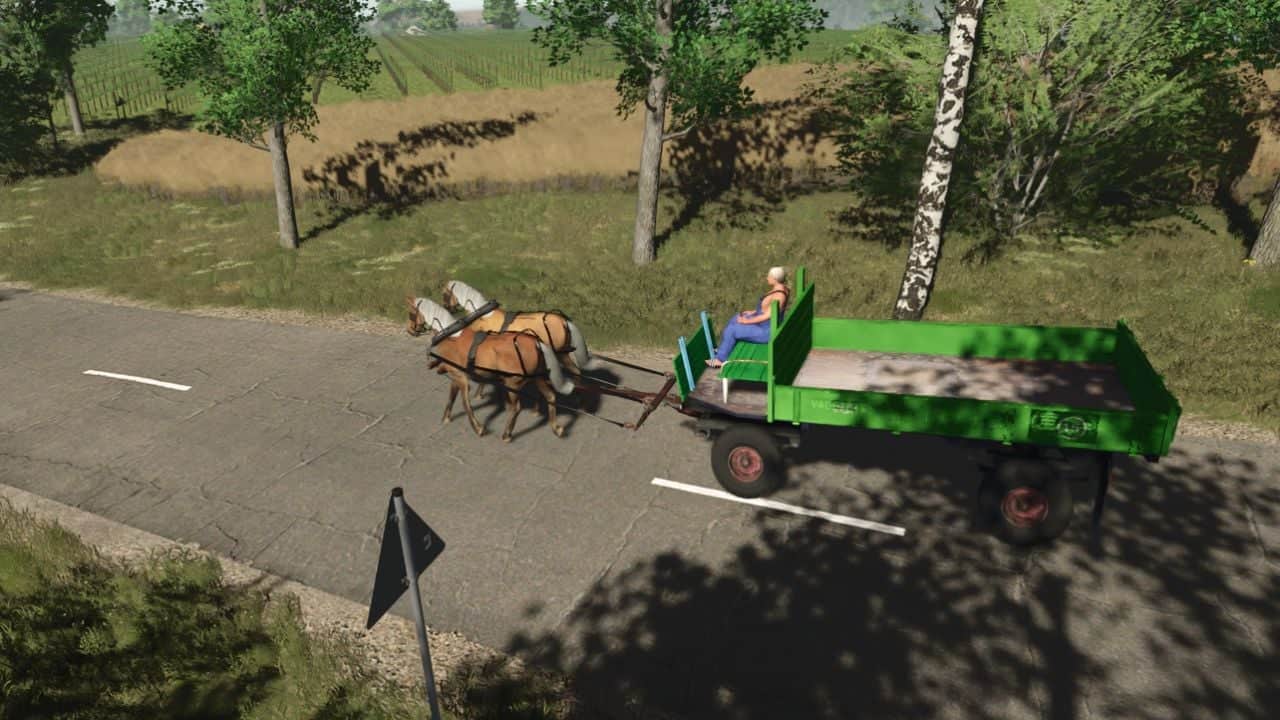
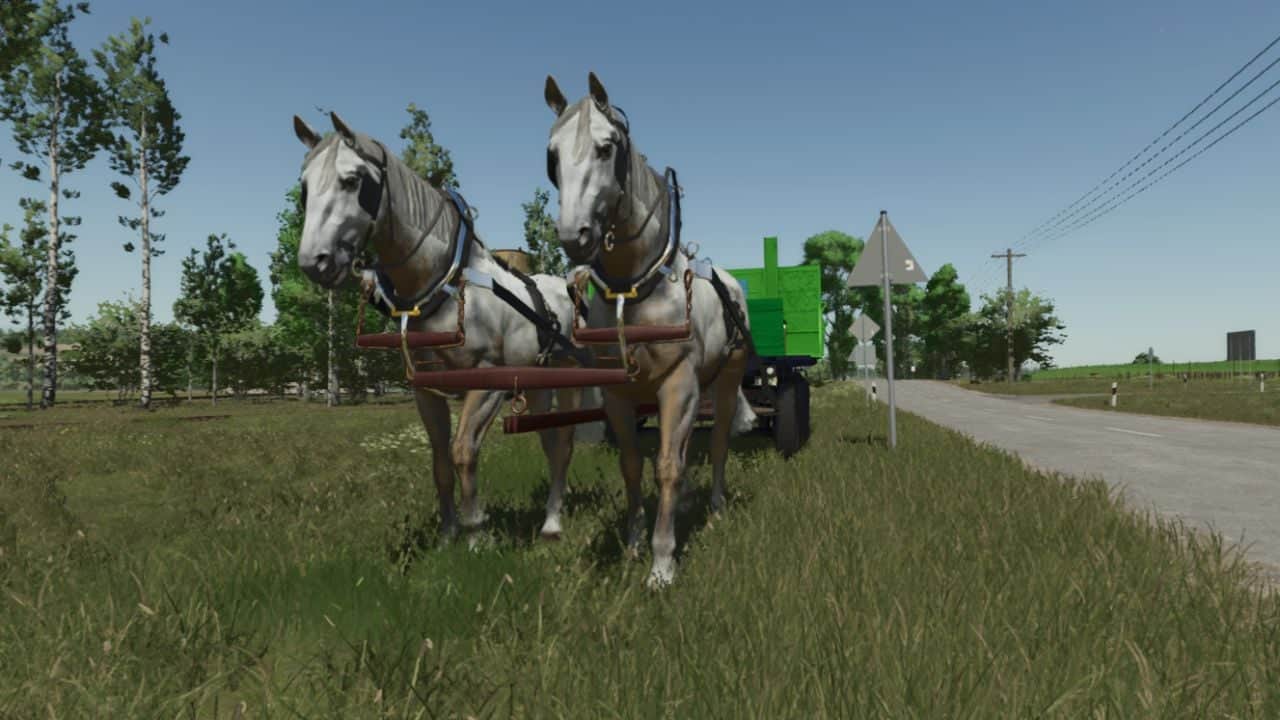
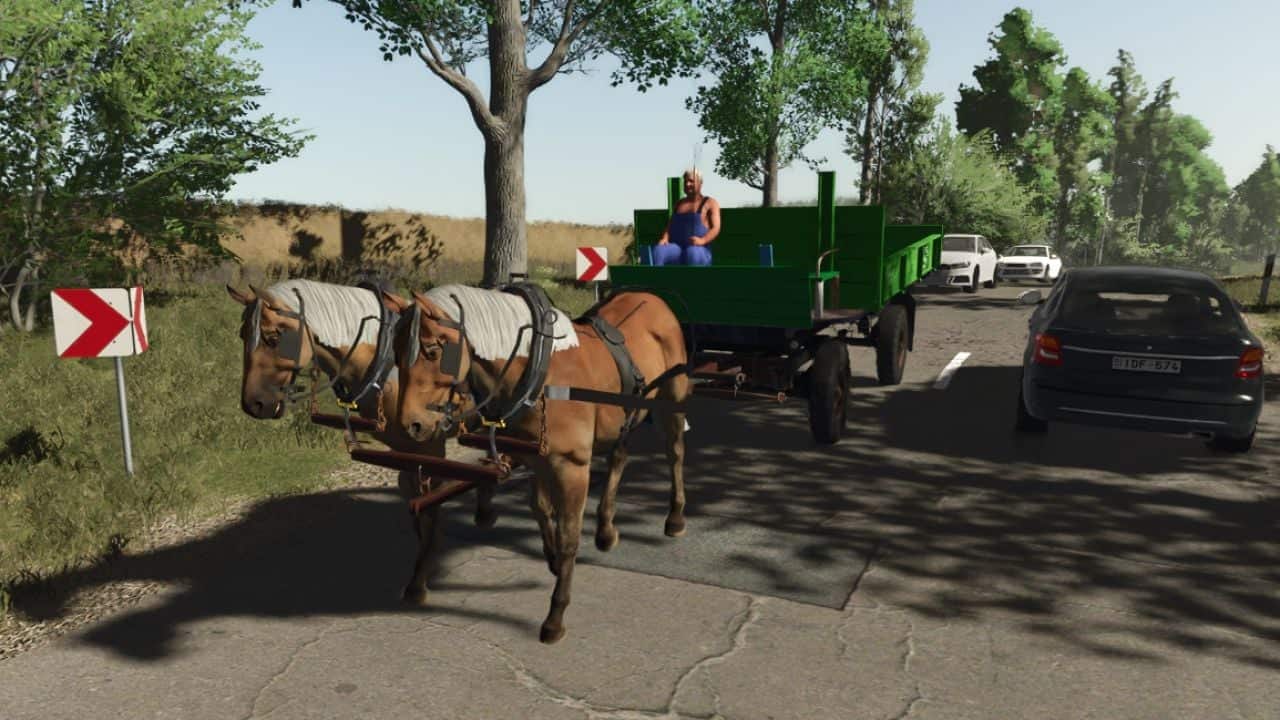
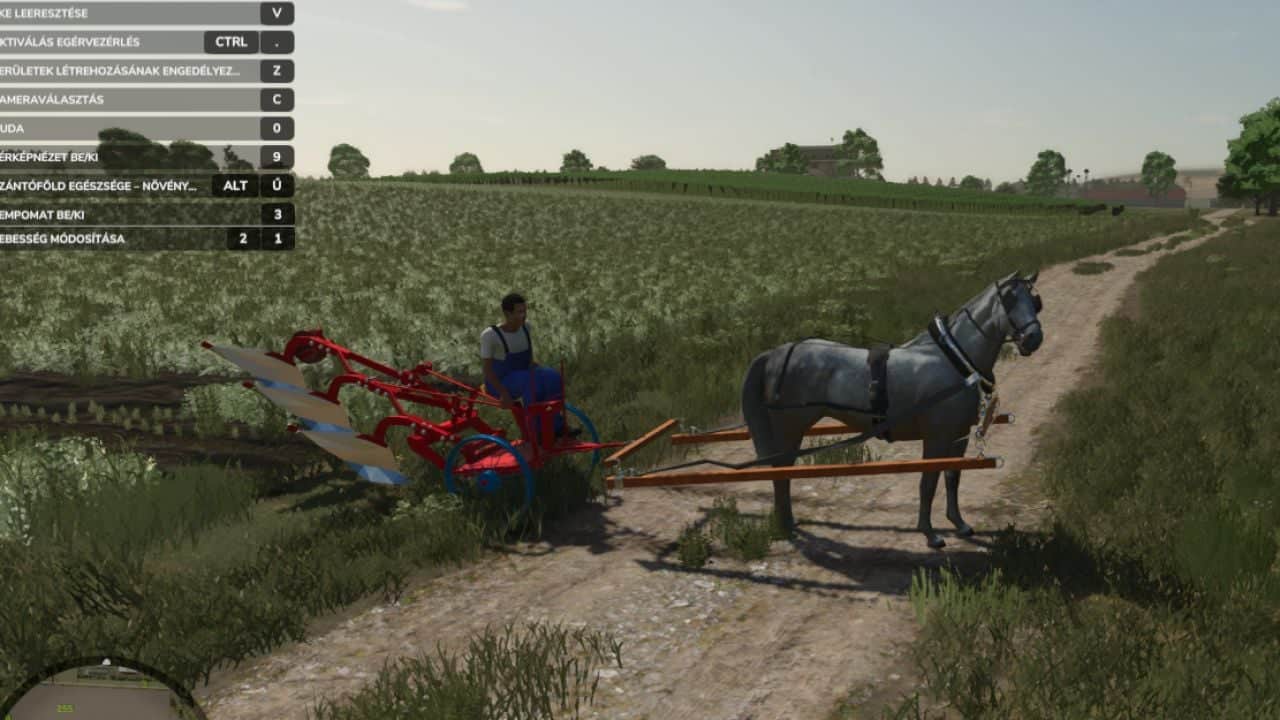
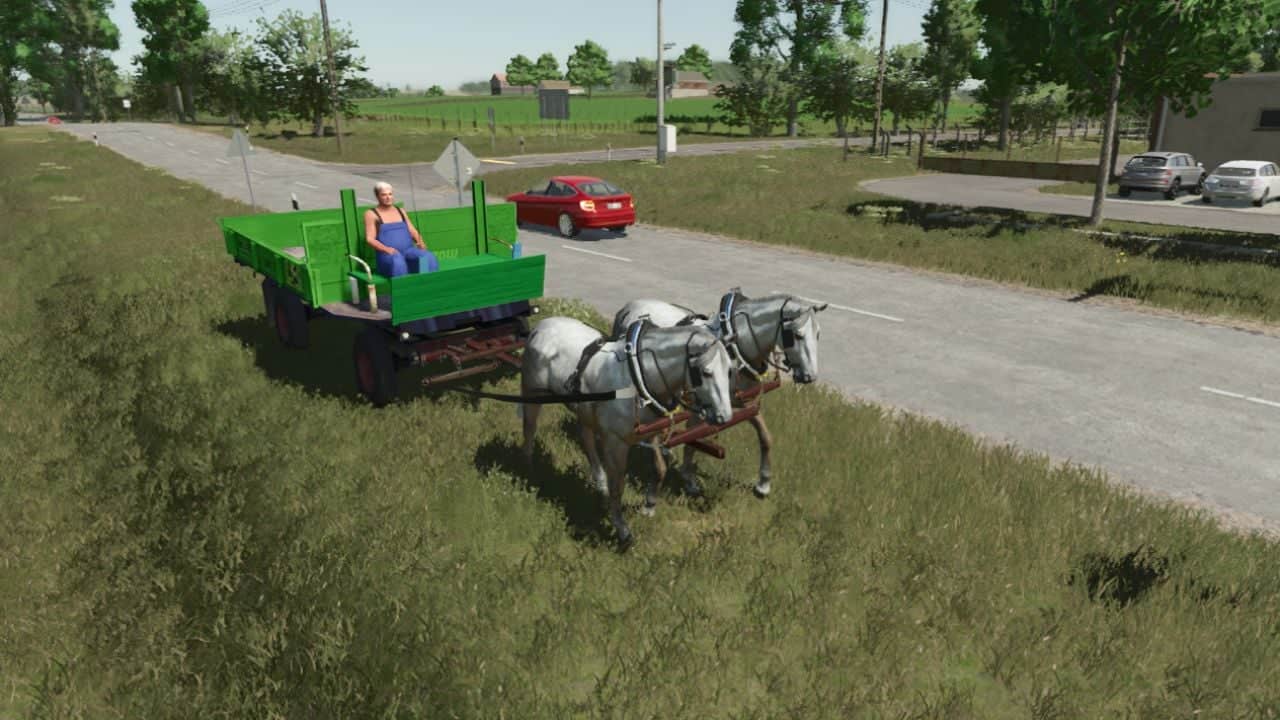
Hitching up two horses allows for greater stability when cornering, sprinting, or cantering. Once the two horses are attached to the carriage, always board from the side of the horse on the left; this is the only way to ensure both horses can be steered in synchronization. I have not tested this in multiplayer.
YOU NEED: Interactive Control
Features
- Harness the horses on either side at the front, looking for the
Xicons that appear when using the interactive control system. Finally, have the old coachman get into the carriage. - Attach your horse to either a wagon or a plow.
- Once the horse is attached to the equipment, press the
Gkey. This activates the setup and allows you to control and steer the horse. - Drive and steer using the standard
W,A,S, andDkeys. The handling is relatively simple and intuitive.
Specifications
- Base walking speed: 6 km/h
- Faster trot: 13 km/h
Wagon Mechanics
- When your horse is pulling a wagon, toggle between two different transport modes by pressing the
MandJkeys. - Equipment Transport Mode: Transport solid items like seed pallets, big bags, and standard pallets.
- Crop Transport Mode: Load and transport bulk goods like grain and harvested crops.
Plow Mechanics
- Press the
Vkey to lower the plow into the ground and start working. - Press the
Vkey again to raise the plow when you are finished or need to turn around.
Changelog
- V1.0.1.0
- Aesthetic flaws fixed, speed improved.
- Horse-drawn carriage fixed
- More comfortable handling
- V1.0.0.2
- add 8 Horse skin option
- add own category GBF_modding Horse pack
- V1.0.0.1
- duble horse system scripting.
- iconic horse trailer