Vehicle Management is a lightweight and customizable HUD for Farming Simulator 25, designed to monitor your farm vehicles without cluttering the screen.
Features
- Displays active vehicles from your farm.
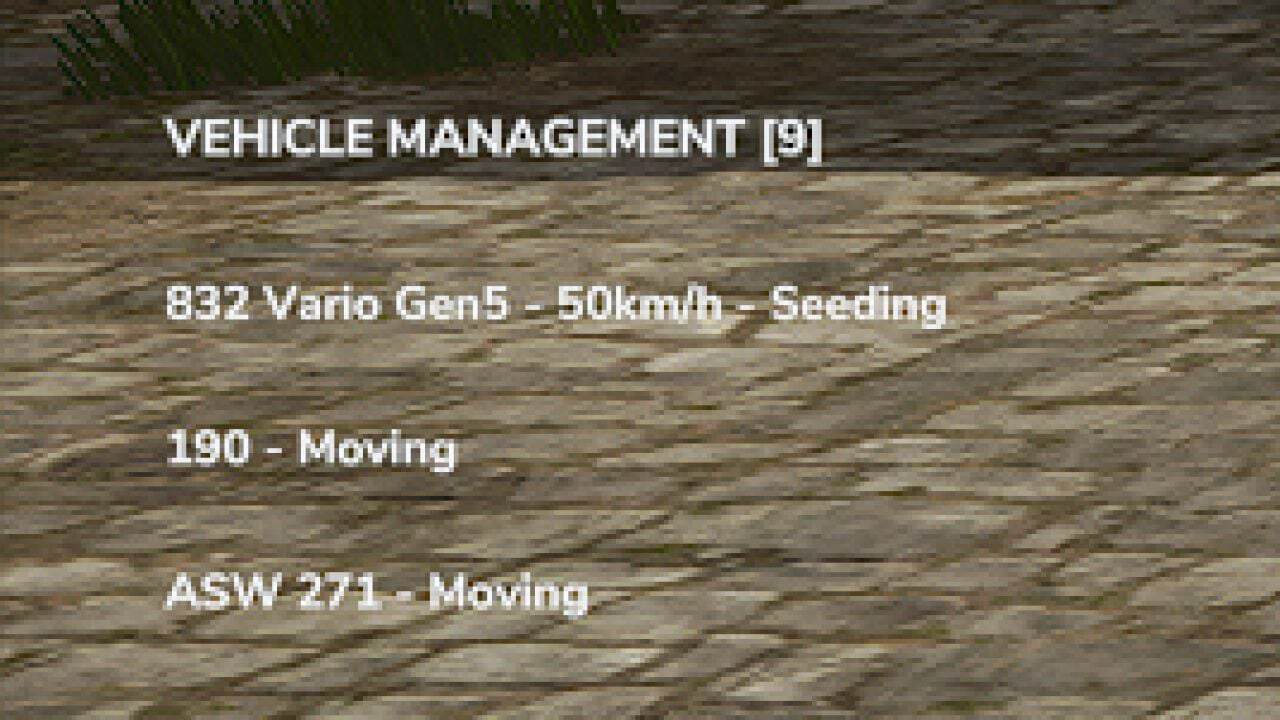
- Shows vehicle names and current activities.
- Detects field numbers when available.
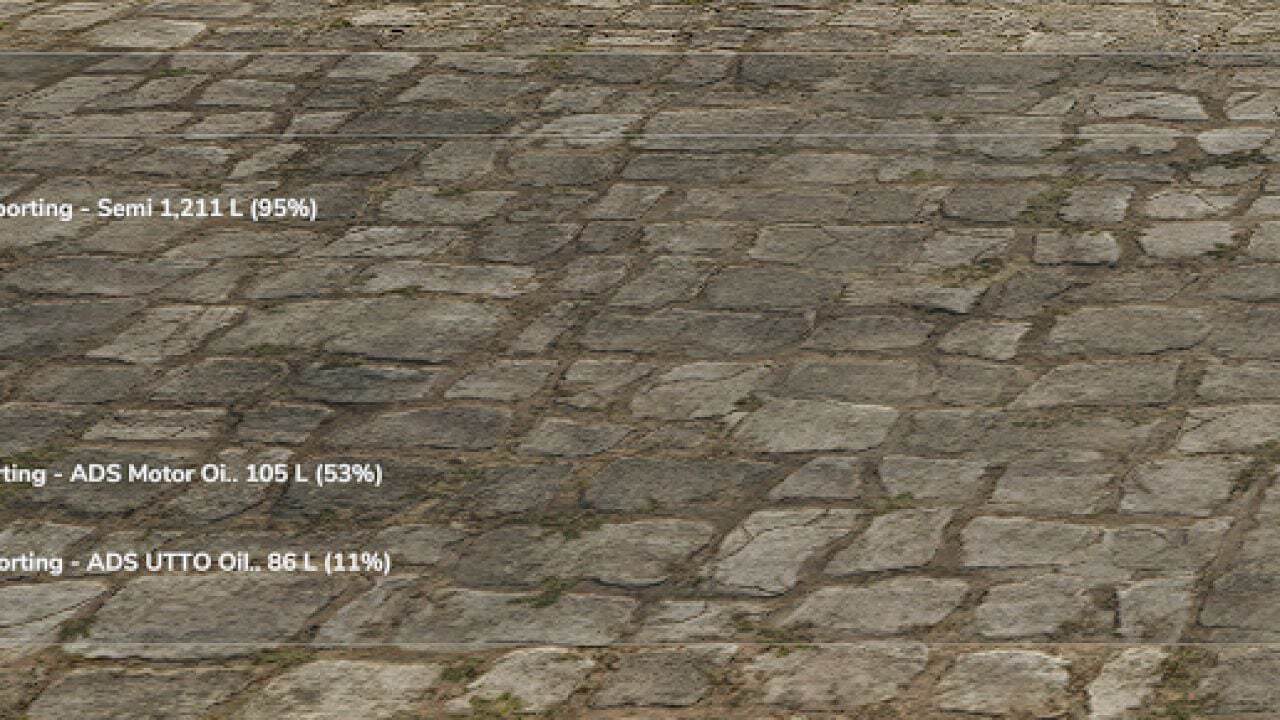
- Displays transported materials, quantities in liters and fill percentages.
- Automatically hides inactive vehicles.
- Three display modes: Full, Half and Minimal.
- Transparent text-only interface in Half and Minimal modes.
- Adjustable HUD position and size.
- Automatically updates vehicle information.
Controls
- Alt + B: Change display mode.
- Alt + V: Next vehicle page.
- Alt + M: Change HUD position.
- Alt + Arrow Keys: Move HUD.
- Alt + Page Up / Page Down: Resize HUD.
Changelog
- V1.4.5.0
- Added native FS25 icons for fuel, seeds, fertilizers and transported materials.
- Added fuel monitoring with percentage display.
- Added material quantities in liters and fill percentages.
- Added dynamic colors for low resource levels.
- Improved vehicle and AI worker activity detection.
- Improved detection of attached implements and transported materials.
- Improved automatic HUD positioning to avoid overlapping with the minimap.
- Simplified the interface to two display modes: Full and Reduced.
- Improved HUD readability and compact layout.
- Various optimizations and bug fixes.