Toggle Trigger Icons & HUD v1.0

FS25 Mods |
Toggle Trigger Icons & HUD v1.0


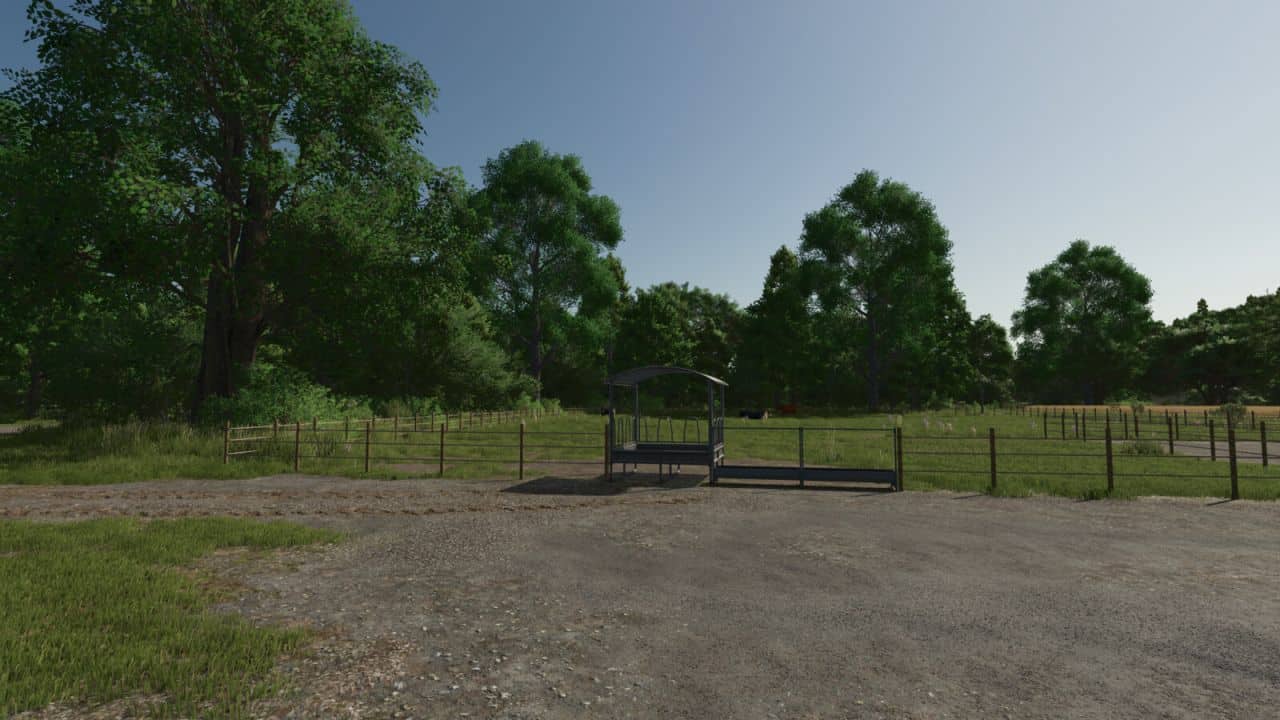
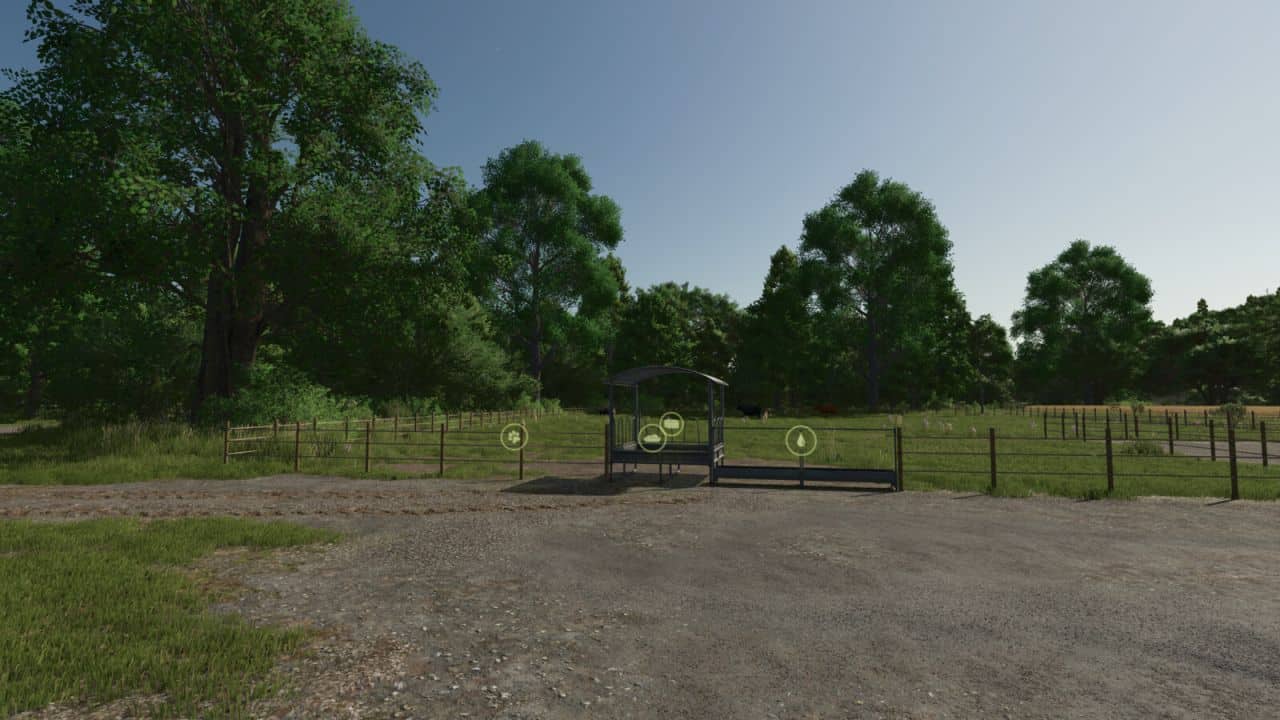
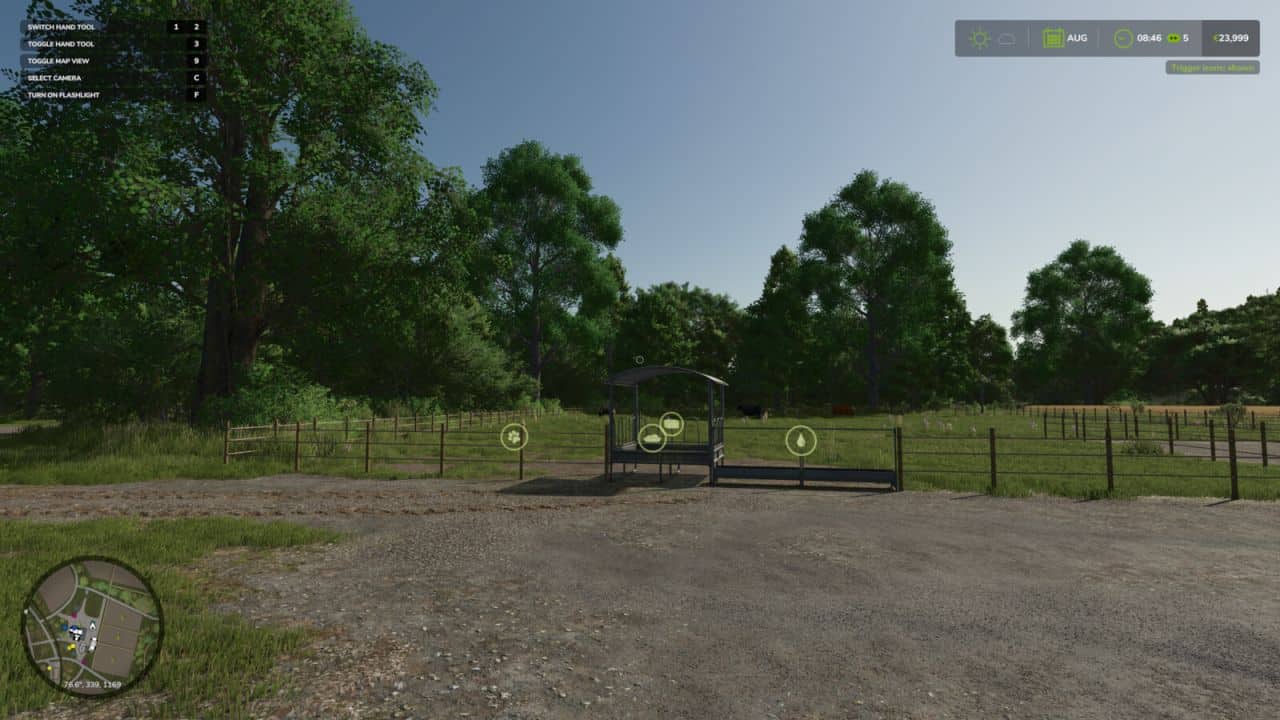
Two handy hotkeys for clean screenshots and more immersion:
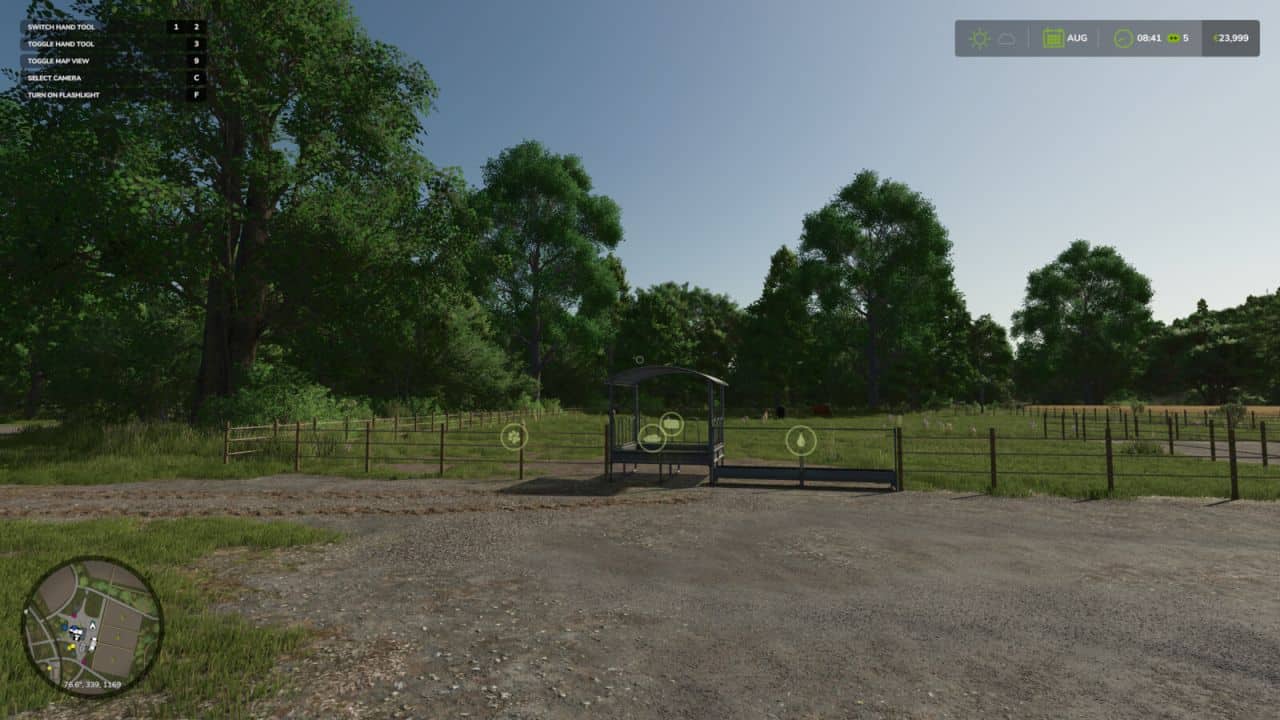
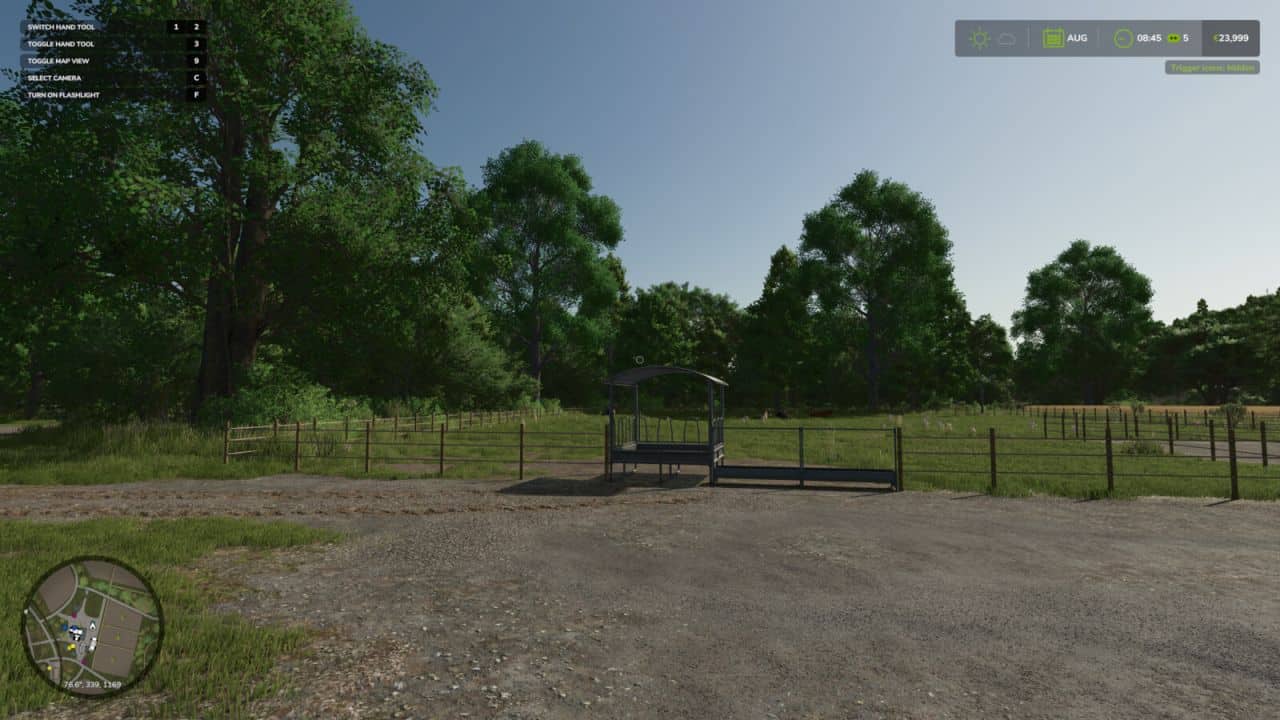
– Right CTRL + #: Toggles the trigger icons (e.g. at selling points, factories, shops). Uses the same setting as the in-game options menu, so the state always stays in sync and is saved normally.
– Right CTRL + +: Toggles the entire HUD (displays, minimap, help text, etc.).

Both keys are freely rebindable under Controls in the settings menu.


Author: KöllaKind

Having problems with the mod? Check the comments for possible solutions, and report any new bugs you discover.


Download


Useful Information: How to install FS25 Mods | Farming Simulator 25 FAQ | Farming Simulator 25 News | FS25 System Requirements | Download FS25 Game | Giants Editor FS25 | FS25 Modding Guide | FS25 Cheats | FS25 Guides

Leave a Reply

Your email address will not be published. Required fields are marked *