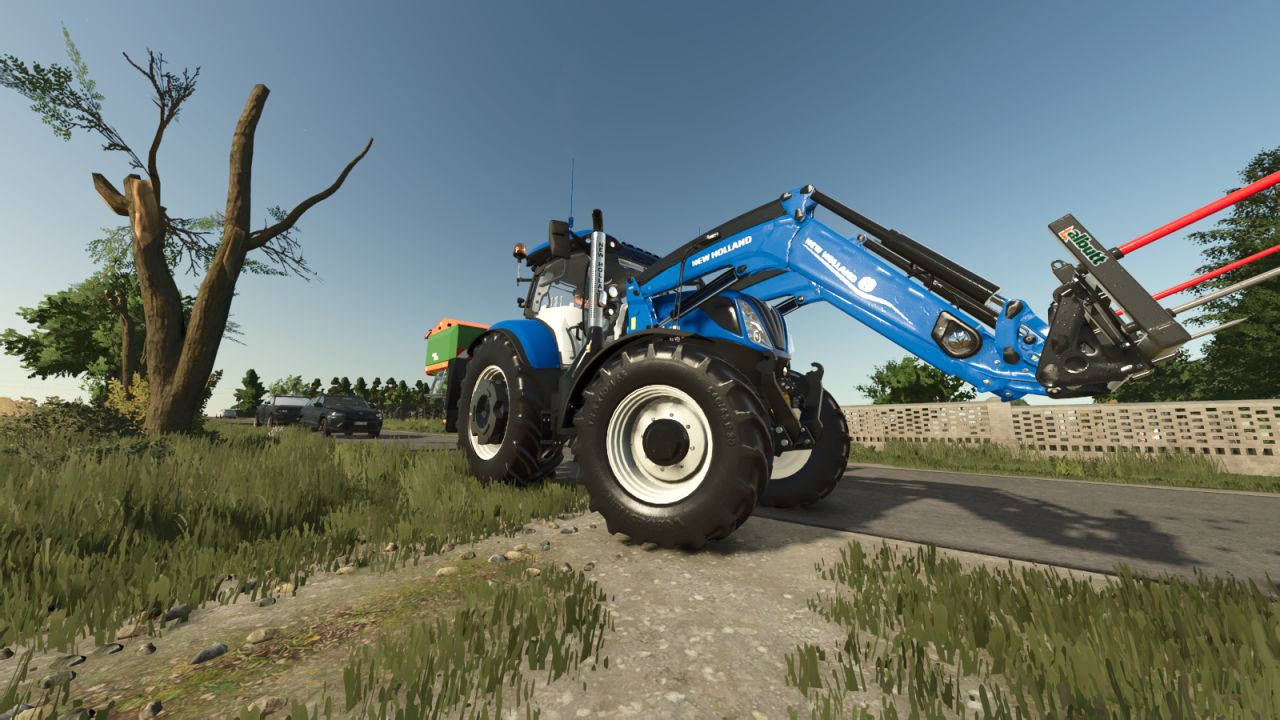
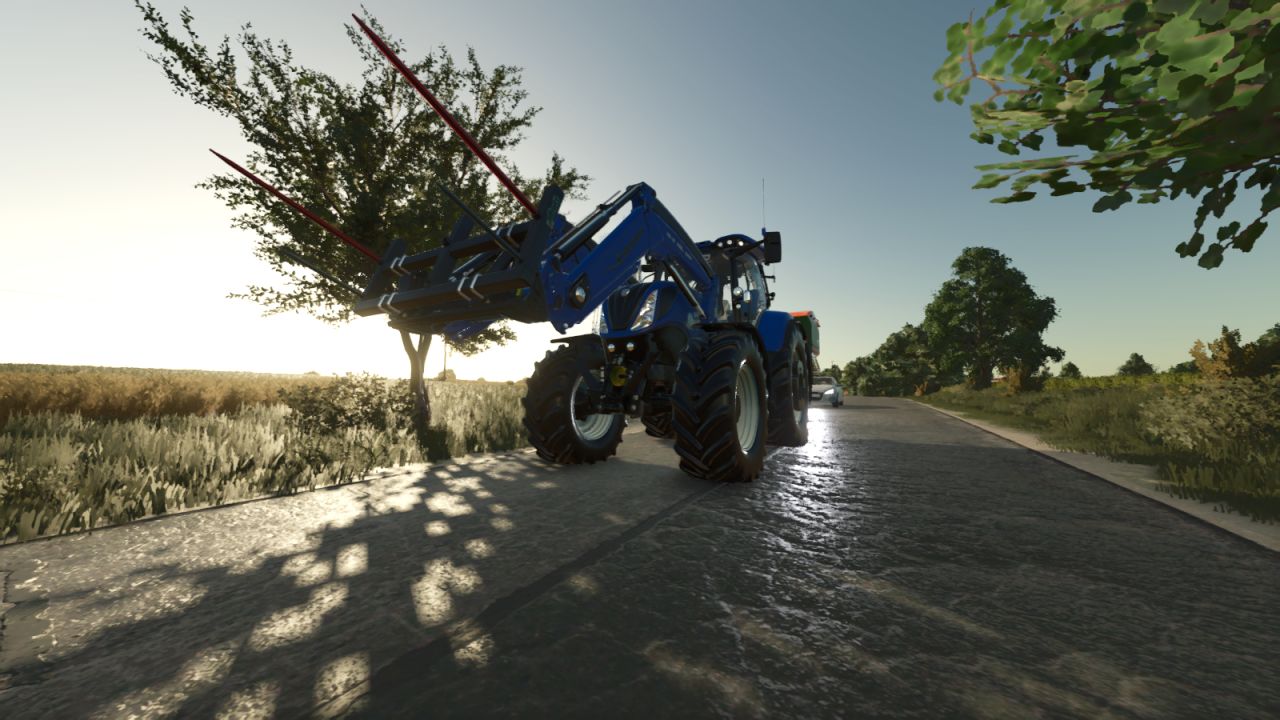
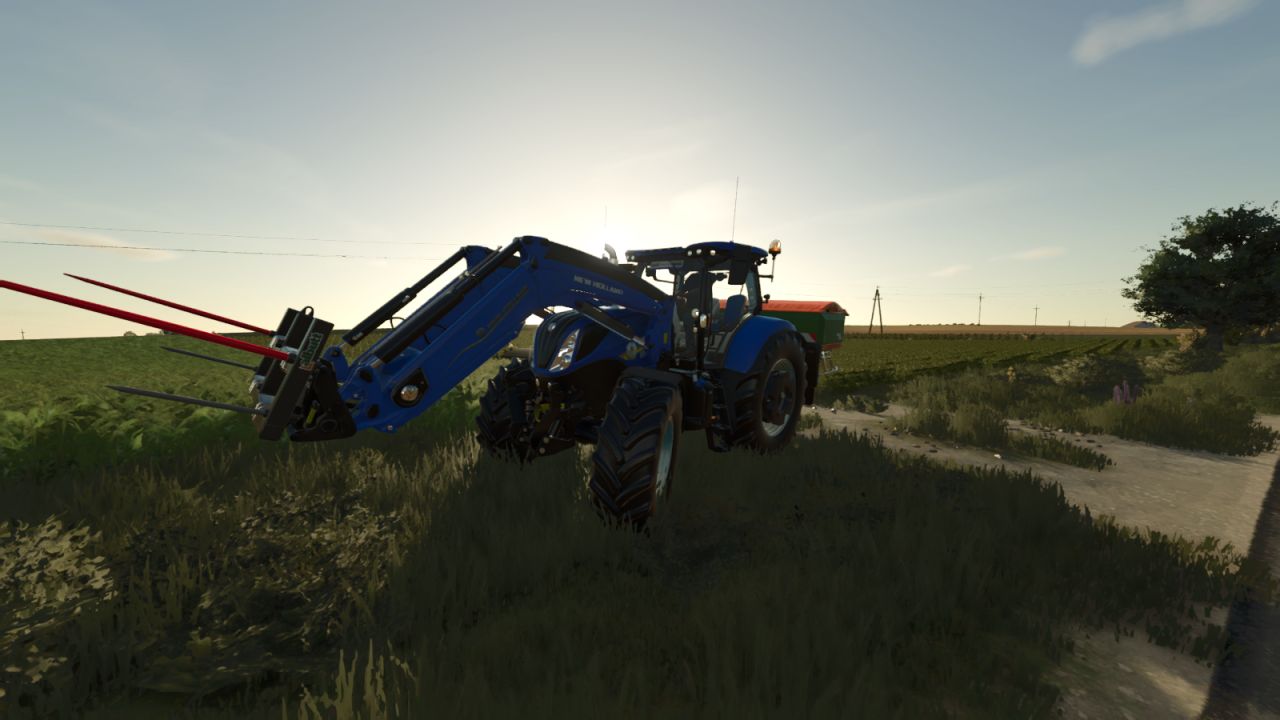

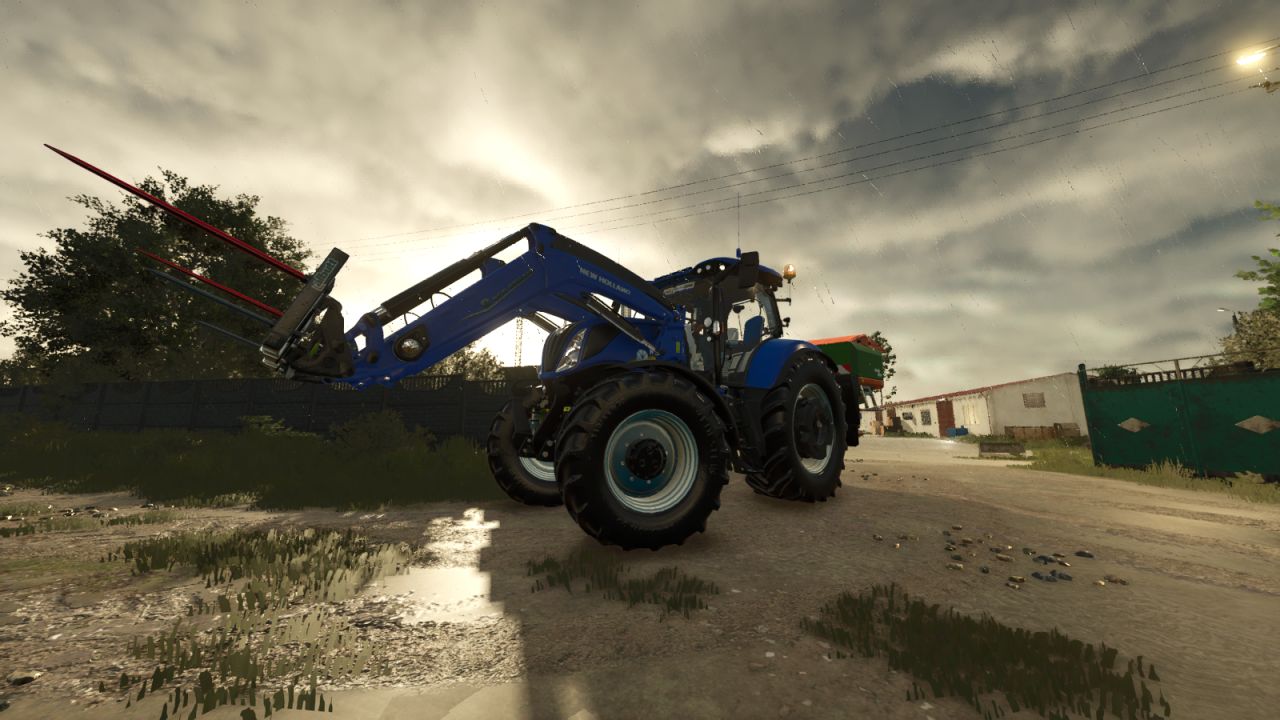

Shader v1.0

FS25 Mods |
Shader v1.0

Shader v1.0

Installation Instructions:
– Lighting & Weather: Paste the environment.xml and colorGrading.xml files into the configuration folder of your map (e.g. maps/mapUS/config/).
– ReShade: Paste the .ini file directly into the main game directory (where the .exe file is located).
– Activation: After starting the game, open the ReShade menu with the Home / Pos1 key and select the loaded profile.



Author: AgroCugus
This content was uploaded by our website visitors. If you notice any errors, please let us know.


Useful Information: How to install FS25 Mods | Farming Simulator 25 FAQ | Farming Simulator 25 News | FS25 System Requirements | Download FS25 Game | Giants Editor FS25 | FS25 Modding Guide | FS25 Cheats | FS25 Guides

You may also like...

Leave a Reply

Your email address will not be published. Required fields are marked *