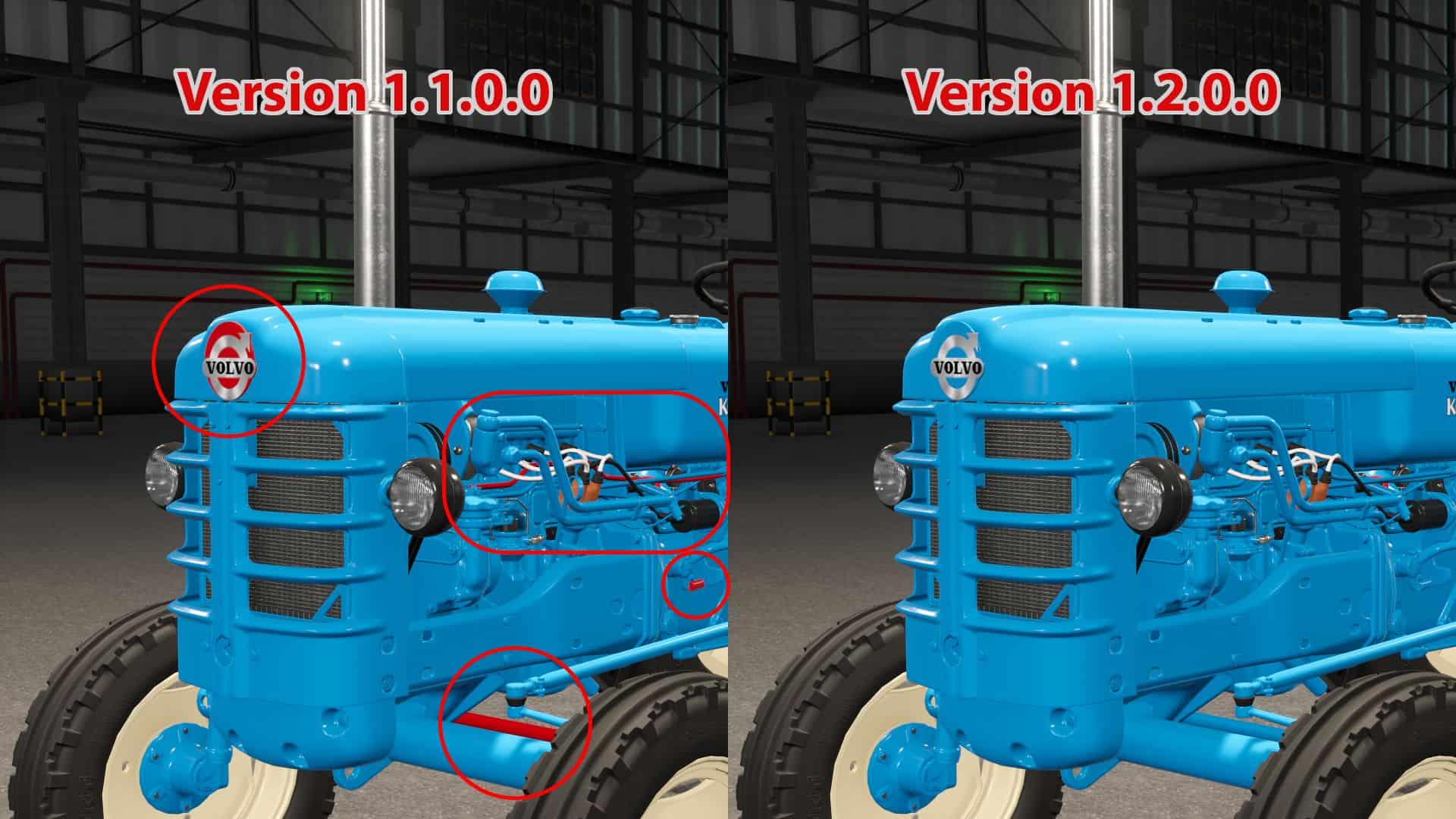
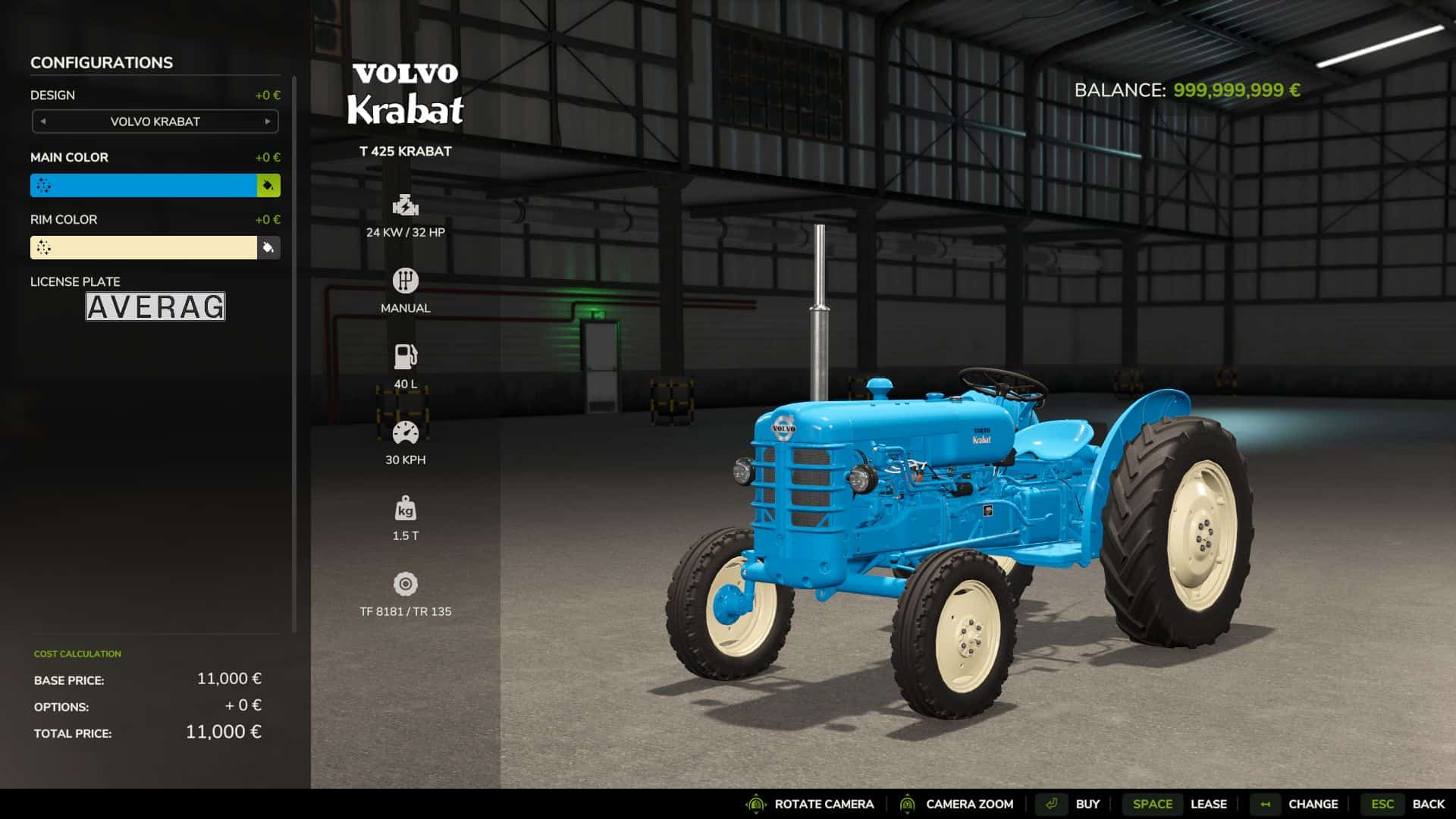
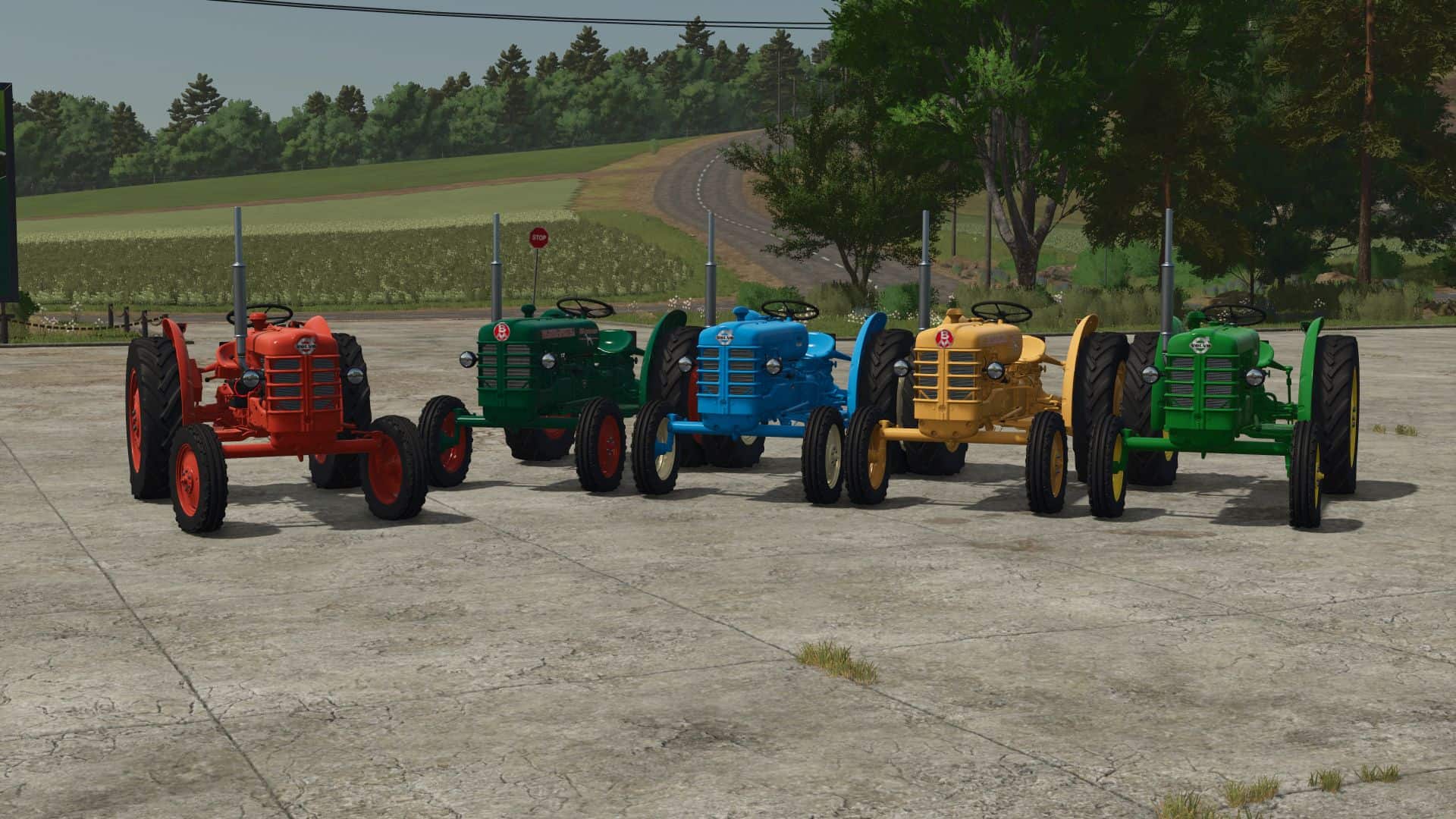
Restores color customization for vehicles with fs22support vehicleShader in FS25. The developers of Farming Simulator 25 introduced a new system for painting vehicles. In this new system, shader parameters previously used in FS22 (such as colorMat0, colorMat1, etc.) are no longer supported. This mod restores the ability to use those parameters for painting vehicles that rely on the fs22support shader.
An updated version of vehicleShader.xml with bug fixes is included in the mod archive. You can copy this file into your own mod’s archive and reference it manually in your .i3d files.
The XML schema is very similar to what was used in FS22 (and FS19).
Example: <baseMaterial> block
<baseMaterial>
<material name=”UNIQUE SLOT NAME” baseNode=”NODE PATH OR I3DMAPPINGS ID”>
<shaderParameter name=”colorMat0″ /> <!– List all shader parameters you want to modify (colorMat0, colorMat1 И Т.Д.) –>
<shaderParameter name=”colorMat1″ />
</material>
</baseMaterial>
Example: Color Configuration
<designMaterialConfigurations>
<material materialSlotName=”SLOT NAME FROM BASEMATERIAL” shaderParameter=”SHADER PARAMETER FROM BASEMATERIAL (e.g., colorMat0)”/>
<baseMaterialConfiguration name=”COLOR CONFIG NAME” color=”R G B” material=”COLOR MATERIAL (0 = Painted Metal, 1 = Painted Plastic, etc.)”/>
</designMaterialConfigurations>
Example: Design Configuration
<designConfigurations>
<designConfiguration>
<material materialSlotName=”SLOT NAME FROM BASEMATERIAL” shaderParameter=”SHADER PARAMETER FROM BASEMATERIAL (e.g., colorMat0)”>
<colorScale value=”R G B” material=”COLOR MATERIAL (0 = Painted Metal, 1 = Painted Plastic, etc.)”/>
</material>
</designConfiguration>
</designConfigurations>