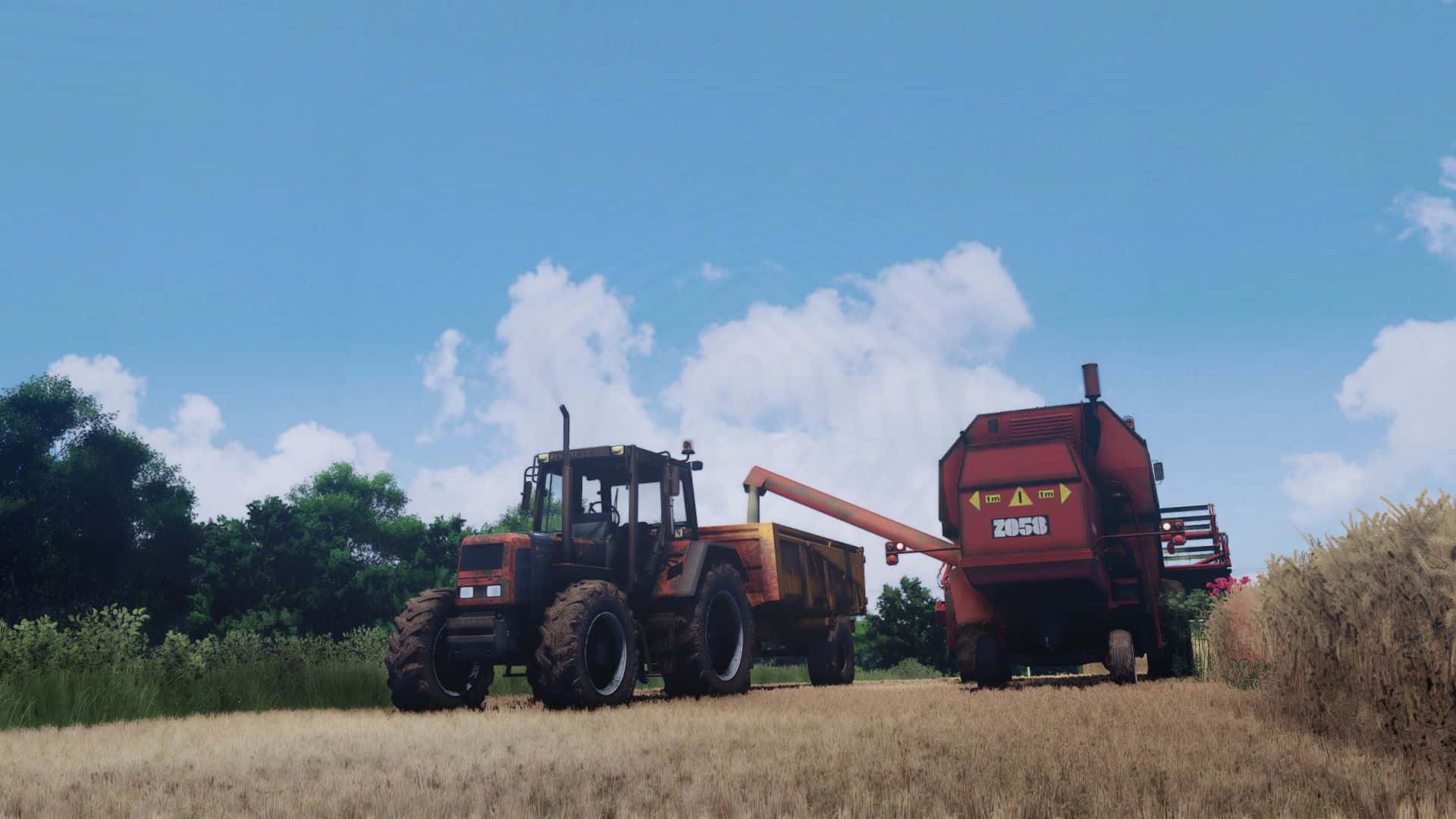
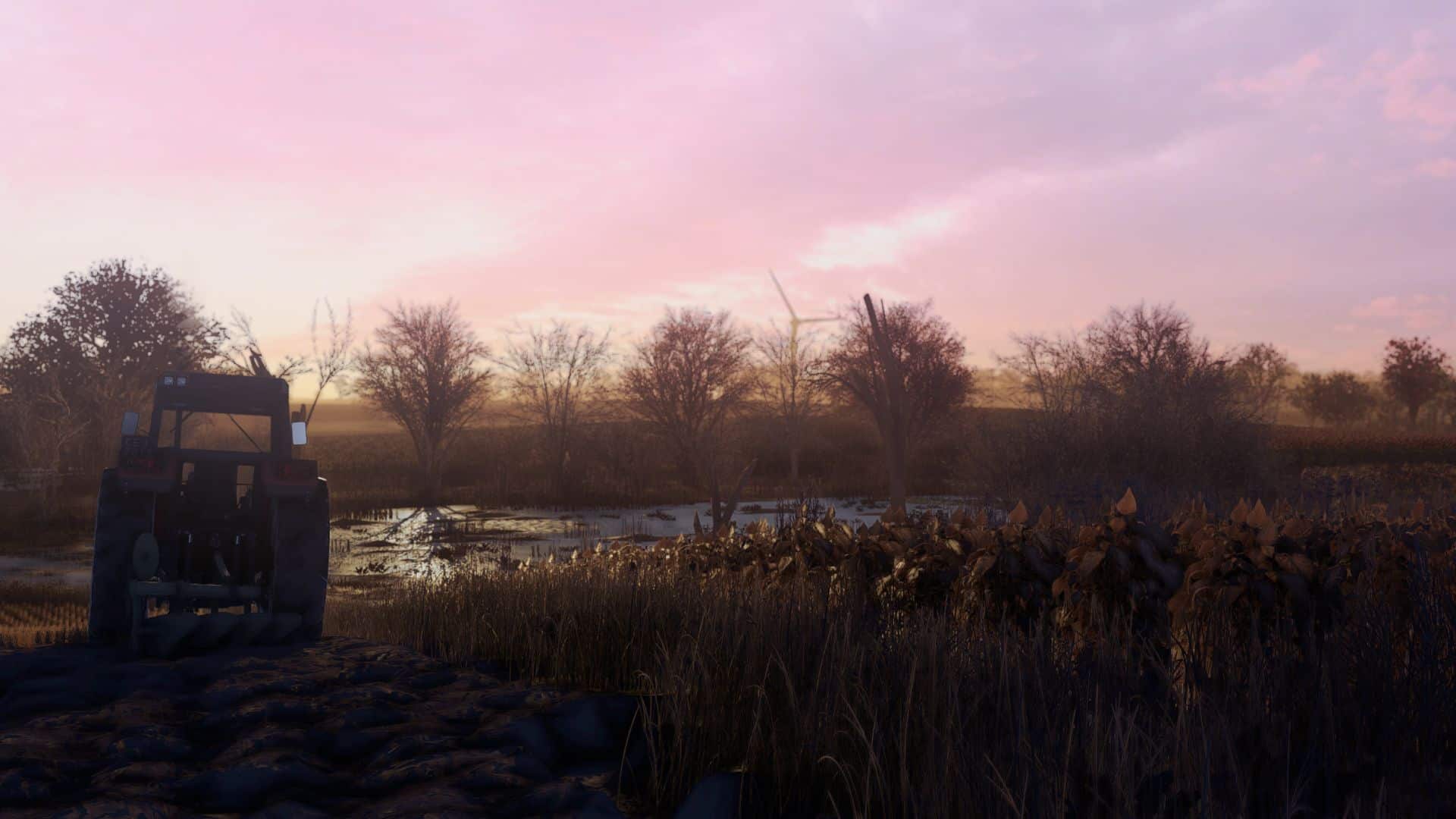

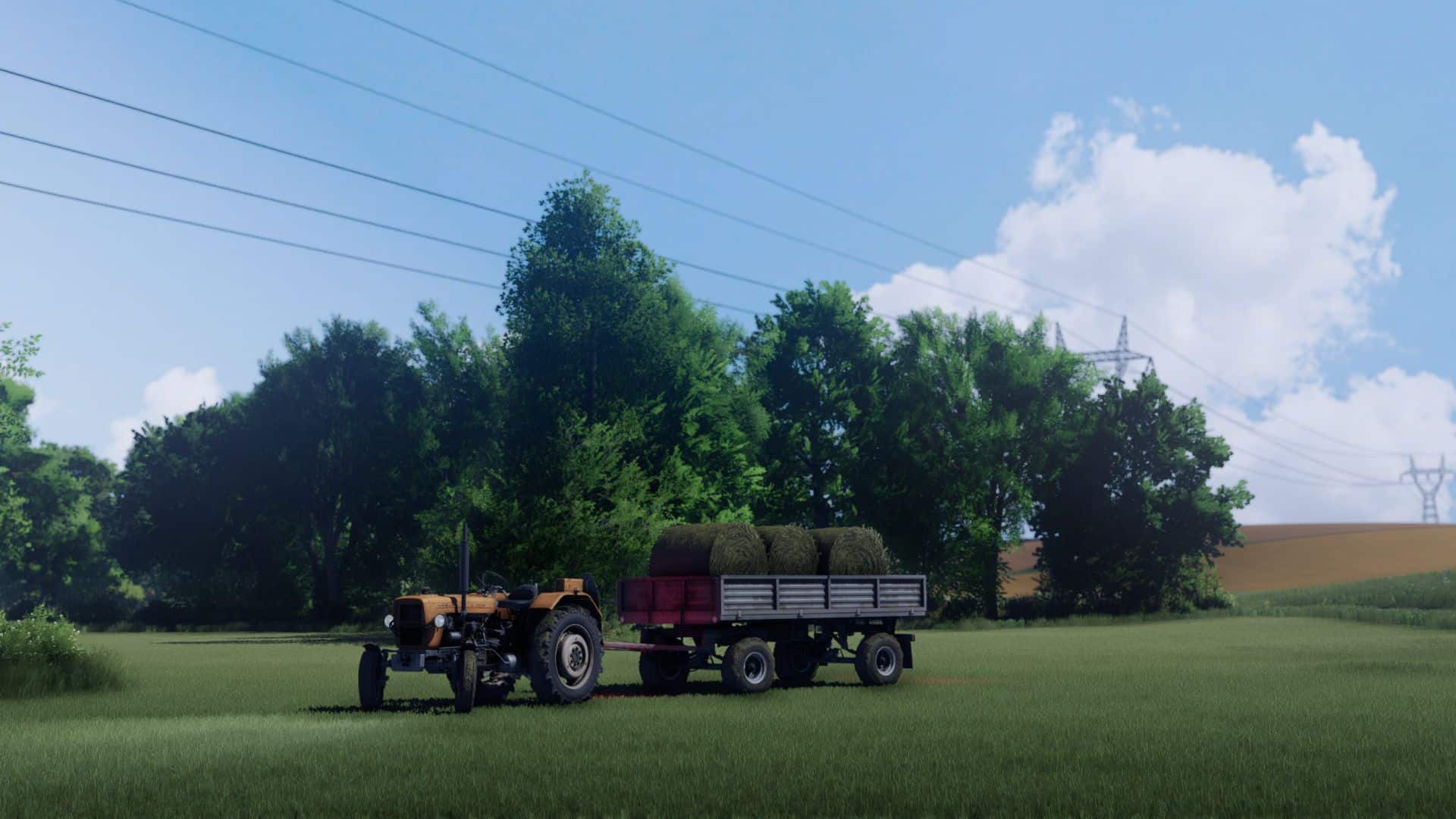
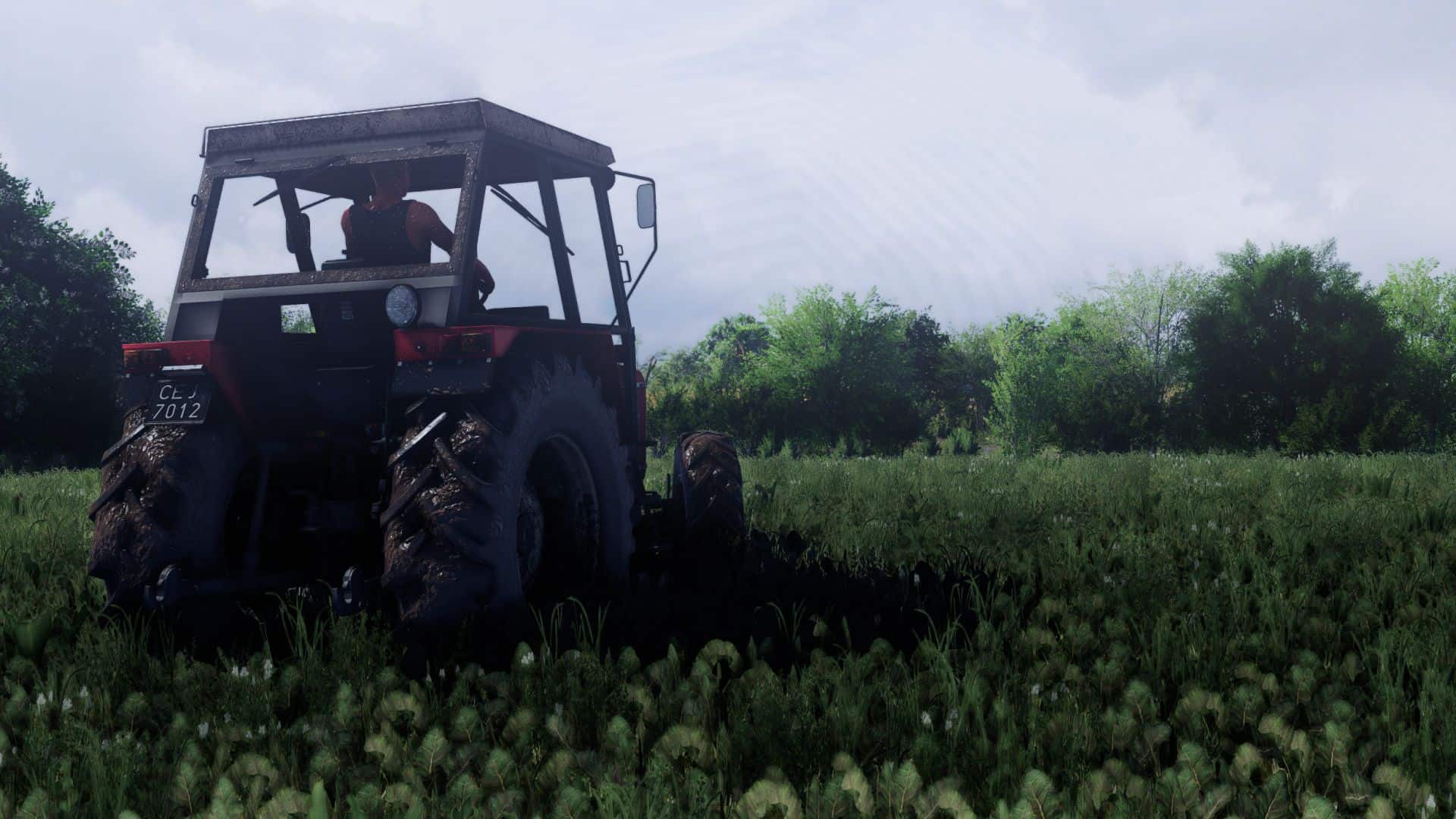
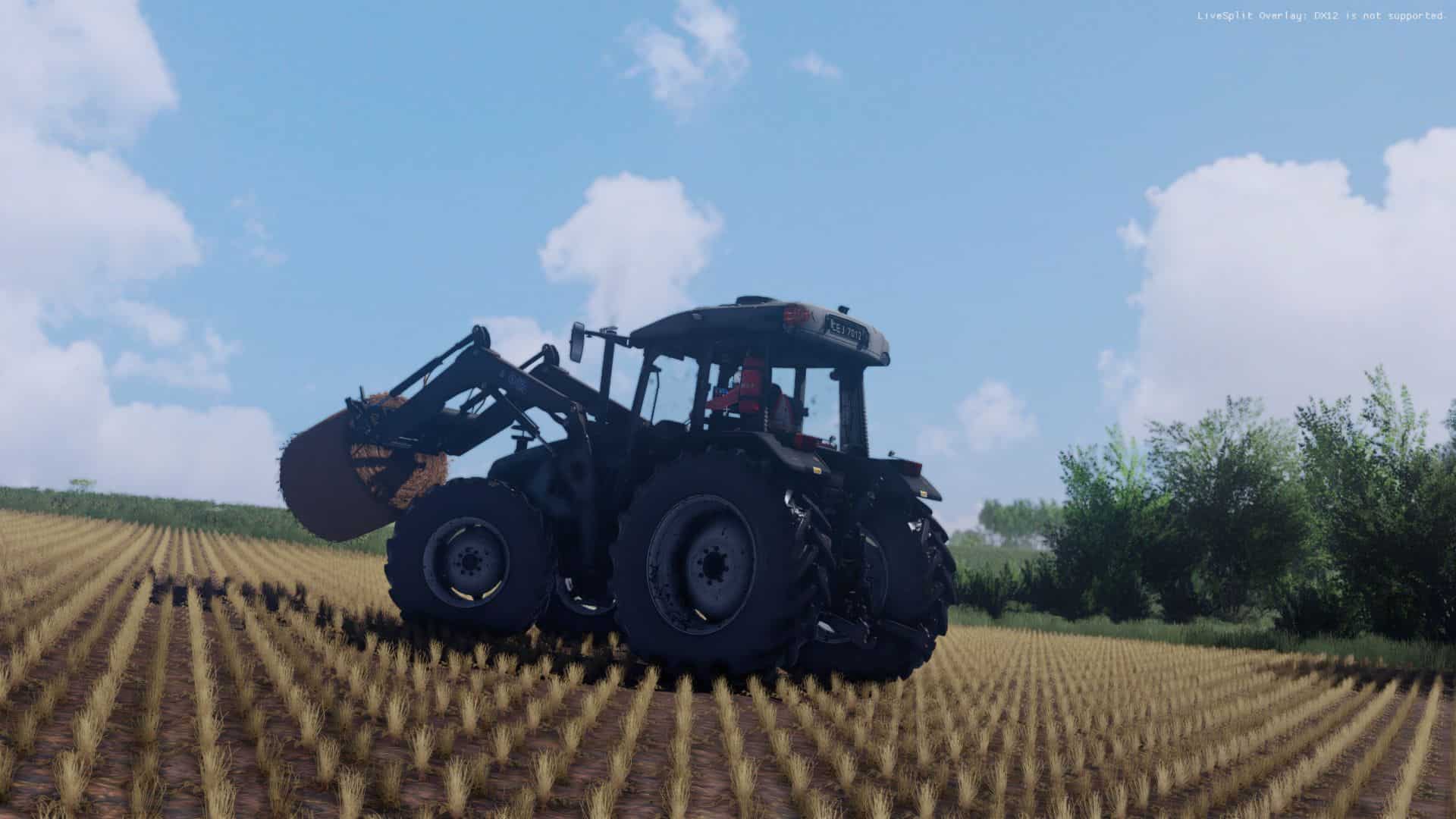
Rzep Shaders V2 + Lighting v1.0

FS25 Mods |
Rzep Shaders V2 + Lighting v1.0

Rzep Shaders V2 + Lighting v1.0

Required:
Additional Game Settings

Optional:
– Real Sky
– Put folder “OswietlenieRzep” into …DocumentsMy GamesFarmingSimulator2025modSettingsFS25_additionalGameSettingslighting
– Put folder “reshade-shaders” into …Farming Simulator 25×64
– In additional game settings, choose lighting “OswietlenieRzep”
– In Reshade (default button is Home) choose preset “Shader_by_rzepV2”



Author: ari11
This content was uploaded by our website visitors. If you notice any errors, please let us know.


Useful Information: How to install FS25 Mods | Farming Simulator 25 FAQ | Farming Simulator 25 News | FS25 System Requirements | Download FS25 Game | Giants Editor FS25 | FS25 Modding Guide | FS25 Cheats | FS25 Guides

You may also like...

Leave a Reply

Your email address will not be published. Required fields are marked *