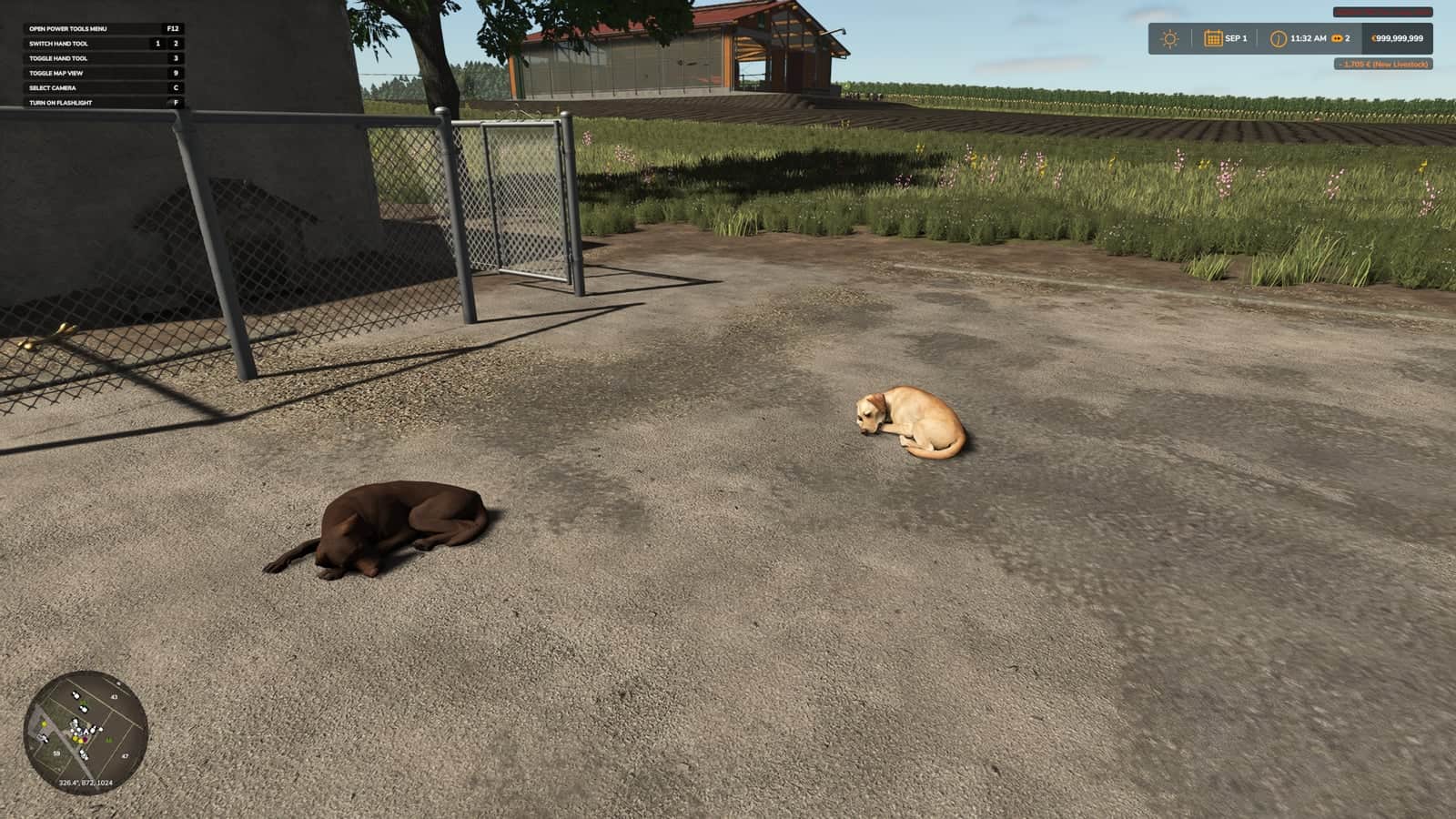
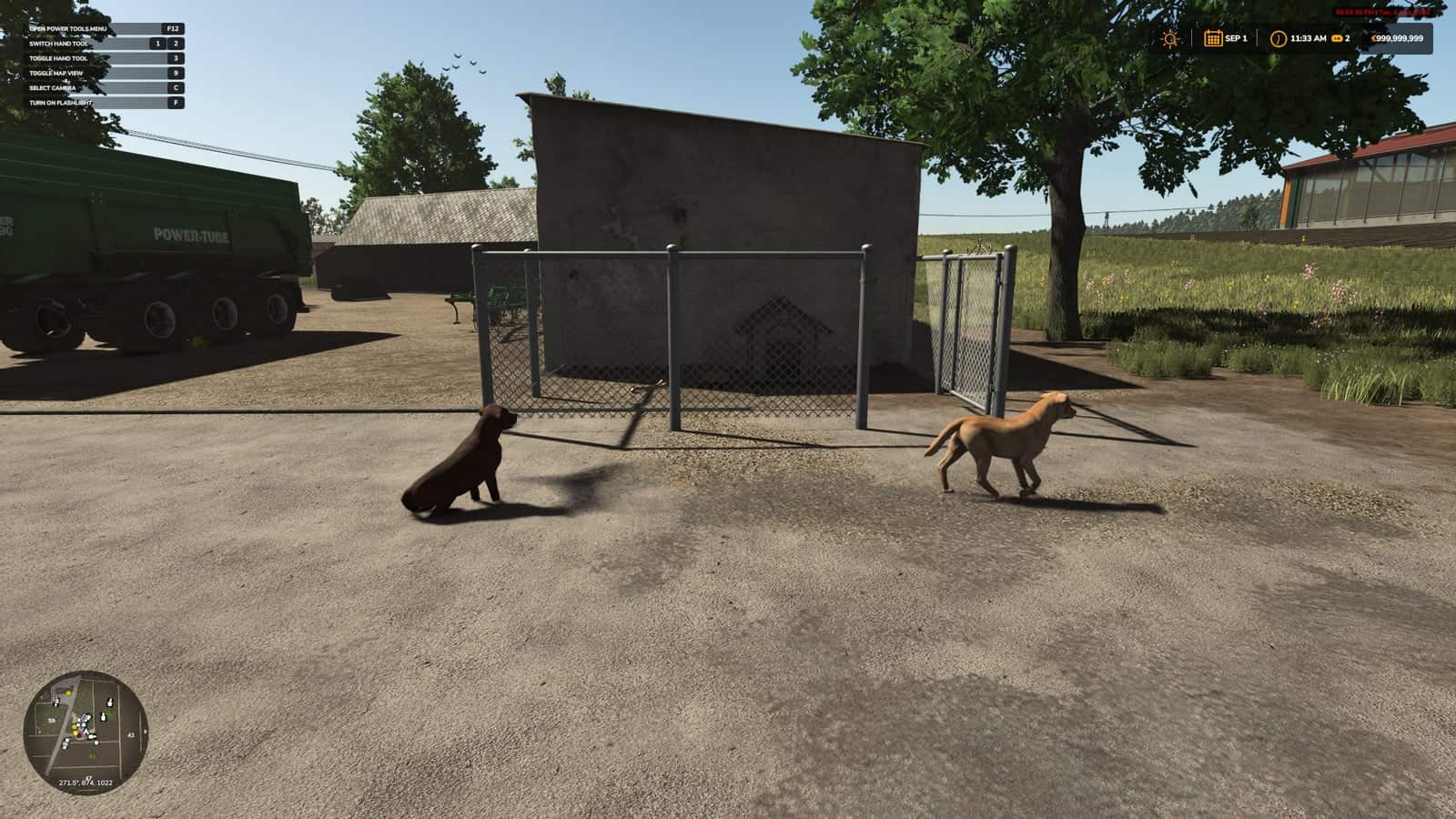
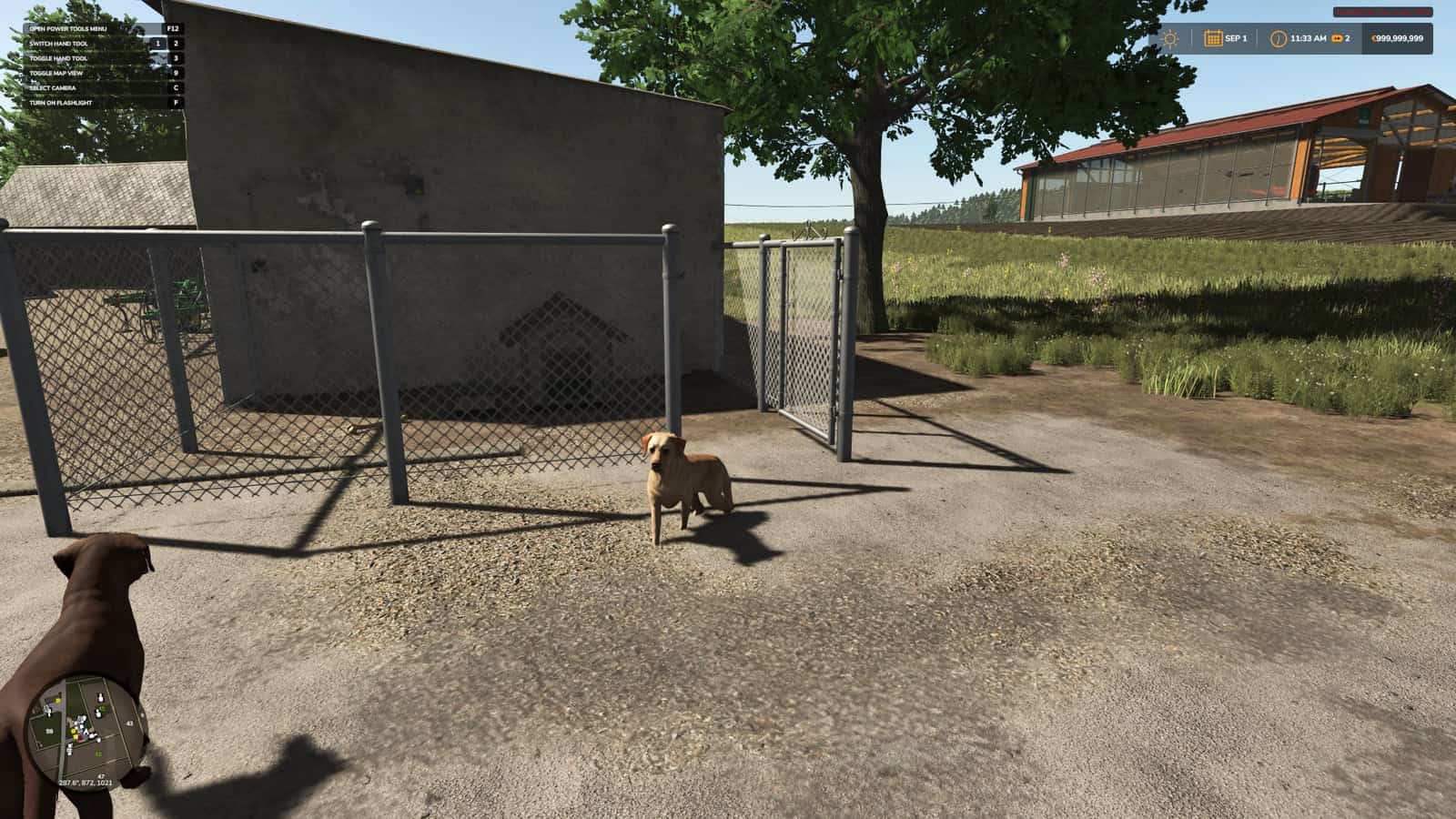
HB Doghouse is a Farming Simulator 25 animal-care mod from Sumro Gaming. It adds a standalone HofBergmann-style doghouse with room for two dogs, visible dogs, a dog food setup, and a dedicated doghouse hotspot.
Features
- Adds a standalone doghouse placeable with room for two dogs.
- Includes DOGFOOD fill type support and a purchasable dog food pallet.
- Adds Labrador Retriever and Border Collie dog variants.
- Includes a fenced sleeping area, visible dogs, a dog food bowl, and a dedicated doghouse hotspot.
Dog Food and Yard Workflow
HB Doghouse adds a small farm doghouse with visible dogs, dog food support, and a yard detail for roleplay farms. The mod includes 3 screenshots showing HB Doghouse in-game.
How to Install HB Doghouse
- Keep
FS25_HB_Doghouse.zippacked as a ZIP and place it in Documents/My Games/FarmingSimulator2025/mods. - Start Farming Simulator 25 and enable HB Doghouse from the savegame mod list.
- Load a backup save first.
- Avoid keeping old copies of the same file in the active mods folder.
- For terrain, animal, or vehicle behavior scripts, test on a backup save first.
No separate required-mod list is shown for HB Doghouse.
Compatibility Notes
HB Doghouse multiplayer status is listed as Supported. This animal-care script should be tested carefully with other livestock, feeding, dirt, barn, pasture, and husbandry mods, because two systems can sometimes update the same animal area or daily routine.
The active gameplay logic is written in Lua, the scripting language Farming Simulator 25 uses for script mods. Lua is loaded through modDesc.xml.
Testing Notes
Test HB Doghouse by loading the animal area, feeding or bedding where relevant, waiting through normal time, checking outputs or markers, then saving and reloading the same placeable. Change only one thing at a time and write down the map name, game version, mod version, and other active scripts that affect animal-care gameplay.
If the first test looks good, save the game, exit to the menu, reload the save, and repeat the same action once more. This helps catch restore problems, missing XML paths, delayed script errors, and visual changes that only appear after reload.
If an animal marker, feed plane, food type, pallet, manure area, or visible animal does not appear, test with only this mod and the map enabled before blaming the save. Keep one active version and check the download source whenever an update appears.
Changelog
Current public version: v1.0.0.0.
The public file name for this release is FS25_HB_Doghouse.zip. Keep only one copy of FS25_HB_Doghouse.zip in your active Farming Simulator 25 mods folder.