FS22 VehicleShader for v1.0

FS25 Mods |
FS22 VehicleShader for v1.0


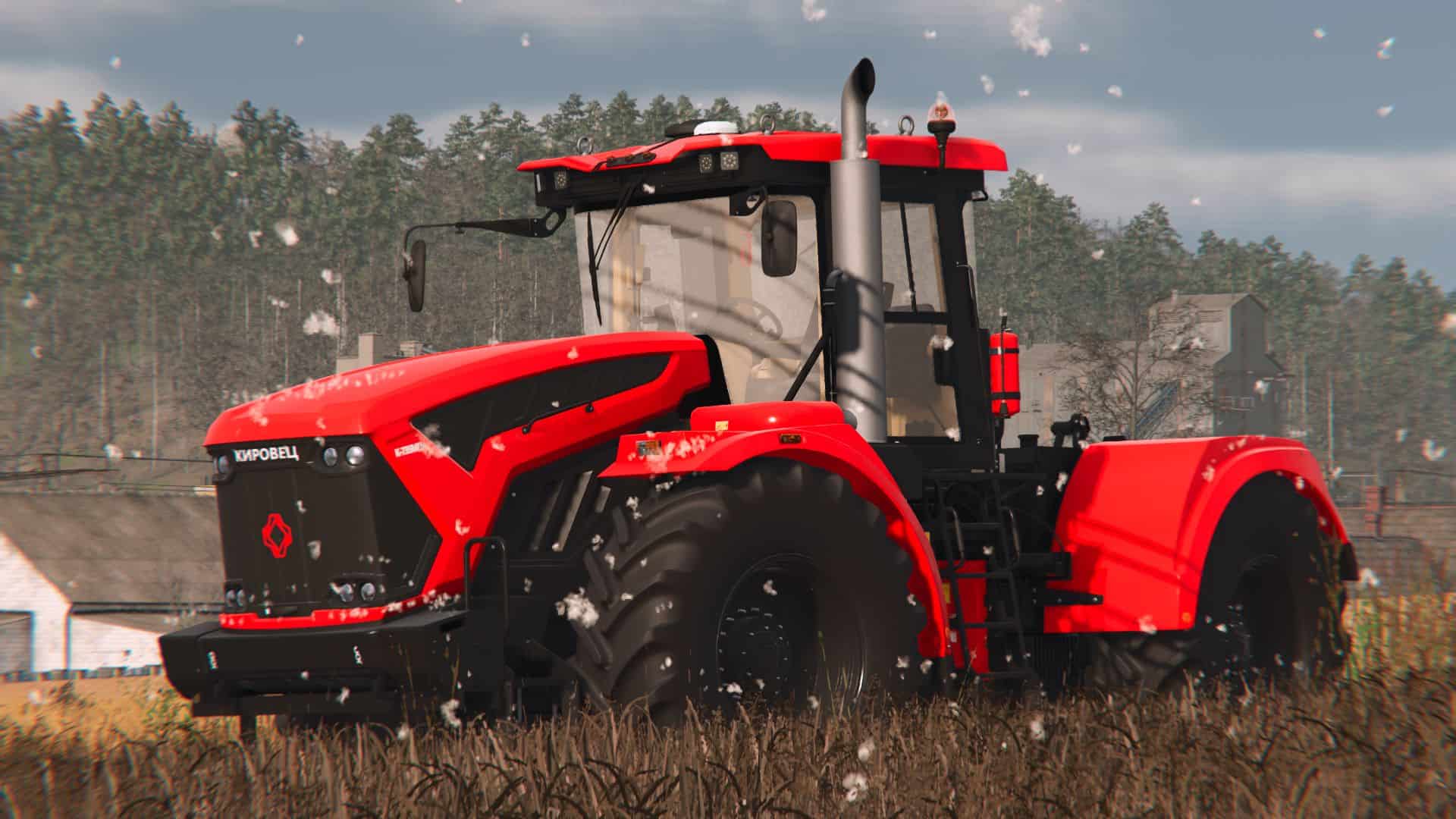
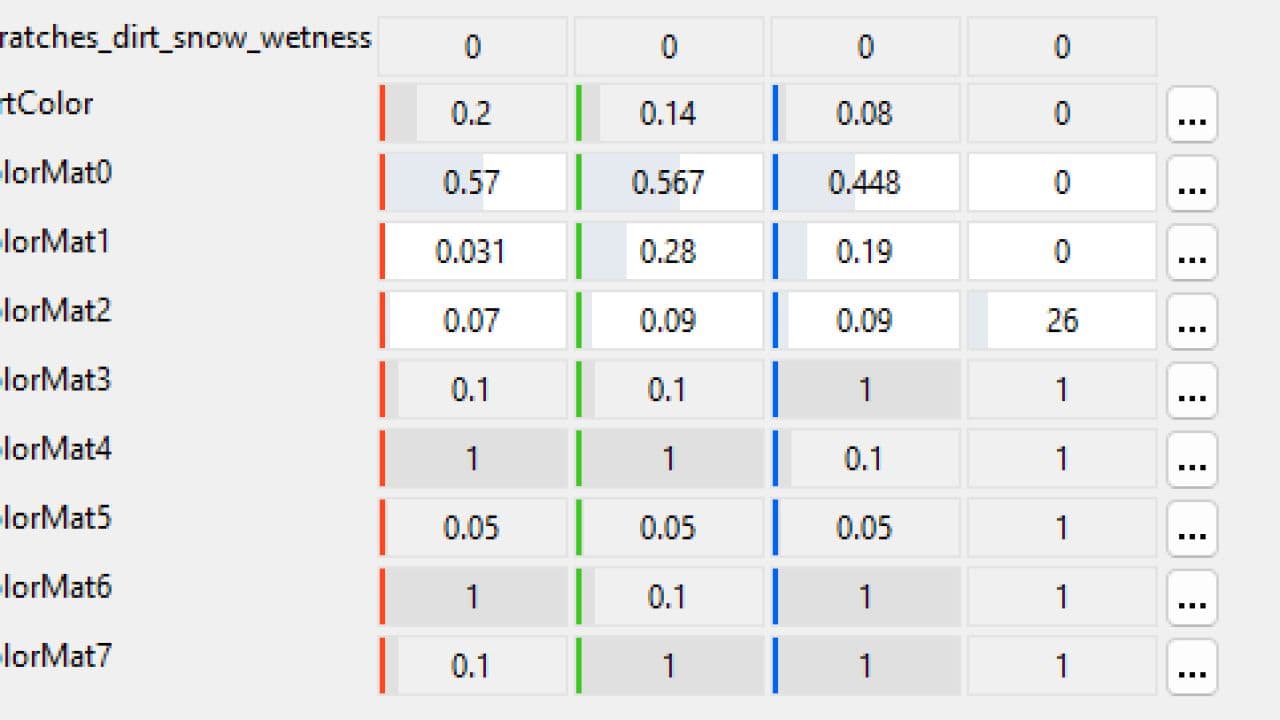
A shader that allows you to convert mods from an old game to a new one. Since the one, what inside the game does not work. We made our own variation.

Installation:
1. Create a shaders folder in to your mod folder and drag vehicleShader.xml from a zip archive to this.
2. Open your .i3d file with a any text editor, like notepad++ or vsCode, find and replace all “$data/shaders/vehicleShader.xml” strings to “shaders/vehicleShader.xml”

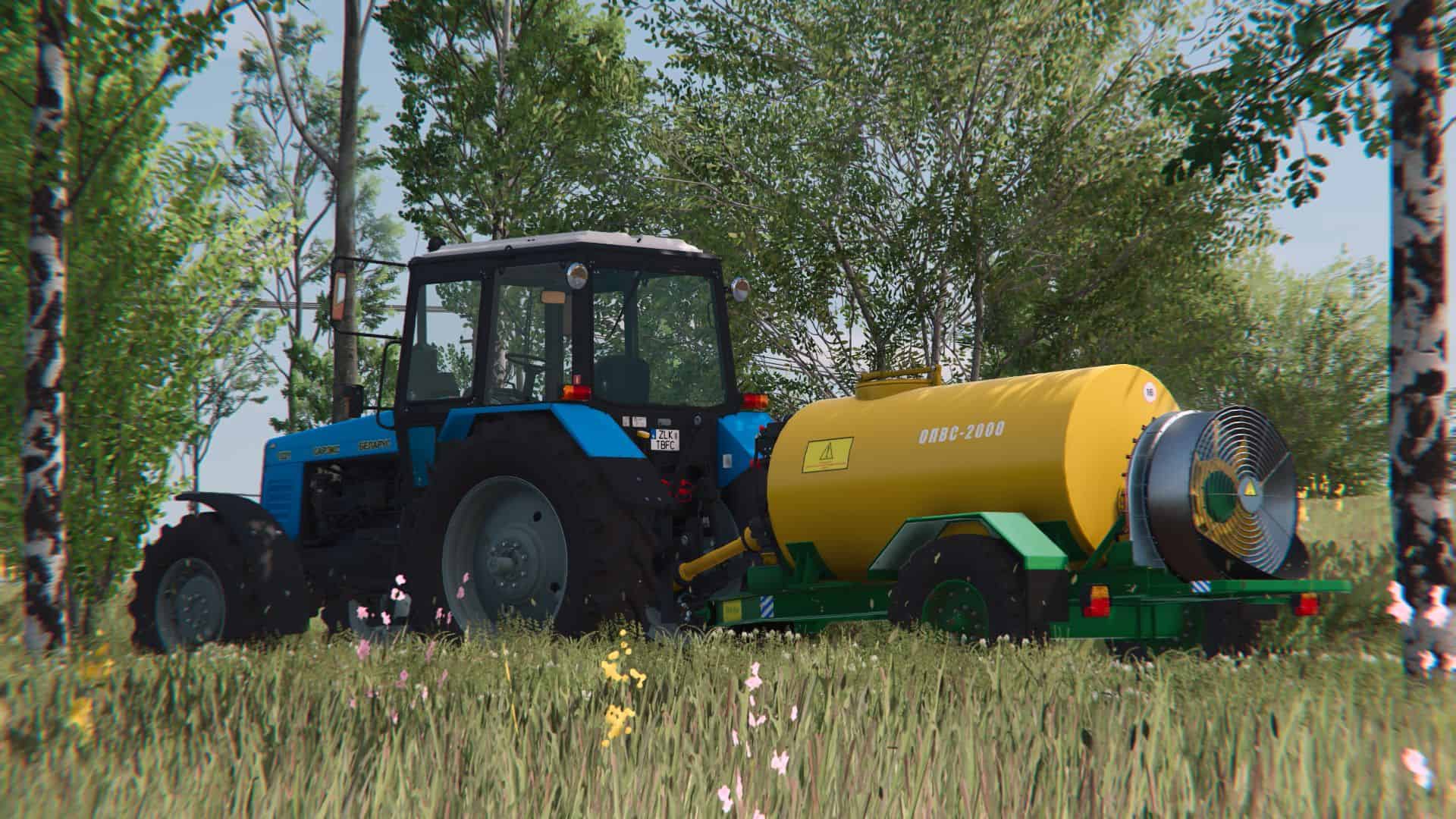
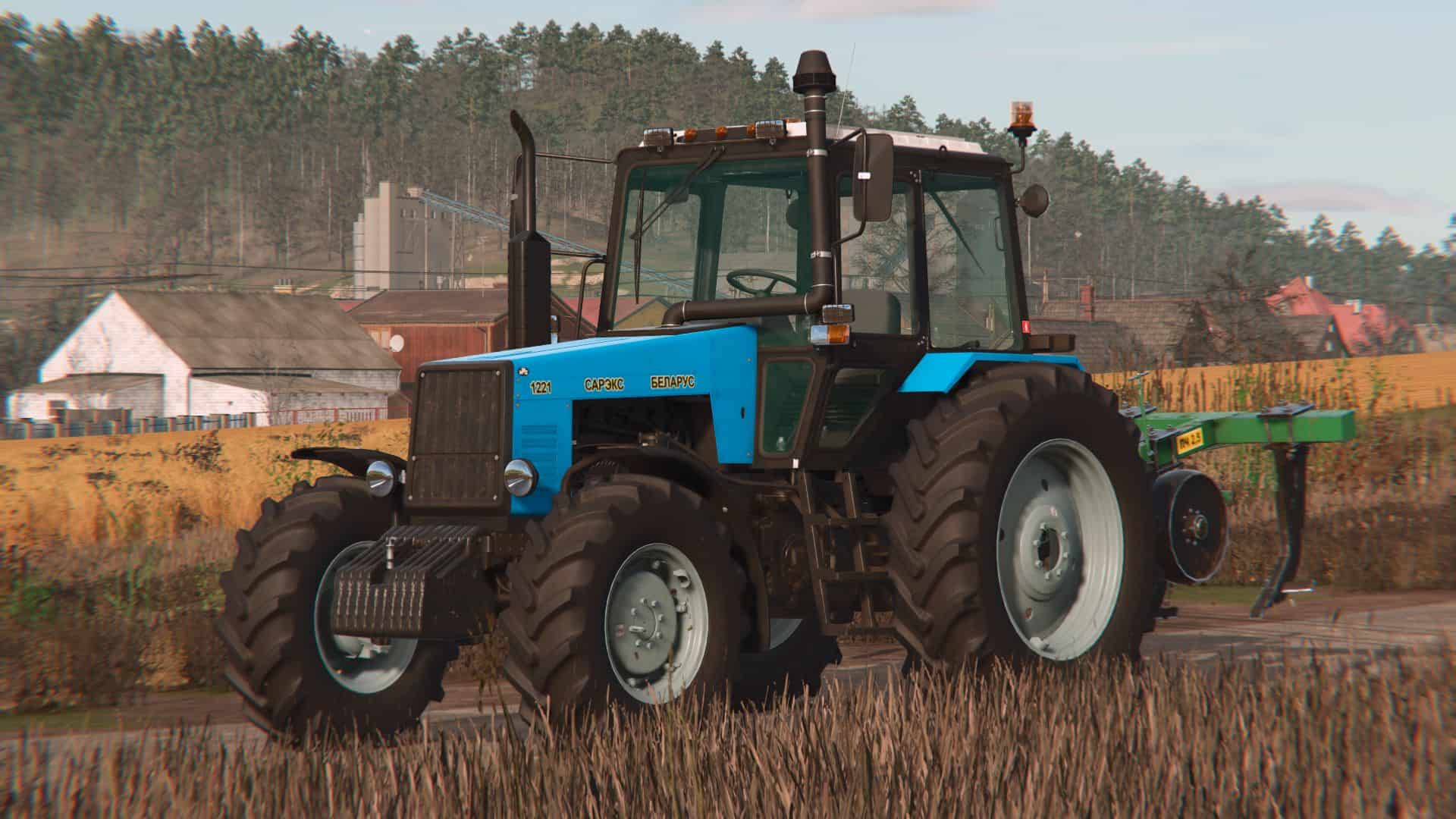
Below are screenshots of modifications converted using this shader.


Author: Razor modding Team
Having problems with the mod? Check the comments for possible solutions, and report any new bugs you discover.


Download


Useful Information: How to install FS25 Mods | Farming Simulator 25 FAQ | Farming Simulator 25 News | FS25 System Requirements | Download FS25 Game | Giants Editor FS25 | FS25 Modding Guide | FS25 Cheats | FS25 Guides

Leave a Reply

Your email address will not be published. Required fields are marked *