Farm Radio for Farming Simulator 25. The mod provides farm-based radio communication and proximity voice for Farming Simulator 25 multiplayer.
Features
- Coordinate with your own farm across the map.
- Contact neighboring farms through the Repeater channel.
- Speak with nearby players using proximity voice.
- A compact radio display shows transmission activity.
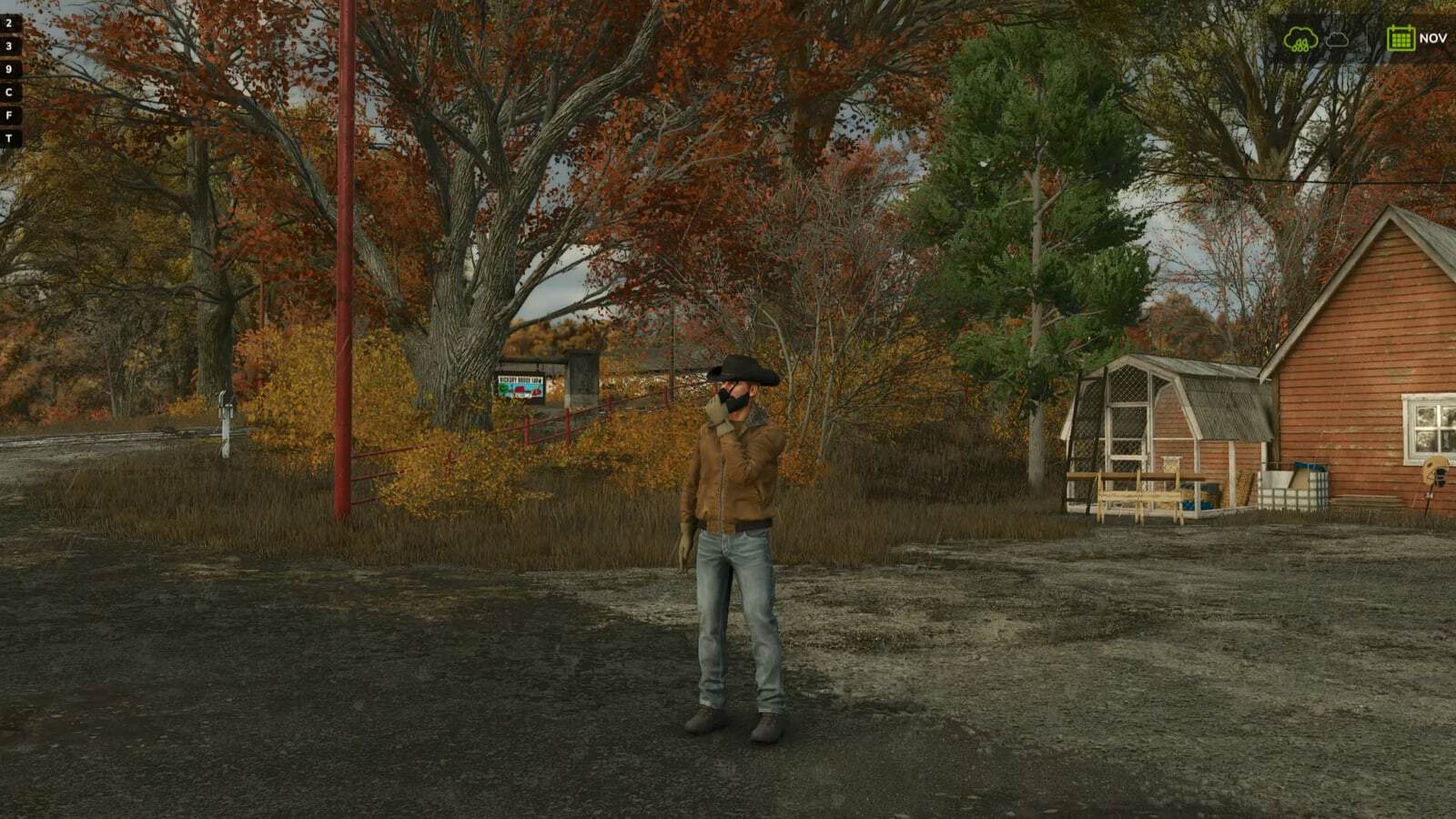
- Character animations bring the handheld radio into the game.
- Existing voice mute and block settings remain respected.
Getting Started
- Install and enable the same mod version on the multiplayer host/server and all participating players.
- Enable in-game voice chat and check your microphone settings.
- Join a farm to access the Local and Repeater radio channels.
Radio channels are available only to players assigned to a farm. Players without a farm cannot transmit or receive radio calls.
Radio Controls
- Local – hold Comma (,): Speak to members of your own farm, regardless of distance.
- Repeater – hold Forward Slash (/): Speak to players across all farms, including your own.
- Proximity voice: Speak with nearby players using the game’s voice activation or normal push-to-talk setting.
Changing Key Bindings
Open Settings > Controls and look under Player for:
- Farm Radio (hold)
- Repeater Radio (hold)
Both controls can be reassigned independently of the game’s normal voice-chat control.
Reading the Radio Display
- Local highlights in your farm color while you transmit on the Local channel.
- Repeater highlights red while you transmit on the Repeater channel.
- Your own name and speaker icon match your outgoing channel color.
- Incoming calls from your farm highlight the speaking member.
- Incoming Repeater calls from another farm display that farm’s name and color.
Test Release Feedback
Report audio issues, vehicle key-binding problems, animation glitches, or incorrect display indicators. Include a short description, your game log, and a screenshot or recording where possible.
This build includes an experimental voice-volume increase. The audible result may vary and remains under testing.