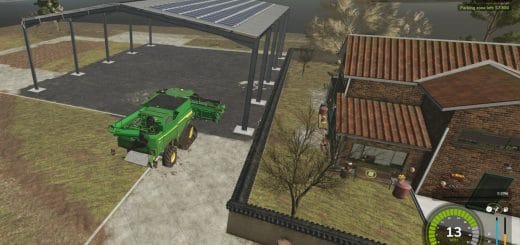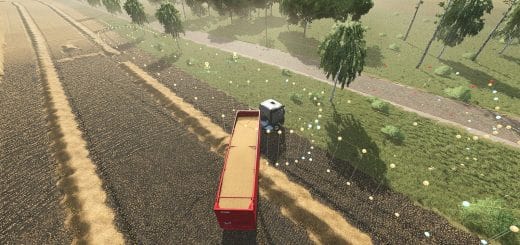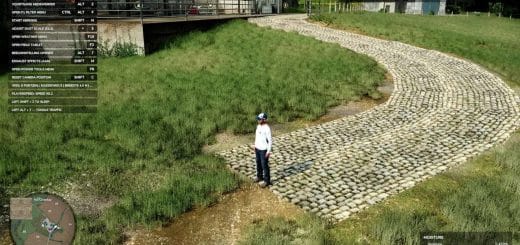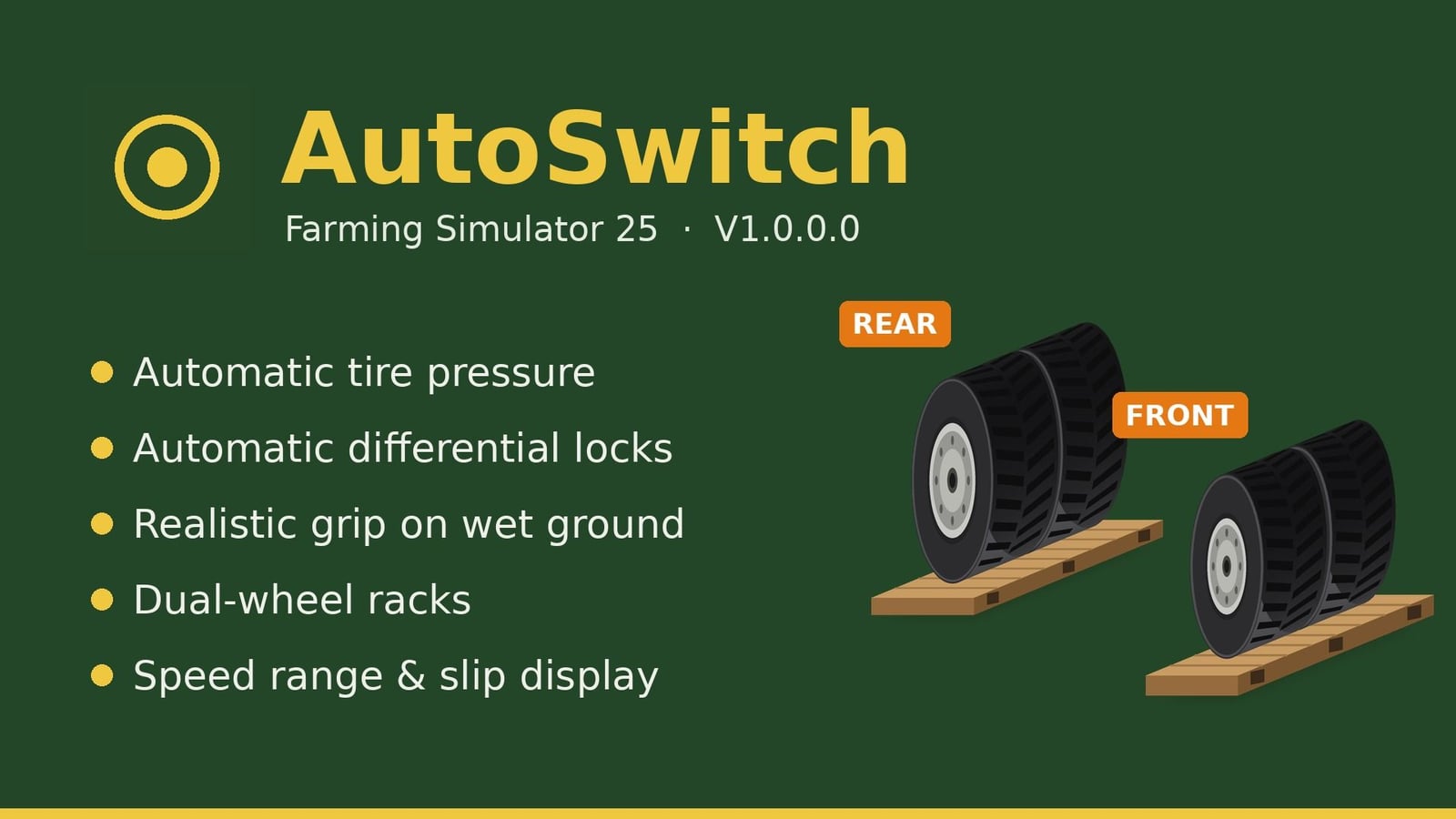

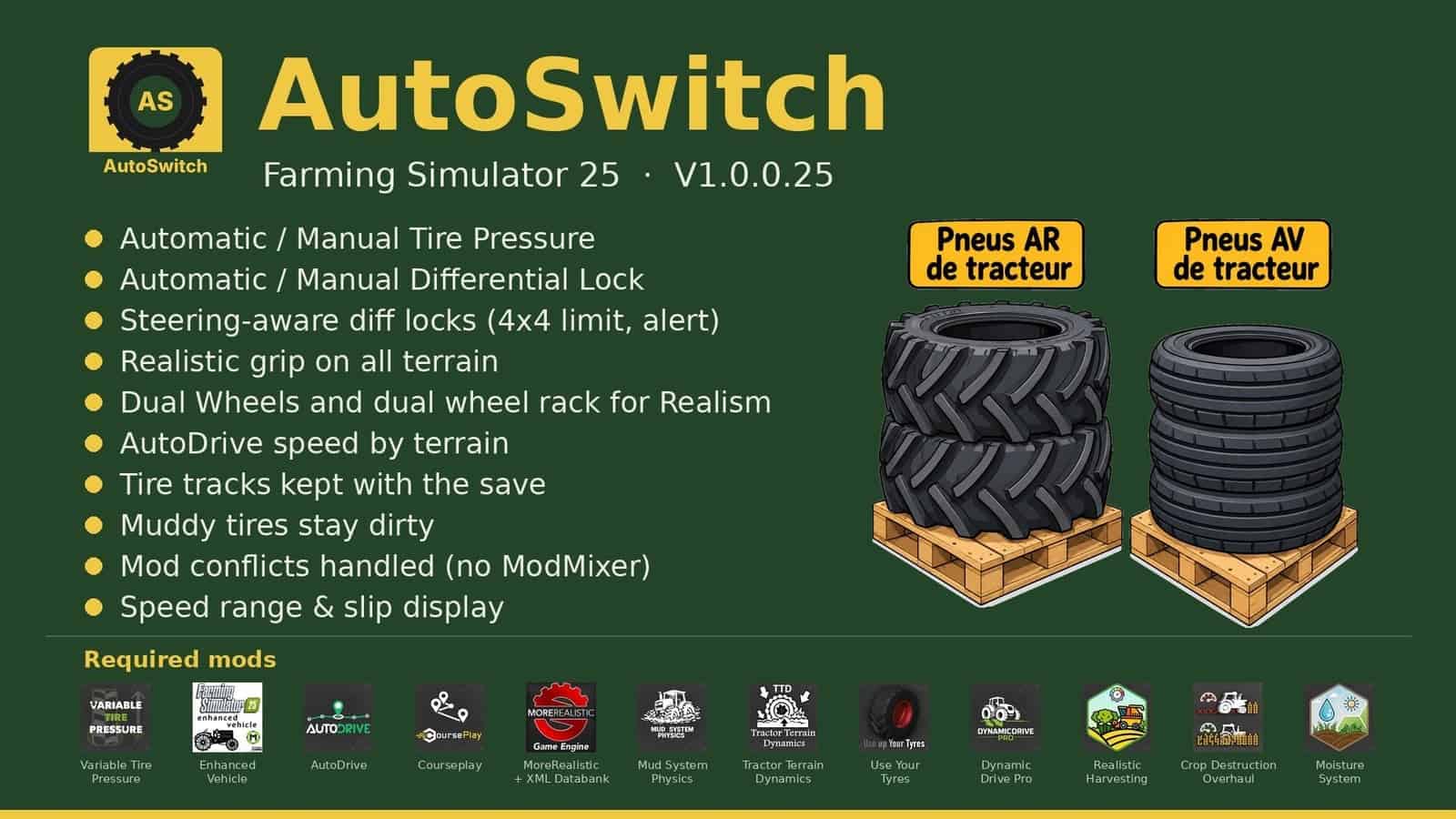
AutoSwitch is a companion mod that automates tire pressure and differential settings while delivering realistic traction. It integrates Variable Tire Pressure, Enhanced Vehicle, MoreRealistic, Mud System Physics, Tractor Terrain Dynamics, and AutoDrive, allowing them to work together without modifying or disabling any of them.
Features
- Automatic/manual tire pressure: Works with AutoDrive/Courseplay, deflates in the field and inflates on the road. Manual driving offers Automatic or Manual modes. The automatic VTP reinflation at 30 km/h is disabled.
- Automatic/manual differential lock (Enhanced Vehicle): Rear locks at 15% slip, front at 30% (adjustable), unlocks at half the threshold value, switches to 4WD in the field and 2WD on the road, and resets upon loading.
- Steering and locks: 90% steering angle in 4WD. Locks disengage when steering exceeds 50% (rear only), 20% (front only), or 10% (both), and re-engage once wheels are straightened. Requests to lock differentials while wheels are turned are rejected, accompanied by a “Straighten wheels” alert.
- Realistic traction on all terrains (MoreRealistic): Traction loss on wet ground across 5 difficulty levels (Beginner, Easy, Normal, Hard, Extreme); Variable Tire Pressure field bonus adjusted to +15% (+20% for dual wheels); fixed differential lock bonus (+4% rear wheels, +3% front wheels); “Use Your Tyres” wear mechanics factored in.
- Dual wheels: Real-world width accounted for by Mud System Physics, improved traction on wet ground, and a VTP fix for brand-variant tires.
- Dual-wheel pallets: Rear (BKT 650/65R42) and front (BKT 540/65R30) pallets are available in the shop and build menu. Tire-by-tire mounting/dismounting takes 15 minutes of in-game time per tire, and the tractor is locked during the process.
- AutoDrive speed based on terrain: 20 km/h in fields, 30 km/h on tracks, unlimited on roads, adjustable in 2 km/h increments.
- Tire tracks are preserved in save games.
- Implements remain stable when stationary, and mud resistance applies to trailers and implements as well.
- Mod conflict management: AutoSwitch automatically handles interactions with MoreRealistic, Use Your Tyres, DynamicDrivePro, Enhanced Vehicle, and Recovery Winch. ModMixer is no longer required.
- Display: Recommended speed range and wheel slip percentage near the speedometer, plus a wheel slip alert.
- Seeding: Crop protection, seeder filling with lid closed, and direct re-seeding over flattened strips.
- Mud: AutoSwitch’s Mud System Physics and TTD settings are applied automatically.
Using dual-wheel pallets
- Place the rear pallet, and front pallet if applicable, side-by-side.
- Park the tractor within the rectangle marked on the ground, red and turning green when correctly positioned.
- On foot, stand on the yellow marker, press
Right Ctrl + I, and confirm. - Dismounting: Repeat the process using empty pallets, and the original tires are reinstalled.
Dual-wheel sets must match the tire brand currently on the tractor.
Settings
Settings > General > AutoSwitch
Required mods (all mandatory):
FS25_VariableTirePressureFS25_EnhancedVehicleFS25_AutoDriveFS25_CourseplayMoreRealisticmoreRealisticXmlDatabankFS25_MudSystemPhysicsFS25_TractorTerrainDynamicsFS25_DynamicDriveProFS25_useYourTyresFS25_RealisticHarvestingFS25_CropDestructionOverhaulFS25_MoistureSystem
Known limitations
- Changing wheels is only possible in single-player mode. A brief freeze occurs while the tractor reloads, and this takes longer if implements are attached.
- A tractor cannot be fitted with dual wheels unless the configuration is defined in its file.
CC BY-NC-SA 4.0 License: sharing and modification permitted with attribution, no commercial use, and derivative works must be shared under the same terms.