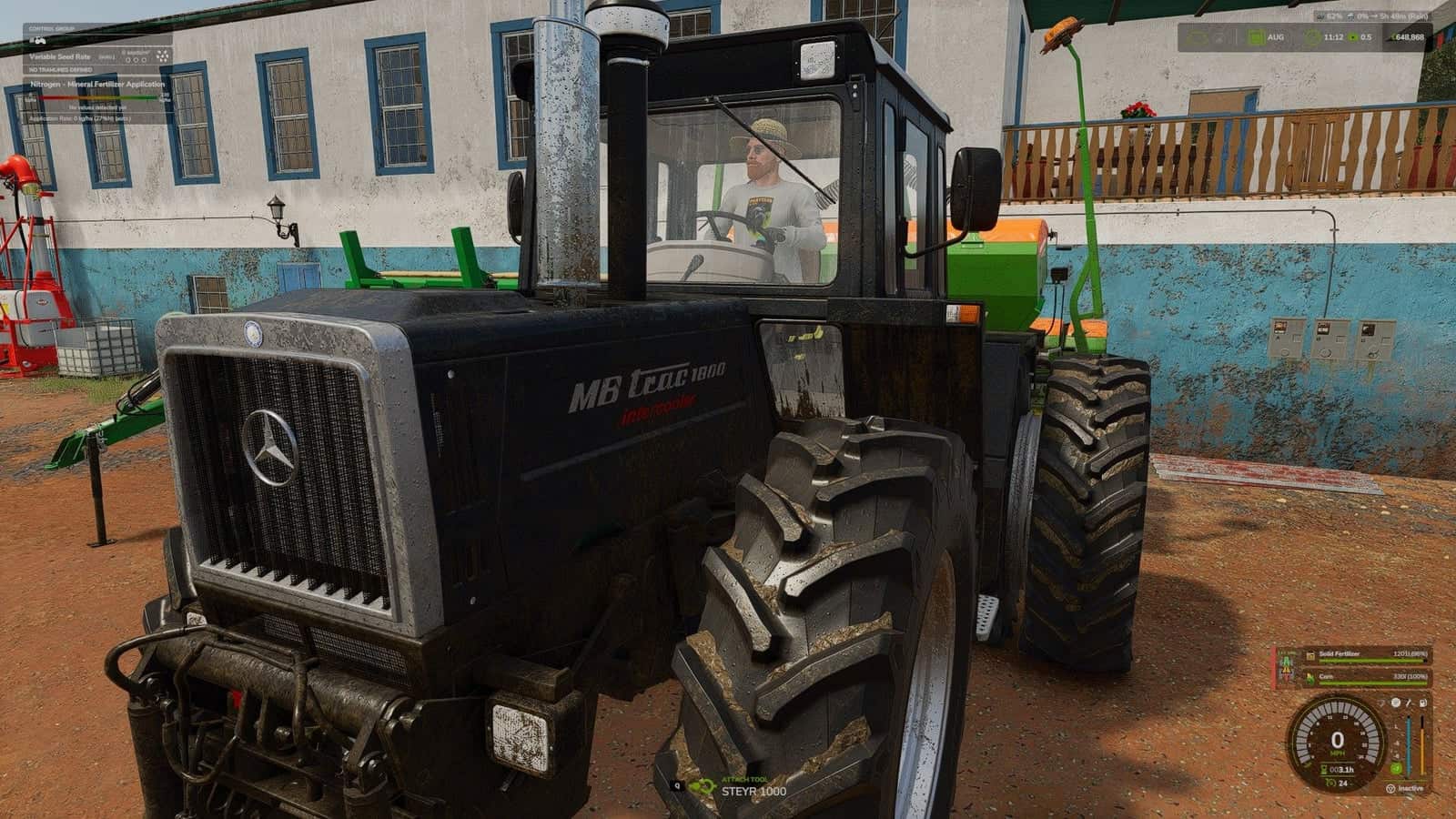
Axle Load HUD shows the live load on the front and rear axle before steering and balance become a problem.
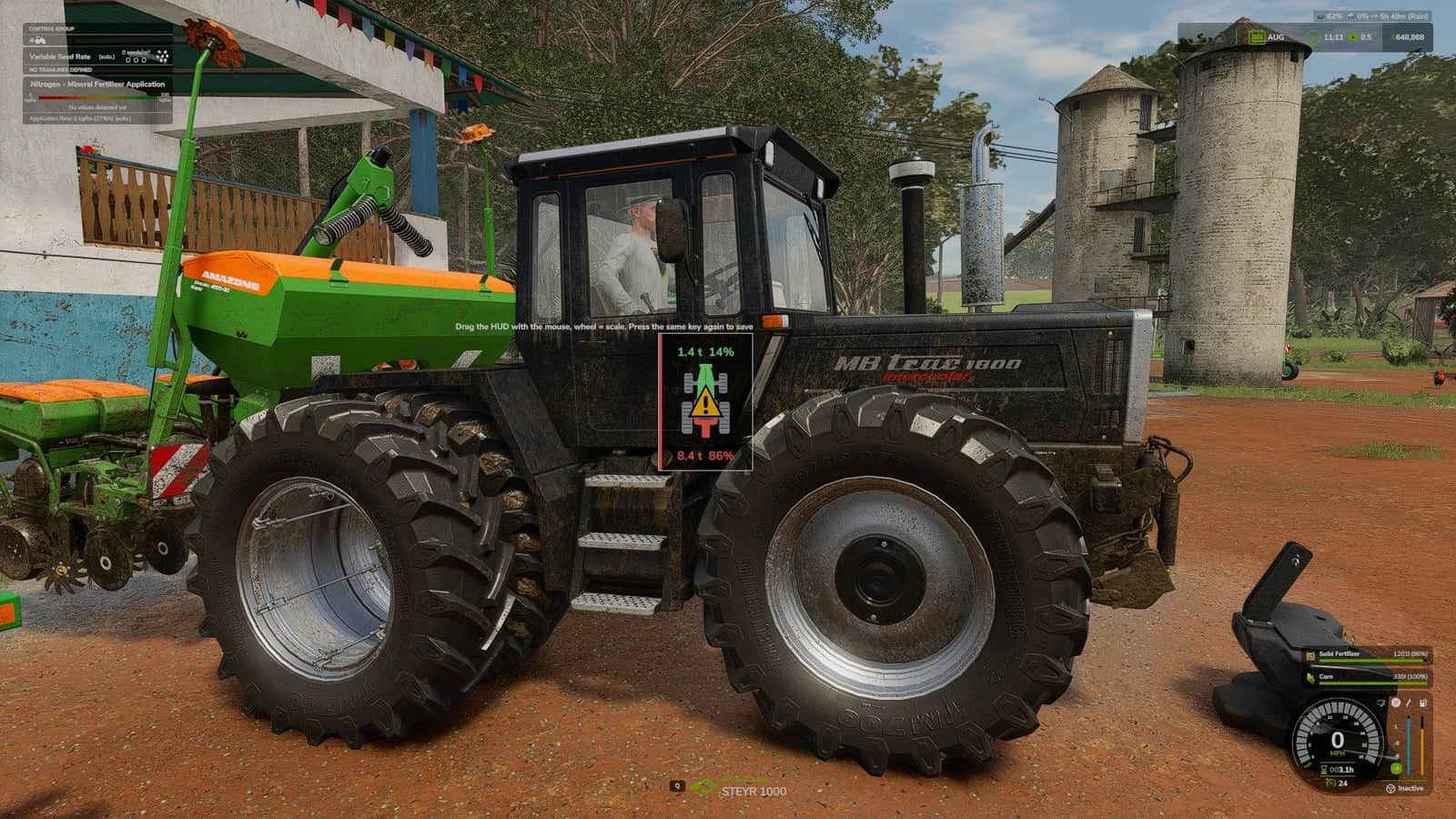
A small HUD displays a top-down tractor with the live load on the front and rear axle. The axle that carries too much is marked in colour.
Features
- Green: all good, the tractor is happy.
- Yellow: getting close to the limit.
- Red: one axle carries too much, the other one is under 20% of the tractor’s weight, or the vehicle is over its permissible mass.
- Live load on the front and rear axle in tonnes and percent, measured from the real wheel contact force. Implements, front loaders, front weights, wheel weights and dual wheels all count. A wheel in the air carries nothing, and the HUD knows it.
- Ballast advice: how many kilograms to add to the front axle to get back to 20%. It also accounts for the lever of the front hitch, so you do not haul more iron than needed.
- A game notification with the cause and the advice when the balance goes wrong.
- The HUD follows your game’s HUD scale and keeps a fixed size.
- The 20% rule applies to ordinary wheeled tractors. Crawlers, articulated tractors and combines get the HUD as plain information.
- While the load is out of balance and you are driving, the tractor wears faster, tops out at a lower speed and brakes worse. All effects fade in and out smoothly and go away when you fix the balance.
- If you do not want the driving penalties, the console command
alhPenaltiesswitches them off.
Controls
Right Ctrl + . shows or hides the HUD. You can change the key in the controls menu.
Notes
- The extra wear and the driving penalties are applied on the server side, so they work in single player and for the host in multiplayer.
- The 20% front axle rule is a real-world rule of thumb, not a law of physics. If your tractor steers fine at 18%, it is the tractor’s problem, not yours.
- Made with love, a lot of tonnes and a small amount of swearing at a 3300 kg overweight or at the lack of iron in the warehouse.
Changelog
- V1.0.2.0
Right Ctrl + ,lets you move it with the mouse and change its size with the mouse wheel, press again to save. The console commandalhResetputs it back. You can change the keys in the controls menu.