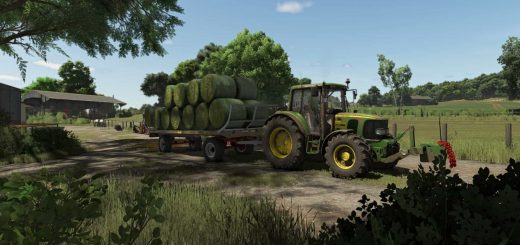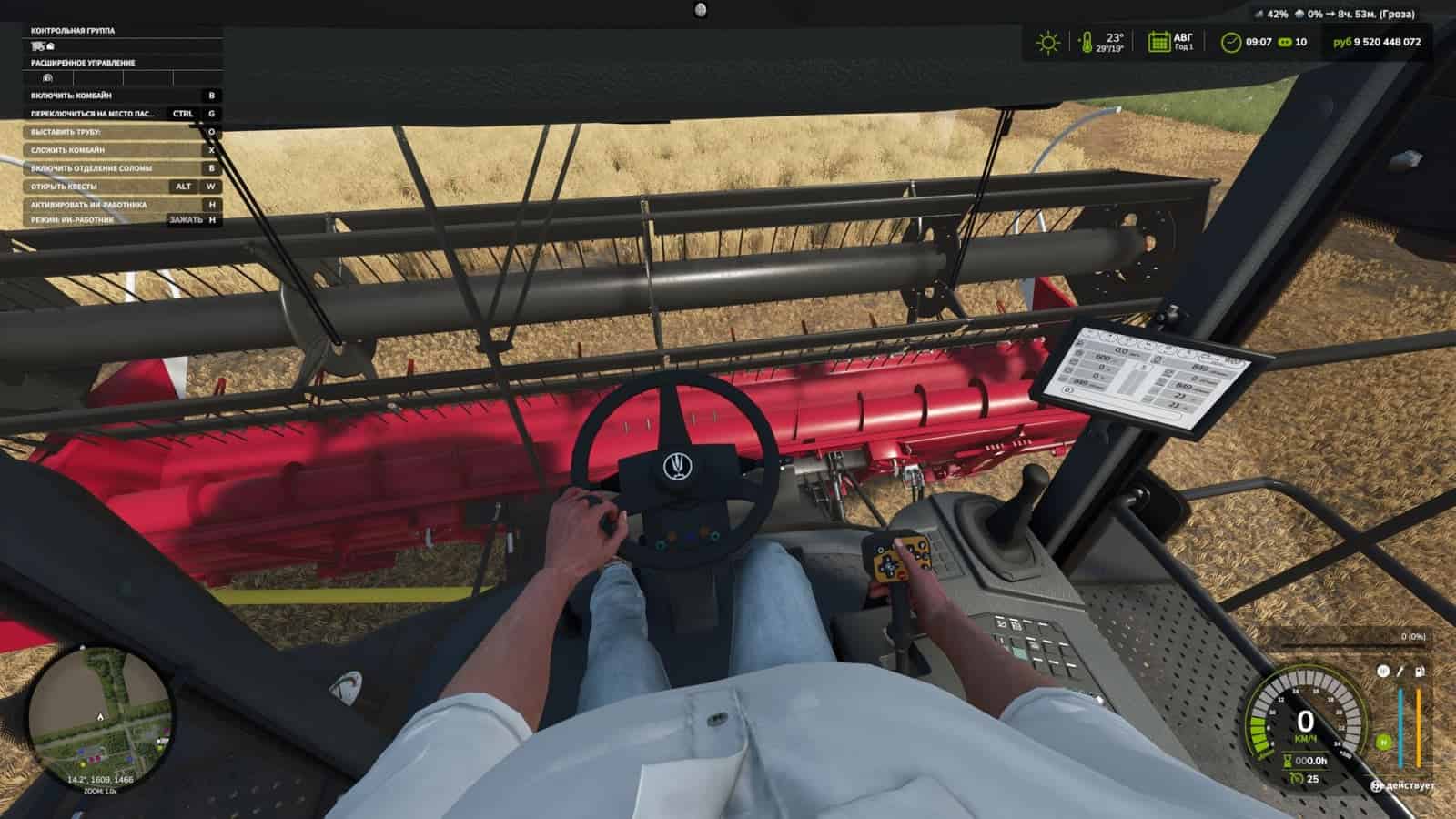
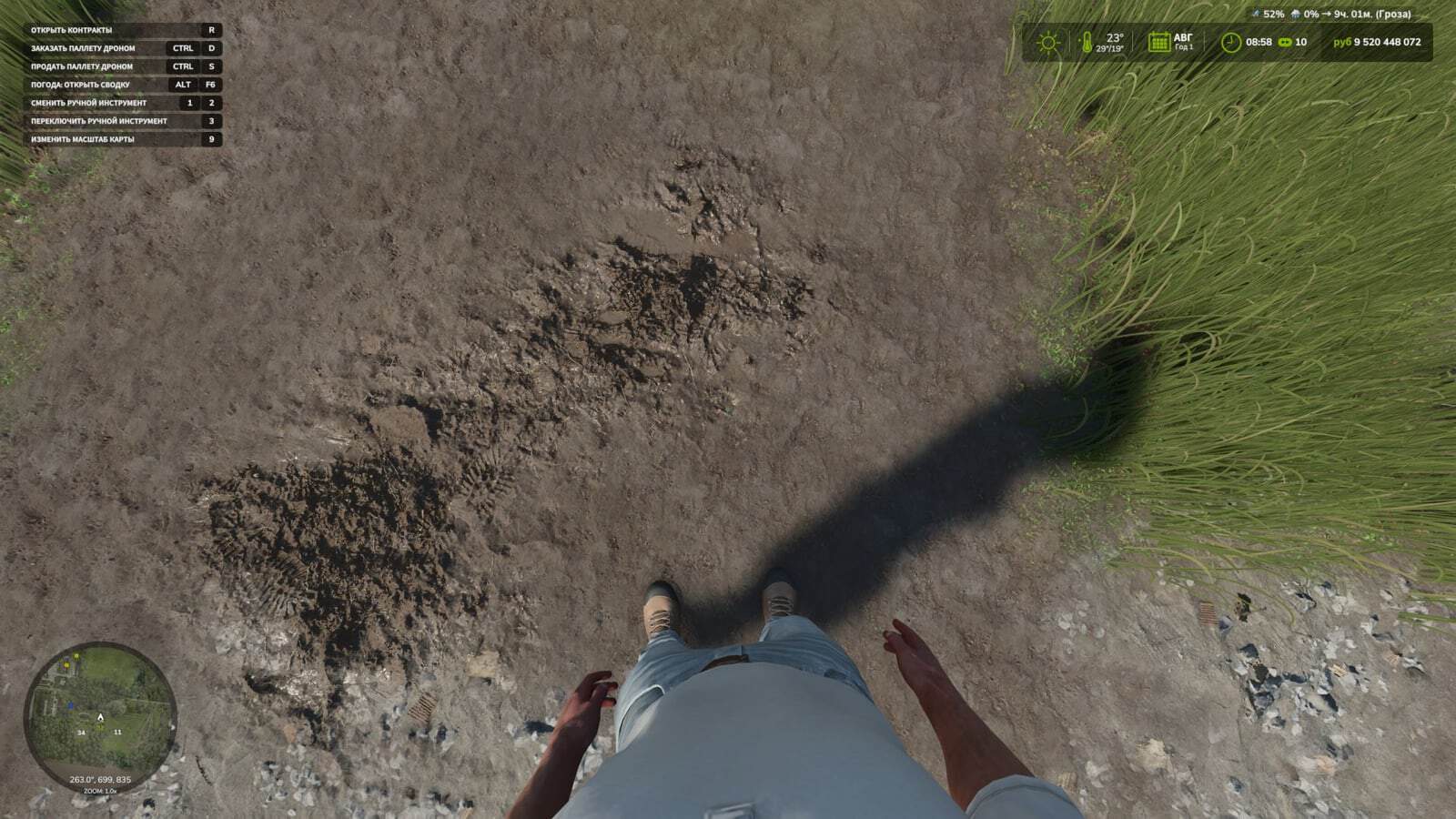
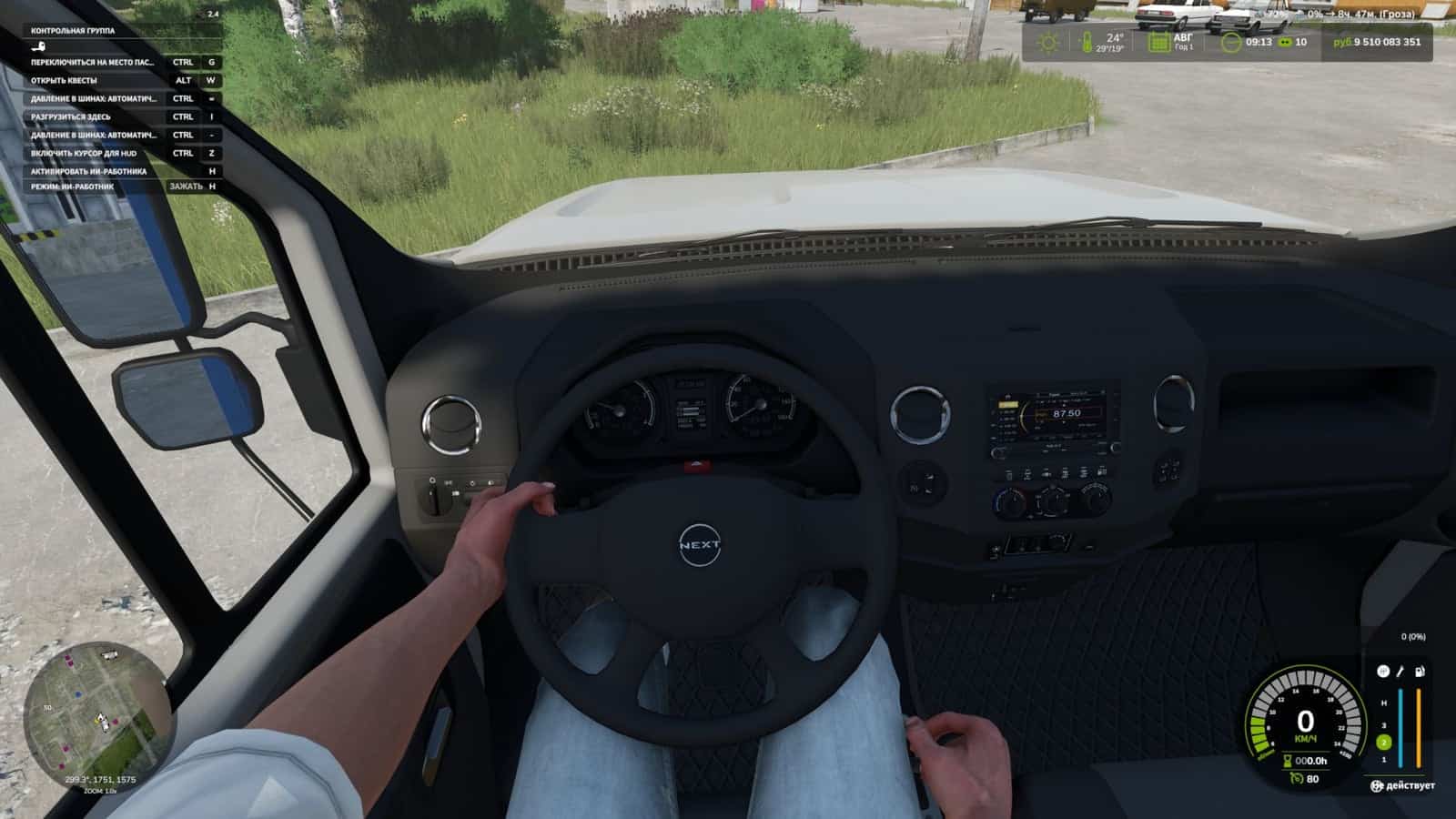
The First-Person Player Body adds a “full” character display in first-person mode in Farming Simulator 25. It also improves the first-person view inside vehicles by displaying the standard seated driver model and following the seated character’s eye animation and movements.
Features
- On foot
- Player body visibility.
- Camera side-to-side sway.
- In vehicles
- Driver body visibility.
- Camera position, standard or eye level.
- Camera following the driver’s animation.
When looking down, the player can see their animated body, legs and arms, while the character’s movements are correctly displayed together with the camera. The head remains behind the camera, so it does not obstruct the view, but it still contributes to the formation of the shadow.
To move the camera in standard mode, or the entire character in eye-level mode:
Rctrl + Arrow keysRAlt + Arrow keys
Rctrl + h – adjust the position of the hands on the steering wheel.
Changelog
- V1.2.1.0
Restored the setting to disable tracking of control elements in vehicles. Disables player jerking and lifting toward control nodes. - Added a choice of walking style, which also affects walking speed. 3 options: Slow – Casual – Brisk.
- Rearranged the settings items in the game settings. (General settings)
- Various minor file adjustments.
- V1.2.0.0
By pressing RCtrl + H in vehicles (this can be changed in the settings), you can now adjust the position of the hands on the steering wheel as you like by controlling the arm bones. - V1.1.0.0
Added Spanish translation (Pericops). - Fixed the hand takeover mode when one of the hands switches a lever and, upon returning, does not take over the steering wheel. (This issue should no longer occur)