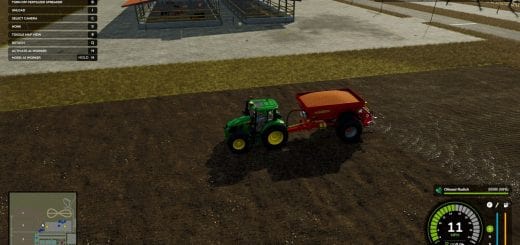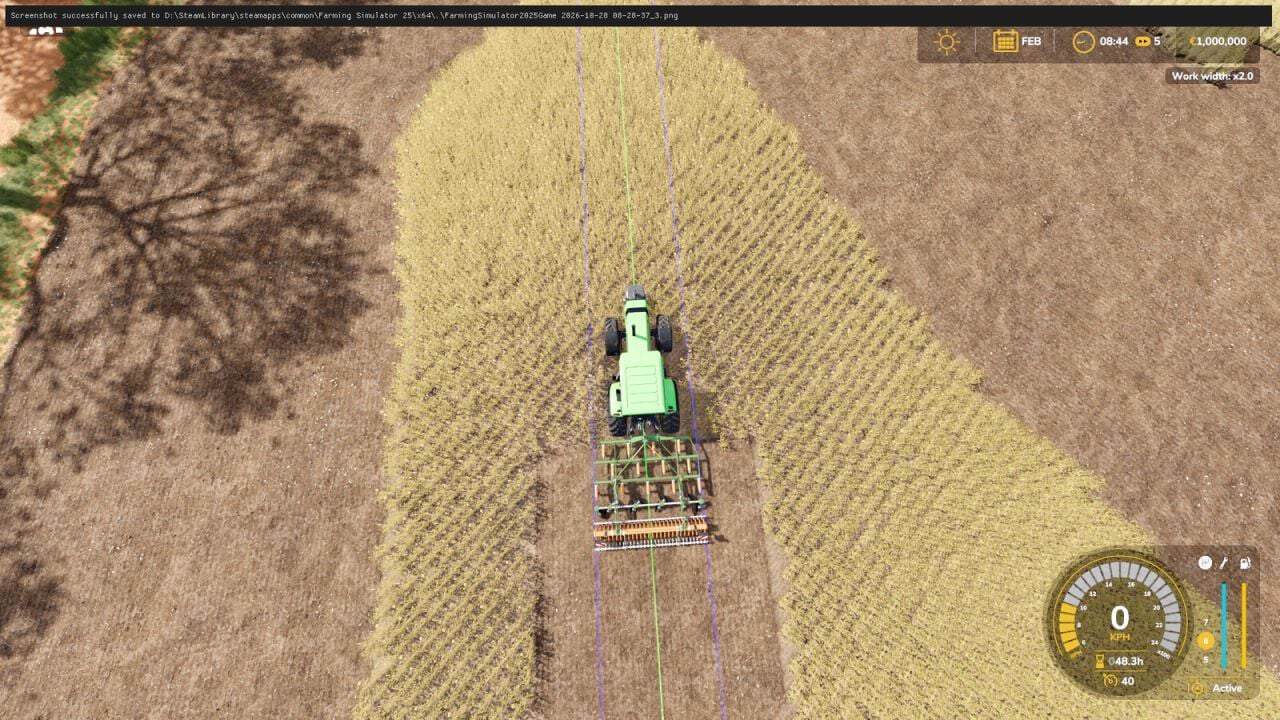
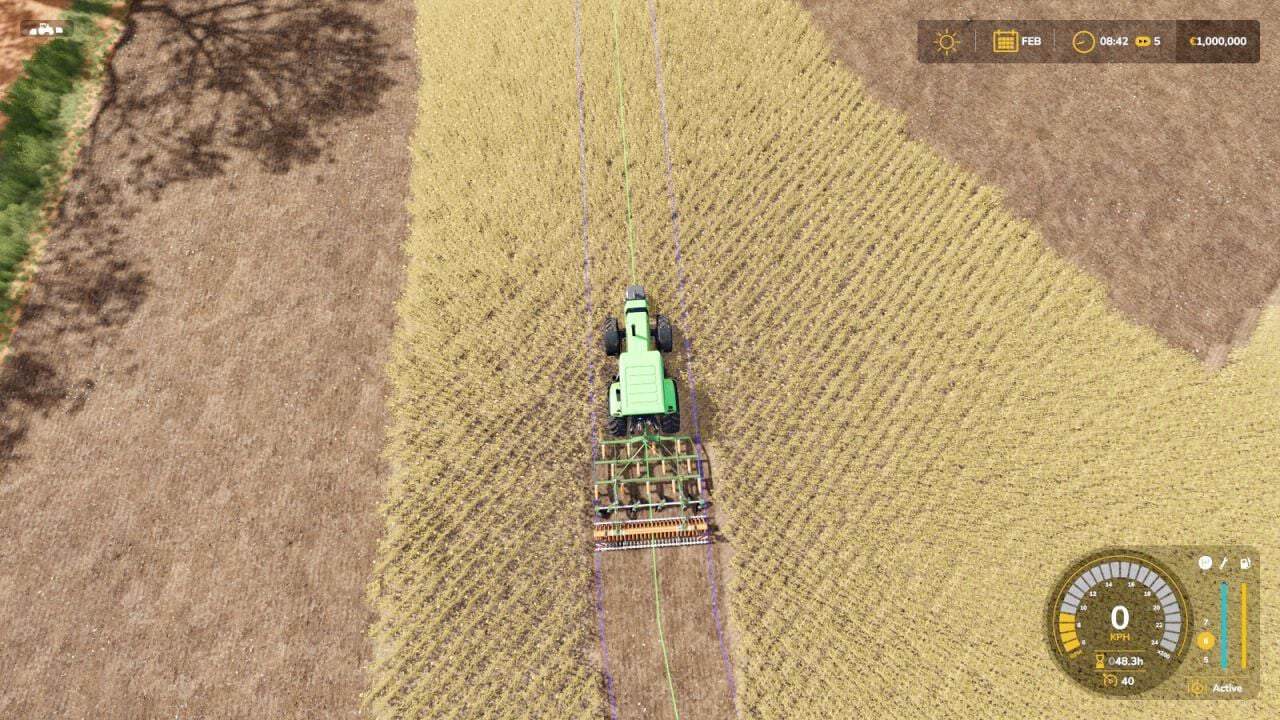
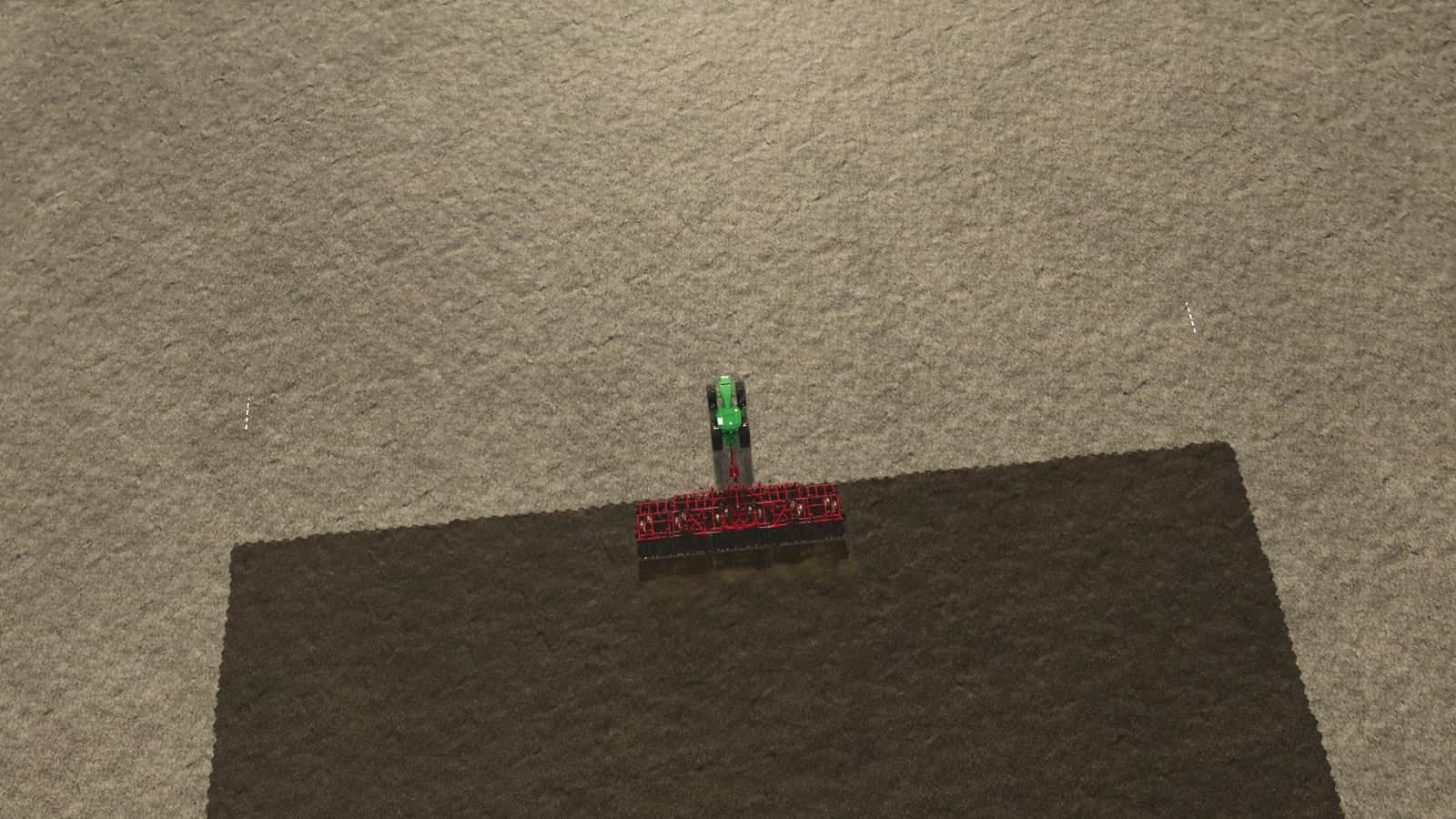
Work Width Multiplier widens the working area of seeders, cultivators and disc harrows. The 3D model stays exactly the same, while the worked strip of ground becomes wider.
Features
- The mod moves the work area of the machine outwards from its center.
- Seed consumption follows the worked area automatically.
- Controls: J widens the working area, +0.5x per press, up to x5.
- Controls: Right Shift + J resets to the original width.
- A message on screen shows the current width every time you change it.
- Affected machines: seeders and planters, cultivators, and disc harrows.
- The setting applies to all of these machines at once, and also to machines you buy later.
- Only the working area changes, the model is not scaled.
- AI helpers may keep using the original width.
- The mod starts at the original width, x1, so nothing changes until you press J.
Changelog
- V1.2.0.0
NEW – Work width is now switched on manually for each attached implement, Alt + J. It is only available while the implement is attached to a vehicle and resets when you detach it.
Winter equipment is supported: snow plows and blades now get a wider working width.
Green guide lines like the GPS show the new left and right edge, 3 meters in front of your vehicle.
Short beep when the edge of your working width leaves the field.
IMPROVED – The mod only affects the vehicle you drive and the equipment attached to it, not the whole map.
Works with any equipment that has a working area: plows, cultivators, disc harrows, seeders, manure and fertilizer spreaders, sprayers, trailers that spread manure or liquid fertilizer, combine headers, silage headers, balers and mowers.
Widening now also updates the AI markers, so GPS mods can pick up the new width.
CONTROLS – Alt + J: switch work width on or off for the selected implement.
J: widen, +0.5x per press, up to x5.
Right Shift + J: reset to the original width. - V1.0.0.1
Updated the script for all the machines and tools!