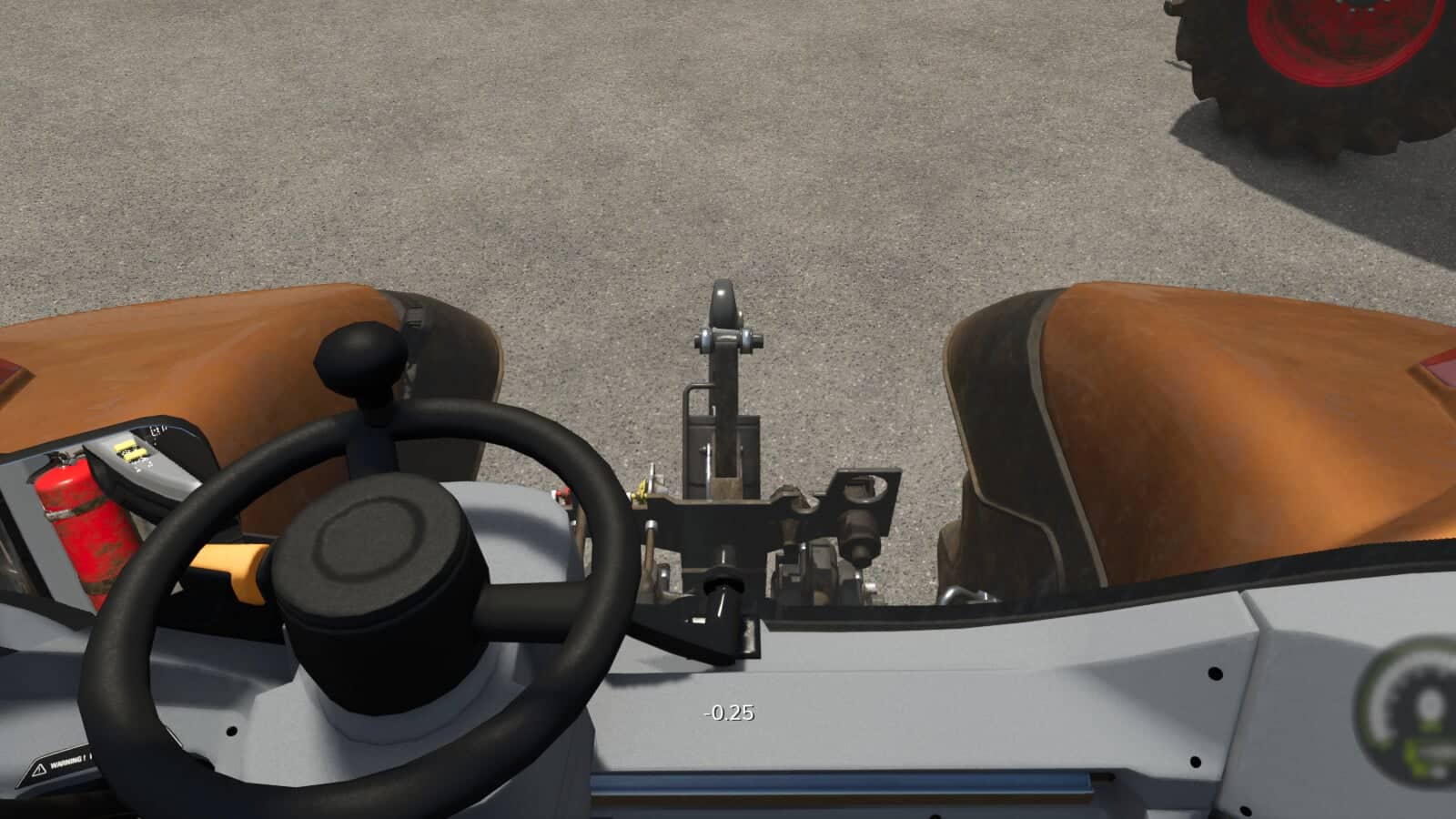
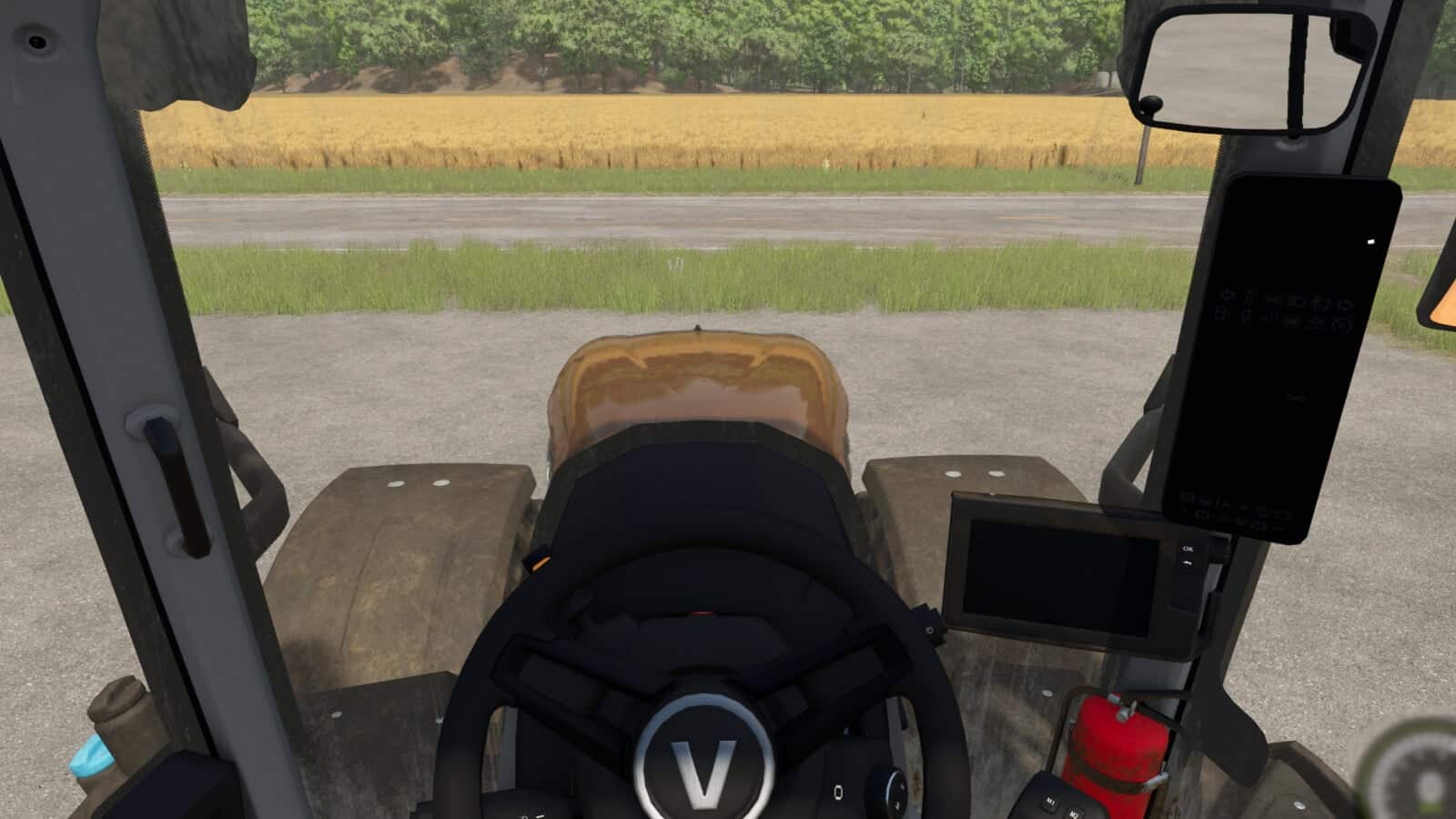
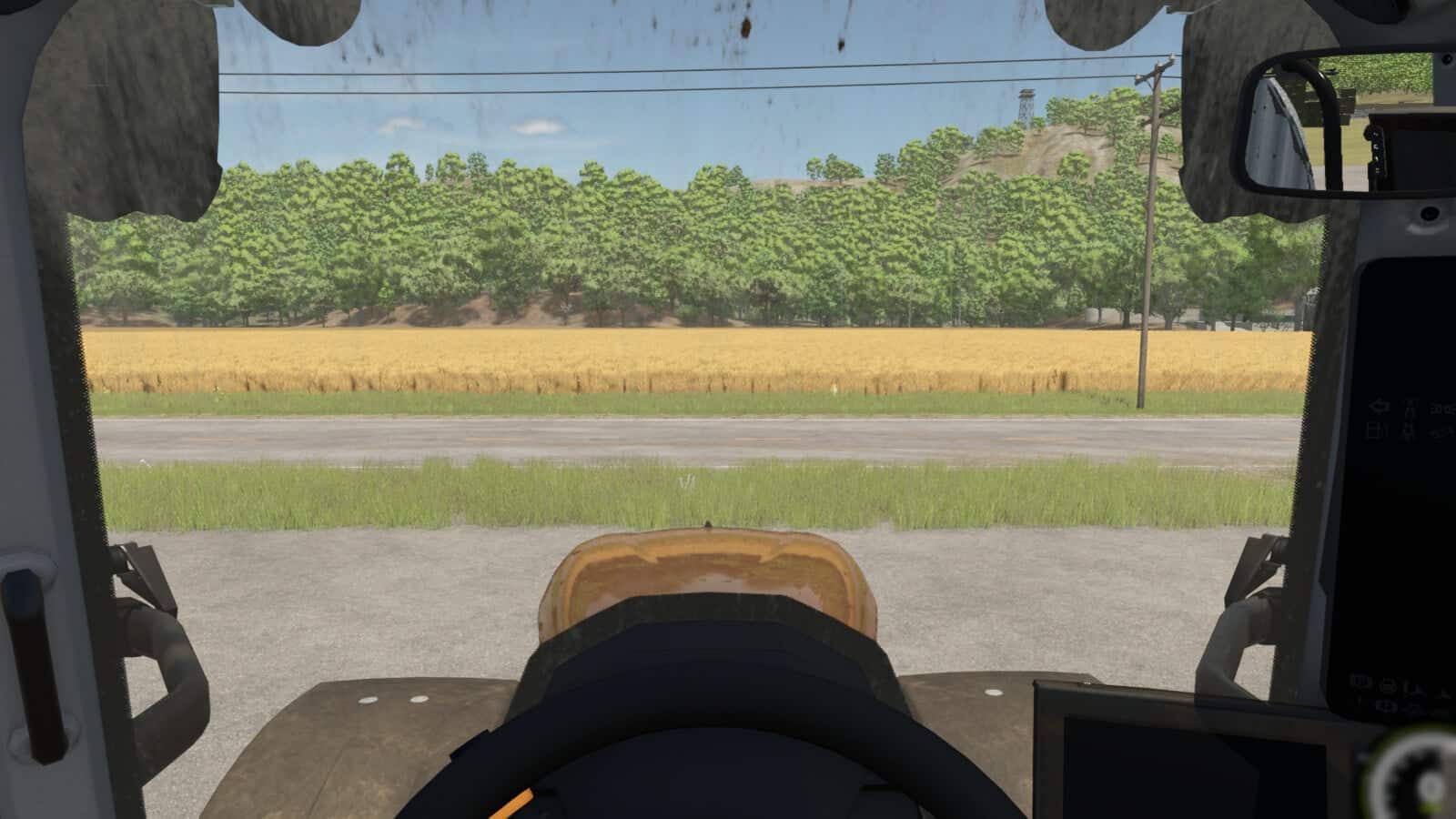
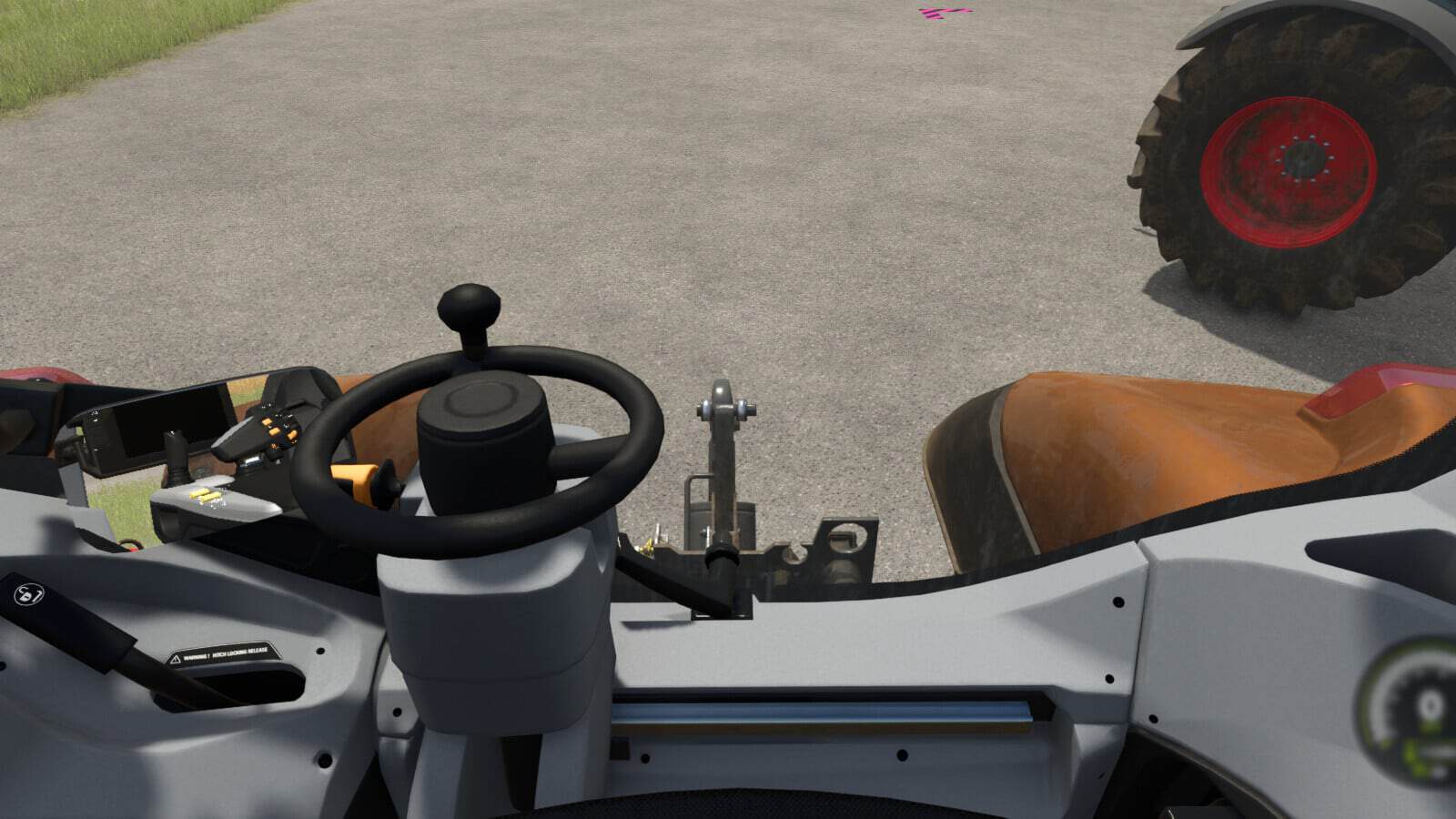
Allows the player to change the position of the indoor vehicle camera.
Features
- The mouse wheel changes the position up and down.
- Hold the Left Shift key while using the mouse wheel to move the camera forward and backwards.
- Hold the Left Ctrl key while using the mouse wheel to move the camera left and right.
- Press the middle mouse button, press on the mouse wheel, to reset the up and down position.
- Hold the Left Shift key and press the middle mouse button to reset the forward and backward position.
- Hold the Left Ctrl key and press the middle mouse button to reset the left and right position.
Changelog
- v1.0.1.0, prevented adjustment happening from mouse while in menus.