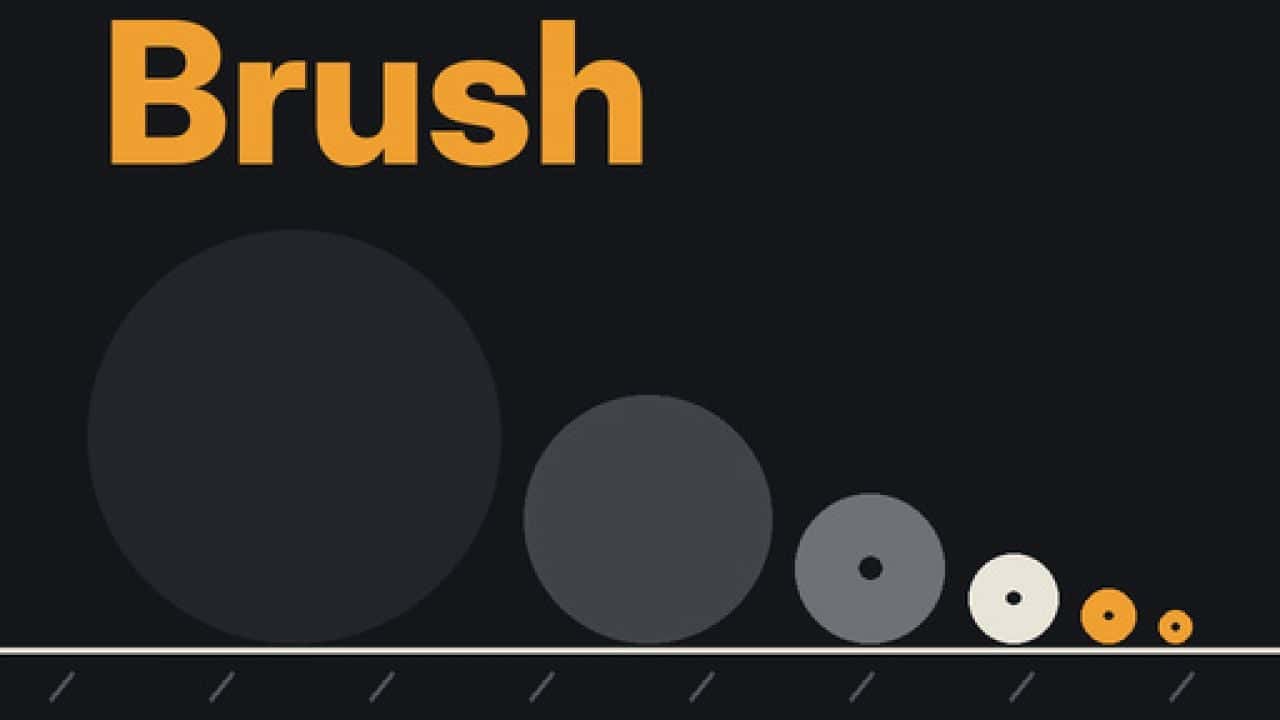
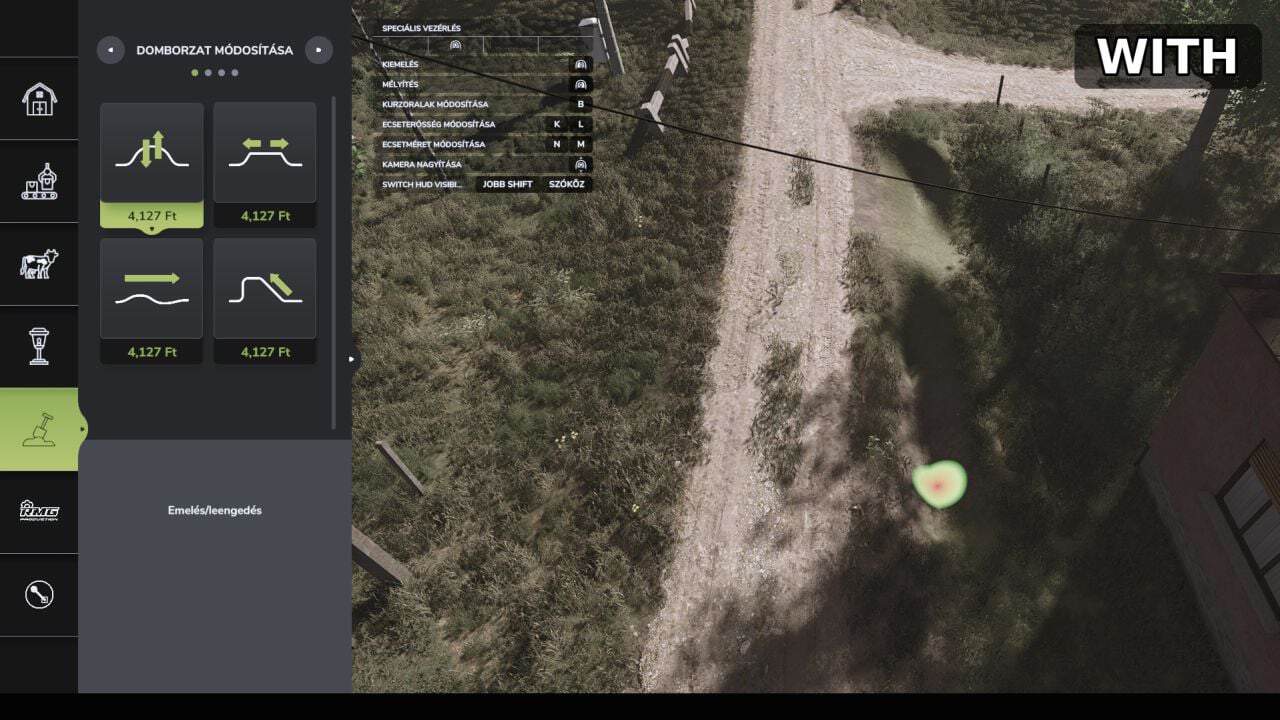
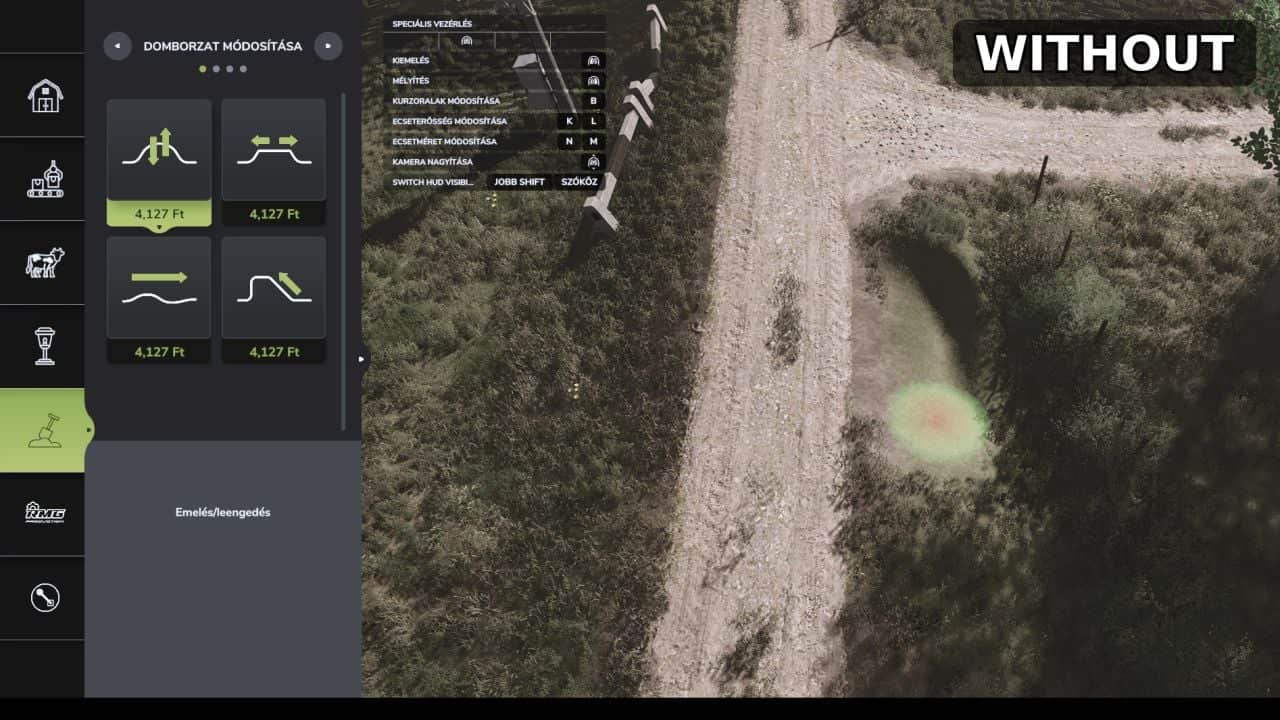
Precision Brush adds smaller brush sizes to the Paint, Sculpt and Foliage tools in Farming Simulator 25 for finer landscaping.
Features
- Paint, ground painting: two new smaller steps, 0.125 and 0.25, the original smallest was 0.5
- Sculpt, terrain shaping: two new smaller steps, 0.5 and 1, the original smallest was 2
- Foliage, plants: two new smaller steps, 0.125 and 0.25, the original smallest was 0.5
- Works with the normal brush size controls, nothing else in the game changes
How to use
Open the construction menu, choose Paint, Sculpt or Foliage and keep lowering the brush size. The new steps come right after the old minimum.
Installation
Copy FS25_PrecisionBrush.zip, do not unzip it, into your mods folder:DocumentsMy GamesFarmingSimulator2025mods
Then enable the mod for your savegame.