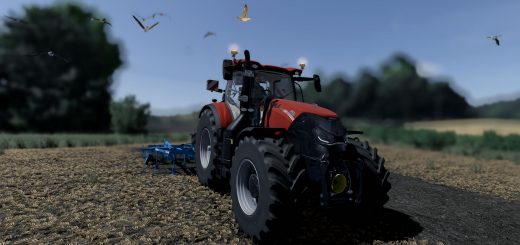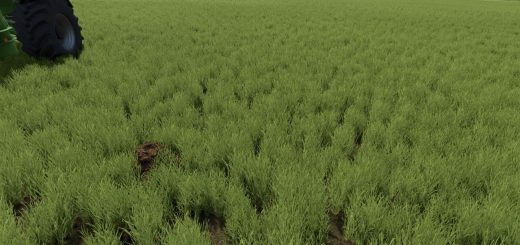
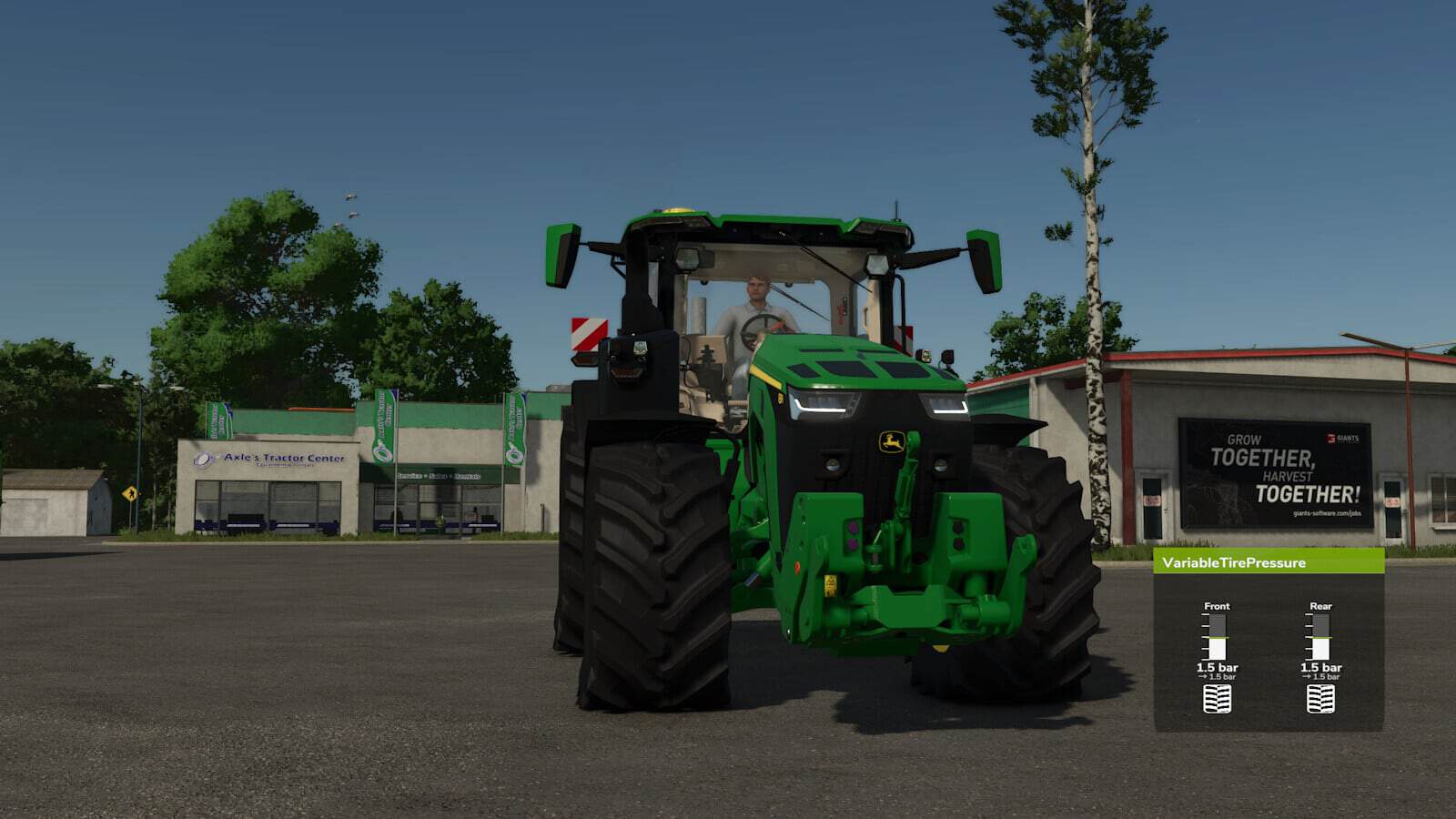
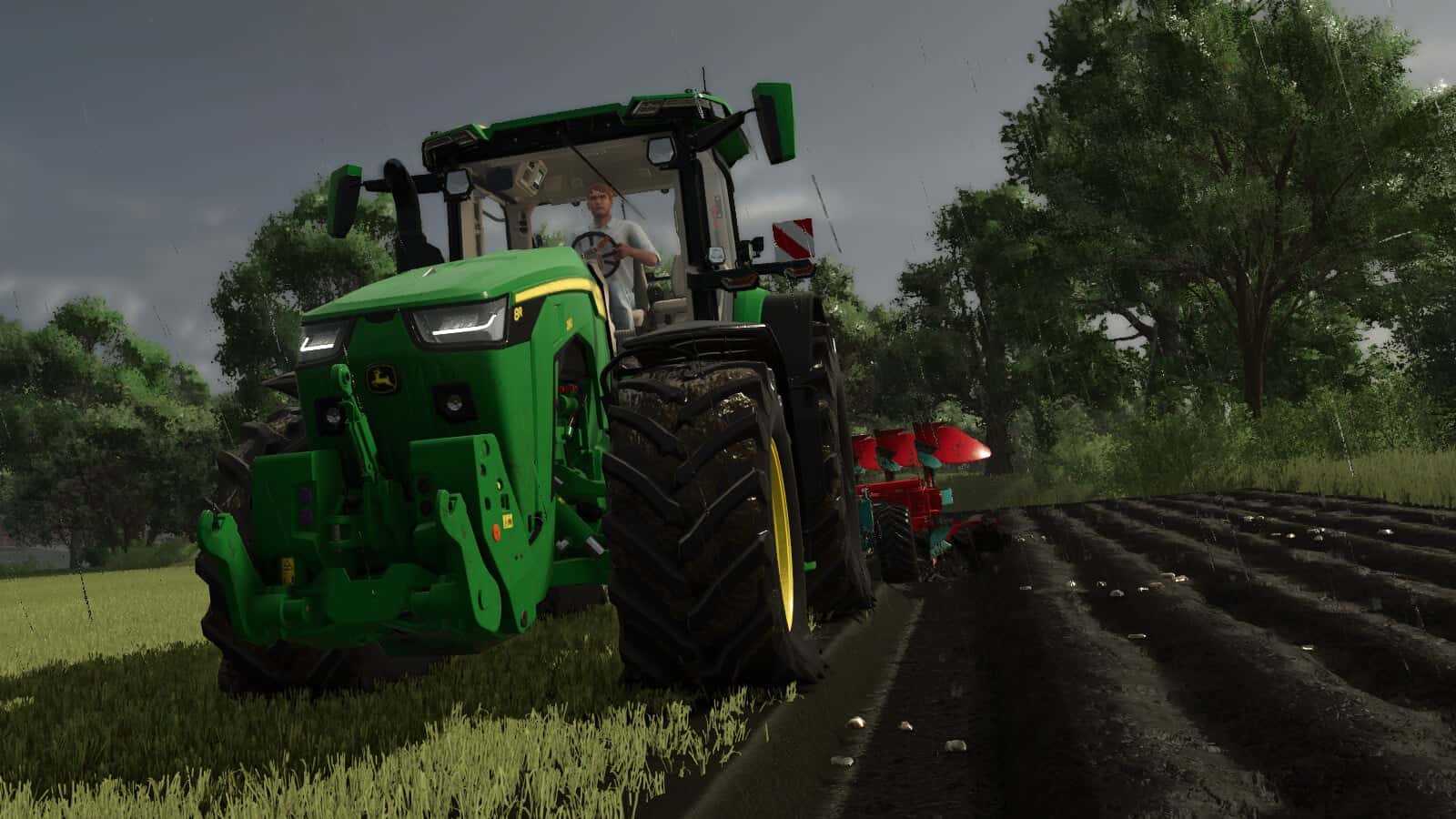
VariableTirePressure lets you deflate and inflate tires to adapt pressure for different jobs, such as field work or road driving. Lower pressure improves traction.
Installation: A new entry must be added to the vehicle/trailer XML. A DE/EN installation guide is included. The script/mod must be installed in your mod folder for VariableTirePressure to work.
Features
- Key bindings:
- Full combination: Alt+V
- Tire Pressure Tractor: Alt+T
- Trailer only: Alt+O
- Rear axle: Alt+Ctrl+V
- Front axle: Alt+Shift+V
- Pressure Vessel: Alt+M
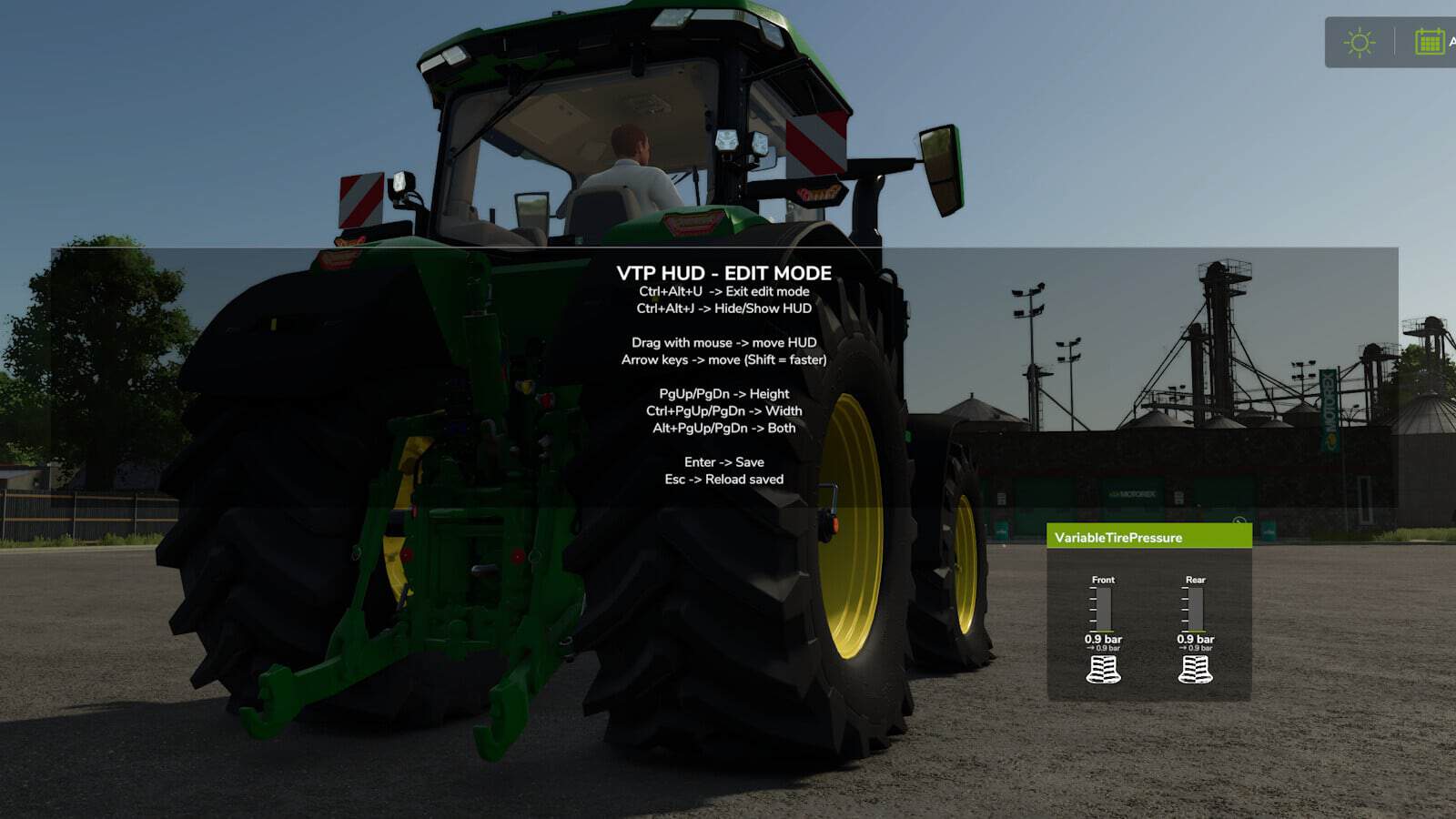
- HUD:
- Open HUD settings / show key help: Ctrl+Alt+U
- Hide/Show HUD: Ctrl+Alt+J
Changelog
Changelog 1.0.0.3:
- Tire deformation now keeps the vehicle’s normal load/weight deformation in road mode and blends it into low-pressure mode.
- Rigid tire mud meshes are visually compensated so they no longer protrude below heavily deformed tires.
- Crawler/track wheels are excluded individually; mixed vehicles with tracks and normal tires are supported.
vtp=”true”can now be used on configurationSet entries.- HUD layout can now be edited directly with the mouse while the Ctrl+Alt+U panel is open: drag the HUD to move it and drag the lower-right grip to resize it proportionally.
- HUD show/hide state, Ctrl + Alt + J, is stored as a local user setting and restored after reloading the savegame or restarting the game.
Changelog 1.0.0.2:
- Mod vehicles without an XML entry are now detected.
- Saved pressure values are now loaded correctly when joining the server.
- Adjustments to the Vredo DLC.
Changelog 1.0.0.1:
- Added support for base game vehicles
- Pressure values can now be adjusted in-game
- Completely reworked HUD
- Fixed an issue with the mouse cursor when closing the settings
vtp=”true”can now also be added to a DesignConfig- Added dashboard support for trailers