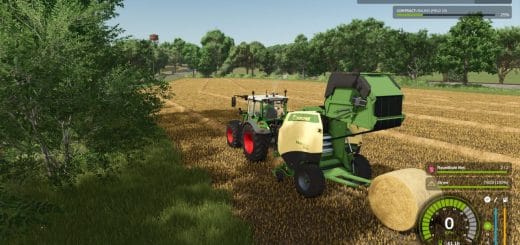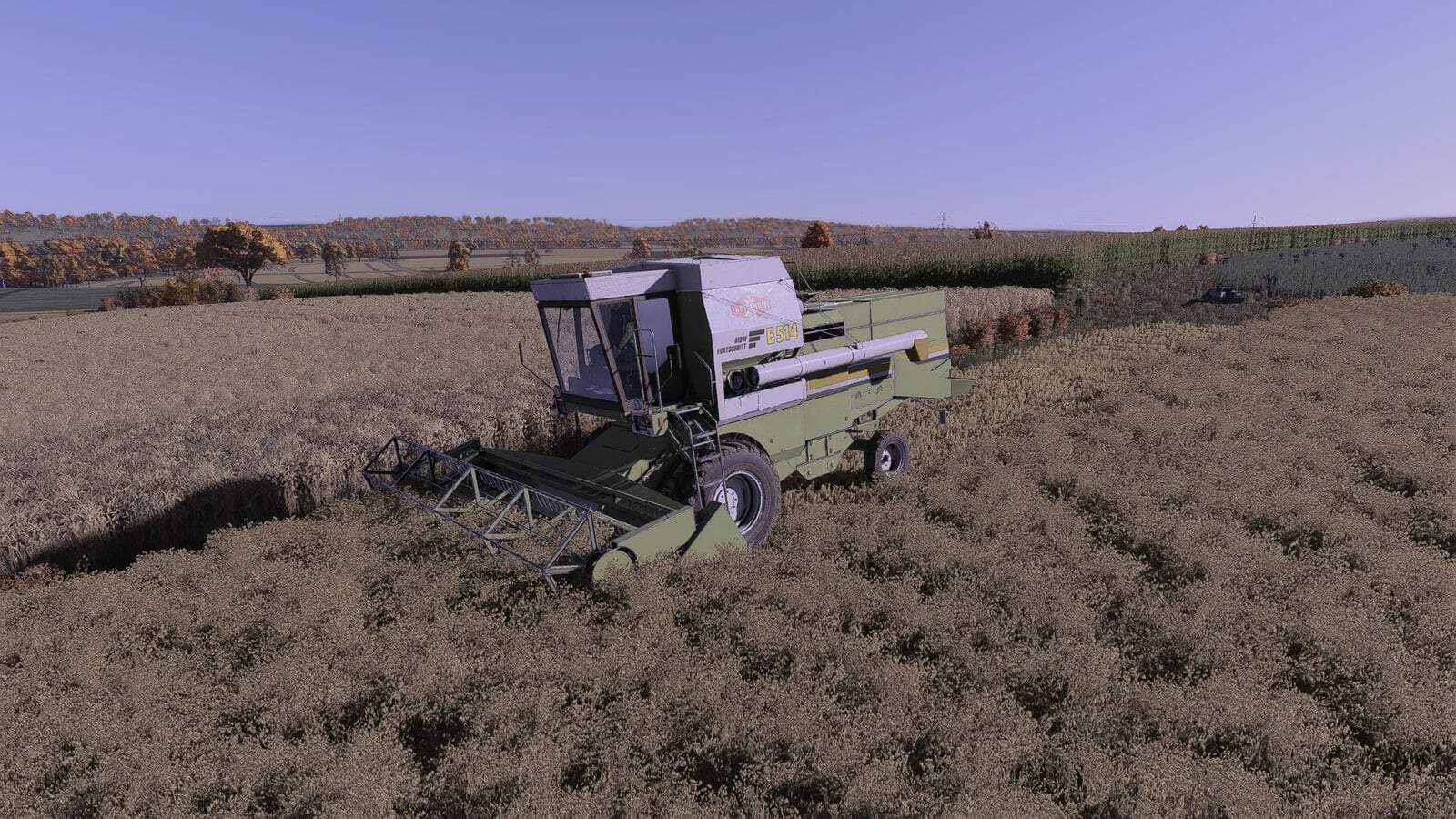
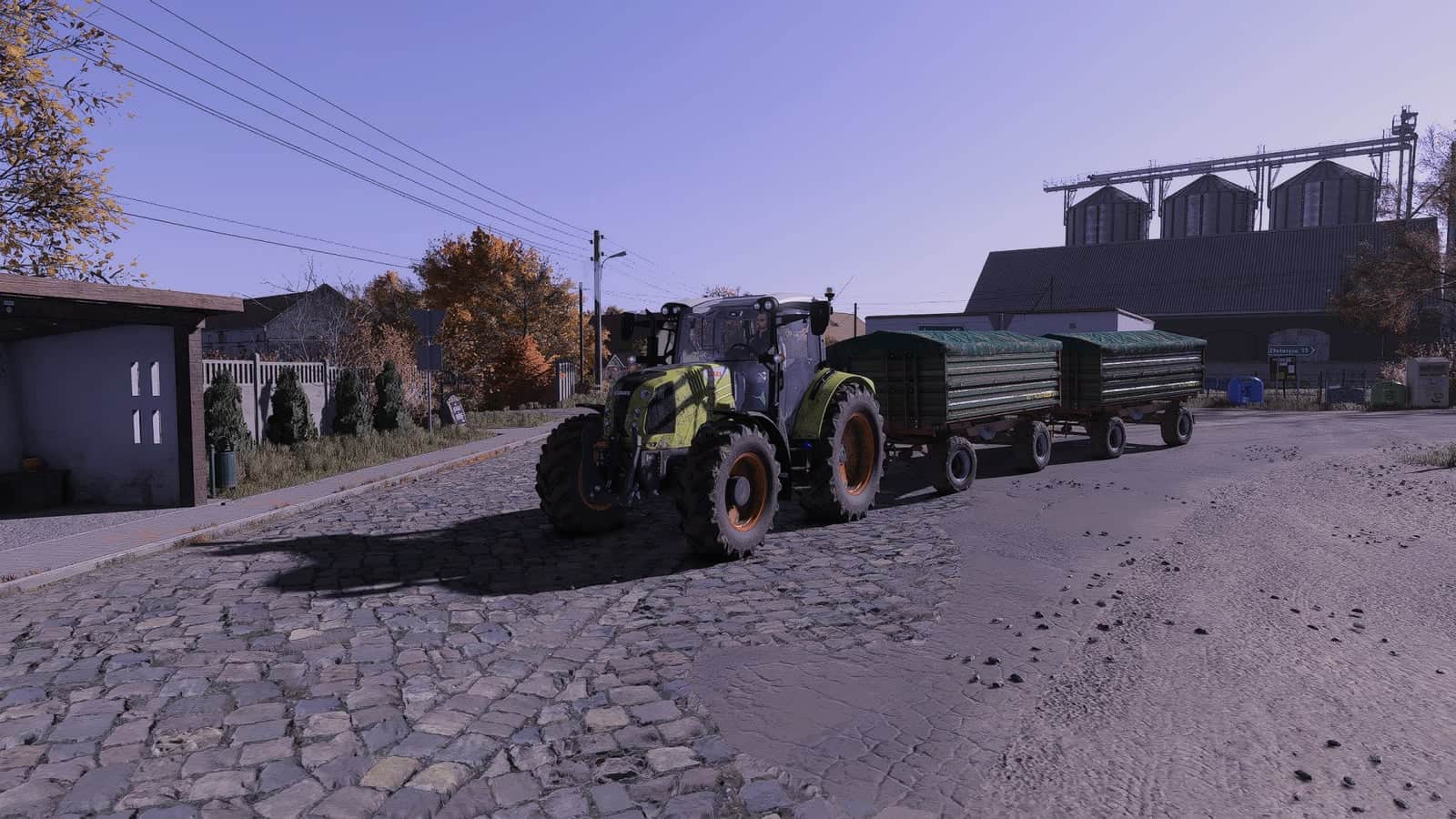
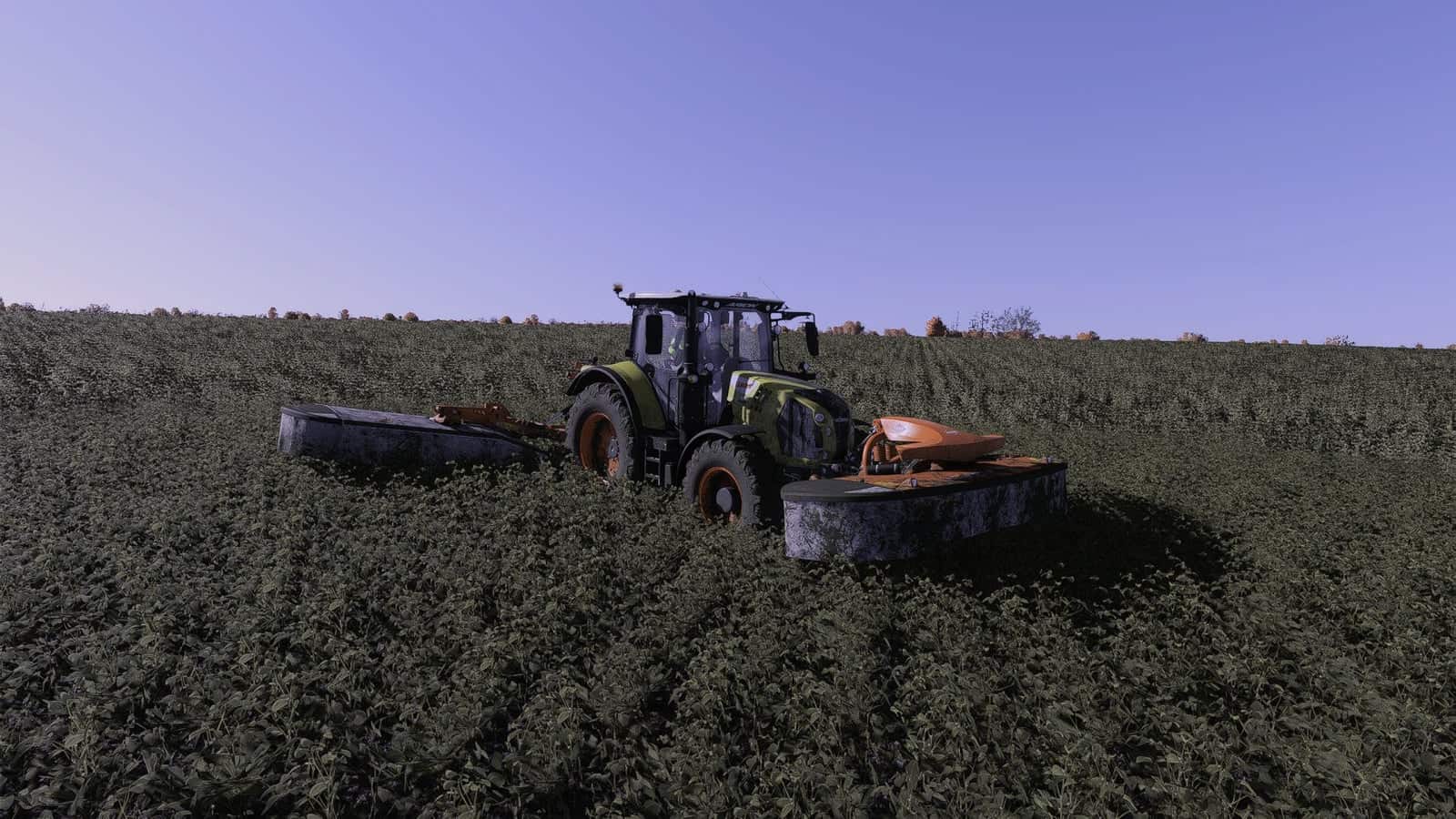
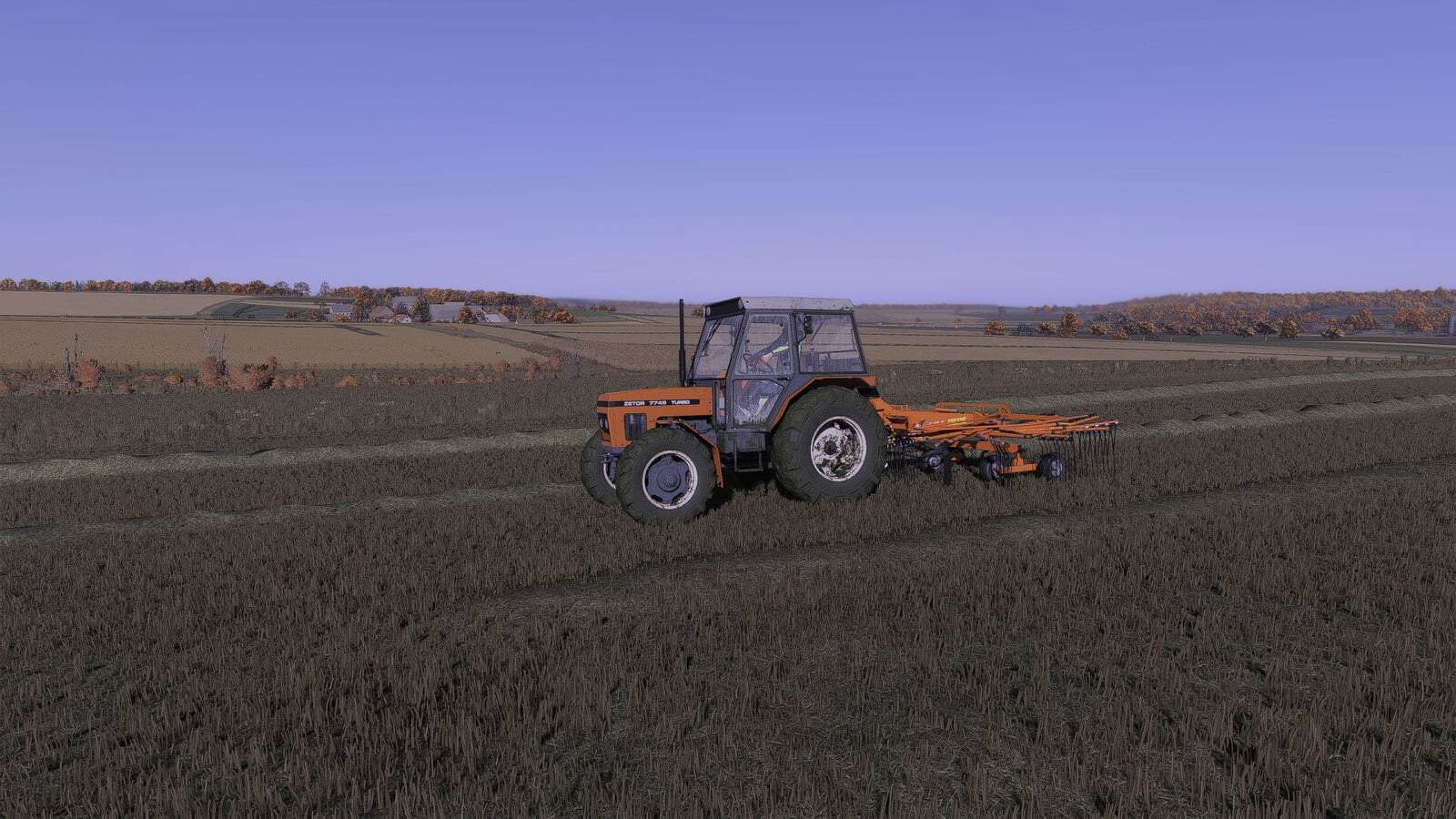
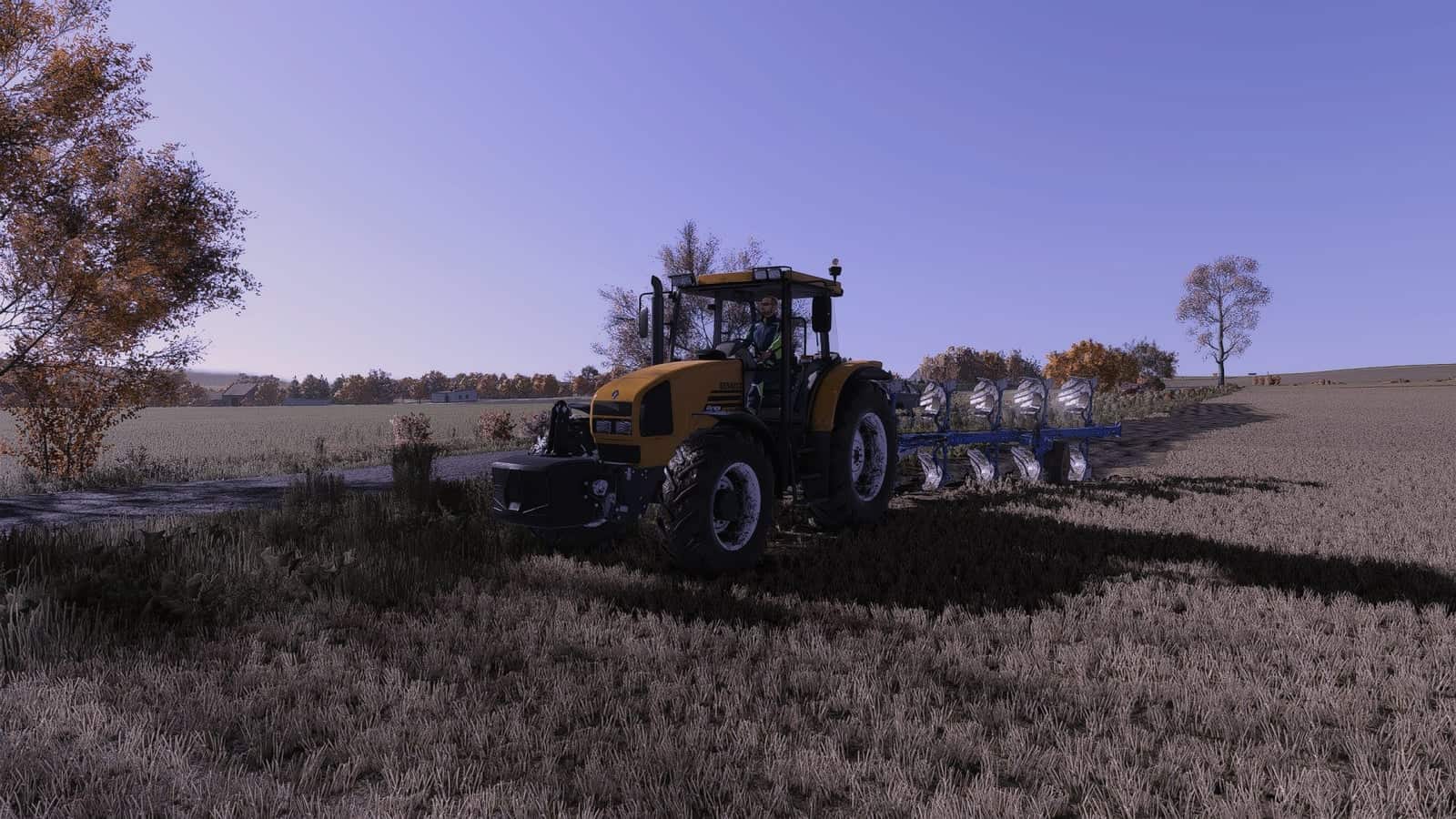
I created this preset for myself and noticed it looked good, so I decided to release it. It might not be for everyone, but I use it myself. The settings were for November at 12:00 when I took the screenshots, and they look a bit different now than they do in the game.
Changelog
- V1.2.0.0: New, better look
- New, better link with less ads
Installation
To install and use the shaders, download the .rar file and extract it using WinRAR, which is recommended. Inside the extracted folder, locate the .ini file and place it in the x64 folder found within the game’s installation directory. The .rar file also contains lighting files and a ReShade folder; using them is recommended.
Next, visit reshade.me and download the latest version. Install it, select FS25 and your preferred options, then click the “Finish” button. After launching the game, press the HOME key on your keyboard to bring up the ReShade menu, then select the installed preset Kaka537Preset.rar.
Now, all that’s left is to enjoy the effects.
YOU NEED: Additional Game Settings